
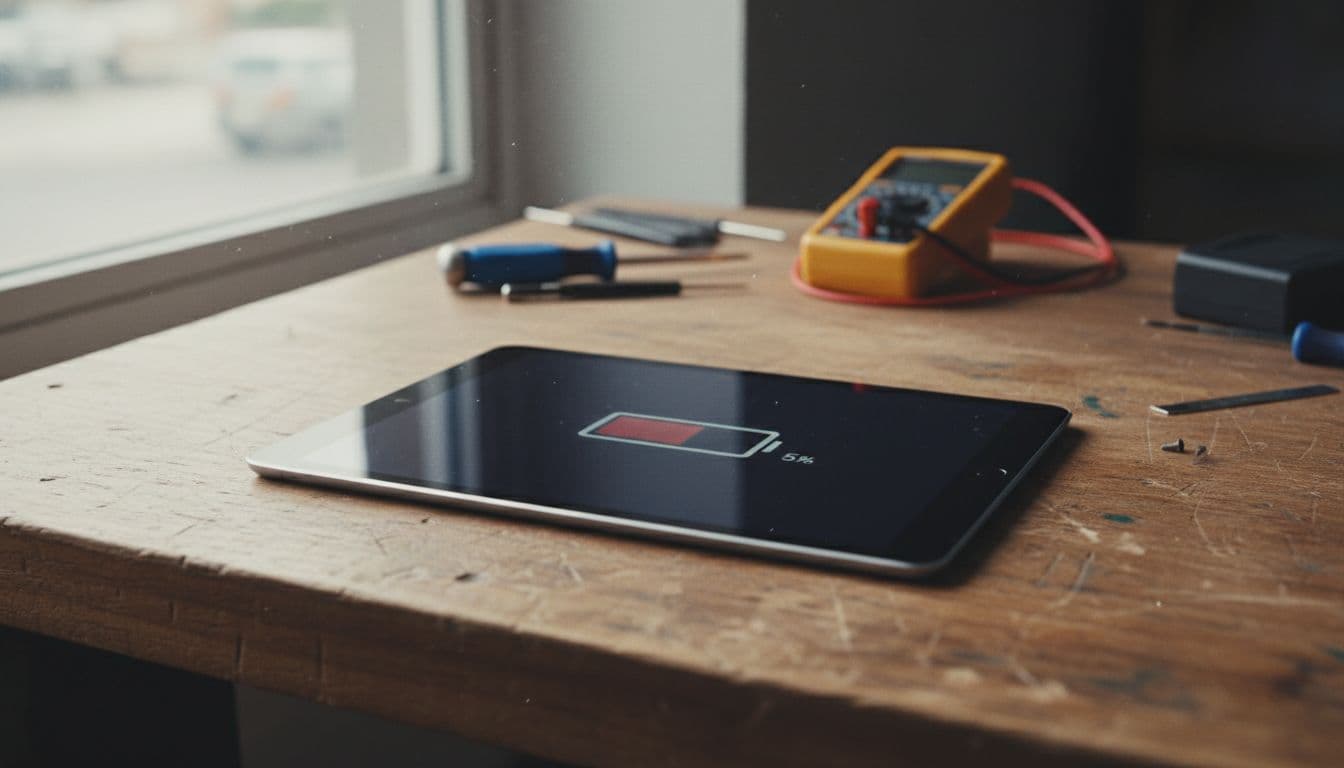
Your iPad was on 80% at breakfast. By lunch, it’s begging for a charger. That’s a pain if you use it for work, school, travel, or keeping the kids quiet on a wet Saturday.
When ipad battery draining fast becomes a daily pattern, it usually comes down to three things, power-hungry settings, a recent software wobble, or an ageing battery. In 2026, we’re seeing all three in the workshop. The upside is simple, a lot of cases can be sorted at home before you pay for a repair.
Why your iPad battery is draining fast in 2026
We haven’t seen one universal 2026 fault across every iPad. What we do see is the same mix of causes turning up again and again. High screen brightness is a big one. So is Background App Refresh, especially on social, email, cloud storage, and streaming apps. Add weak Wi-Fi or mobile signal, and the iPad keeps hunting for a connection like a car stuck in first gear.
Recent Apple software has also played a part for some users. Broader Apple battery complaints after newer updates have been covered in TechRadar’s battery life report. On iPads, that can show up as more heat, more background activity, and shorter daily life until patches calm things down.
The first place we check is Settings > Battery > View All Battery Usage. That screen tells us what is actually draining power. If one app sits miles above the rest, that matters. On newer iPads, look at Battery Health too. A low maximum capacity points towards real battery wear, not just a bad day.
Batteries also hate extremes. A freezing car or a hot windowsill can knock performance badly, even if the battery is still usable. We also recommend a simple reality check. Charge it fully, use it normally for an hour, then compare the drop with what you were doing. Streaming video at full brightness will always drain faster than note taking. Fast drain during light tasks is the real red flag.
The fixes we tell customers to try first
If the iPad still behaves normally apart from battery life, we start with settings, not screwdrivers. These are the changes that help most often:
- Lower brightness and switch on Auto-Brightness. Dark Mode helps a bit too.
- Turn off Background App Refresh for apps that don’t need it.
- Shorten Auto-Lock, because an awake screen drains fast.
- Use stable Wi-Fi where possible, and use Airplane Mode in poor-signal spots.
- Update apps and iPadOS, because bug-fix releases often calm battery drain.
- Set mail fetch to manual if you don’t need constant updates.
- Check Bluetooth, location, and widgets, then turn off what you rarely use.
If your model offers Low Power Mode, use it when you’re away from a charger. We also like Reduce Motion on iPads that feel warm or sluggish, because extra visual effects add more work. After changing settings, restart the iPad and give it a full day of normal use before judging the result.
If battery drain started right after an update, don’t assume the battery itself has failed.
For another plain-English walkthrough, Technobezz’s iPad battery fix guide covers many of the same checks. Still, if the percentage drops hard during light use after you’ve tried these steps for a day or two, we start thinking about battery wear rather than settings.
When a battery replacement is the better fix
A worn iPad battery usually gives itself away. The charge jumps around. The iPad gets warm doing simple jobs. It may fall from 40% to 10% without warning, or lose a chunk of power overnight while doing very little. On some models, you’ll also see poor battery health in settings.
Last week, we had an iPad 9th Gen in from Essex that was empty by mid-afternoon. The owner thought a software update had ruined it. Our tests showed two faults instead, YouTube running in the background for hours and a tired battery that had lost plenty of capacity. Once we replaced the battery and cleaned up the settings, it went back to normal daily use.
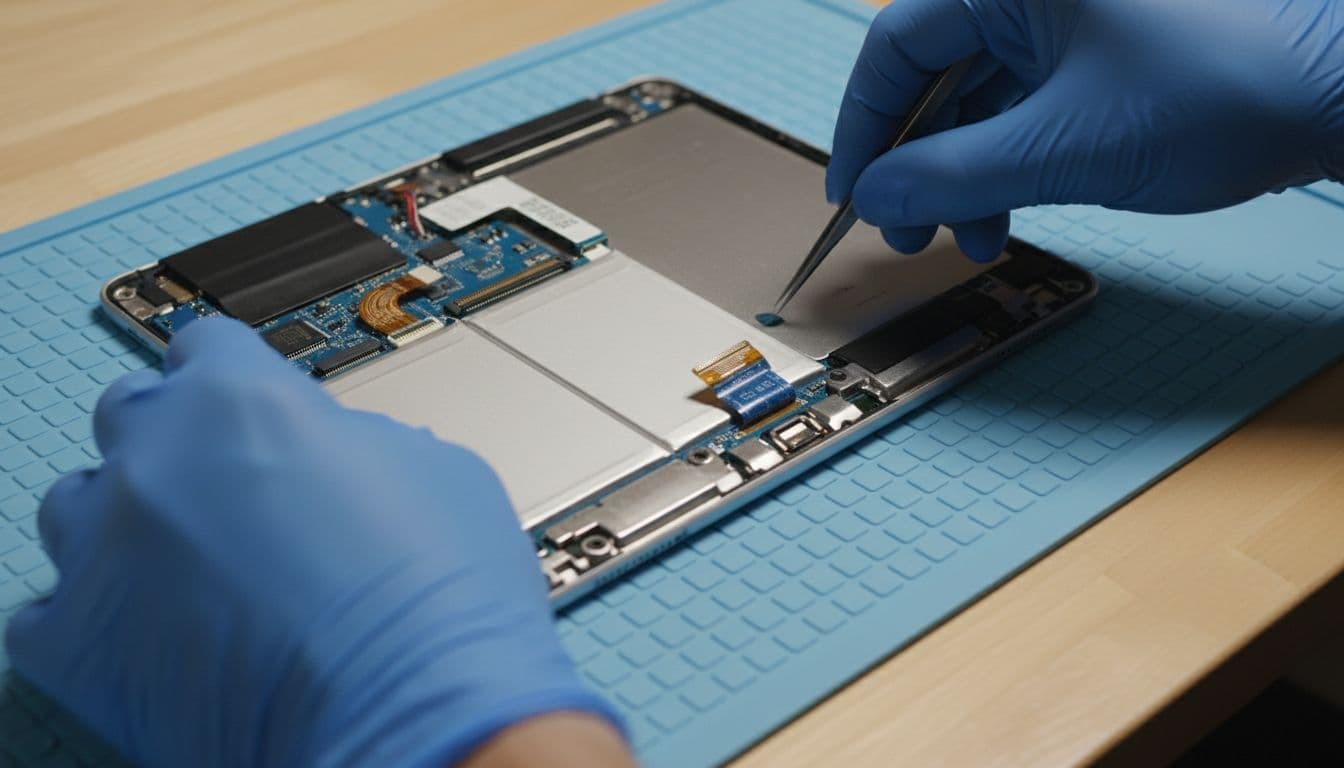
If you notice swelling, stop using the iPad and get it checked quickly. A swollen battery can press against the display and cause bigger trouble. If the same drop also cracked the glass, our guide to UK iPad screen replacement prices 2026 helps with the wider repair picture.
Official UK battery replacement routes for iPads are usually around £99 to £179, depending on model. Independent quotes vary, so we always confirm the exact device and fault first. In many cases, a battery swap makes far more sense than replacing the whole iPad. On the other hand, if the iPad is very old, badly bent, and also has screen damage, we’ll say so. There’s no point throwing good money after bad.
A few quick questions we hear all the time
Can we keep using it for now? Sometimes, yes. But if it runs hot, shuts down early, or swells, stop using it and book a check.
Do we only repair iPads? Not at all. We handle iPhone repair Essex work every day, and plenty of mobile phone repair UK jobs besides. That includes iPhone screen repair UK, iPhone battery replacement UK, cracked iPhone screen repair, and Samsung phone repair UK bookings.
What if we are not near Harlow? No problem. Our mail-in repair guide explains the tracked process from booking to return. The same secure setup we use for postal phone repair UK jobs works just as well for iPads, so it is not only for phone repair Essex customers.
How long do repairs take? Timing depends on the iPad model, the fault, and parts stock. We aim to start work quickly, often the same day the device arrives, but we’d rather test properly than rush and miss something.
If “ipad battery draining fast” sounds familiar and the easy fixes haven’t helped, we can test it properly, quote honestly, and get it sorted with quality parts, a clear warranty, and our price promise. Book online, pack it securely with your order number and any passcode needed for testing, and we’ll take it from there. A good iPad should not feel chained to a charger.
James Waterston, Device Repair Specialist at Repair My Crack