
Few phone faults are more annoying than a Samsung that reboots halfway through a call or banking app. When Samsung restarting randomly keeps happening, the cause is usually a settings issue, a bad app, failing battery power, or a hardware fault that needs a proper bench test.
Because the reboots often come without warning, they can also ruin maps, payment apps, train tickets, and login codes at the worst moment. The good news is that we can usually narrow it down quickly. At Repair My Crack, we see this on Galaxy S, A, and Note models every week, and the fix is often simpler than people fear.
Why Samsung restarting randomly happens in 2026
Random restarts are a bit like a car stalling at the lights. The phone loses stable power, stable software, or both.

In 2026, the most common causes we see are:
- Auto restart settings turned on in Device Care. Samsung’s own UK support page on restart issues still lists this as one of the first things to check.
- A rogue app installed or updated recently. If the reboots stop in Android Safe Mode, an app is often behind it.
- Low free storage, especially when the phone is close to full.
- Heat, because Samsung phones protect themselves if the battery or board gets too warm.
- Battery wear or unstable internal power delivery, which is common on older devices or phones that have had a knock.
We also see restart loops after water exposure, impact damage, or a sticky power button. On some Galaxy models, the phone restarts and looks fine for an hour, then does it again. That pattern often points to battery instability or a board fault rather than a simple software bug.
If you want another example for a newer model, this Galaxy S24 troubleshooting guide covers the usual software checks well. Still, once the phone starts rebooting with no clear pattern, guessing can waste a lot of time.
The checks worth trying before you book a repair
Start with the safe stuff. We don’t advise factory resetting your phone as the first move, because that’s a faff if the fault is hardware.
Back up your photos, messages, and notes before you do anything that could wipe data.
We normally suggest this order:
- Turn off Restart when needed and any scheduled restart settings in Device Care.
- Remove recent app updates, or uninstall any new app that arrived just before the fault.
- Free up storage if the phone is nearly full.
- Test the phone in Safe Mode for a while.
- Install pending system updates, then restart once manually.
If the restarts happen only while charging, swap the plug and cable too. A poor charger can make the fault look worse than it is. If the phone only reboots when it gets warm, stop gaming or fast charging until it’s checked.
Samsung’s advice lines up with what we see on the bench. If Safe Mode calms the phone down, software is still the favourite. If the handset restarts in Safe Mode, at boot, or while sitting idle, hardware climbs to the top of the list.
A factory reset can help, but only as a last resort. If the phone can’t stay on long enough to complete setup, the reset won’t solve much. In those cases, we move to diagnostics.
When it is hardware, not software
Once basic checks fail, we test battery behaviour, charge input, button response, and the mainboard. A Samsung that’s rebooting at random needs stable voltage. If that drops for a split second, the phone starts over.
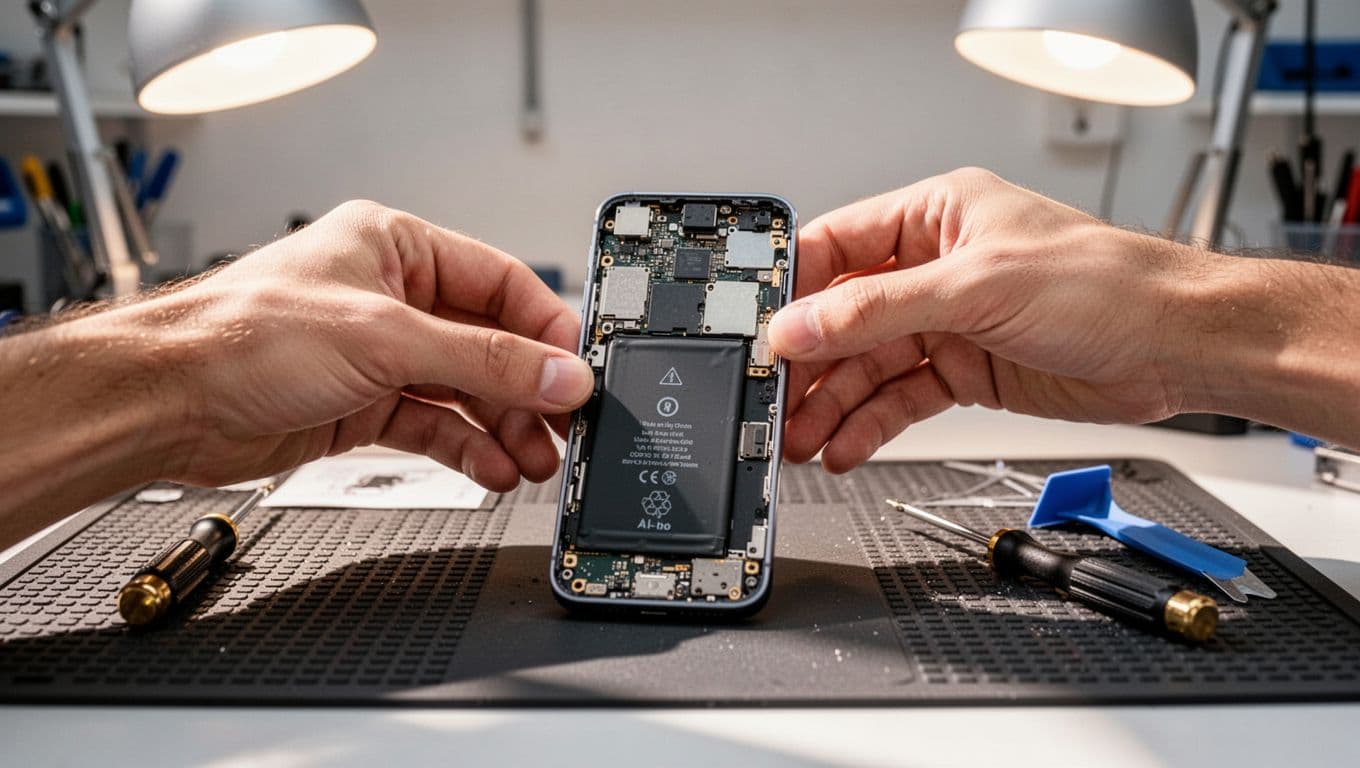
Last week, we had a Galaxy A54 from Essex that kept restarting at 34% battery. The owner thought an update had broken it. Our test showed the battery voltage was dipping under load, so a replacement sorted it. That’s a common one, and it costs a lot less than buying a new handset. On many models, a phone battery replacement Essex job is the sensible fix.
Other times, the cause is less tidy. We’ve seen torn battery flex cables after previous repair attempts, bent frames pressing on the power key, and corrosion near the charging area after a splash. That’s why proper testing matters. A restart fault can hide behind several symptoms.
We handle Samsung mobile repairs for these faults every day, and we aim to start work as soon as the handset reaches the bench. Eligible repairs include a 12-month warranty, terms apply, and our price promise helps if you’ve already had a quote elsewhere.
Essex drop-off or postal repair across the UK
If you’re looking for Samsung phone repair UK help and you’re near Harlow, we also offer local phone repair Essex appointments. If you’re further away, our postal phone repair UK service keeps things simple, with tracked postage and tracked return.
Package the phone well, include the order number, and send the passcode only if you want full testing after repair. The same setup works across our wider mobile phone repair UK service.
Alongside Samsung restart faults, we also book iPhone screen repair UK jobs, iPhone battery replacement UK requests, and plenty of cracked iPhone screen repair cases. So if your household has one misbehaving Samsung and one dropped iPhone, we can sort both without turning it into a weekend project.
Quick questions
Will a random restart go away on its own?
Sometimes, if a bad app caused it. If the phone restarts for days, treat it as a real fault.
Is it worth repairing an older Samsung?
Usually yes, if the phone is otherwise sound and the repair is under half the cost of replacing it. Battery faults often make repair worth it.
Should we keep using the phone?
Only for backups and short checks. If it gets hot, swells, or restarts in a loop, stop using it and get it tested.
If Samsung restarting randomly is wrecking your day, don’t keep hoping the next reboot will be the last. Start with the settings and Safe Mode checks, then move quickly if the phone keeps failing.
If you want us to take a look, book online and send it in, or arrange a Harlow drop-off. We’ll tell you plainly what makes sense, and we’ll get it sorted as quickly as we can.
James Waterston, Device Repair Specialist at Repair My Crack