
One frozen logo can ruin the whole day. If your Samsung won’t move past the startup screen, the good news is that this fault is often fixable, and it doesn’t always mean the phone is finished.
We see this a lot at Repair My Crack. A samsung stuck on logo fault usually points to a software crash, a failed update, or power trouble. So before you panic, start with the simple checks that often bring the phone back to life.
Why a Samsung gets stuck on the logo
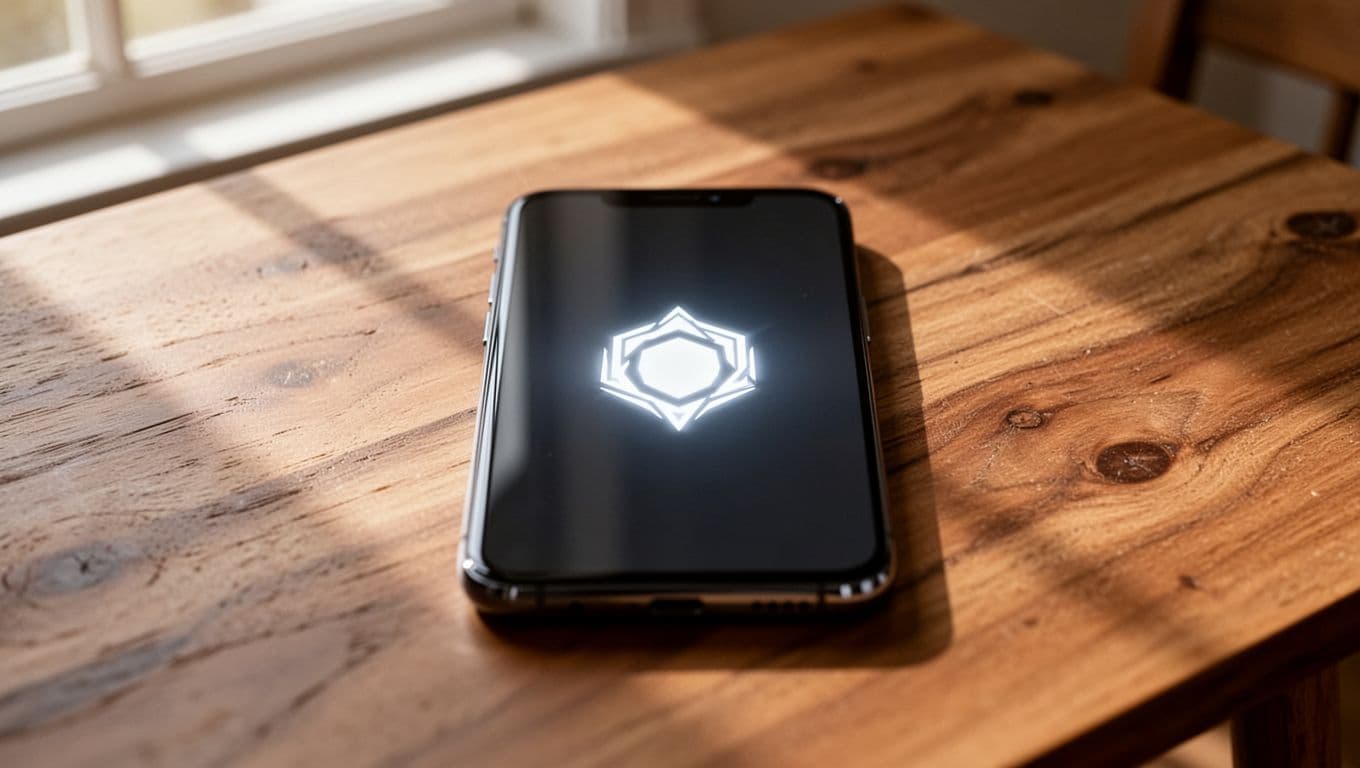
When a Samsung freezes on the logo, it’s usually trapped during start-up. Think of it like a train stuck at the station because one signal won’t change. The phone has power, but it can’t complete the next step.
Common triggers include interrupted updates, damaged system files, a faulty app, low storage, or a weak battery that can’t hold steady voltage during boot. We also see it after drops and liquid exposure, where the real fault sits deeper inside.
This quick guide helps match the symptom to the likely cause:
| What you notice | What it often means |
|---|---|
| Frozen logo after an update | Corrupted system files |
| Logo loop, then restart | Boot loop or bad cache |
| Boots only when charging | Battery or charging fault |
| Started after a drop or water | Internal hardware damage |
That’s why the first job is working out whether it’s a software wobble or a hardware problem.
Samsung stuck on logo fixes to try first
Start with the least risky steps. In many cases, that’s enough.
1. Charge it, then force restart
Plug it in for at least 10 minutes. Then hold Volume Down and Power for around 10 to 20 seconds. This forces a fresh boot and clears minor glitches.
If the battery is deeply drained, the phone can look dead while still showing the logo. We’ve seen plenty of handsets come back after a proper charge and restart.
2. Try Safe Mode if it gets a bit further
If the phone restarts but loops again, try booting into Safe Mode. Restart it, and when the Samsung logo appears, hold Volume Down until Safe Mode loads.
If that works, remove any app you installed just before the problem started. Dodgy launchers, battery apps, and update managers are common culprits.
3. Wipe the cache partition
This is one of the best fixes because it doesn’t erase your data. Power the phone off. Then hold Volume Up and Power together until the recovery menu appears. On some older models, the button combo varies slightly.
Use the volume keys to select Wipe Cache Partition, then confirm with the Power button. After that, choose Reboot System Now.
4. Factory reset if nothing else works
This is the last sensible home fix. It can solve deeper software corruption, but it also wipes the phone.
Go back into recovery mode and choose Wipe Data/Factory Reset. Only do this if your data is backed up, or if the phone is unusable anyway.
5. Stop if the phone shows danger signs
If it gets hot, smells odd, has a lifted back panel, or was recently dropped, don’t keep forcing restarts. That can make matters worse.
If the phone feels hot or the back is pushing outward, stop using it and get it checked.
For extra model-specific reading, these guides on a Galaxy S23 stuck on logo and a Galaxy S26 start screen fix follow the same basic logic.
When we’d stop troubleshooting and book a repair
At some point, repeated resets become a faff. If the phone still won’t pass the logo after the steps above, we’d treat it as a proper repair job.
Last week, we had a Galaxy A54 from Essex stuck on the logo after an overnight update. A force restart did nothing. Wiping cache didn’t help either. After diagnostics, we found corrupted software rather than a dead board, reinstalled the system, tested the battery and charging, and got it back out quickly. That’s a common one.
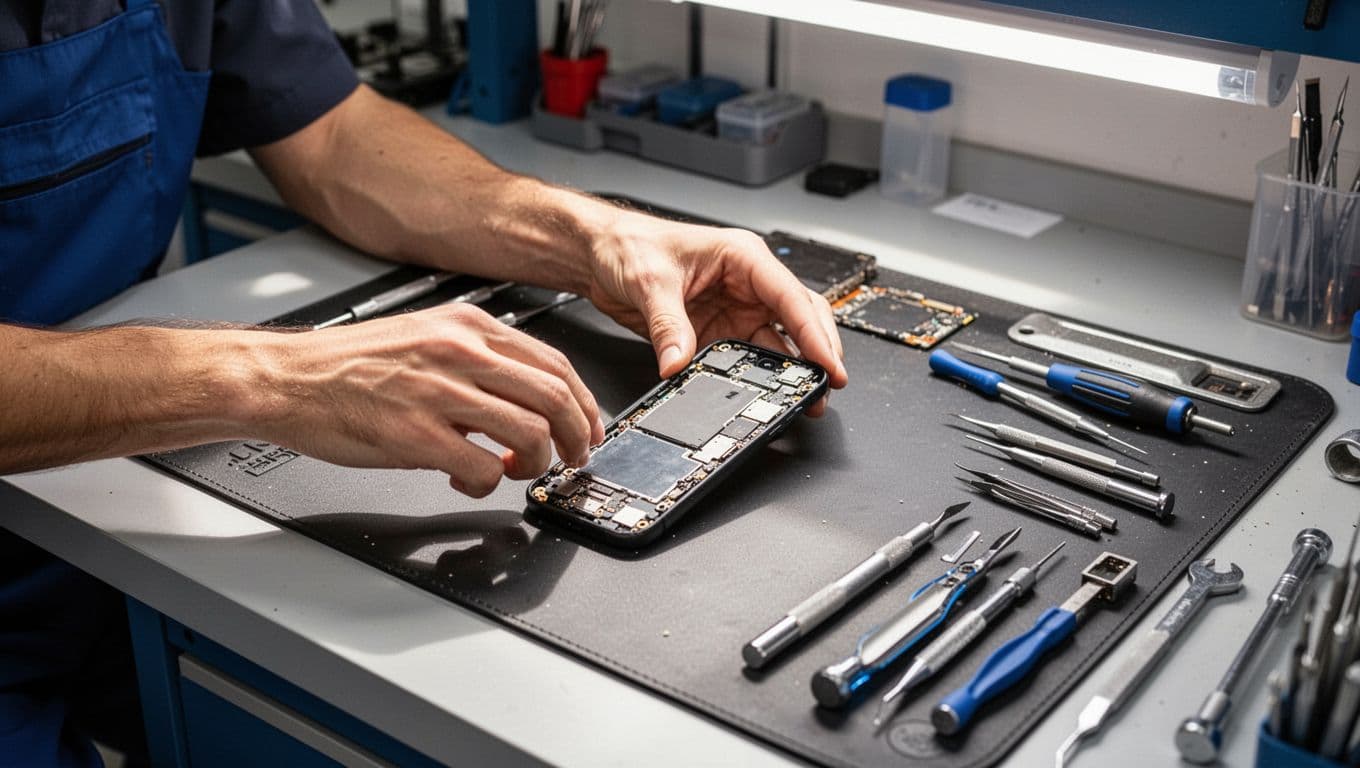
Because we’re a mobile phone repair UK team, the bench is always mixed. In the same day, we might see a samsung phone repair UK bootloop, an iphone screen repair UK booking, an iphone battery replacement UK job, or a cracked iphone screen repair for someone who dropped it on the school run. Our Harlow counter gets plenty of phone repair Essex walk-ins, while many customers now use our postal phone repair UK service.
If you’re outside Essex, our tracked postal phone repair process makes it easy to book online, pack the phone securely, and send it in. If you’re worried about privacy or passcodes, our Samsung phone repair safety guide is worth a read. And if you’re weighing up cost versus replacement, we’ve also covered Samsung repair vs upgrade costs.
Quick questions we hear a lot
Will wiping cache delete our photos and messages?
No. Wiping the cache partition removes temporary system files, not personal data.
Can a bad battery cause a Samsung stuck on logo problem?
Yes, absolutely. If the battery can’t deliver stable power during start-up, the phone may freeze or loop on the logo.
Is it worth repairing?
Usually, yes, if the handset is otherwise in good condition. Software recovery or a battery fix is often cheaper than replacing the whole phone, especially on newer Galaxy models.
A samsung stuck on logo fault feels dramatic, but it’s often recoverable. Start with charging, a force restart, Safe Mode, and cache wipe. If that doesn’t do it, the next step is proper diagnostics, not more guesswork.
If your Samsung is still staring back with that logo, book the repair online and send it in, or drop into Harlow if you’re local. We’ll test it properly, explain the fault clearly, and get it sorted as quickly as we can.
James Waterston and the Repair My Crack team