
When a Pixel sits on the pad and does nothing, it feels like the phone has decided to be difficult for sport. The good news is that most pixel wireless charging faults we see in 2026 still come down to software, heat, cases, charger setup, or a knock that has shifted something inside.
In plain terms, yes, this is often fixable without replacing the phone. Start with the May 2026 update, then check the simple stuff before assuming the coil has failed.
Start with the May 2026 Pixel wireless charging update
This is the first thing we’d do at the bench. In 2026, one of the biggest Pixel charging headaches has been software-related, with some users seeing slow or inconsistent wireless charging once the battery reached roughly 75 to 80 per cent.
If your phone charges on the pad for a while, then slows to a crawl or seems to stop, update it before doing anything else. Go to Settings, then System, then System update, and check manually. Rollouts can be staggered, so it may not land on every UK device at the same time.
If the trouble starts high up the battery percentage, software is a stronger suspect than hardware.
After updating, restart the phone and test again with the case removed. We’d also keep the screen off for the first test because background use can mask whether the pad is charging properly.
Google’s own Pixel charging advice is worth checking because it highlights the same usual suspects we see every week: heat, poor alignment, thick cases, magnets and weak airflow.
If your Pixel still won’t charge, don’t panic yet. Most dead-on-pad phones are not dead at all. They’re simply being blocked by something boring.
The easy checks most people skip
Before we open a phone, we rule out the obvious. That matters because wireless charging is fussier than cable charging. A tiny change in alignment, case thickness or heat can stop it working.
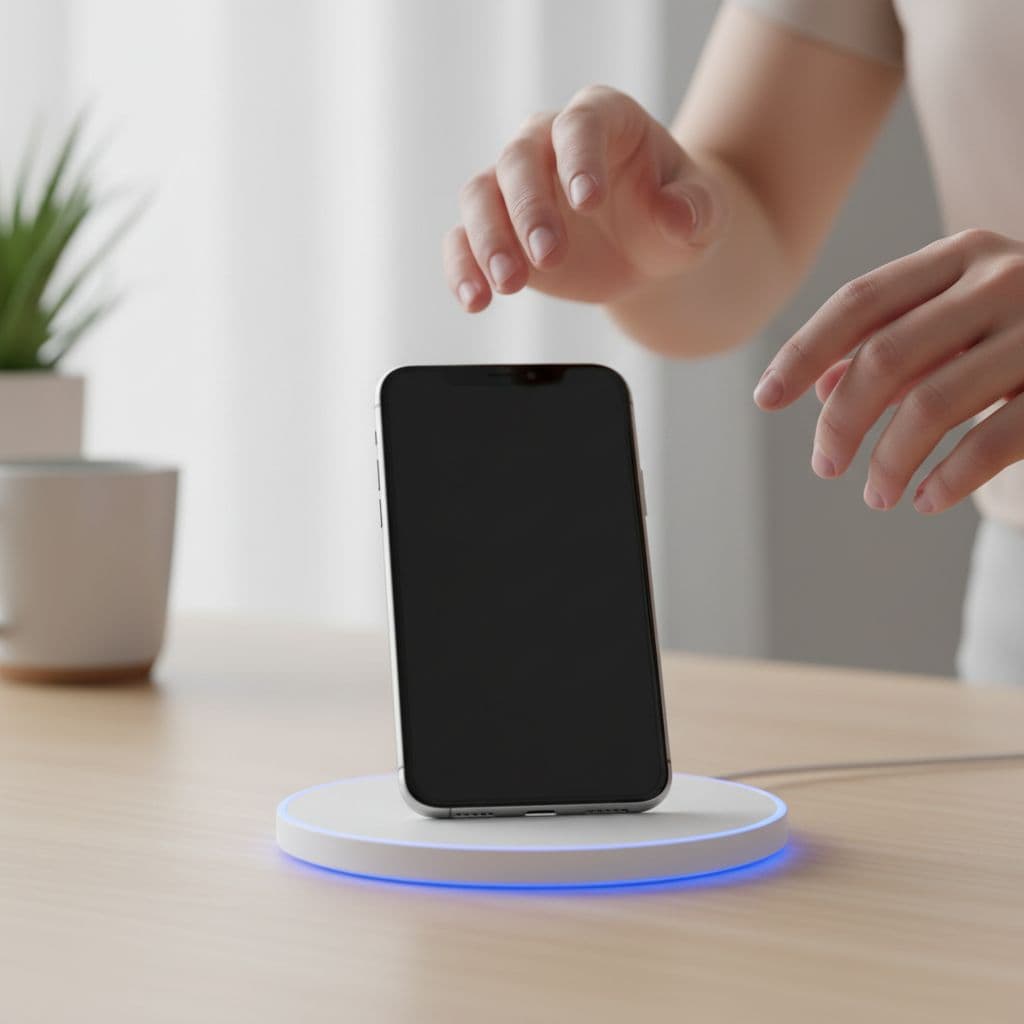
Run through these steps in order:
- Remove the case, card holder, ring grip and anything magnetic from the back. Metal plates and magnetic accessories are common troublemakers.
- Re-seat the phone on the middle of the pad. Even being slightly off-centre can break the charging link.
- Check the pad’s power plug and adaptor. A good charging pad with a weak plug often behaves like a faulty pad.
- Let the phone cool down if it’s warm. Pixels slow charging when they get hot, especially on a bedside table in direct sun or under a duvet.
- Test another wireless charger if you can. If one pad fails but another works, the phone may be fine.
We’d also look at settings that can affect charging behaviour. Battery Saver can limit background activity, and Adaptive Charging can make charging seem slower at certain times, especially overnight. That does not usually stop charging outright, but it can make people think the pad has packed in.
A newer Pixel charging fix summary makes the same point for recent models: start with the charger, alignment and case before blaming the phone.
If wired charging still works but wireless does not, that’s useful. It narrows the fault. It could still be the pad, but it also brings the phone’s wireless coil into the frame.
When it stops being a charger problem
Some Pixel faults are hidden. The rear glass can look fine while the wireless charging coil underneath has taken a hit after a drop. We see that a lot. The phone may still power on, work normally and charge by cable, yet refuse every wireless pad you try.
Heat and liquid can do the same sort of damage. A phone left charging hot for long periods can stress the adhesive and internal connections. Water exposure is another one. Even if the phone survived the splash, corrosion can turn up later and affect charging first.
Rear glass damage matters more than people think. Wireless charging relies on that back section staying structurally sound. That’s also why the same issue crops up on other brands. We’ve written about iPhone back glass repair for wireless charging because the logic is similar, even though the parts are different.
A Pixel 7 Pro we saw in Essex
Recently, we had a Pixel 7 Pro from Essex that would briefly show the charging symbol, then drop out after a few seconds. The owner had already bought a new pad, then another one, and still got nowhere.
Wired charging worked perfectly. The back glass looked tidy too. Once we tested it properly, the fault pointed to impact damage inside from an earlier drop. The wireless coil connection had been disturbed. After repair and repeat testing on more than one charger, the phone charged normally again.
That sort of job is why proper diagnostics matter. We handle all sorts of devices, so people often find us while searching for mobile phone repair UK, phone repair Essex, iphone screen repair UK, cracked iphone screen repair, iphone battery replacement UK, samsung phone repair UK or postal phone repair UK. The same careful process applies to a Pixel. Rule out software first, then test the hardware properly.
Repair, replace, or keep using cable?
A quick comparison can help you decide what to do next.
| What you’re seeing | Most likely cause | Best next step |
|---|---|---|
| Charging slows badly above 75 to 80 per cent | Software or charging controls | Update, restart, retest |
| Pad lights up but phone shows nothing | Alignment, case, weak adaptor | Remove case and re-centre |
| Wireless charging works only sometimes | Heat or pad quality | Cool phone and test another pad |
| Cable charging works, wireless never works | Coil or internal connection fault | Book diagnostics |
| Back glass is cracked after a drop | Physical damage | Stop guessing and get it checked |
The takeaway is simple. If the phone is otherwise healthy, a repair usually makes more sense than replacing the whole handset. A wireless charging fault on its own is annoying, but it is not the same as a dead phone.
We’d think twice about repair only if the Pixel also has major battery wear, bent housing, board damage and smashed glass. At that point, the overall cost can climb. For most people, though, one targeted repair is far cheaper than buying another flagship.
We see the same pattern across Android brands. If you’ve got another handset doing something similar, our guide on how to fix Samsung wireless charging not working may help you spot the same warning signs.
At Repair My Crack, we aim for express repairs, use quality parts, and back our work with a warranty. We also keep a price promise in mind when quoting, so if you’ve already had a figure elsewhere, it’s worth asking us to compare it.
How we handle Pixel repairs across Essex and the UK
Some customers visit locally, while others post their phone in from elsewhere in the country. Because we’re based in Harlow, we get plenty of local phone repair Essex bookings, but our UK-wide service is just as straightforward.
If we need to inspect a Pixel for a coil or charging fault, we normally suggest this:
- Book the repair online first so the job is logged properly.
- Pack the phone securely and include your order number.
- Add any passcode we need for testing, if required.
- Send it with tracked postage and remove extras like loose cases or chargers unless we’ve asked for them.
Once it arrives, we aim to start diagnostics as quickly as we can, often the same day. If the issue is simple, that’s great. If the fault is deeper, we’ll confirm the problem before repair goes ahead. That gives people peace of mind, especially if they’re using our postal repair UK service rather than dropping in nearby.
We also deal with everyday charging faults on iPhones and Samsungs, so if your household has more than one struggling device, we can usually sort those at the same time.
A Pixel that won’t charge wirelessly is usually fixable
Most Pixel wireless charging faults in 2026 still come back to a short list: software, heat, cases, charger setup, or damage after a drop. Start with the May update, test without the case, and try another pad before assuming the worst.
If those checks don’t sort it, the phone needs proper diagnostics, not guesswork. That’s where we can help, whether you’re local or using our UK mail-in service.
If you’re stuck with a Pixel that has stopped charging on the pad, book it in and post it over, or get in touch for a quote. We’ll check it properly and get it sorted as quickly as we can.
James Waterston, Device Repair Specialist at Repair My Crack