
A black screen after water damage does not always mean the iPhone is dead. Sometimes the phone still powers on, still rings, and still charges, but the display has dropped out. That is a nasty little surprise, especially when the handset looked fine an hour ago.
We usually treat iPhone water damage as a time-sensitive fault. The quicker we stop the phone, the better the chance of saving the screen, the battery, and the logic board.
What a black screen usually means after liquid gets in
When an iPhone shows nothing but a black screen, we look at the whole picture, not just the glass. Liquid can damage the display itself, the connector, the battery, or the board. On some models, the phone is alive but the screen has lost power. On others, the liquid has reached deeper parts.
If the phone still vibrates, rings, or makes charging sounds, the problem may be the display rather than the whole handset.
A few signs point us towards the screen rather than a full failure:
- The phone still sounds alerts or vibrations.
- It charges, but the display stays dark.
- Siri still responds.
- Face ID or touch has started acting oddly.
- The screen flickered before going black.
That same pattern turns up in our professional iPhone water damage repair service, and it also crops up in liquid-damage Face ID repair cases when the front sensors have taken a hit too.
The first five minutes matter
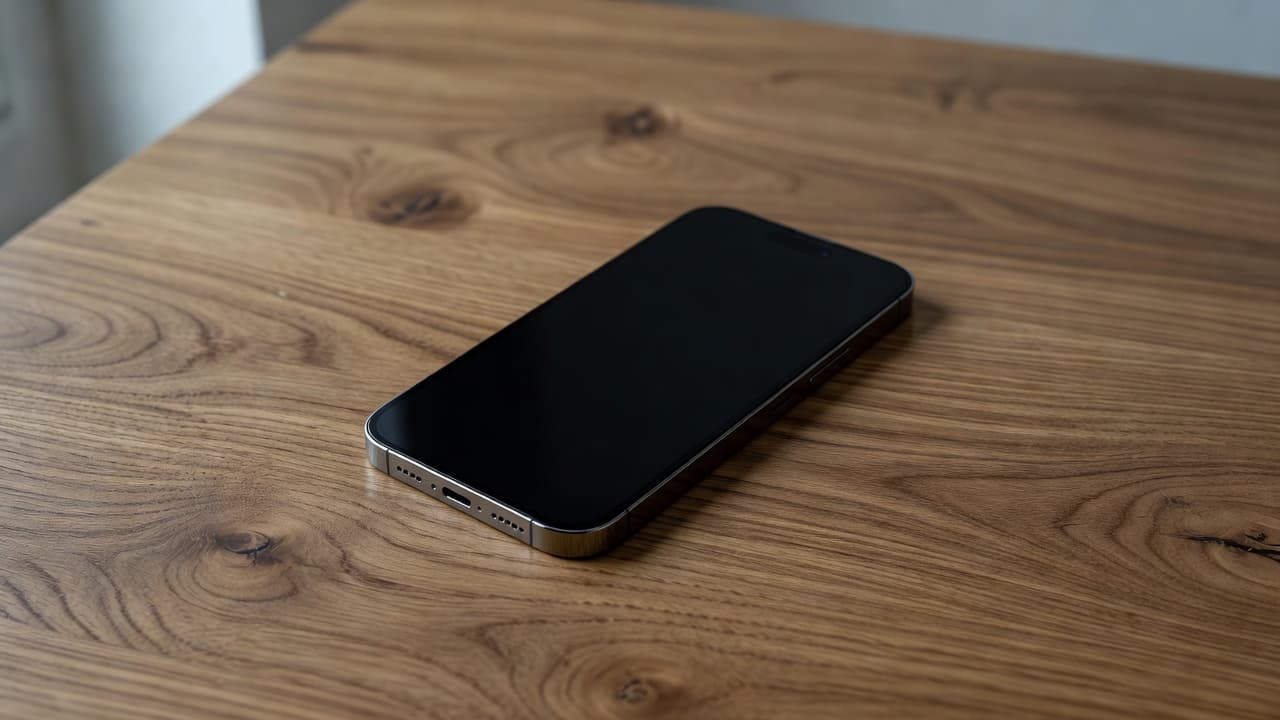
The first checks are simple, and they matter more than people think. A wet iPhone does not need a heroic rescue. It needs calm handling.
First, switch it off if it is still on. Then leave it off. Do not charge it, even if you think the battery is the problem. Do not keep pressing the power button every 20 seconds, either.
Next, remove the case, wipe the outside gently with a lint-free cloth, and take the SIM tray out if you can do that safely. If the phone was exposed to sea water, coffee, soup, or anything sticky, make a note of it. That detail helps us a lot later.
For a quick checklist, we tell people to do this:
- Power the phone down and leave it off.
- Remove the case, SIM tray, and accessories.
- Dry the outside gently, without heat.
- Avoid a charger, wireless pad, or power bank.
- Stop poking the screen to “test” it.
If the phone has a swollen battery or smells hot, stop there and get it looked at. A battery fault can sit alongside the water damage, which is where iphone battery replacement UK work sometimes comes into the same job.
What we check in the workshop
Once a phone reaches us, we test the simple things first. Does it take power? Does the screen respond? Does the battery hold charge? Does the port behave properly with a known-good cable? Those checks tell us more than the crack pattern or the splash ever will.
That is why we do not treat a black screen as a single fault. A cracked iphone screen repair might be part of the story, but liquid can also damage the battery, the charging port, or the board. The same logic applies to iphone screen repair UK jobs where the panel has failed after a spill.
Here is a rough guide to the kind of repairs we see after liquid exposure.
| Repair type | Typical price | Usual warranty |
|---|---|---|
| Screen replacement | £60 to £180 | 12 months |
| Battery replacement | £40 to £80 | 6 months |
| Charging port repair | £50 to £90 | 6 months |
| Water damage treatment | £60 to £120 | 3 months |
Those figures are guide prices only. The exact quote depends on the model and the damage we confirm.
We also see the same thing in samsung phone repair UK work after spills. Sometimes the screen is the obvious problem. Sometimes the battery has swollen, or the port is corroded, or the frame has shifted after the drop. The outside damage never tells the full story on its own.
Repair or replacement, and when to stop guessing
A repair makes sense when the phone still has a healthy main board, a straight frame, and one clear fault. If the black screen is the only issue, the odds are usually decent. If the handset has several problems at once, the maths changes fast.
We often see this with an iPhone that was dropped in a sink or left on a damp desk overnight. One customer came to us from Essex with an iPhone 12 that looked completely dead. It still vibrated, though, which gave the game away. The screen had failed after the liquid got in, but the rest of the phone was sound. That job stayed well inside repair territory.
For context, the same judgement applies across mobile phone repair UK work. A single fault is manageable. A black screen plus a bent frame, corroded port, and failing battery is a much tougher call.
We also see plenty of people search around for answers on Apple Community and iFixit when their screen goes black after liquid exposure. The same pattern shows up again and again, the display is often the first visible part to fail.
Getting it to us without making things worse
If you are local, phone repair Essex is the quickest way to get the phone checked properly. We can test the handset in person, look for hidden damage, and give you a straight answer.
If you are further away, postal phone repair UK is a good option. Book online, pack the phone securely, and include your order number. If we need your passcode for testing, we will ask for it clearly. We aim to start work as soon as the device arrives, often the same day.
That route works well when the phone will not wake up at all, because we can still test the internals before swapping parts blindly. It also keeps the whole process tidy, which is useful when the handset is already having a bad day.
Conclusion
A black screen after water damage is serious, but it is not always terminal. The first checks are simple, switch it off, do not charge it, and look for signs that the phone is still alive underneath the darkness.
Once we know whether the fault is the screen, the battery, or something deeper, the next step becomes much clearer. That is usually the difference between a sensible repair and an expensive guess.
If your iPhone is stuck on a black screen after water damage, we can take a proper look, give you a clear quote, and sort the next step without the faff.
James Waterston, Device Repair Specialist at Repair My Crack