
A dropped iPhone can leave you with more than a dented corner. If the iPhone eSIM is not working afterwards, the fault can sit in the antenna path, the logic board, or the eSIM chip itself.
That’s why a quick reboot sometimes helps, but often doesn’t fix the real problem. Once the phone has taken a proper knock, we treat the loss of cellular service as a warning sign, not a small glitch.
Why a drop can upset an iPhone eSIM
The eSIM is not a removable card you can swap out in a minute. It depends on the phone’s internal hardware, plus the board connections that let the handset talk to your network.
After a drop, three things usually go wrong. A connector can shift, a board trace can crack, or the eSIM-related hardware can fail outright. That’s why a phone may show “No SIM”, “Invalid SIM”, or “SIM Failure” straight after the impact.
We also see cases where the signal appears for a moment, then disappears again. That often points to a loose internal connection rather than a clean software fault. In other words, the phone is trying to behave, then the damage gets in the way.
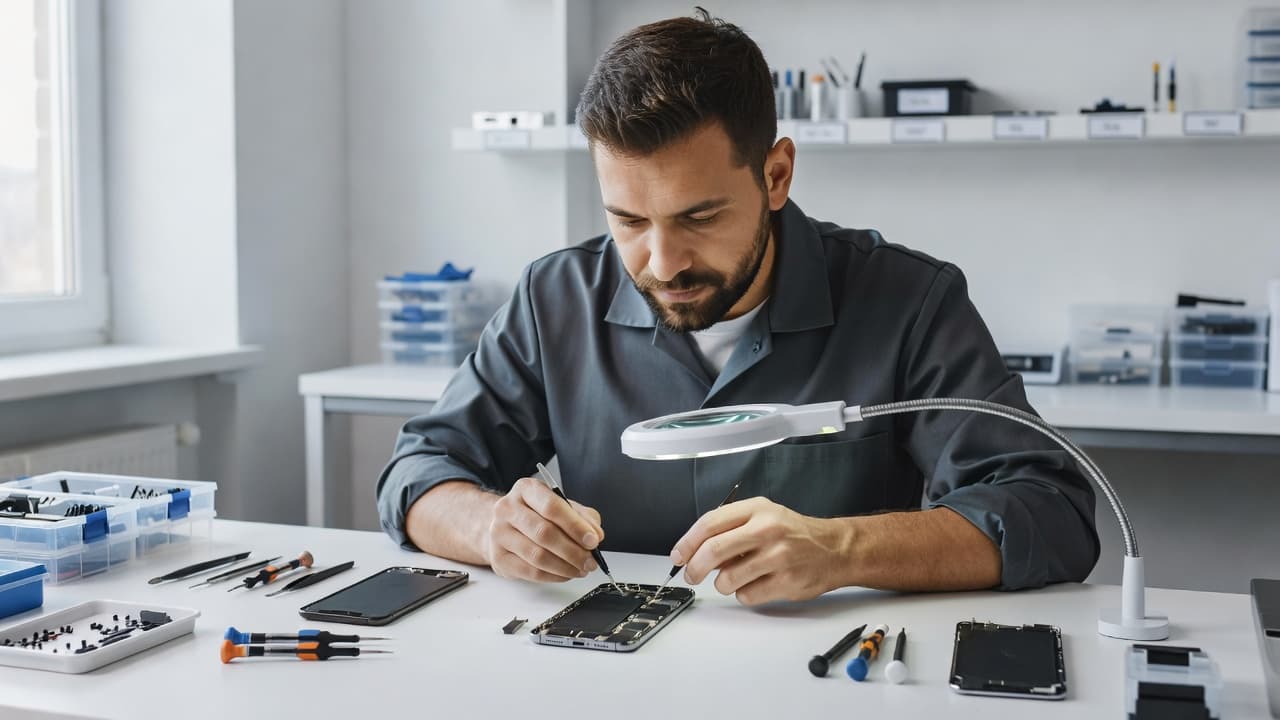
A dropped phone can also develop other faults at the same time. We often see that same impact cause charging trouble, a cracked back, or screen issues, which is why iPhone repair in Harlow, Essex often starts with a full fault check rather than a single guess.
If the phone says “No SIM” straight after a drop, we treat it as hardware damage until the tests prove otherwise.
The first checks we run at home
Before assuming the worst, we’d keep the checks simple. These steps won’t repair damaged hardware, but they can clear a temporary software wobble and save a pointless trip.
Start with a forced restart. On most modern iPhones, press Volume Up, then Volume Down, then hold the Side button until the Apple logo appears. That clears a lot of odd network behaviour after a shock.
Then toggle Airplane Mode for about 30 seconds. It forces the phone to drop and rebuild its network connection. If the eSIM comes back after that, the fault may be temporary.
Next, check the carrier lock in Settings > General > About. If it says “No SIM restrictions”, the phone is unlocked. If it doesn’t, the eSIM may never activate properly on a new line.
After that, reset the network settings if you’re happy to rejoin Wi-Fi networks afterwards. This clears stored cellular and Wi-Fi data and can force a fresh carrier handshake.
A final safe check is to update iOS if there’s a newer version waiting. We’ve seen network oddities settle after a proper update, especially when the phone had already been under stress.
For a broader checklist, KeepGo’s iPhone eSIM issues troubleshooting guide lines up with the same early steps we use in the workshop.
If the issue appears after a crash or fall, we also think about the whole device, not just the line itself. The same impact that breaks cellular can also trigger cracked iPhone screen repair work, and a weak battery may show up at the same time as an eSIM fault.
What the symptoms usually mean
A few clues can tell us a lot about the type of damage. The table below is a quick way to read the signs.
| Symptom | What it often points to | What we check first |
|---|---|---|
| “No SIM” appears straight after the drop | Board, antenna, or eSIM hardware damage | Forced restart, carrier lock, physical inspection |
| “Invalid SIM” or “SIM Failure” shows up | eSIM profile failure or logic board fault | Network reset, iOS update, board testing |
| Signal drops in and out | Loose connector or antenna issue | Internal inspection and flex testing |
| Calls work but mobile data is unstable | Carrier profile or board communication issue | Reset network settings, reactivation check |
The important bit is the timing. If the fault began the moment the phone hit the floor, we take the impact seriously. If it started after a software update with no physical damage, the conversation changes.
We see similar patterns in Apple Support Communities reports on cellular not working, where users describe a line that needs reactivation or a profile that refuses to settle. A drop doesn’t always cause a neat failure, so the symptoms can look messy.
When it turns into a hardware repair
Once the quick checks fail, the odds shift towards hardware. That usually means the eSIM itself, the logic board, or the antenna side of the phone has taken the hit.
This is where a proper inspection matters. We open the phone, check the frame, test the connectors, and look for signs of board stress. If the frame has bent even slightly, it can press on the internals and make the fault worse.
A recent workshop example sums it up neatly. Last week, we had an iPhone 13 Pro from Essex that had slipped off a car seat onto a tiled floor. The phone still lit up, but the customer kept getting an “Invalid SIM” message. The screen looked fine at first glance, yet the internal antenna connection had moved just enough to stop reliable network registration. Once we corrected the fault and tested the board, the line came back properly.
That kind of job is common across mobile phone repair UK work. We see it on iPhones, and we see it in samsung phone repair UK jobs as well. A phone can look almost perfect on the outside and still need proper internal repair.
If the drop has also damaged the display, the repair picture changes again. One impact can lead to iphone screen repair UK work, a network fault, and sometimes iphone battery replacement UK if the battery connector or pack has taken strain. It’s also why people searching for phone repair Essex or postal phone repair UK often end up asking us to look at more than one symptom in the same booking.
What repair looks like with Repair My Crack
If you’re local, our Harlow team can check the phone in person. If you’re farther away, our postal route keeps things simple. You can book online, send the handset in a secure package with your order number, and we’ll start testing as soon as it arrives.
For readers weighing up whether to go the official route or use an independent specialist, our Apple versus independent iPhone repair guide breaks down when each option makes sense. That matters when the fault could be a screen, a battery, or a deeper board issue.
We usually look at the whole device before quoting. If the phone has one clear fault, repair tends to make sense. If it has a bent frame, water exposure, charging trouble, and a dead eSIM line all at once, replacement can become the smarter answer.
That same logic applies across the rest of our work. A straightforward screen repair is often worth it. A healthy handset with one fault usually is too. But if you’re already facing multiple issues, the cost starts to climb fast.
Typical UK guide prices for related repairs are often in these ranges:
- Screen replacement, usually £60 to £180
- Battery replacement, usually £40 to £80
- Charging port repair, usually £50 to £90
- Water damage treatment, usually £60 to £120
Exact quotes depend on the model and what we find during testing. That’s the honest way to do it, because a drop can hide more damage than the outside shows.
How to avoid making the fault worse
A few habits make a difference while you’re deciding what to do next.
Keep the phone powered down if the frame looks bent or the battery looks odd. Don’t keep forcing network resets every five minutes, because that won’t revive damaged hardware. If the back glass is cracked, tape over any sharp edges so it doesn’t shed glass into a pocket or bag.
Also, don’t start poking around inside the SIM area with metal tools. Even though eSIM has no removable card, the surrounding hardware is still delicate. A scratch or short inside the tray area can turn a manageable problem into a bigger one.
If the phone has been wet as well as dropped, stop using it and get it checked. Water plus impact is a nasty combination, and the corrosion often shows up later rather than straight away.
Conclusion
A drop can upset an eSIM in a few different ways, but the clues are usually there if we read them properly. If a forced restart, Airplane Mode, and a network reset don’t bring the line back, we stop blaming software and inspect the hardware.
That’s the moment where a proper repair assessment saves time and money. Whether you need help in Essex or you want to use our postal service, we can check the phone, test the fault, and tell you plainly whether repair still makes sense.
James Waterston, Device Repair Specialist at Repair My Crack