
A Galaxy phone that refuses to turn sideways can make simple jobs oddly irritating. Videos stay narrow, photos will not fill the screen, and maps become awkward when the phone is mounted in the car.
When Samsung auto rotate is not working, the cause is often a setting or a temperamental app. However, if the fault began after a drop, liquid exposure, or screen repair, it can point to physical damage inside the handset.
We can usually narrow it down without taking the phone apart. Start with the quick checks, then look for signs that it needs professional testing.
Key Takeaways
- Check that Auto rotate is switched on, rather than Portrait or Landscape lock.
- Test rotation in more than one app, as some apps do not support landscape view.
- Restarting the phone and installing pending updates can clear minor software faults.
- A drop, bent frame, liquid damage, or poorly fitted screen can affect the phone’s motion sensors.
- If rotation fails everywhere, including Samsung’s own apps, arrange a proper diagnosis before replacing parts.
Start with the settings that catch most people out
Swipe down from the top of your Galaxy screen twice to open the full Quick Settings panel. Look for the orientation tile. It may say Portrait, Landscape, or Auto rotate.
Tap it until it reads Auto rotate. Portrait mode locks the display upright, while Landscape lock keeps it sideways. Both can look like a fault when they were simply switched on by accident.
Next, open the Camera, Gallery, Samsung Internet, Chrome, or YouTube app. Turn the phone fully on its side and wait a second. A few apps deliberately stay upright, particularly banking apps, launchers, and some social media screens.
Samsung also lets users control whether the Home screen rotates. Press and hold an empty area of the Home screen, open Settings, then look for the landscape rotation option. Its wording varies slightly between One UI versions.
For a useful reference, Samsung’s own screen rotation troubleshooting advice starts with the same basics: confirm Auto rotate is active, then restart the handset.
If one app stays upright but Gallery and YouTube rotate normally, the phone is probably fine. The app is the issue.
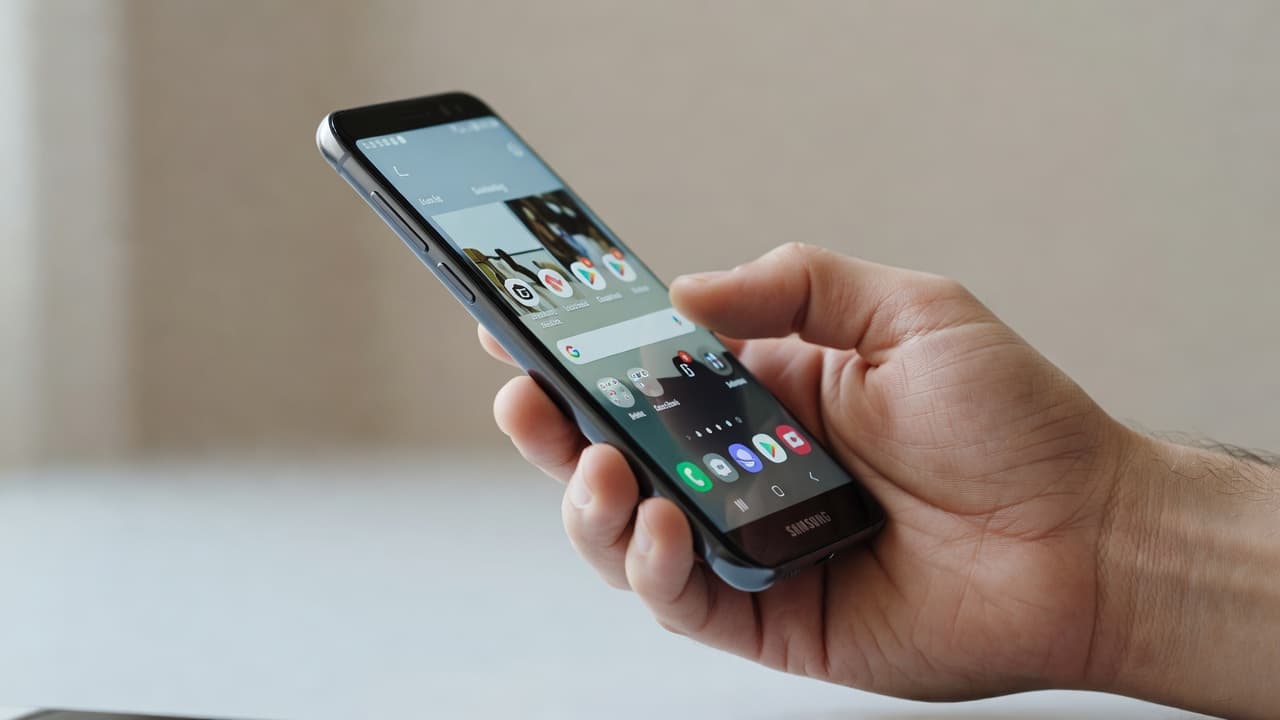
A practical test when Samsung auto rotate is not working
Before assuming the sensor has failed, we suggest working through a short sequence. It takes a few minutes and does not put your data at risk.
- Remove the case and any magnetic accessory. A tight case can press side buttons, while magnetic mounts occasionally confuse certain phone functions.
- Restart the Galaxy phone. This closes stuck background processes and reloads the system sensor service.
- Try several supported apps. Use Gallery and YouTube in full-screen mode, then rotate the handset slowly through both directions.
- Check for a software update. Go to Settings, Software update, then Download and install.
- Run Samsung Members diagnostics if available. The Samsung Members app includes phone diagnostics on many Galaxy models. It can help identify a sensor fault.
- Try Safe mode. If rotation works in Safe mode, a downloaded app is interfering with normal behaviour.
Safe mode is handy after installing a launcher, screen recorder, parental-control app, accessibility tool, or games utility. These apps can request display permissions that affect orientation. If Safe mode fixes the problem, remove recent apps one at a time and re-test.
We would not jump straight to a factory reset. It is a faff, it removes your local setup, and it will not repair a damaged motion sensor. Back up first if you decide it is necessary.
Why Galaxy screens stop rotating after a drop
Your Galaxy phone uses small motion sensors, including an accelerometer and gyroscope, to work out which way it is facing. The software then tells compatible apps to change the display orientation.
A hard knock can disrupt that chain in several ways. The sensor itself may fail, a board connection can loosen, or a dented frame can put pressure on internal parts. Liquid damage can also corrode connections long after the initial splash.
Screen damage matters too. A cracked OLED display can still show a picture and respond to touch, yet the impact may have travelled further into the phone. That is why we look beyond the visible crack during a Samsung assessment.
Warning signs that suggest more than a settings fault include:
- Rotation fails in every app after a fall.
- The phone’s compass, step counter, or gaming controls also behave strangely.
- The frame has a dent or bend near a corner.
- The display lifts away from the housing.
- The phone was exposed to rain, a sink splash, or heavy condensation.
- Rotation stopped after a screen replacement.
A replacement screen does not normally cause an auto-rotate issue. Still, a screen fitted under tension, a damaged connector, or an already-bent chassis can create problems later. We check the display fit, frame, and related functions instead of treating each symptom in isolation.
A Galaxy S23 repair we see quite often
We recently inspected a Galaxy S23 that had fallen from a kitchen worktop. The customer first noticed that the screen would not rotate when watching videos. The display had no obvious crack, so it looked like a software glitch.
Gallery, YouTube, and the phone’s sensor diagnostics all failed the rotation test. On inspection, the lower corner of the frame had taken the impact and the phone needed board-level assessment rather than a simple settings reset.
That is the point where repeated restarts become wasted effort. We advised the customer about the fault and cost before any chargeable work. A clear diagnosis matters, because sensor-related faults vary by model and can sit alongside screen, charging, or battery damage.
Customers often come to us looking for Samsung phone repair UK support after the same sort of fall. We see a similar pattern with iPhone screen repair UK, iPhone battery replacement UK, and cracked iPhone screen repair bookings. One impact can cause several faults, even when only one is visible at first.
When professional phone testing makes sense
A repair shop should test the phone before recommending a part. Auto rotation is controlled by several components and software services, so replacing the screen blindly is not a sensible first move.
At Repair My Crack, we check how the handset behaves in supported apps, inspect the frame, test related sensors where possible, and look for signs of liquid or impact damage. If the phone has a cracked screen, weak battery, or unreliable charging port as well, we can assess the full picture.
For customers seeking professional smashed phone repairs in Harlow, we offer appointment-only drop-ins in Essex. We also handle postal repairs nationwide, which helps when a phone has become awkward to use but you are nowhere near Harlow.
A dependable mobile phone repair UK service should tell you what is likely wrong before fitting parts. Ask whether the quote includes diagnostics, the part, labour, testing, VAT where applicable, and warranty cover. A low headline price means little if it excludes the work needed to solve the actual fault.
Sending a Samsung in for postal repair
Our postal phone repair UK option is useful when an auto-rotation fault follows a drop and you need an answer without travelling. We aim to begin work promptly once the phone arrives, often on the same day, depending on the fault and parts availability.
Before posting your Galaxy, take a few sensible precautions:
- Back up photos, messages, authenticator apps, and work files.
- Remove the SIM card unless we have asked you to leave it in.
- Take clear photos of the phone’s condition.
- Include your order number and any required passcode details securely.
- Pack the handset so it cannot move around in the box.
For phone repair Essex customers, dropping in can be quicker where an appointment suits. For everyone else, tracked postage gives the same access to diagnostics, quality parts, express repair options, and our price promise.
Questions we hear about Galaxy rotation faults
Can a screen protector stop a Samsung phone rotating?
A normal screen protector will not affect Auto rotate. A thick case, magnetic car mount, or damaged phone after a fall is more likely to be involved.
Will a factory reset fix the problem?
It can fix a software conflict, but only after you have tried a restart, updates, and Safe mode. If the sensor has physical damage, resetting the phone will not repair it.
Can we keep using the phone without Auto rotate?
Usually, yes. Portrait lock is safe if the phone has no other symptoms. However, arrange testing if the fault followed impact, the frame is bent, or other sensors are acting up.
Getting rotation back without guesswork
When Samsung auto rotate is not working, begin with the orientation tile, a restart, updates, and tests in several apps. Those checks settle many cases without drama.
If the problem started after a knock or appears alongside other faults, the phone needs more than another reset. We can test the handset properly, explain the repair options plainly, and help get it back to normal.
James Waterston, Device Repair Specialist at Repair My Crack