
Bluetooth always seems to stop behaving when you need your earbuds, car kit or smartwatch most. A fall can leave a Pixel looking fine while a knock inside causes wireless connections to disappear.
When Pixel Bluetooth not working starts immediately after a drop, treat it as a possible impact fault, but don’t book a repair before trying a few safe checks. A pairing glitch can look much like a damaged antenna or loose internal connection.
We’d start with simple tests, then look for the signs that point to a proper inspection.
When Pixel Bluetooth not working suggests impact damage
A dropped phone can disturb more than the screen. Depending on where it lands, the impact can affect the antenna assembly, a flex cable, connector contacts or, less often, the main board.
Don’t assume every case of Pixel Bluetooth not working is hardware. However, the timing matters. If Bluetooth was reliable yesterday and failed straight after the phone hit the pavement, the drop is an important clue.
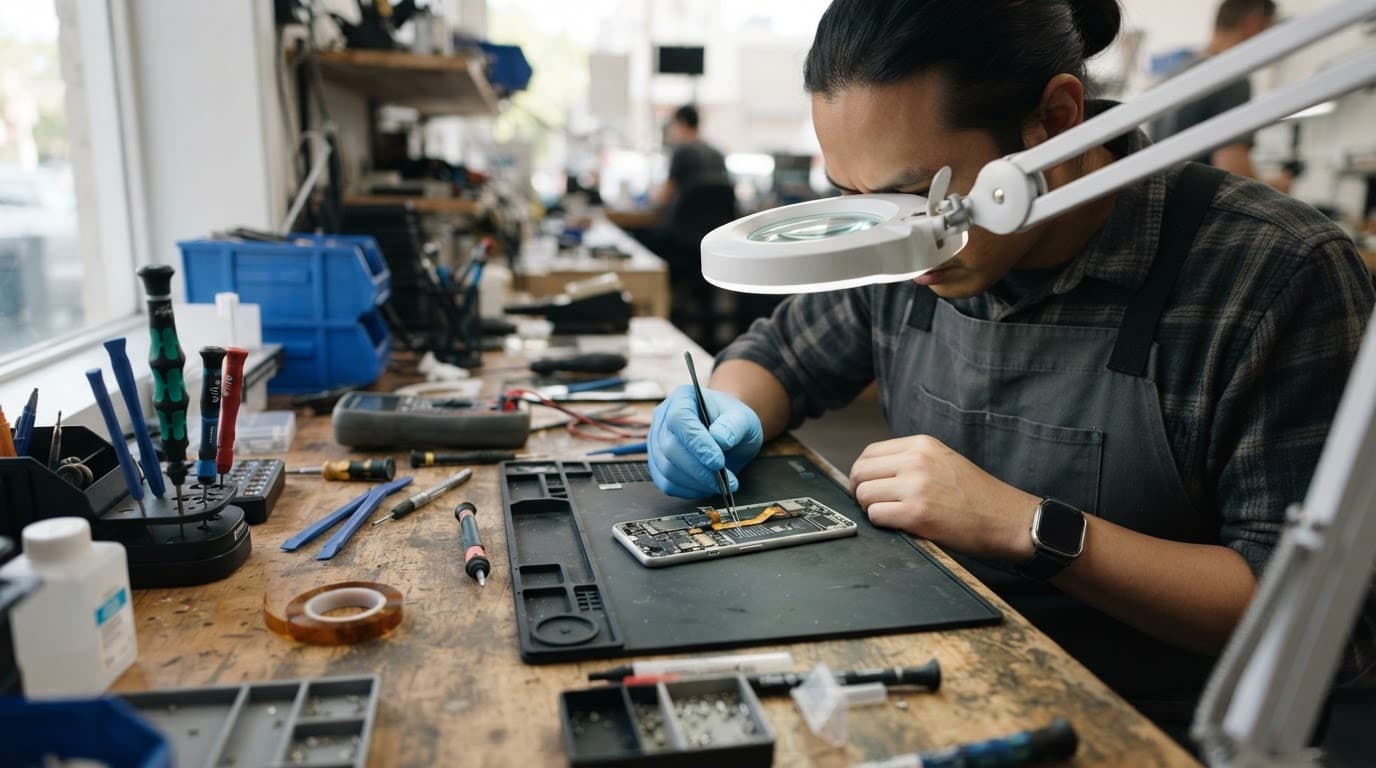
Start by removing the case and checking the handset in good light. Look for a raised rear cover, a cracked corner, a split seam around the frame, or a phone that rocks on a flat surface. Don’t squeeze the frame to push it back together. That can put pressure on the battery or crack an otherwise healthy display.
The results of a few tests help narrow it down:
| What happens | First thing to try | What it may indicate |
|---|---|---|
| Earbuds reconnect after being forgotten and paired again | Monitor it for a day | A pairing or software problem |
| Only the car kit fails | Test a speaker or another pair of earbuds | The car’s saved connection may be the issue |
| The Pixel finds no Bluetooth devices at all | Restart and test several known-good accessories | A phone-side fault becomes more likely |
| Bluetooth and Wi-Fi both fail after the impact | Stop repeating pairing attempts | An internal antenna or board-related issue needs inspection |
| The phone gets hot or its back lifts | Switch it off | Possible battery or structural damage |
A Google Pixel community discussion about Wi-Fi and Bluetooth faults includes reports of hardware antenna-module failure. It doesn’t diagnose every Pixel, but it shows why combined Wi-Fi and Bluetooth trouble deserves more than another restart.
If Bluetooth and Wi-Fi fail together after a drop, treat the phone as a hardware diagnosis job until testing proves otherwise.
Safe checks before resetting anything
First, restart the Pixel once. It sounds basic, but Android can hold on to a crashed Bluetooth process after a sudden impact or low-battery shutdown.
Next, turn Bluetooth off for one minute, then turn it back on. Try pairing with two different devices, such as a known-good speaker and a set of earbuds. If both work normally, the original accessory is more likely at fault.
Then check whether the Pixel can still see nearby devices. Open Bluetooth settings and watch for a list of available accessories. A phone that can see devices but won’t reconnect may only need a fresh pairing.
Use this order:
- Forget the problem accessory in Bluetooth settings, then restart both devices before pairing again.
- Install any pending Android update, because software faults can affect connection stability.
- Test Wi-Fi in a different room from your router, using mobile data as a comparison.
- Back up your phone if you can, then use the Pixel’s “Reset Bluetooth and Wi-Fi” option under the reset settings.
That reset removes saved Wi-Fi networks and Bluetooth pairings. It doesn’t normally wipe photos, apps or messages, yet a backup is still sensible before any repair or major settings change.
Avoid a factory reset at this stage. It takes time, removes your setup, and won’t repair a torn flex cable or displaced connector. We see plenty of phones arrive after a full reset with exactly the same fault.
Signs the fault needs a workshop inspection
When Pixel Bluetooth not working continues after the checks above, the pattern tells us more than the error message does. Bluetooth that connects for a few seconds then drops out is different from Bluetooth that won’t switch on at all.
A greyed-out Bluetooth switch, no visible devices, and Wi-Fi trouble after the same drop are all stronger signs of internal damage. So are symptoms that change when the phone is gently moved. Don’t shake it or knock it against your hand to test that theory. A loose connection can become a damaged one.
We recently had a Pixel 7 on the bench after it landed on a tiled kitchen floor. The screen and charging port looked fine, but Bluetooth wouldn’t hold a connection to earbuds or a car. Wi-Fi also kept cutting out. After ruling out the accessories and reset options, inspection showed an impact-related internal connection issue. Once repaired, we tested Bluetooth with several devices and checked Wi-Fi before returning it.
Moisture changes the picture. If the phone landed in a puddle, wet pocket or drink as well as taking a knock, turn it off and don’t charge it. Corrosion can develop around connectors and make a wireless issue appear days later. An iFixit repair discussion on corrosion after liquid damage shows why internal contacts need careful inspection rather than a blast of hot air.
Don’t use a hairdryer, put the phone on a radiator, or open it with a kitchen tool. Pixels use adhesive and delicate internal cables. A well-meant DIY attempt can turn a reseat or antenna repair into a screen, back-glass and battery job.
Although this fault concerns a Pixel, the same post-drop checks apply to a cracked iPhone screen repair or Samsung phone repair UK job. A single fall can also damage a camera, weaken a battery connection or bend the frame. If battery life has suddenly become erratic, an iPhone battery replacement UK quote may be relevant too, but only after proper testing confirms the cause.
Repair choices when the rest of the phone is sound
A Bluetooth fault is often worth fixing if the Pixel still has a straight frame, healthy screen, reliable charging and no signs of liquid damage. Repair makes more sense when there is one clear fault rather than several expensive problems piling up.
We inspect the full handset first. A cracked rear panel can compromise the seals, while a bent chassis can keep putting pressure on a newly repaired connection. If testing finds extra damage, we explain the options before chargeable work goes ahead.
Our phone repair Essex service includes appointment-only help in Harlow, while our UK mobile phone repair service helps customers further afield. Repair My Crack also handles common screen, charging-port and battery faults on iPhones and Samsungs. Someone who initially searches for iphone screen repair UK may have the same drop-related internal damage to check before replacing a display.
A repair should include proper post-repair testing, not only a successful Bluetooth toggle. We check connection stability with accessories and Wi-Fi where relevant. Our price promise means we try to match or beat comparable quotes, and repairs include a warranty under our terms.
Posting a Pixel safely for diagnosis
If travelling to Harlow isn’t practical, our mail-in phone repair service lets you send the device from anywhere in the UK. This is a useful option when you need postal phone repair UK support without losing time hunting for a local shop.
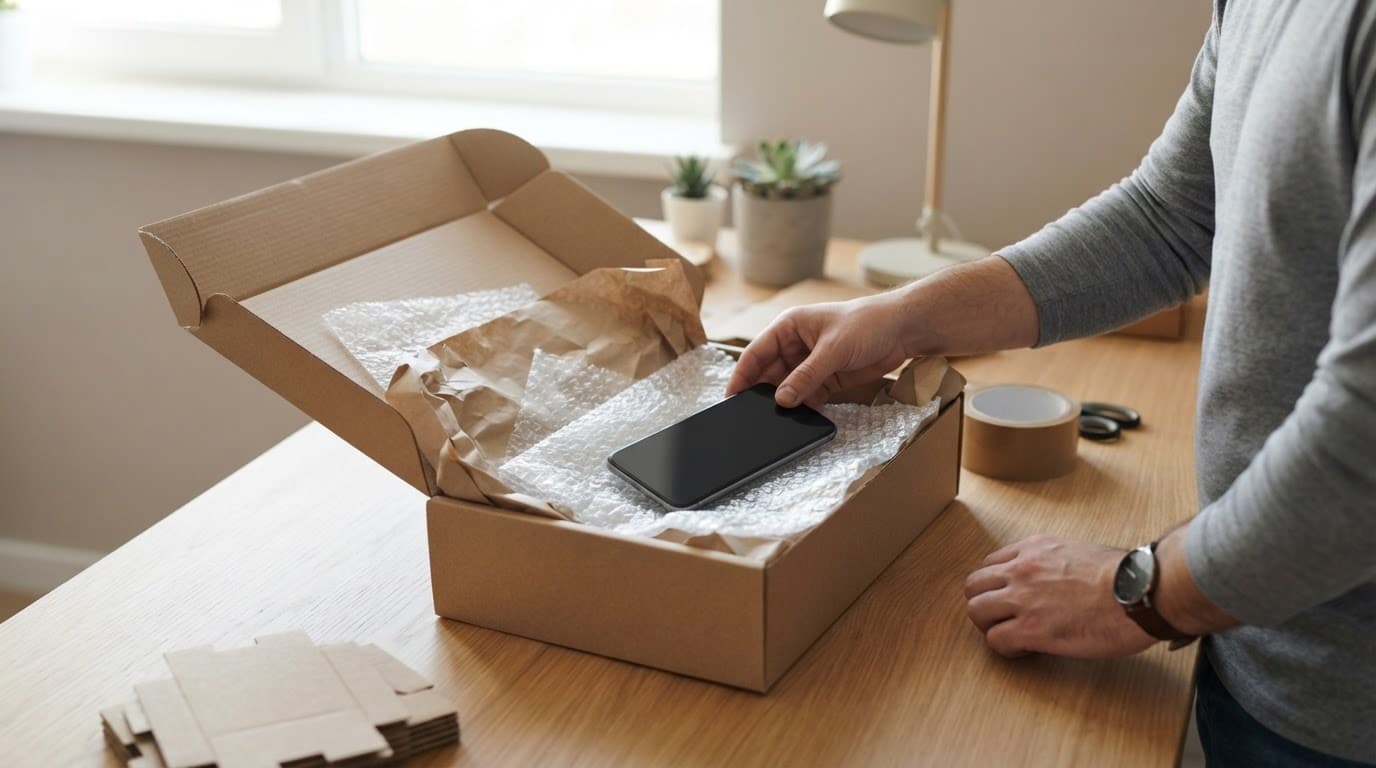
Before packing it, back up anything important if the phone still works. Remove the case, take clear photos of the existing damage, and write down the exact symptoms. Mention whether Bluetooth fails with every accessory, whether Wi-Fi also drops out, and whether the handset got wet.
Pack the Pixel in bubble wrap inside a firm box, include the order number and any required passcode details, then use tracked postage. We aim to assess devices promptly after they arrive and contact you if testing uncovers more than the reported fault.
Questions customers often ask
Can a drop break Bluetooth but leave everything else working?
Yes. Wireless hardware is separate from the display, cameras and charging port. A small internal shift can affect signal performance even when the phone still looks normal.
Will a new pair of earbuds fix it?
Only if the original earbuds are the issue. Test another Bluetooth device before buying anything. If the Pixel can’t find a speaker, car kit or earbuds, the phone needs attention.
Can the fault get worse if the phone is still usable?
It can. A loose internal connection may become less stable with movement, heat and further knocks. If the rear cover is lifting or the frame is bent, stop using it and arrange an inspection.
Is repair still worthwhile with a cracked screen?
Often, yes. If the Pixel is otherwise quick and reliable, fixing the screen and the Bluetooth fault can cost far less than replacing the handset. The same rule often applies to mobile phone repair UK work on a recent Samsung or iPhone.
A clear next step after the drop
A restart, fresh pairing and network reset can sort a software glitch. Yet Pixel Bluetooth not working alongside Wi-Fi failure, heat, visible frame damage or moisture needs a hands-on diagnosis.
Back up the phone, avoid forcing the case or opening it, and get the fault checked before another drop makes it worse. If you’re stuck with a Pixel that won’t connect, you can book a repair online and send it in for a proper test.
James Waterston, Device Repair Specialist at Repair My Crack