
A red iPhone liquid contact indicator can help explain why Apple has refused a warranty repair, but checking it incorrectly can cause more damage. The tiny indicator is usually hidden inside the SIM card opening, and you can inspect it without dismantling the phone.
In most cases, a white or silver indicator means no liquid contact has been recorded. A solid red indicator means it has touched water or another water-based liquid. We’ll show you where to look, what the colour means, and when a professional inspection makes more sense.
Key Takeaways
- A white or silver liquid contact indicator usually means no recorded liquid contact, while a solid red indicator confirms exposure to moisture and normally remains red after drying.
- On iPhones with a SIM tray, inspect the indicator through the SIM opening using a bright light and the correct eject hole—never scrape, spray or dismantle the phone.
- US eSIM-only iPhones don’t have an accessible external indicator, so look for signs such as camera fog, charging alerts, muffled sound or unexpected faults instead.
- If the phone has recently been wet, switch it off, disconnect cables and avoid charging, rice, hairdryers and other heat sources.
- A red indicator doesn’t prove that every component has failed or identify the cause of a fault, so a professional diagnosis is safer before approving repairs or assessing warranty options.
What the iPhone liquid contact indicator tells you
Apple installs Liquid Contact Indicators, often called LCIs, inside many iPhone models. They are commonly described as a water damage indicator. An LCI is also called a liquid damage indicator and records moisture contact rather than the amount or timing of exposure.
LCIs react to moisture and turn red, remaining red after the phone dries. Drying the handset won’t reverse that colour change.
The indicator only confirms contact with liquid. It doesn’t show:
- How much water entered the phone
- When the exposure happened
- Whether the logic board is damaged
- Whether the phone needs a particular replacement part
- Whether liquid caused the current fault
A red LCI can appear on a phone that still works normally. Corrosion can develop later after water exposure, especially with salt water, sugary drinks or condensation.
The explanation of liquid damage and LCIs from Apple support confirms that the indicator is normally white or silver before contact with a water-based liquid.
Water resistance doesn’t change this assessment. It can weaken after drops, repairs and normal wear, so an iPhone rated as water resistant isn’t safe to submerge or use in the bath.
How to check the indicator safely
You’ll need a SIM ejector tool, a straightened paperclip and a bright torch. A desk lamp can work, but a narrow beam makes the tiny indicator easier to see.
Before starting, back up the phone if it still works. If it has recently become wet, switch it off and disconnect every cable. Don’t turn on a recently wet phone to see whether it has recovered.
Follow these steps:
- Remove the case so it doesn’t obstruct the SIM card tray.
- Find the small eject hole beside the tray.
- Push the tool straight into that hole with gentle, steady pressure.
- Pull the tray out without twisting or forcing it.
- Shine a light into the opening at roughly a 45 degree angle.
- Look for the water damage indicator, which appears as a small strip or dot that is white or silver, or solid red.
- If moisture is present, leave the tray out and arrange an inspection.
Use the tool only in the SIM eject hole. iPhones have microphones and other openings nearby, and pushing a paperclip into the wrong hole can damage them. Don’t scrape the indicator, rub it with a cotton bud or spray anything into the phone.
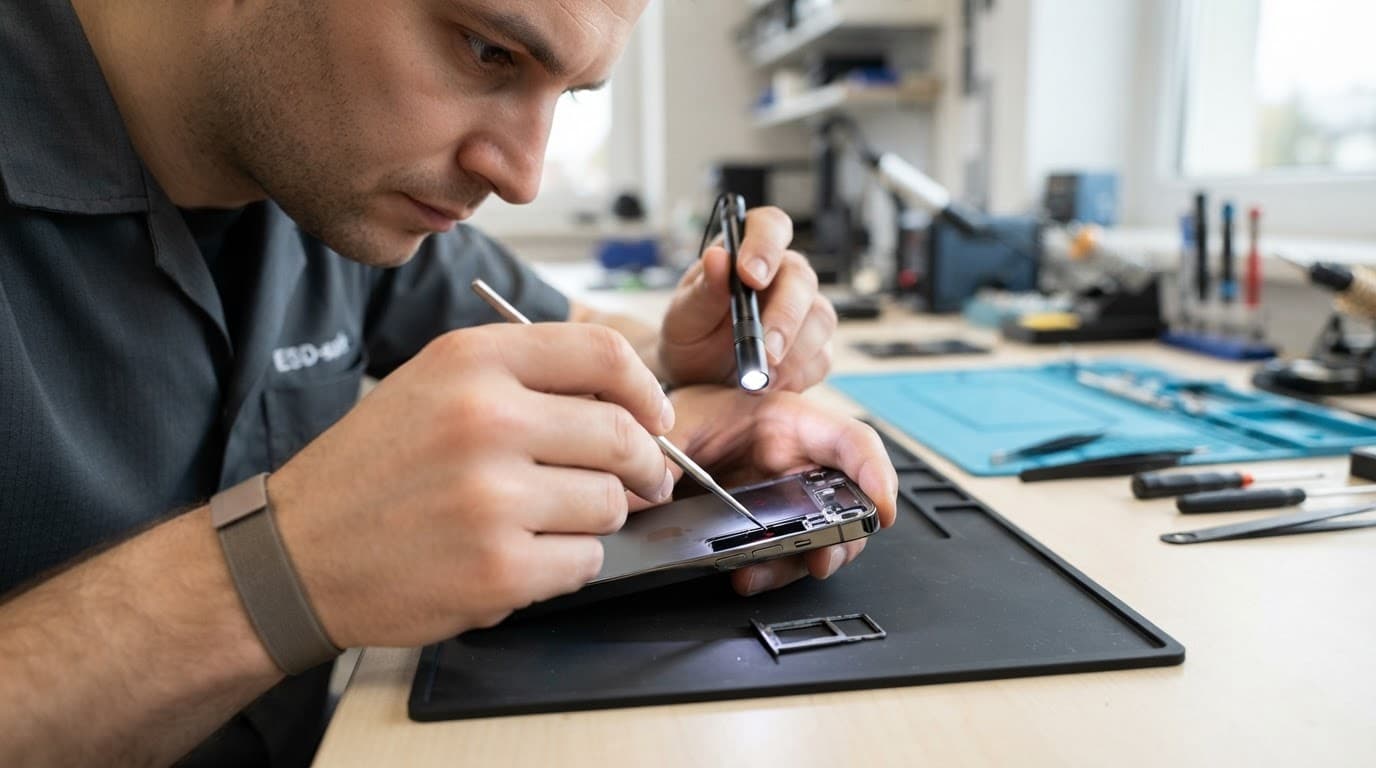
A phone torch can help, but use another device if your iPhone has been wet and switched off. Avoid using a hairdryer, radiator or heat gun. Heat can damage the battery, soften adhesives and push moisture further inside.
A red indicator confirms contact with moisture, but it doesn’t prove that every part inside has failed.
Checking eSIM iPhones without a SIM tray
US versions of eSIM iPhones generally use eSIM only. They don’t have an accessible SIM card tray, so there is no external indicator through that opening. UK versions can differ, so check the physical handset rather than relying on the model name alone.
Without a SIM slot, don’t open the phone at home to search for an inaccessible internal LCI. Modern iPhones use strong adhesive, delicate display cables and tightly packed batteries. A DIY inspection can turn a moisture check into a screen, back-glass or battery repair.
Instead, look for other signs:
- Fog or droplets inside a camera lens
- A liquid-detection alert when you connect a cable
- Intermittent charging or a loose connection
- A speaker or microphone that suddenly sounds muffled
- Face ID, cameras or wireless charging behaving oddly
- Random restarts, overheating or a phone that won’t turn on
Camera fog deserves attention because it shows moisture has reached a sealed internal area. It may clear as the phone cools, but that doesn’t prove the inside is dry. Switch the phone off, avoid charging it and arrange a proper inspection.
If you see a warning about liquid in the Lightning or USB-C connector, follow Apple’s liquid-detection guidance. Charging while the connector is wet can corrode the contacts and cause permanent damage.
What a red indicator means after the phone dries
The water damage indicator can stay red for the rest of the phone’s life. It won’t reset after a few hours in a dry room, and rice won’t restore it. Rice can also leave dust and starch around ports, so we don’t recommend using it.
A water damaged phone may still appear functional after drying. A red result doesn’t prove that liquid damage has affected every component. Some devices need cleaning and testing, while others have damage to the display, charging port, battery or logic board.
The warning signs matter more when they appear alongside a red LCI. These are common screen or display fault symptoms:
- Flickering, lines or black patches
- Touch working only in certain areas
- A screen that stays black while the phone vibrates
- Brightness that changes unexpectedly
- A display lifting away from the frame
Power problems need the same care. A diagnosis for a device that won’t turn on or won’t charge should begin with inspection, not repeated cable tests. Connecting power to a wet phone can turn a clean-up job into a board repair.
The same principle applies to impact damage. An iPhone component fault after a drop can sit alongside moisture-related corrosion, a bent frame or a weakened battery. We also see a Samsung component fault after a drop and a Google Pixel component fault after a drop where the visible crack hides a second internal problem.
Warranty, repair costs and your options
Apple’s standard one-year limited warranty doesn’t normally cover accidental liquid damage. Apple’s important iPhone handling information also explains this exclusion from limited warranty coverage. Accidental damage is generally assessed separately from manufacturing faults, so a red LCI can affect the outcome of a warranty assessment.
An independent repair may also affect the manufacturer’s warranty. If preserving Apple’s repair route matters most, check the Apple warranty terms before authorising independent work. This type of fault usually isn’t covered, so many owners compare an official quote with an independent quote for liquid damage.
Typical UK guide prices for this type of work can look like this:
| Fault or service | Guide price |
|---|---|
| Initial moisture treatment | £60 to £120 |
| Partial fault recovery | £80 to £180 |
| Screen fault after liquid exposure | £120 to £280 or more |
| Battery replacement after confirmed testing | £40 to £80 |
| Charging port repair | £50 to £90 |
These are UK guide figures, not fixed quotes. The exact cost depends on the model, corrosion, part availability and whether the logic board needs specialist work. If no fault is found, an inspection fee may apply under the repairer’s standard charges.
At Repair My Crack, moisture-related services have their own warranty terms, so check the quote before approving work. Other components and batteries generally carry a 12-month repair warranty under our terms, while moisture-related services can have a shorter three-month term. Warranty seals may also be fitted after a repair, and tampering with them can affect cover.
When a proper diagnosis is more useful than the indicator
We test the whole handset and its internal components before recommending chargeable work. That includes power, charging, display, cameras, speakers, microphones, buttons and signs of corrosion.
One common workshop example involves an iPhone 12 that arrived after a hard drop. The front glass was shattered, but the image still appeared. A few days later, black patches and dead touch areas developed. The impact had damaged the display beneath the glass, so a complete screen assembly was needed rather than a cosmetic glass repair.
An iPad component fault or diagnosis follows the same logic. The most visible mark isn’t always the part that failed. Good phone hardware troubleshooting in the UK should identify the cause before anyone replaces expensive parts.
We offer express iPhone and Samsung repairs in Essex, with postal repairs across the UK. You can book an iPhone repair online, send the device using tracked Royal Mail postage, or arrange an appointment-only drop-off in Harlow. We aim to begin work as soon as the device arrives, although corrosion or moisture-related faults can take longer when careful testing is needed.
Questions we hear about iPhone water damage
Can the water damage indicator turn white again?
No. Once activated, it normally remains red, even if the phone dries completely.
Where is the indicator on an iPhone 4?
Older iPhone 4 models can expose LCIs through openings such as the headphone socket and 30-pin dock connector, rather than the SIM area alone. Don’t insert tools into either port. Use a bright light and ask a technician if the colour is unclear.
Is camera fog enough to prove water damage?
It strongly suggests moisture inside the camera area, but it doesn’t show how far the liquid has travelled. Switch the phone off and arrange an inspection.
Can a red LCI be a false positive?
A red LCI usually means contact with a water-based liquid. Reflections, poor lighting and dirt can make a tiny indicator hard to judge, though. If the colour is ambiguous, don’t scrape it or dismantle the phone. A technician can inspect it under magnification.
Conclusion
The safest check is simple: switch off a recently wet iPhone, remove the SIM tray if it has one, and inspect the indicator with a bright light at a 45 degree angle. A pale or metallic indicator suggests no recorded contact, while red confirms moisture has reached it, even if the phone now looks dry.
US eSIM-only models need a different approach because they lack an external tray and visible LCI. Charging alerts and sudden hardware faults deserve attention, so a proper inspection is safer than repeated testing at home.
A red indicator isn’t a final verdict. It’s a reason to stop charging, protect your data and get the whole device checked.
James Waterston, Device Repair Specialist at Repair My Crack