
Your mobile phone can survive a few rainy commutes, then lose its camera after several hours on a handlebar mount. Motorbike mount iPhone camera damage usually starts inside the camera system, even when the exterior glass appears undamaged. An iPhone 13 can develop the same fault after repeated mounting vibration.
If the viewfinder shakes, autofocus hunts, or the phone makes a faint buzzing sound, the problem may not be an app or a dirty camera lens. We’ll explain what causes the fault, which bikes and mounts carry the greatest risk, and what repair options make sense in the UK.
Key Takeaways
- Repeated vibration from a motorbike mount can damage the iPhone’s OIS and autofocus mechanisms, even when the outer camera glass looks undamaged.
- Warning signs include a shaking viewfinder, persistent blur, autofocus hunting, clicking or buzzing, and one camera failing while others continue to work.
- Rigid handlebar mounts, powerful petrol bikes, rough roads and long journeys create greater risk, while a vibration dampener can reduce—but not eliminate—transmitted vibration.
- Remove the phone from the mount, test it while stationary, back up your data and stop using the mount if symptoms continue.
- Confirmed internal damage usually needs a camera module replacement and a proper diagnostic, rather than replacement outer glass alone.
How motorbike mount iPhone camera damage starts
Modern phone cameras use tiny mechanical systems to keep images steady and focus accurately. Optical image stabilization (OIS) uses a moving lens system to counter movement. An iPhone 13, for example, has a stabilised assembly that shifts, while closed-loop autofocus moves the lens to focus. A gyroscope supplies movement data, while magnetic sensors can help monitor position, but neither proves mount damage by itself.
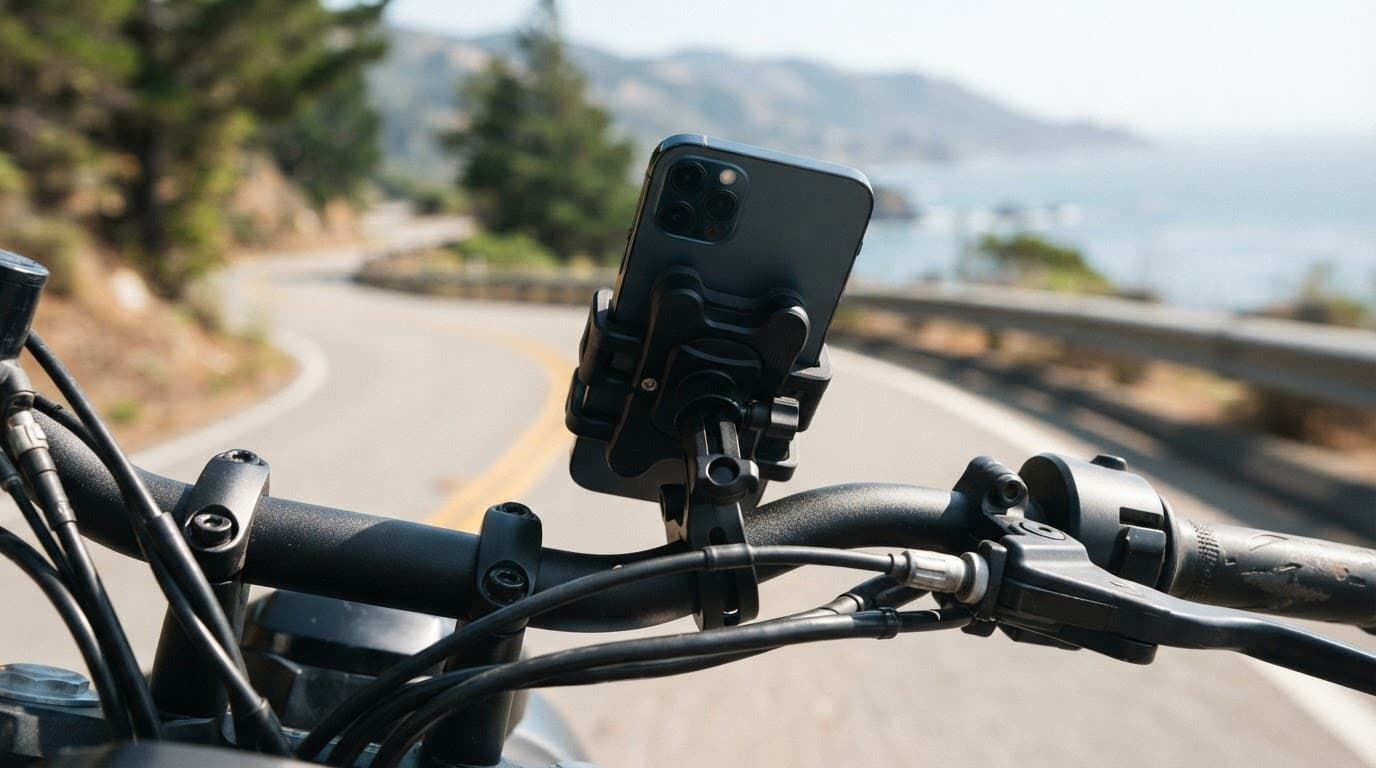
Those parts are small and finely balanced, so risk depends on vibration intensity, exposure duration and the phone’s stabilised hardware. The most severe patterns often begin with a high-powered internal combustion engine producing repeated high-amplitude vibrations. Engine vibrations travel through the frame, forks and handlebars to the motorcycle phone mount. A rigid mounting point then transfers much of that movement into the handset.
The outer camera lens may look perfect on an iPhone 13 while its internal camera module develops faults. Suspension wires, magnets, coils or position sensors can then become misaligned. The camera may still open but fail to hold a stable image. In other cases, the unit clicks or buzzes as OIS tries to settle.
iFixit’s explanation of motorcycle camera vibration damage shows why this issue affects hardware, not a normal software camera fault or simple setting. A separate iFixit camera stabilisation discussion also reflects the reports riders have made after mounting phones to bikes.
A clear lens does not rule out internal camera damage. The failure can sit behind the glass, inside the stabilised camera unit.
Which bikes and mounts create the highest risk?
There isn’t a single engine type that guarantees damage. Risk depends on engine configuration, vibration amplitude, grip, road surface and journey duration. Mounting position and isolation quality also matter.
Large single-cylinder bikes, powerful parallel twins and some V-twins can create strong pulses through the chassis. High-capacity four-cylinder bikes can also transmit damaging vibration at certain engine speeds. A small scooter may produce less vibration, but a rigid handle bar mount on rough roads can still stress the phone’s camera.
This quick comparison shows how the engine, road, journey and mounting setup change the risk:
| Motorcycle and mount setup | Camera risk | Sensible approach |
|---|---|---|
| Rigid handle bar mount on a high-powered petrol bike | High | Keep your primary phone off the mount where possible |
| Rigid mount on a small scooter | Medium | Keep journeys short and monitor symptoms |
| Shock-absorbing mount with a vibration dampener | Lower | Fit the system correctly and check it regularly |
| Silicone rubber strap for occasional navigation | Lower | Don’t treat it as guaranteed protection |
| Phone kept in a pocket or tank bag | Lowest | Use voice directions or stop safely to check |
An iPhone 13 in a rigid clamp remains exposed to the same risk, whatever the motorcycle’s engine configuration. A shock-absorbing mount can reduce transmitted vibration more effectively than one that only grips the phone tightly.
Quad Lock offers a separately fitted vibration dampener for compatible mounts. Its benefit comes from isolation, not grip strength alone. RAM Mount and similar systems may use different designs, but no brand is automatically safe. Installation, position and the actual isolation system matter more than the brand name.
However, no universal independent test gives every mount a reliable percentage reduction. Mount design, installation, road surface and the motorcycle itself all affect the result. Proper isolation can reduce transmitted vibration, but it cannot make a high-powered bike completely risk-free.
An electric motorcycle isn’t automatically safe. Its motor usually produces less vibration, but road shocks, wheel imbalance, drivetrain movement and steering feedback can still reach the handlebar. Android phones face the same issue when they use OIS and moving autofocus systems. Samsung Galaxy and Google Pixel models aren’t immune simply because they run Android.
Warning signs of a damaged smartphone camera
The first sign is often a change in image quality rather than complete camera failure. Test the rear camera in good light. Then compare the 1x, wide-angle and telephoto cameras on an iPhone 13 if your model has them.
Look for:
- Picture quality and stabilisation:
- blurry photos remain soft after cleaning the glass.
- A viewfinder that jitters while the phone is held still.
- Video footage that shakes even when your hands are steady.
- A black preview from one camera while other lenses still work.
- Focusing:
- Autofocus that repeatedly moves in and out without locking.
- Focus that works at close range but fails on distant subjects.
- Mechanical noise:
- A faint clicking, rattling or buzzing noise near the camera.
- App behaviour:
- A camera app that takes longer to open, freezes or closes.
A damaged OIS unit can make the preview appear to vibrate while the phone is still, creating focus shaking. A damaged autofocus mechanism may leave every photo slightly out of focus. A technician can distinguish a gyroscope or software issue from physical damage to the stabilised camera assembly. Restarting the phone can rule out a temporary software glitch, but it won’t repair broken suspension wires or a displaced lens.
For phone hardware troubleshooting in the UK, we recommend recording the fault before sending the device away. Take a short video recording of the shaking viewfinder or buzzing noise using another mobile phone. That evidence helps a technician compare the symptom with the camera’s behaviour on the bench.
The same testing method applies to an iPhone component fault after a drop, a Samsung component fault after a drop, or a Google Pixel component fault after a drop. We check whether the fault affects one camera, several cameras or the whole handset.
A device that won’t turn on or won’t charge needs a wider diagnosis, particularly if it was dropped as well as mounted on a bike. Likewise, screen or display fault symptoms may point to separate impact damage rather than a camera problem.
Safe checks before booking a repair
- Remove the phone from the mount, then test the camera while the phone is stationary.
- Clean the outer camera lens with a soft microfibre cloth.
- Restart the phone and test the camera in the standard camera app.
- On an iPhone 13, compare each rear camera, front camera, video mode and flash.
- Back up your photos and important data if the phone still works.
- Stop using the mount if the shaking or noise continues.
Don’t tap the phone against your hand or shake it to free the lens. That can make a loose internal part move further out of position.
Repair, replacement and warranty options
After diagnosis confirms internal damage, a camera module replacement is usually needed rather than new outer glass, because glass alone cannot repair the mechanism. A technician removes the faulty assembly, fits a compatible replacement camera and tests autofocus, stabilisation, video, flash and photo consistency.
Some newer phones may need additional software checks or configuration after a component replacement. Poor-quality parts can create further issues, including inconsistent focus, altered colour or a camera app warning. Ask what part grade will be fitted and whether the quote includes testing and labour.
Apple Support warns against attaching iPhones to high-powered or high-volume motorcycles because of vibration. Apple’s standard warranty generally covers manufacturing defects, not accidental damage caused by riding conditions. AppleCare+ or another protection plan may offer a separate accidental-damage route, subject to its excess and terms.
For warranty claims, keep the diagnostic report, mount details and relevant proof of purchase.
Independent repair can be quicker and less expensive than replacing a flagship phone, but opening the handset may affect the manufacturer’s warranty position. Check that point before authorising work. If another repair shop recently fitted a screen or camera, contact that provider first, because using a different repairer may affect their cover.
At Repair My Crack, we inspect the whole handset before chargeable work begins. The following guide prices cover related repairs, not camera replacement:
| Related repair | Typical UK guide price |
|---|---|
| Screen replacement | £60 to £180 |
| Battery replacement | £40 to £80 |
| Charging port repair | £50 to £90 |
| Water-damage treatment | £60 to £120 |
A camera assembly replacement needs a model-specific quote because parts, availability and fitting time vary. For example, an iPhone 13 may require a specific assembly, so we don’t give a misleading blanket price before testing the phone.
A typical workshop scenario involves a rider with an iPhone 13 who reports a buzzing rear camera after several weeks using a rigid mount. The phone may have no cracked glass, yet the 1x camera shakes while the ultra-wide camera works normally. That pattern points towards a damaged stabilised camera module, which can often be resolved by replacing that individual assembly.
Our iPhone repair options and costs explain why a full diagnostic matters when several faults appear together. If you have an affected iPhone, you can book an iPhone repair and select the model before sending it.
We also handle affected Samsung and Pixel devices. Customers can Book a Samsung Repair or book a Google Pixel repair online. An iPad component fault or diagnosis follows the same basic process, although tablets are less practical for handlebar use. For that situation, you can book an iPad repair.
Our repair terms generally provide 12 months for batteries and other components, while screen cover depends on whether a premium or standard screen was fitted. Accidental damage after the repair is normally excluded, and tampering with warranty seals can affect cover. If testing finds no fault, an inspection fee may apply under the service terms.
Preventing vibration damage on future rides
The safest option is to keep your main mobile phone off the handlebars. An older handset used only for directions can serve as a navigation device, especially on long touring trips. If you’re using an iPhone 13, avoid leaving it on a rigid mount for extended rides.
If you do mount your everyday phone, use a properly isolated mount with a vibration dampener. Check the vibration dampener regularly for wear or loose fittings. Avoid rigid clamps that attach directly to the phone. Keep the device out of harsh weather, and don’t leave it mounted when the bike is parked.
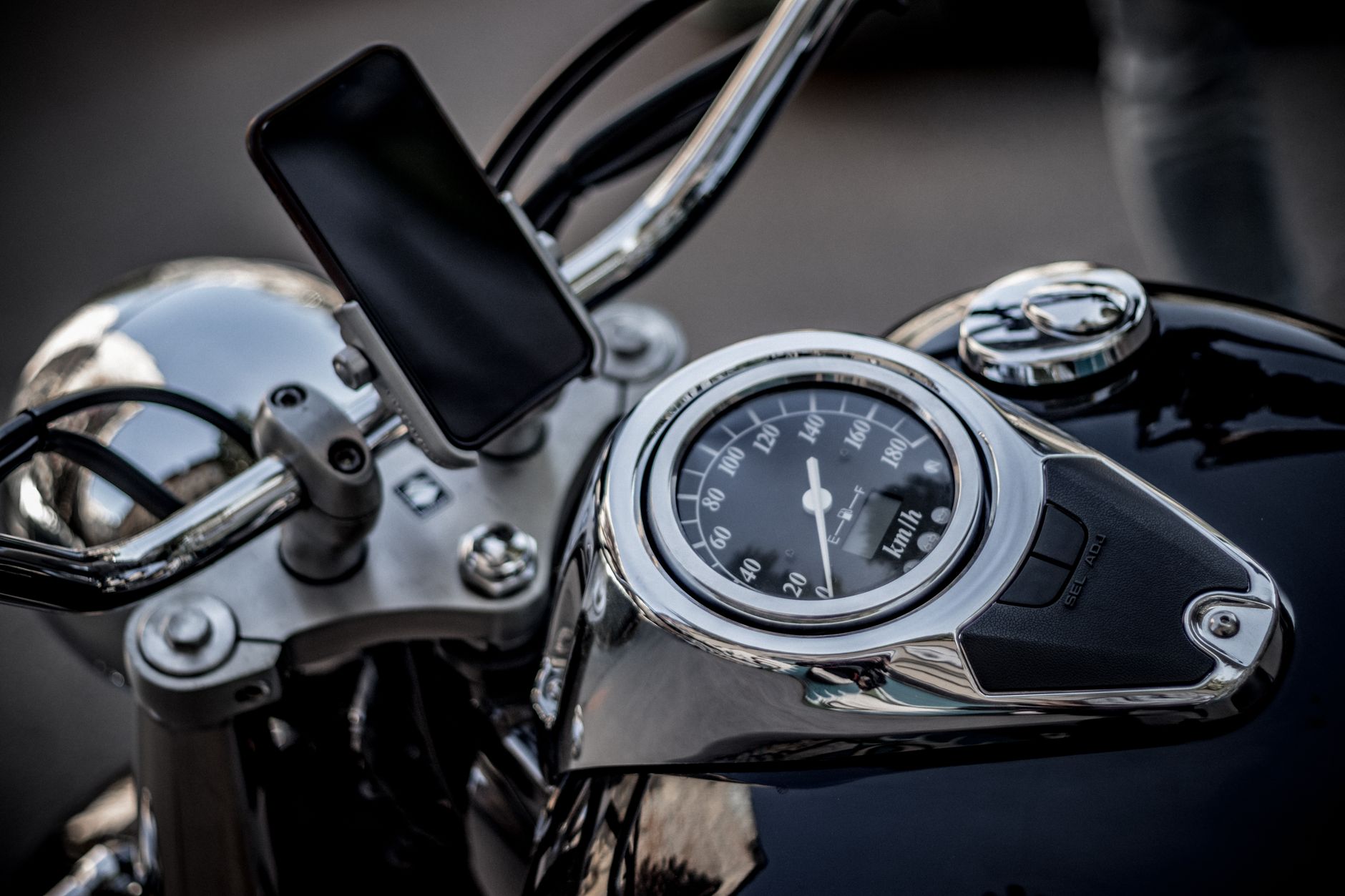
Photo by Ivan Oboleninov
Back up your phone before testing new mounting equipment. If the camera begins shaking, remove it immediately rather than waiting for the symptom to disappear. We also recommend using voice directions, a dedicated sat-nav or stopping safely before checking the screen.
Postal repairs are available across the UK. After booking, package the phone securely, include the order number and provide any passcode needed for testing. We aim to start work soon after the device arrives, although timing depends on the model, parts and any additional damage found. Customers near Essex can arrange an appointment-only drop-off in Harlow.
Frequently Asked Questions
Can a motorbike mount damage an iPhone camera?
Yes. Repeated vibration can damage the OIS and autofocus mechanisms, particularly when a phone is attached to a rigid handlebar mount for long journeys. The outer camera glass may remain intact even when the internal module has failed.
What are the main warning signs of vibration damage?
Common signs include a shaking viewfinder, persistent blur, autofocus that repeatedly hunts, and clicking or buzzing near the camera. One rear camera may also stop working while the other cameras continue to function normally.
Will a vibration dampener completely protect my phone?
No. A properly fitted dampener can reduce transmitted vibration, but it cannot make a motorbike mount completely risk-free. The safest option is to keep your main phone off the handlebars, especially on powerful bikes or rough roads.
Can a damaged iPhone camera be repaired?
Usually, confirmed internal damage requires replacement of the affected camera module rather than the outer glass. A technician should test autofocus, stabilisation, video, flash and image quality before recommending the repair.
Is motorbike vibration damage covered by Apple’s warranty?
Apple’s standard warranty generally covers manufacturing defects rather than accidental damage caused by riding conditions. AppleCare+ or another protection plan may provide a separate route, subject to its terms and excess.
Conclusion
Motorbike mount iPhone camera damage usually results from repeated vibration affecting the OIS and autofocus hardware. A buzzing sound, an unstable preview or persistent blur deserves attention, even if the camera glass looks untouched.
A vibration dampener lowers risk, but it does not make a rigid mount completely safe. Remove the handset, back up your data and arrange a proper camera diagnosis, whether it is an iPhone 13 or another OIS-equipped phone.
(James Waterston, Device Repair Specialist at Repair My Crack)