
A cracked Pixel screen is annoying. A dead Pixel screen is worse, because the phone may still hold photos, contacts, chats, and work files you cannot get to.
The good news is that we can often back up a broken Pixel if the phone still powers on, vibrates, or accepts input in another way. If the handset is completely unresponsive, the options narrow fast, so timing matters.
We usually tell people to act before they book the repair, because a few minutes of the right steps can save months of photos. If the screen is only half-working, that window is worth using.
Wake the Pixel first, then move straight to backup
Before we worry about cables, we need to find out whether the phone still has life in it. Google’s own Pixel troubleshooting guide covers the basic restart steps, and it is the right place to start if the handset has gone dark.
We normally begin with charge, then a forced restart, then a quick check of Google backup services. If the Pixel wakes up, even for a moment, we can usually save a lot.
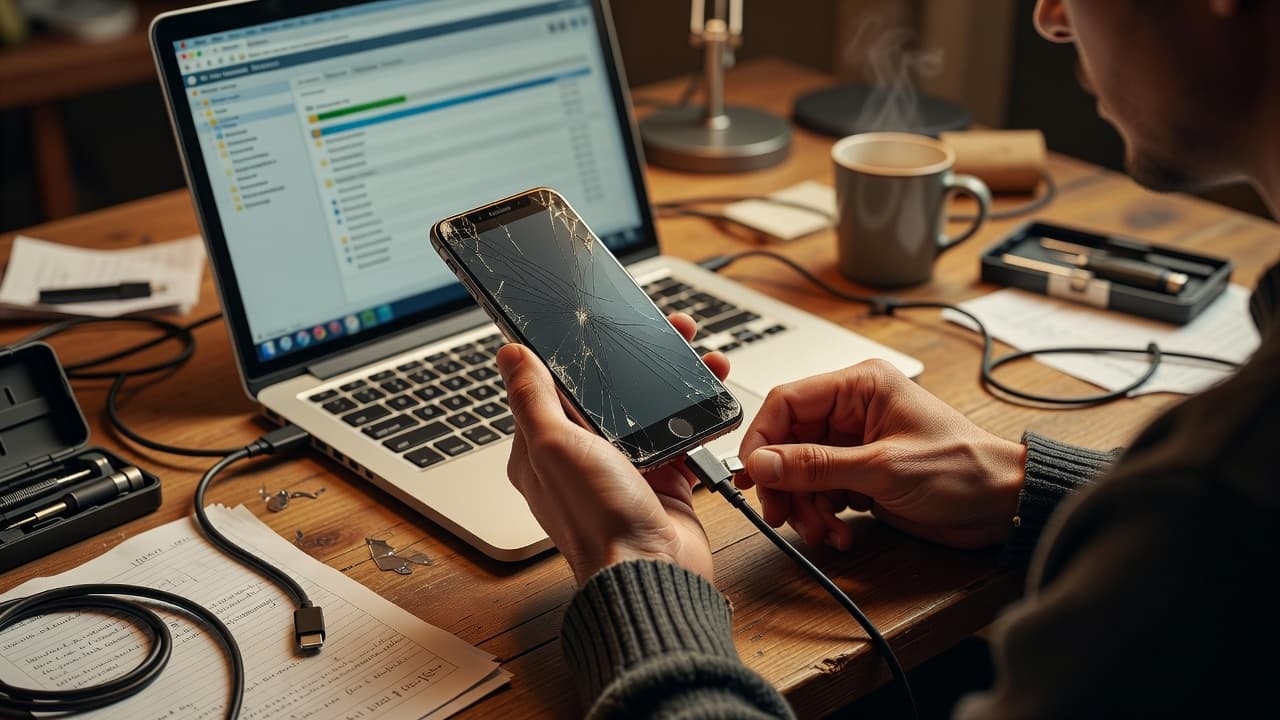
Here is the order we would use at the counter:
- Plug the Pixel into a charger for at least 10 minutes.
- Force restart it, using the right button combo for the model.
- Watch for any vibration, logo, charge symbol, or sound.
- If the screen lights up at all, go straight to Google Photos, Google Drive, contacts, and device backup.
- If the phone responds only part of the time, use that short window to copy the most important files first.
If the phone still vibrates or restarts, we usually have a route in. If it stays completely dead, cloud backups are the only easy path.
A black screen does not always mean the board has failed. The display may be the only dead part. The same sort of symptom appears in iFixit’s Pixel black-screen guide, which is useful when you are trying to tell a display fault from a full power fault.
Use a mouse or dock when touch has gone
If the screen shows an image but touch no longer works, we still have options. A USB-C adapter, a mouse, or a dock can give us control back long enough to unlock the phone and run a backup.
That sounds clunky, but it works more often than people expect. We see similar workarounds in community threads, including this Android backup discussion on Reddit, where people use a mouse or dock to get around a broken touch panel.
The simplest setup is usually this:
| Tool | Best for | What we need |
|---|---|---|
| USB-C to USB-A adapter | Touch is dead, display still works | Adapter and mouse |
| USB-C dock with HDMI | Screen works poorly or is awkward to use | Dock, HDMI lead, monitor or TV |
| USB keyboard | Typing PINs or passwords | Keyboard and adapter |
| Trusted PC with ADB or scrcpy | The phone was already set up for USB debugging | Computer and USB cable |
If the Pixel supports video-out through the USB-C port, a dock can make the job much easier. We can plug the phone into a monitor, use a mouse to unlock it, and then open Google Photos or Google Drive without fighting the cracked panel.
When the touchscreen is gone but the image is still visible, we would normally do three things in order:
- Unlock the phone with a mouse or keyboard.
- Back up photos, videos, contacts, and documents.
- Check Google One backup settings before switching anything off.
Google Photos is often the biggest win because it protects the pictures people care about most. Contacts and calendar data are usually tied to the Google account, which helps too. If WhatsApp matters, we would back that up separately, because it is easy to forget in a rush.
When the Pixel looks dead, backup becomes a rescue job
A phone that will not light up at all is harder work. If it shows no sign of life after charging and a forced restart, we have to assume the backup route is limited.
At that point, two things matter most. First, whether the phone had cloud backup turned on before the fault. Second, whether the phone had ever trusted a PC for ADB or scrcpy access. If both answers are no, there may be no quick data route left.
That is where people often start weighing repair against replacement. We use the same common-sense approach across mobile phone repair UK jobs, whether it is iphone screen repair UK, cracked iphone screen repair, iphone battery replacement UK, or samsung phone repair UK work. The same logic applies to phone repair Essex customers and to anyone using our postal phone repair UK service. If one part has failed and the rest of the handset is healthy, repair usually makes sense. If several faults have piled up, replacement starts to look more sensible.
We link that judgement to the whole device, not just the screen. If you are trying to work out whether repair is worth it, our expert advice on fixing broken screens covers the same thinking we use on the bench. For a broader look at repair choices, our understanding phone repair options guide is helpful too.
A quick check list helps here:
- If the Pixel still powers on, keep pushing backup first.
- If only the screen is broken, use a mouse, keyboard, or dock.
- If the phone has charge but no display, try cloud services before giving up.
- If nothing responds, look for an existing Google backup.
- If the phone trusted a PC before, ADB may still help.
A workshop example that saves time and panic
Last month we had a Pixel 6a from Essex with a smashed display and no touch response. The customer thought the phone was gone for good, but the handset still vibrated when it charged.
We connected a USB-C adapter, plugged in a mouse, and got the phone unlocked on a monitor. That gave us enough control to back up photos, contacts, and WhatsApp data before the screen repair started.
That is the best-case version of this problem. The customer kept the data, we repaired the handset, and there was no messy guesswork later. If the phone had been dropped into water or refused to boot, the story would have been very different.
The same approach applies to most repair work we see in the workshop. A bent frame, a weak battery, or a loose port can all make a phone look worse than it is. We also ask for the passcode when we need to test a repaired device properly, because we want to check everything before handing it back. Your data stays untouched during testing.
Back up first, repair second
A broken Pixel screen is stressful, but it is not always the end of the road. If the phone still wakes, we can usually get the data off with a charger, a mouse, a dock, or cloud backup. If it does not, we move quickly to the limited recovery options that are left.
Once the data is safe, the next decision is easier. If the screen, battery, or charging port needs work, our professional phone screen repair services are a straightforward next step, and we can also help with postal repairs across the UK.
If your Pixel has stopped cooperating, we would back it up first and worry about the rest later. That is the bit that saves people from losing photos they cannot replace.