
A dropped Pixel can look almost untouched, then start flashing, turning green or dimming without warning. Google Pixel screen flickering after an impact usually points to damaged display hardware, even when the front glass has survived.
We see this sort of fault after phones land on a corner, get squeezed in a bag, or take a knock from a kitchen worktop. The sensible next step is to protect your data, stop the damage getting worse, and find out whether the screen alone needs attention.
Key Takeaways
- Flickering that starts immediately after a drop is often caused by a damaged display panel, loose connector, or bent frame.
- A restart can rule out a temporary glitch, but it won’t repair impact damage inside the phone.
- Back up the Pixel if you can, then avoid pressure, moisture and repeated drops while arranging a diagnosis.
- Most single-fault Pixel display repairs are cheaper than replacing a recent handset.
- A badly bent phone, liquid damage, or several expensive faults can make replacement the better value option.
Why Google Pixel Screen Flickering Starts After Impact
The display is more than the glass you touch. Underneath sits a thin screen panel, touch layer, flex cable, and connectors. A hard knock can damage any of them.
On newer Pixels, an OLED display creates the picture by lighting individual pixels. Damage to that panel can cause white flashes, green tints, horizontal lines, black patches, or a screen that flickers at low brightness. The glass may stay intact while the display underneath fails.
A drop can also shift the display connector. If the connection is no longer sitting correctly, the screen may cut in and out when you move the phone or press near one edge. A bent chassis creates another problem because a replacement display will not sit flat under tension.
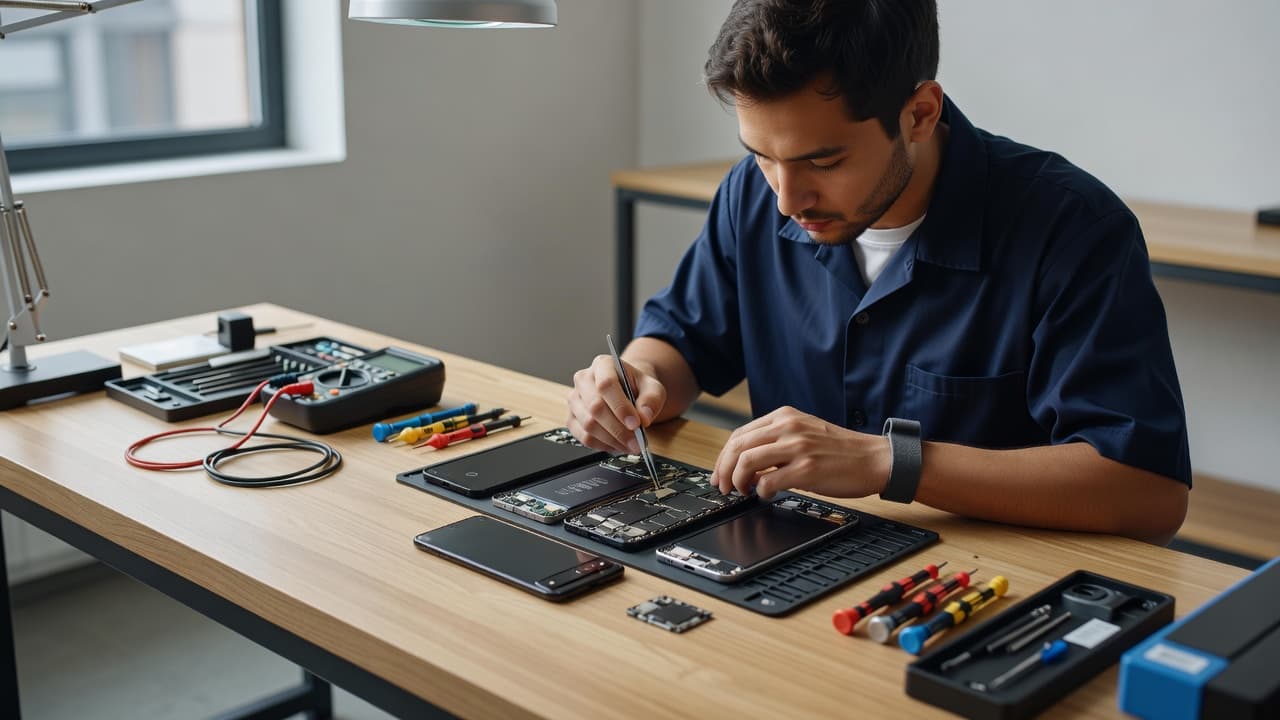
We also look for signs that the fault is wider than the display. A loose charging port, camera that will not focus, weak signal, or a lifted screen can all point to a harder impact than the crack suggests.
A flickering screen that begins straight after a fall is rarely fixed by changing display settings. Settings can alter how the symptom looks, but they cannot repair damaged pixels or a stressed connector.
There is one exception worth knowing about. Google has an Extended Repair Program for certain Pixel 8 display faults. That programme relates to eligible display issues rather than accidental impact damage, so a visible drop mark or cracked panel may affect coverage.
Safe Checks Before Booking a Repair
First, remove the case and inspect the handset in good light. Look for a lifted corner, split seam, cracked rear glass, or a frame that rocks on a flat table. Do not try to straighten it with your hands, clamps, or a vice. That can break the display fully or put pressure on the battery.
Next, restart the phone once. If the flicker disappears and never returns, it may have been a temporary software hiccup. However, a flicker that returns when the screen wakes, brightness changes, or the phone moves needs proper inspection.
Take these steps while the Pixel still works:
- Back up important data. Save photos, messages, authenticator codes, and work files to Google One, a computer, or another secure backup.
- Keep it dry. A cracked or lifting screen weakens the seals that help keep moisture out.
- Stop pressing on the damaged area. Repeated pressure can spread OLED damage across the display.
- Power it down if the screen lifts or the battery looks swollen. Do not charge a phone with a bulging battery or badly separated screen.
- Note every symptom. Tell the repairer whether touch works, the phone charges normally, and whether the flicker began immediately after the drop.
If you want a broader overview before deciding, our phone screen repair guide covers the difference between a cosmetic crack and a screen fault that needs professional help.
The Fault May Be the Screen, Frame, or Battery
A screen replacement is the usual answer when the display flashes but the Pixel still powers on, charges, and responds to touch. The whole display assembly normally needs replacing, rather than only the outer glass.
Still, we never assume the screen is the only issue. A corner impact can distort the frame slightly. That small change can stop a new screen sitting properly and may cause future pressure marks. In that situation, the housing needs assessment alongside the display.
Battery damage is less common, but it matters more. If the back lifts, the screen separates from the frame, or the phone gets unusually hot, stop using it. A swollen battery needs attention before any display work.
We had a Pixel 7 arrive from Essex after it slipped from a kitchen worktop onto tiled flooring. The glass had no dramatic break, but one lower corner sat proud of the frame. The owner first noticed poor microphone performance, not the physical damage. Testing found impact-related trouble around the internal connection, which is why we check calls, charging, cameras and buttons as well as the screen after a fall.
That same careful approach applies across the workshop. A cracked iPhone screen repair is often straightforward when the frame is true and the handset has one clear fault. However, a phone with a bent housing, weak battery and charge problems needs a wider quote.
What Pixel Screen Repair Can Cost in the UK
Pixel display costs vary by model, screen type, stock availability, and whether the frame has suffered damage. Older handsets are often less expensive to repair, while Pro models and foldables use costlier assemblies.
The following figures are realistic guide ranges for UK independent repairs. We confirm the exact work and cost only after checking the handset.
| Pixel model | Typical display repair range | Factors that can increase the quote |
|---|---|---|
| Pixel 6a | £55 to £100 | Frame damage or a poor-quality previous repair |
| Pixel 7 | £70 to £295 | Panel quality and whether the OLED is fully damaged |
| Pixel 8 Pro | £139 to £299 | Curved display assembly and stock availability |
| Pixel 9 Pro | £229 to £350 | Premium OLED part and supply costs |
| Pixel Fold models | £220 to £1,000+ | Inner folding display damage |
Published UK Pixel screen repair prices show why an exact model number matters. Two phones that look similar can use entirely different display assemblies. If you already know your model, our Google Phone Repairs page lets you select it directly for a live price.
A low quote is not always the cheapest repair. Ask what quality of screen is being fitted, whether adhesive and testing are included, and what warranty applies. At Repair My Crack, screen cover can vary with the part supplied, while batteries and most other repair components have 12-month warranty cover under our terms.
Independent repair can also affect a manufacturer’s warranty. If preserving manufacturer-only cover is your priority, check Google’s repair route first. Accidental damage is not normally covered by the standard manufacturer warranty, though.
Repair or Replace? Use the Whole Phone as the Test
A recent Pixel with a healthy battery, working cameras and one damaged screen is usually worth repairing. You keep your photos, apps, banking set-up, and the phone you already know. Replacing a display is also less wasteful than binning a handset that otherwise works well.
Replacement becomes more sensible if the phone has several major problems at once. Heavy corrosion, a creased frame, motherboard damage, a swollen battery, and a broken display can create a bill that no longer makes sense.
We use the same practical judgement for all devices. Someone needing iPhone screen repair in the UK may also have a tired battery, while an iPhone battery replacement in the UK can be good value if the display and frame remain healthy. Samsung phone repair in the UK follows the same rule, repair the single clear fault, but pause when several expensive problems stack up.
For everyday mobile phone repair in the UK, we would rather give you a straight answer than fit a new part to a phone with deeper damage waiting behind it.
Postal Repairs and Local Help in Essex
If you are near Harlow, our appointment-based phone repair in Essex gives us the chance to assess impact damage in person. For customers elsewhere, postal phone repair in the UK is often the easier route.
Book the repair online, pack the phone securely, include the order number, and remove the SIM card and accessories. We recommend sending any needed passcode only when requested, and backing up beforehand wherever possible. Devices travel through tracked Royal Mail postage, and we aim to start inspection as soon as the handset arrives.
If testing finds a fault beyond the screen, we contact you before chargeable work goes ahead. A no-fault-found inspection fee may apply under our standard charges, but guessing at a repair helps nobody.
Final Thoughts
Google Pixel screen flickering after a drop is usually a warning that the display or its connection has taken damage. A quick restart is worth trying, but persistent flashing, lines, green colour, or touch issues need more than a settings change.
Back up the phone, keep pressure and moisture away from the damaged area, and get the whole handset checked if the frame or battery looks affected. A clear diagnosis gives you the best chance of a repair that lasts, rather than a temporary fix that creates another problem later.
If your Pixel is flickering now, you can book a repair online and send it to us securely. We will check what has actually been damaged and explain the sensible options before work begins.
- James Waterston, Device Repair Specialist at Repair My Crack