
Your Pixel falls into a sink, a puddle, or the loo, and the panic starts straight away. With Google Pixel water damage, the first few minutes matter far more than any late-night forum hunt.
The short answer is simple. Turn it off, keep it off, dry the outside, remove the case and SIM, and don’t charge it. Then give it time to dry and get it checked if anything looks off.
At Repair My Crack, we see this in Essex and through our UK post-in jobs all the time. A wet phone isn’t always dead, but the wrong next step can finish it off.
The first steps after Google Pixel water damage
If your phone has only just got wet, stay calm and do these in order:
- Power it off straight away.
If it’s still on, switch it off. If it’s already off, leave it off. - Take off the case and remove the SIM tray.
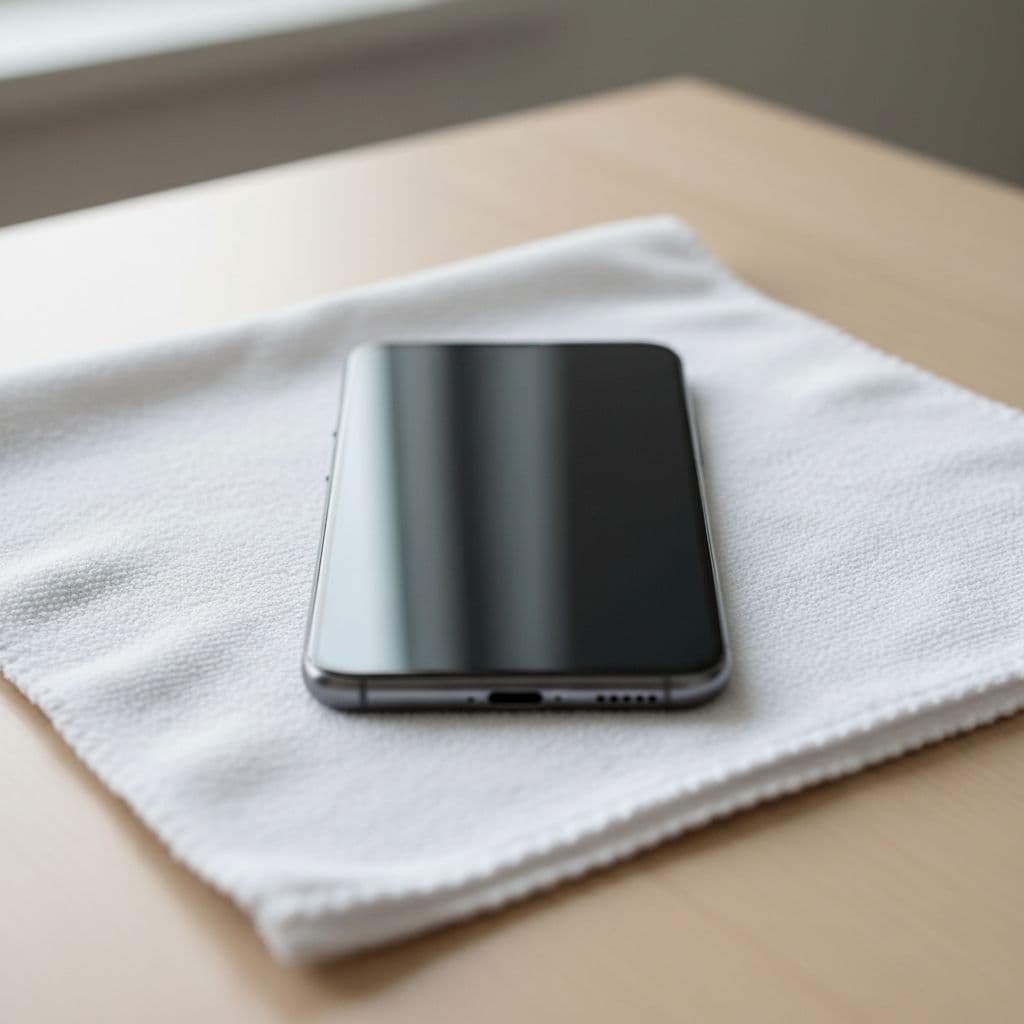
Water loves getting trapped around the frame and ports. A case can hold moisture in place. - Blot the outside with a soft cloth.
Don’t scrub. Gently dry the screen, edges, camera area, speaker holes and charging port. - Hold it with the ports facing down.
A light movement can help any loose water escape. Don’t shake it like mad. - Leave it in a dry room at normal temperature.
Put it on a flat surface with some airflow. Don’t put it on a radiator, in the airing cupboard, or under a hair dryer.
Turn the phone off, keep it off, and don’t plug it in.
That last point matters more than most people realise. Electricity and moisture are a bad mix. A Pixel can survive the water, then die when someone tries to “see if it’s okay” by switching it back on.
Google’s own Pixel water-damage guidance says much the same, and it’s worth noting one detail from them: water resistance drops over time. A phone that handled rain last year might not shrug off a sink full of water today.
The mistakes that make a wet Pixel worse
We still hear the same rescue ideas every week, and a few of them do more harm than good.
Rice isn’t a repair plan. It doesn’t remove moisture from under shields and connectors, where the real trouble starts. It can also leave dust in the charging port. If you want a deeper technical explanation, this Pixel water-damage recovery guide explains why trapped moisture inside the phone is the bigger issue.
Heat is another common mistake. Hair dryers, radiators and ovens can warp seals, weaken adhesive and push moisture deeper into the handset. That’s a bit of a nightmare when the phone might have been recoverable with careful handling.
Charging too soon is the big one. Even if the screen still works, don’t plug it in “for a second”. USB-C pins are close together, and liquid around the port can cause a short. The same goes for wireless charging, which still wakes the phone and encourages power to move through damp parts.
We’d also avoid repeated button pressing. People often keep trying the power button, volume buttons and fingerprint area. That can move water around and give the phone more chances to fail.
If the phone was exposed to rain for a few minutes, you may get lucky. If it took a proper dunking, assume moisture got further in than you think.
What we find on the bench after liquid damage
A lot of water-damaged Pixels look fine at first. Then the real symptoms show up later. Charging stops. The screen flickers. Cameras mist up. The earpiece sounds muffled. Sometimes the battery drains like mad for no clear reason.
That’s because corrosion doesn’t wait politely. Moisture starts reacting with metal contacts, and that damage can keep spreading after the phone feels dry on the outside.
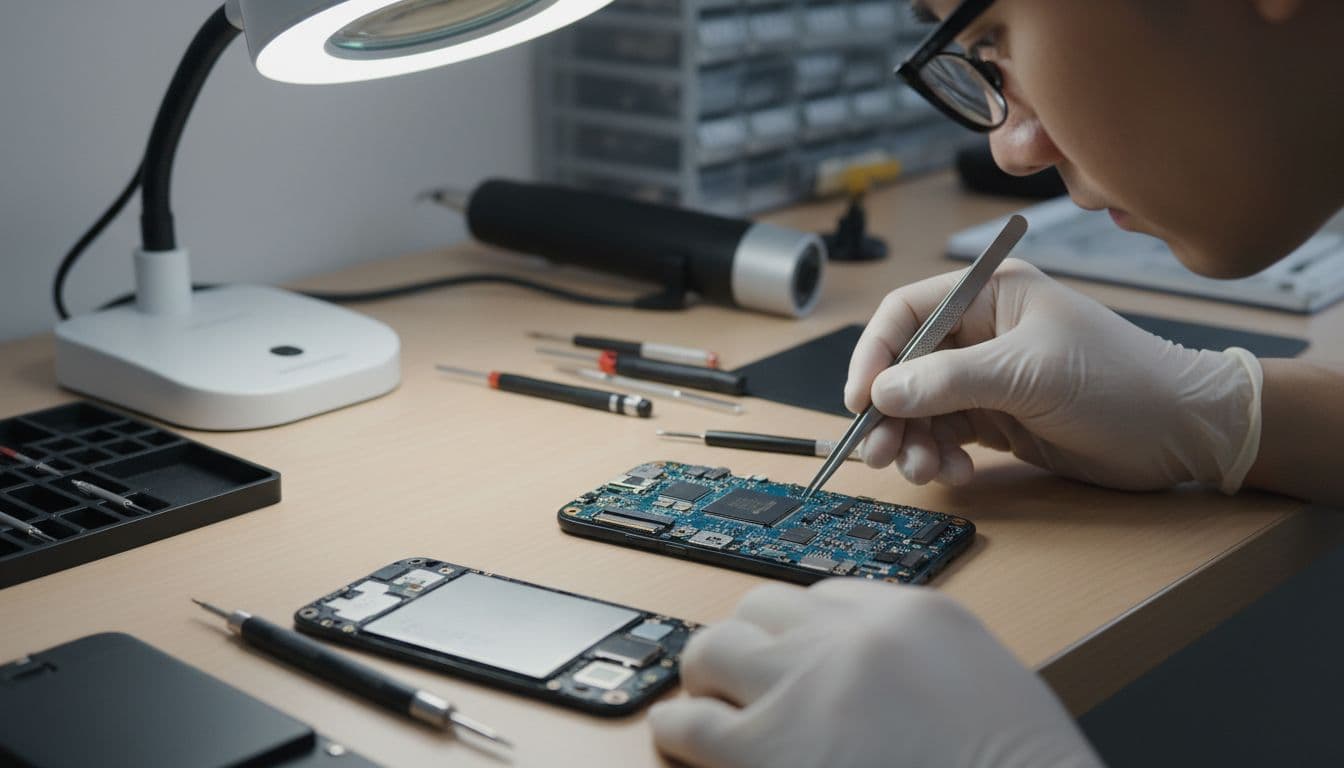
Recently, we had a Pixel 7 in from Essex that had spent only a few seconds in a kitchen sink. The owner did one thing right, they switched it off fast. Still, charging failed the next morning. Once opened, there was moisture around the charging assembly and the early signs of corrosion. After cleaning, testing and replacing the affected charging part, the phone was back up and stable. A few more hours of being switched on might have turned that into a much bigger repair.
Signs your Pixel needs proper inspection
A professional check makes sense if you notice any of these:
- The phone won’t charge, or charging cuts in and out.
- The screen shows lines, dim patches or touch problems.
- Speakers, microphones or cameras stop working properly.
- The phone gets warm when idle.
- There’s fog under the camera lens or screen.
At that point, drying time alone usually isn’t enough. On the bench, we inspect the internals, clean affected areas, test the battery and charging path, and replace failed parts if that’s the sensible fix. We don’t guess. We check what still works and what doesn’t.
Repair options in Essex and across the UK
If you’re local, we offer booked-in repairs in Harlow, which suits anyone searching for phone repair Essex without wanting the faff of a long trip. If you’re further away, our postal phone repair UK service is there for the same reason, quick help without needing a local specialist.
Here’s the simple difference:
| Option | Best for | What happens |
|---|---|---|
| Drop-in by appointment | Essex customers who want a local handover | We book it in, inspect it, and aim to start quickly |
| Postal repair | UK customers outside the area | You book online, pack it securely, and send it tracked |
If you’re posting the phone to us, include your order number and any passcode we need for testing. Use decent padding, send it tracked, and don’t post it switched on. We aim to start work as soon as it arrives, often the same day, and we’ll tell you plainly what we’ve found.
Because liquid damage can affect more than one part, exact pricing depends on the fault. A charging-port issue is one thing. Main-board damage is another. That’s why a proper diagnosis matters before anyone throws numbers around. We also back our work with a warranty on eligible repairs, and our price promise helps if you’ve already had a quote elsewhere.
If you need advice before sending it, you can contact our repair team and we’ll point you in the right direction.
The same rules apply to iPhones and Samsungs
Although this guide is about Pixels, we use the same first-aid advice across most phones. People often come to us after searching for iPhone screen repair UK, iPhone battery replacement UK, cracked iPhone screen repair, Samsung phone repair UK, or broader mobile phone repair UK help.
The faults are different, but the pattern is familiar. A cracked screen usually needs a display replacement. A worn battery needs testing and replacement. Water damage is trickier because the problem can spread after the first splash. That’s why quick action matters more here than it does with a simple glass break.
If you’re dealing with an Apple handset instead, our iPhone water damage repair service explains the process in the same plain language.
Conclusion
When a Google Pixel suffers water damage, speed matters more than luck. Switch it off, dry the outside, leave it alone, and don’t charge it until it’s had proper time to dry or a technician has checked it.
We’ve seen plenty of wet phones come back fine, and we’ve also seen good phones ruined by one extra press of the power button. That’s the bit to remember.
If your Pixel has taken a swim and you’re stuck, book it in and we’ll tell you straight what it’s likely to need, with no drama and no guesswork.