
If your iPad is opening apps on its own, typing gibberish, or swiping without you, that’s iPad ghost touch. In 2026 we’ve seen more of it after iPadOS 26 updates, but drops and poor-quality screens still cause plenty of cases.
The good news is that it isn’t always terminal. Some iPads need a restart. Others need proper screen work. The trick is knowing which one you’ve got.
Why ghost touch is showing up more in 2026
On our bench, we split ghost touch into two camps, software and hardware. Software faults tend to appear after an update with no visible damage. Hardware faults usually follow a drop, liquid, frame bend, or an earlier screen repair.
Reports on post-update iPad Air touch issues match what we’ve seen in the workshop. Other common triggers are damp screens, charger interference, thick protectors, and cheap replacement digitisers.
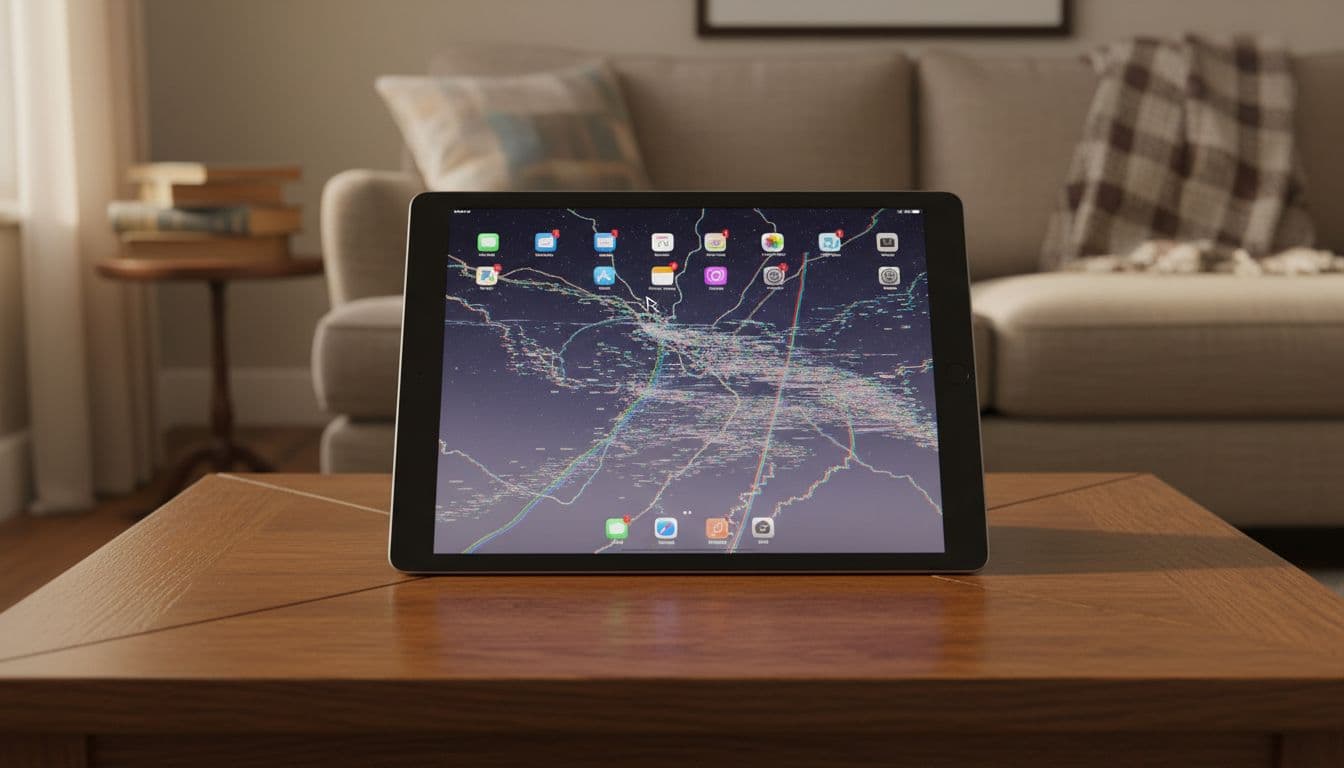
If ghost touch starts after a drop or screen replacement, the screen assembly jumps high on our suspect list.
The checks we do first
We start with the simple stuff, because it often works:
- Back the iPad up if you can, then restart it fully.
- Clean the screen, and remove the case and protector.
- Unplug chargers, hubs, keyboards, and other accessories.
- Check Accessibility settings such as AssistiveTouch, VoiceOver, and Switch Control.
- Install the latest iPadOS build, then test touch in Notes.
If the problem only shows while charging, suspect the cable or plug first. If it started after a new protector, take it off. ESR’s ghost touch tips cover the same basics we give customers, strip the iPad back and test it in a clean state.
When the iPad still types by itself, the pattern matters. Random touches across the whole screen can point to software. A frantic corner, one dead strip, or touch that goes wild when the frame flexes usually points to hardware.
When another reset won’t fix it
Cracks, lifted edges, and even a slight bend can push an iPad from glitchy to unusable. The same goes for ghost touch that keeps returning after a restart.
Last month, we had an iPad Air in from Essex that had been repaired elsewhere. It typed nonsense while sitting untouched on a table. We found the screen fitment was too tight and the digitiser was shorting against the frame. We re-seated it, insulated the contact points, and tested it through several restart cycles. That stopped the ghost touch.
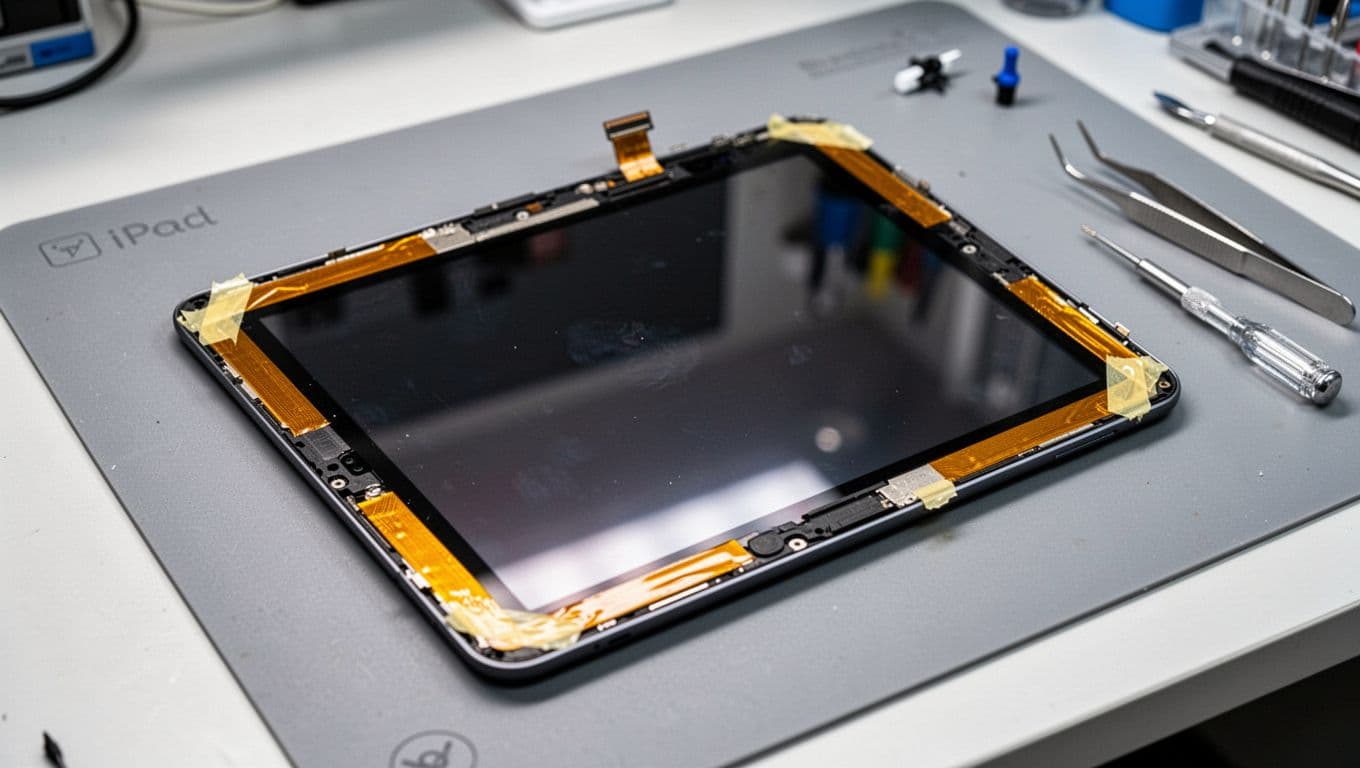
Some techs use thin insulating tape around the digitiser edges to stop contact with the frame. It can help on certain models, but opening an iPad is a brittle, heat-heavy job. It’s easy to crack the glass further.
We also see ghost touch after low-cost repairs. If a weak digitiser has gone in, re-fitting alone may not cure it. In those cases we replace the assembly with a better part and re-test the frame, cable seating, and touch accuracy before it goes back out.
If the screen itself is failing, replacement is often the cleanest fix. Our iPad screen repair cost UK guide gives a sensible 2026 ballpark, and we back repairs with a 12-month warranty, subject to terms.
Essex repairs, postal repairs, and the other faults we see
Although this post is about iPads, our bench is full of phones too. We handle iPhone screen repair UK jobs, iPhone battery replacement UK bookings, cracked iPhone screen repair work, samsung phone repair UK jobs, and wider mobile phone repair UK faults every week. That includes our phone repair Essex service and a secure postal phone repair UK option if you’re not local.
For ghost touch repairs, we ask customers to book online, pack the iPad well, include the order number, and send it tracked. We aim to start work as soon as it arrives. Once it’s here, we test the screen before and after repair, because a quick swap with no checks is where repeat faults start. We also keep pricing honest with our price promise.
Quick questions we hear a lot
Can an update cause iPad ghost touch on its own?
Yes, sometimes. We’ve seen it after iPadOS 26, especially where there’s no crack or impact history.
Can a case or protector cause it?
Yes, it can. Too much pressure around an edge, or a badly fitted protector, can trigger odd touches.
Will it go away if we ignore it?
Usually not. False taps often get worse, and they can lock you out with wrong passcodes.
Is it worth fixing an older iPad?
Often, yes. If the battery is sound and the iPad still does what you need, a repair is usually cheaper than replacing it.
An iPad that moves on its own feels haunted, but it usually isn’t. iPad ghost touch is normally a software glitch or a screen fault, and both can be diagnosed properly.
If yours is playing up, we can check it, quote it clearly, and get it sorted with minimum fuss. Book online, drop it into Essex, or send it in by post and we’ll do the rest.
James Waterston, Device Repair Specialist at Repair My Crack