
Seeing an iphone battery message pop up on your screen is enough to make anyone wince. It sounds serious, but in most cases it does not mean your iPhone is unsafe or about to die on the spot.
In 2026, this warning usually means Apple cannot verify the battery fitted inside the phone. We see it after third-party repairs, second-hand purchases, and the odd bargain fix that looked cheap for a reason. The trick is working out whether you only have a parts warning, or a battery that genuinely needs replacing.
What the iPhone important battery message actually means
On newer iPhones, the alert often reads something like “Unable to verify this iPhone has a genuine Apple battery”. In some cases, it also shows as an “Unknown Part” warning. Apple treats this as a parts verification issue, not a simple battery age warning.
For many models, the message sits on the lock screen for about four days. After that, it moves into Settings for roughly another 15 days. During that time, the phone may hide battery health details such as maximum capacity and cycle count. Apple explains the wider battery health system in its UK battery usage and health guide.
The warning is about verification, not normal battery wear.
That matters, because plenty of people assume the message means the battery is dangerous. Usually, it doesn’t. If the phone charges, holds power, and stays cool, the warning alone does not mean performance or safety has dropped. It only tells you Apple cannot confirm the part in the usual way.
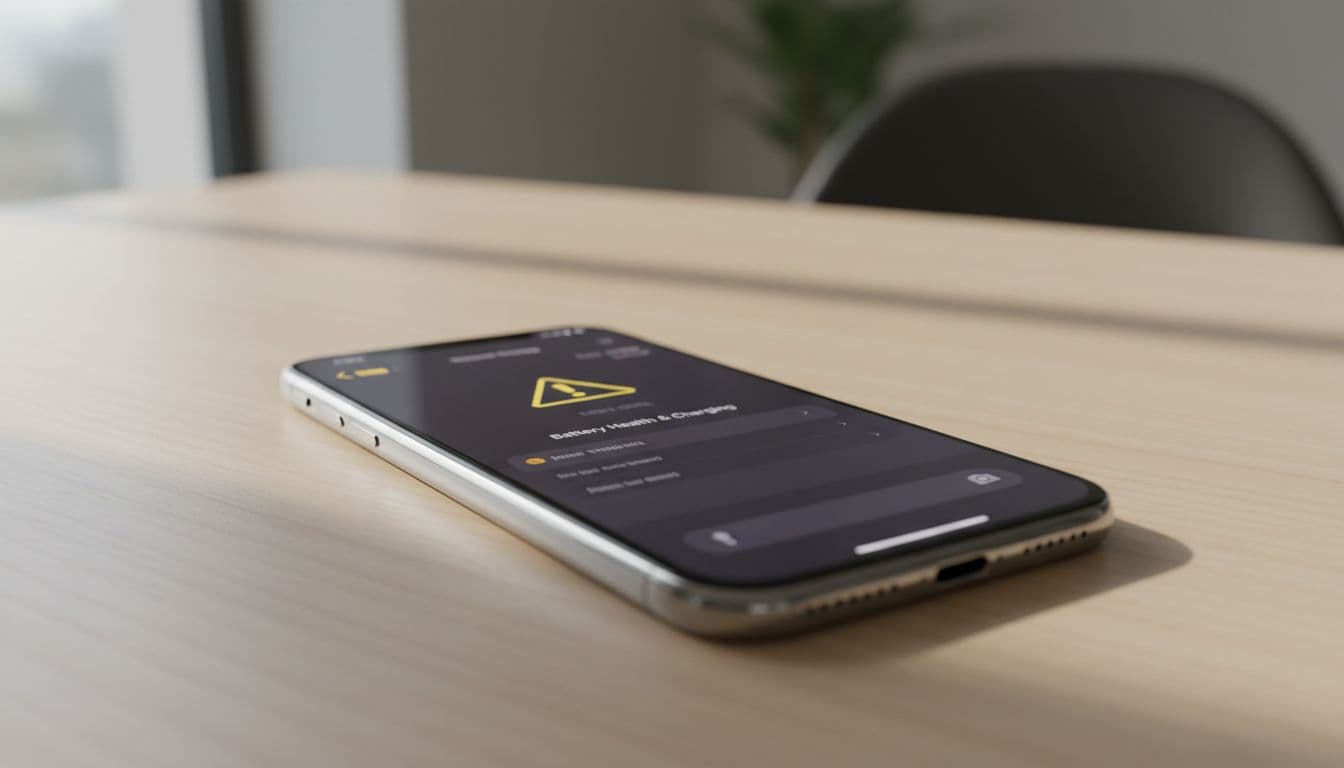
You can also check Parts and Service History in Settings, under General, then About, on iPhone XR and newer. That section often gives the clearest clue about what has been fitted and when.
How we tell a warning from a worn-out battery
This is where a lot of confusion starts. A phone can show the iphone battery message and still work fine. On the other hand, it can show the message and have a poor-quality battery fitted, which is a different headache.
When we assess a device, we start with four simple checks:
- We look for real symptoms, such as rapid drain, random shutdowns, overheating, or a swollen screen.
- We check whether Battery Health is visible, and whether maximum capacity is below 80%.
- We review Parts and Service History for any battery or display notes.
- We make sure a recent iOS update has not muddied the waters with temporary post-update drain.
Apple’s battery tools in iOS 26 have become a bit more useful, and 9to5Mac’s report on the new battery features gives a decent snapshot of that change. Even so, software clues only tell part of the story. Bench testing still matters.
If your iPhone drains fast, switches off at 20%, or struggles through half a day, then an iPhone battery replacement UK search is probably taking you in the right direction. If you are local, our phone battery replacement Essex service is designed for exactly that sort of fault.
What we see in the workshop most often
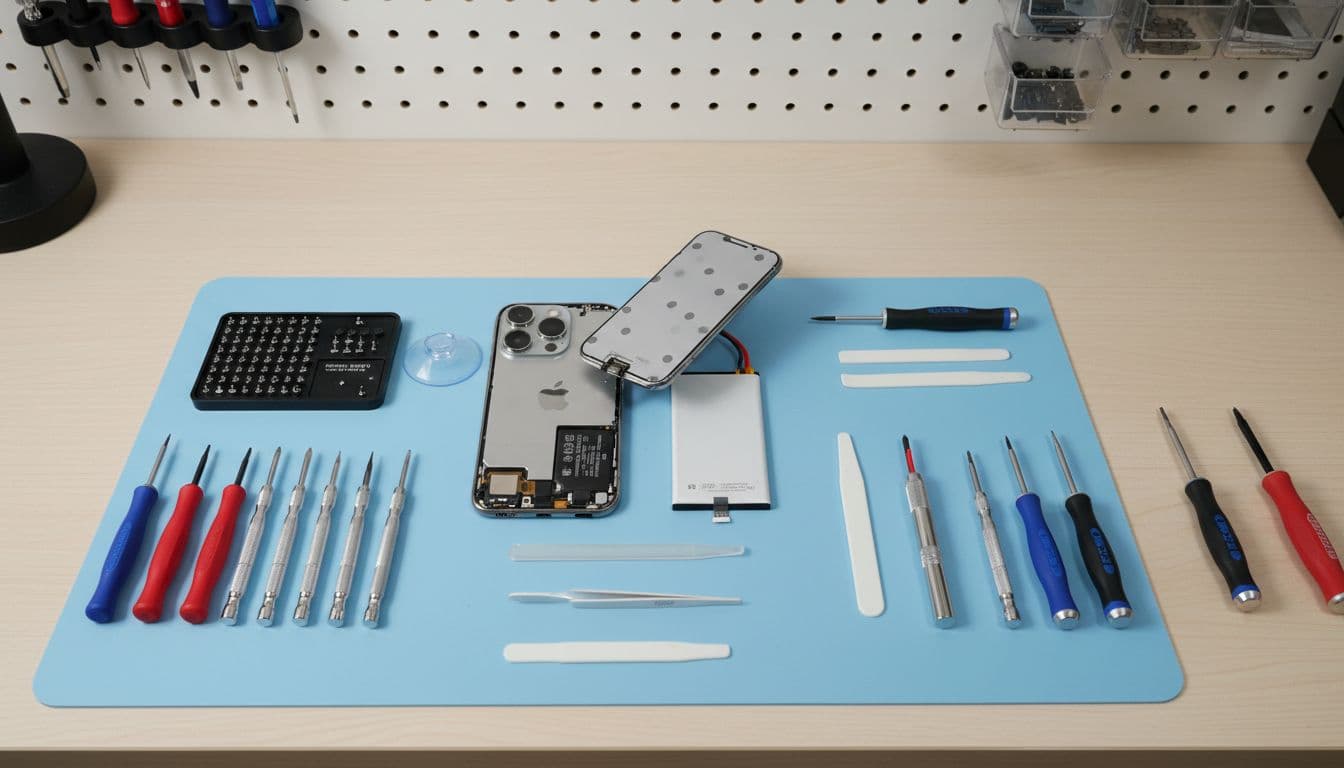
A common real-world example came in from Essex not long ago. The customer had an iPhone 13 with the important battery message, poor battery life, and a screen that had started lifting at one edge. On opening it up, we found a previously fitted battery that was not verified, plus poor adhesive and early swelling. That phone needed a proper battery swap, careful resealing, and full testing before it was safe to send back out.
That sort of repair often overlaps with cracked iPhone screen repair too. A hard drop can damage more than the glass. We regularly see phones booked in for iPhone screen and battery repairs Essex after an impact has weakened the screen, battery adhesive, or internal connectors.
People often arrive after searching iphone screen repair UK, mobile phone repair UK, or phone repair Essex, because the fault is not always obvious at first glance. Meanwhile, Samsung owners ask similar questions when comparing samsung phone repair UK options, although this exact battery verification message is an Apple-specific issue.
The bottom line is simple. If the warning is the only problem, you may choose to live with it. If the phone also runs badly, gets hot, or shows physical swelling, then repair stops being optional.
Best repair route in the UK, and what it usually costs
Here’s the short version before spending money.
| Repair route | Best for | Rough UK battery cost |
|---|---|---|
| Apple or authorised repair | Removing the warning and restoring official battery health data | About £69 to £99, model dependent |
| Trusted independent repair | Lower cost, quick turnaround, older devices, honest diagnosis | About £40 to £80, model dependent |
| Postal repair service | UK-wide convenience if you cannot visit in person | Similar to walk-in pricing, quote confirmed first |
If your main goal is removing the message completely, Apple or an authorised provider is the safest bet. That is because the battery needs to be properly verified within Apple’s system. If your main goal is getting the phone working well again for less money, an independent repair can still make good sense, but the message may remain.
For customers outside Essex, our postal phone repair UK guide explains how we handle tracked mail-in jobs. We aim to start repairs quickly once the device arrives, and we’ll always tell you upfront what to expect. That includes whether the alert is likely to stay.
Quick questions we hear every week
Is it safe to keep using the phone?
Usually yes, unless the battery is swelling, overheating, or the screen is lifting.
Will a new battery always remove the message?
No. A battery can be fitted properly and still trigger the warning if Apple cannot verify it.
Should we repair or replace the whole phone?
If the handset is otherwise solid, repair is often far cheaper than buying a new one. It also saves the faff of moving everything across.
That scary-looking iphone battery message is often more bark than bite. What matters is the phone’s real behaviour, not the wording alone.
If your iPhone is draining fast, shutting down, or showing signs of battery damage, book a repair and let us check it properly. Whether you need local help in Harlow or a postal phone repair UK service, we’ll get it sorted as quickly as we can, with our price promise and warranty-backed repairs.
James Waterston, Device Repair Specialist at Repair My Crack