
Dropped your iPhone and now the camera won’t settle, it keeps hunting for focus like it’s got a mind of its own? That constant iPhone camera refocusing (people call it “pumping”) is one of the most common post-drop complaints I see at Repair My Crack.
Here’s the straight answer: if it started right after a drop, it’s often hardware-related, usually the camera’s stabiliser or focus assembly has been knocked out of line. That said, there are a few quick checks you can do first, because sometimes it’s something simple like a smudged lens, a case pressing on the camera, or a setting that’s confusing the phone.
Let’s get you from “why is it doing that?” to “sorted”, without wasting your time.
What “pumping” focus usually means after a drop
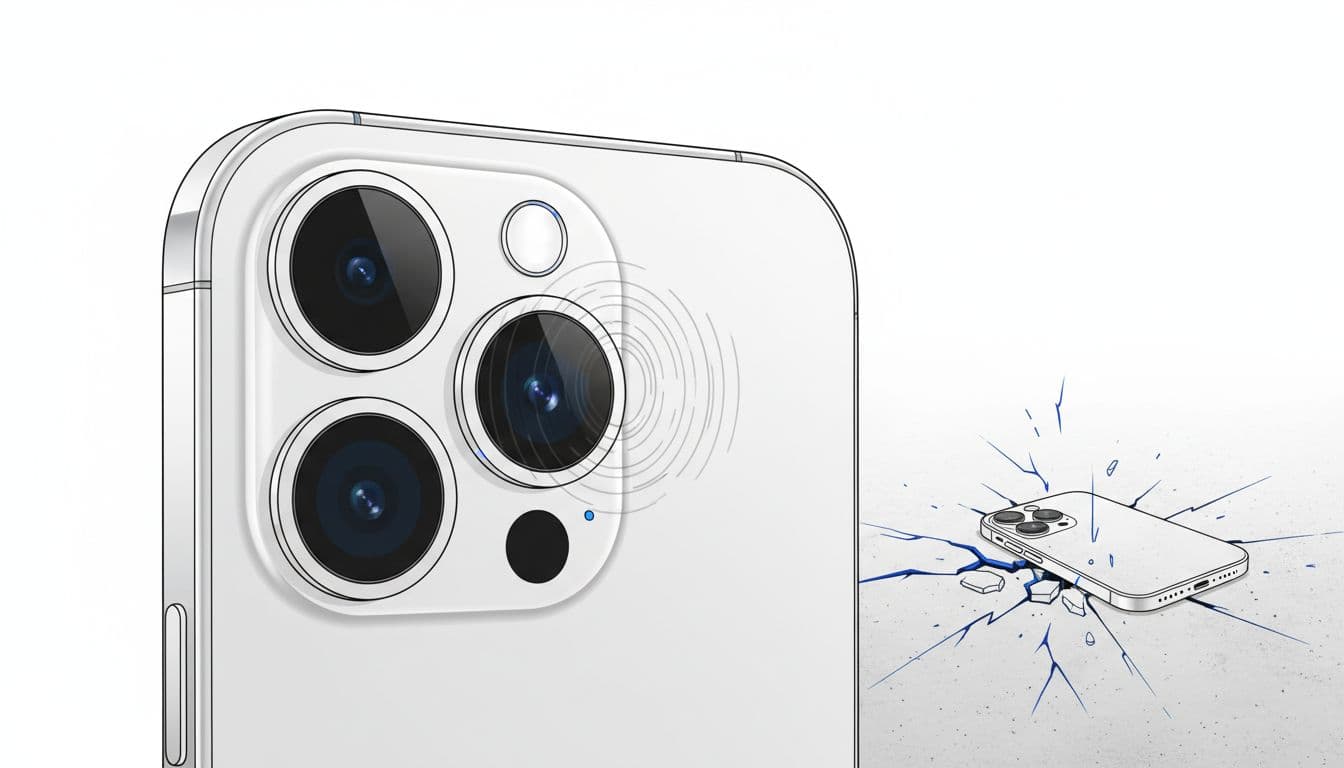
Inside your iPhone camera, there are tiny moving parts that do two jobs: autofocus (getting the subject sharp) and optical image stabilisation (OIS) (steadying the image so your hands don’t ruin the shot). Think of it like a miniature, floating lens on springs and magnets. A hard drop can shift that assembly by a hair, and that’s enough for the phone to keep “trying” to correct itself.
When the stabiliser is damaged, you’ll often notice one or more of these:
- The image pulses in and out of focus, even in good light.
- Video looks shaky or “wobbly”, even when your hands are steady.
- You hear a faint clicking, buzzing, or a rattle near the camera area.
- It’s fine on one zoom level, but unusable on another (for example 1x is bad, 0.5x is fine).
It isn’t always the stabiliser though. After a drop, I sometimes see camera issues caused by internal connection problems on the logic board. In plain terms, the phone flexes on impact, and tiny solder joints can crack, so the camera keeps losing a clean signal. If you want a good general troubleshooting overview for blur and focus problems, iFixit’s guide is a sensible starting point: iFixit iPhone blurry camera troubleshooting.
The good news is you can rule out the easy stuff quickly.
Quick checks for iPhone camera refocusing (the 5-minute test)
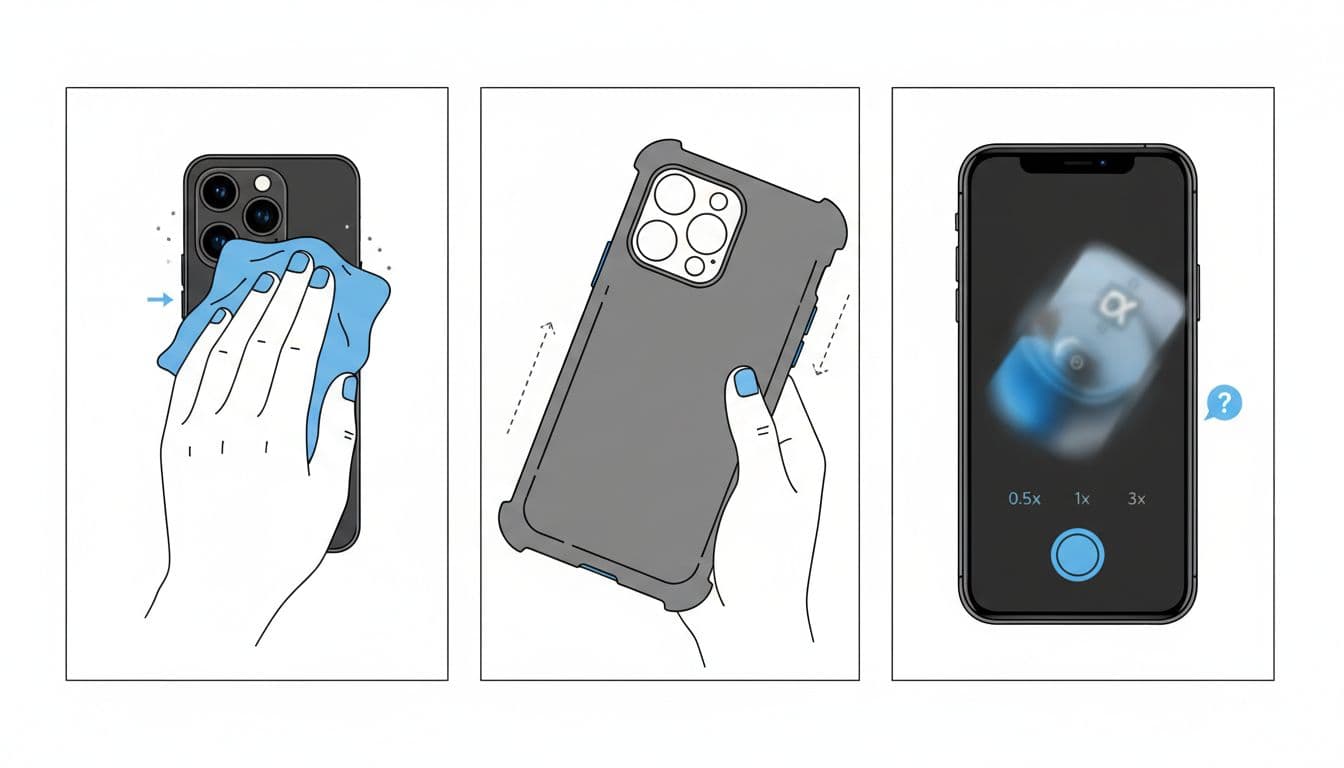
Before you assume the worst, do these in order. It’s quick, and it stops you chasing your tail.
- Clean the lens properly
Use a clean microfibre cloth. Don’t use your T-shirt if it’s been living in your pocket with coins. - Remove anything stuck over the camera
Take off the case and any lens protector. I’ve seen protectors slightly misaligned, causing glare and confusing autofocus. - Test each lens using zoom
In the Camera app, try 0.5x, 1x, and 2x or 3x (if your model has it). If the pumping only happens on one zoom, that’s a big clue it’s one camera module. - Tap to focus, then lock focus
Tap your subject, then press and hold until you see AE/AF Lock. If it behaves when locked but goes wild when unlocked, it can point to a stabiliser or sensor issue. - Try bright light and a plain subject
Autofocus hates dark rooms and blank walls. Test near a window on something with detail (a book cover works well). - Restart, then check iOS updates
A normal restart is fine. If you’re behind on updates, install the latest iOS version available for your phone. - Check for case pressure and magsafe mounts
A tight case or a chunky mount can press near the camera. Remove everything and test again.
If you want to see how other owners describe stabiliser symptoms (including older models), this Apple community thread is a familiar story: Apple Support Community discussion on iPhone OIS issues.
If the camera still won’t settle after these checks, it’s time to talk repair.
When the stabiliser needs repair (and what we can check for you)
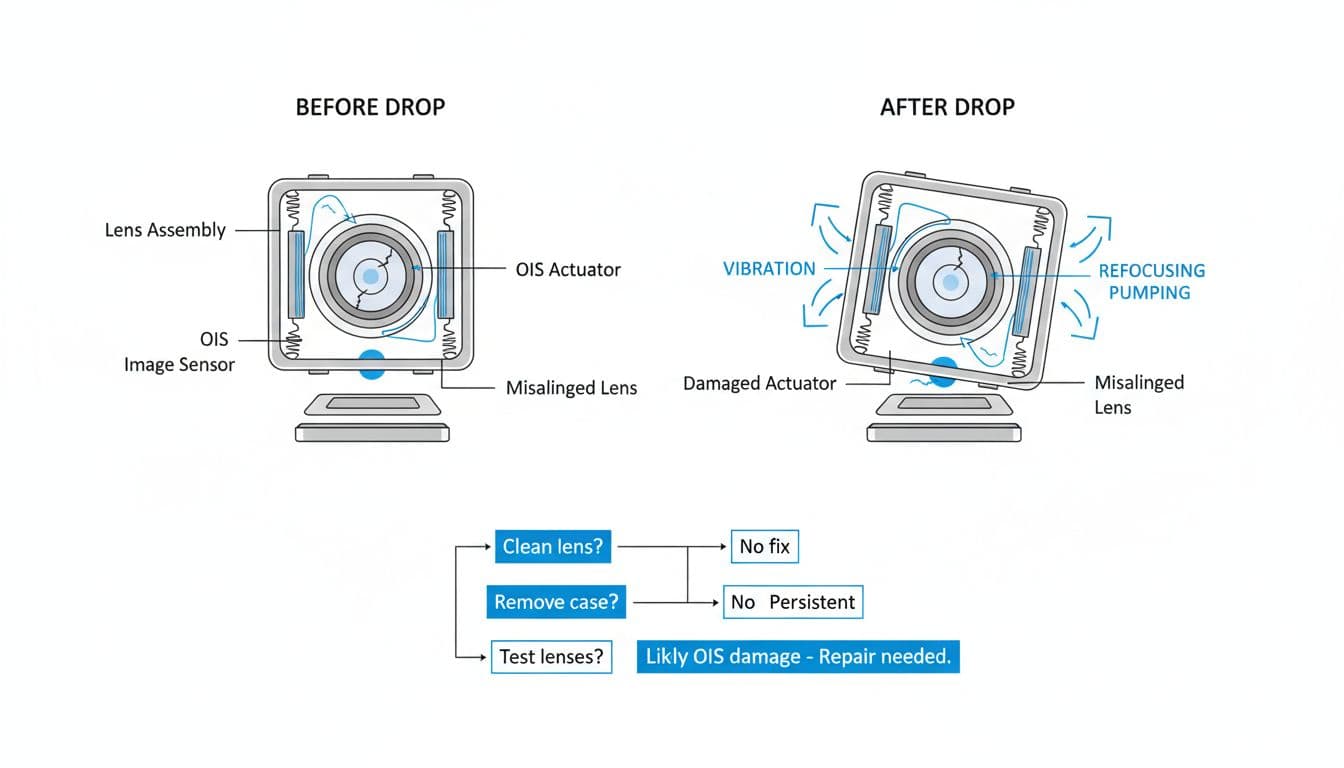
If your iPhone was fine before the drop and now it’s pumping focus, I treat it like a likely camera module fault until proven otherwise. OIS damage is common because it’s designed to move, and impact can knock it off-centre.
Here’s a quick “what it looks like” guide:
| What you’re seeing | Likely cause | Best next step |
|---|---|---|
| Pumping only on 1x | Main camera OIS/autofocus damage | Camera module diagnosis and replacement if needed |
| Shaking and buzzing in video | Stabiliser (OIS) struggling | Stop using it for filming, book a repair |
| Still blurry after cleaning and resets | Hardware or internal connection issue | Proper inspection and testing |
| Front camera is fine | Rear module or rear connection | Rear camera fault-finding |
As of January 2026, most modern iPhones use multi-camera setups, which is handy for diagnosis because we can isolate which lens is misbehaving. If a camera replacement doesn’t fix it, board-level work may be needed, that’s specialist micro-soldering rather than a normal parts swap.
And just to be real, drops rarely damage only one thing. If you also need iPhone screen replacement, want to fix cracked iPhone screen, or you’re asking “is it worth repairing a cracked iPhone screen?”, we’ll give you an honest answer and a quote. People also ask about iPhone screen replacement cost UK and Samsung screen replacement cost UK, and it varies by model, but we’ll always explain your options, including alternatives to Apple Store screen repair UK.
We cover mobile phone repairs Essex, including phone screen repair Essex, iPhone repair Essex, and iPhone screen repair Essex, plus Samsung Phone repair, Samsung Repairs, Samsung phone repair Essex, and Samsung screen repair Essex. We also handle iPhone repairs like iPhone battery replacement, phone battery replacement UK, and iPhone battery replacement Essex, along with broken charging port repair and phone not charging repair. If it’s gone for a swim, we can help with water damaged phone repair UK diagnostics too.
If you’re not local, we do postal phone repair UK, also known as phone repair by post UK, and we aim to start as soon as your device arrives. You can book online at Repair My Crack, pack the phone securely, and include your order number.
A few quick FAQs I hear every week
How long does phone screen repair take UK?
Most screen jobs are same-day once the device is with us, parts depending, but I’ll always set expectations before we start.
Do you offer phone repair with warranty UK?
Yes, we back our work with warranty for peace of mind. If you see ads for lifetime warranty phone repairs, read the terms carefully because it often has limits.
Are you affordable?
We keep pricing sensible, and our price promise helps. Plenty of customers find us by searching affordable phone repairs UK, or even “Repair My Crack phone repair” and “Repair My Crack reviews. best phone repair shop in Essex”.
Do you repair business devices too?
Yes, we help teams who can’t afford downtime: business mobile phone repairs UK. business laptop and tablet repairs. trusted phone repair service UK.
For extra general tips on cleaning and basic checks, Asurion’s walkthrough is also useful: easy steps to fix a blurry iPhone camera.
Conclusion
If your iPhone camera refocusing started right after a drop and the quick checks don’t calm it down, it’s usually a stabiliser or camera module issue, and it won’t fix itself. The sooner you get it checked, the less chance you’ll strain the damaged parts (especially if it’s buzzing or rattling).
If you’re stuck, book online with us and post it in, or pop into our Essex service. We’ll diagnose it properly, explain the options clearly, and get you back to a camera you can trust.
– James Waterston, Device Repair Specialist at Repair My Crack