
Dropped your iPhone and now the camera looks like it has had too much coffee? When an iPhone camera starts shaking after a knock, the cause is usually physical damage inside the camera module.
That sounds grim, but it doesn’t always mean the phone is finished. In our workshop, we see plenty of handsets that only need a rear camera repair, even when the first glance suggests something worse. Once we know whether the fall damaged the stabiliser, the lens, or more than one part, the fix is usually clear.
Why an iPhone camera starts shaking after a drop
Most modern iPhones use optical image stabilisation. In plain English, tiny parts inside the main camera move to keep photos steady. A hard impact can knock those parts out of line. Then the lens hunts for focus, buzzes, or visibly shakes in the camera app.
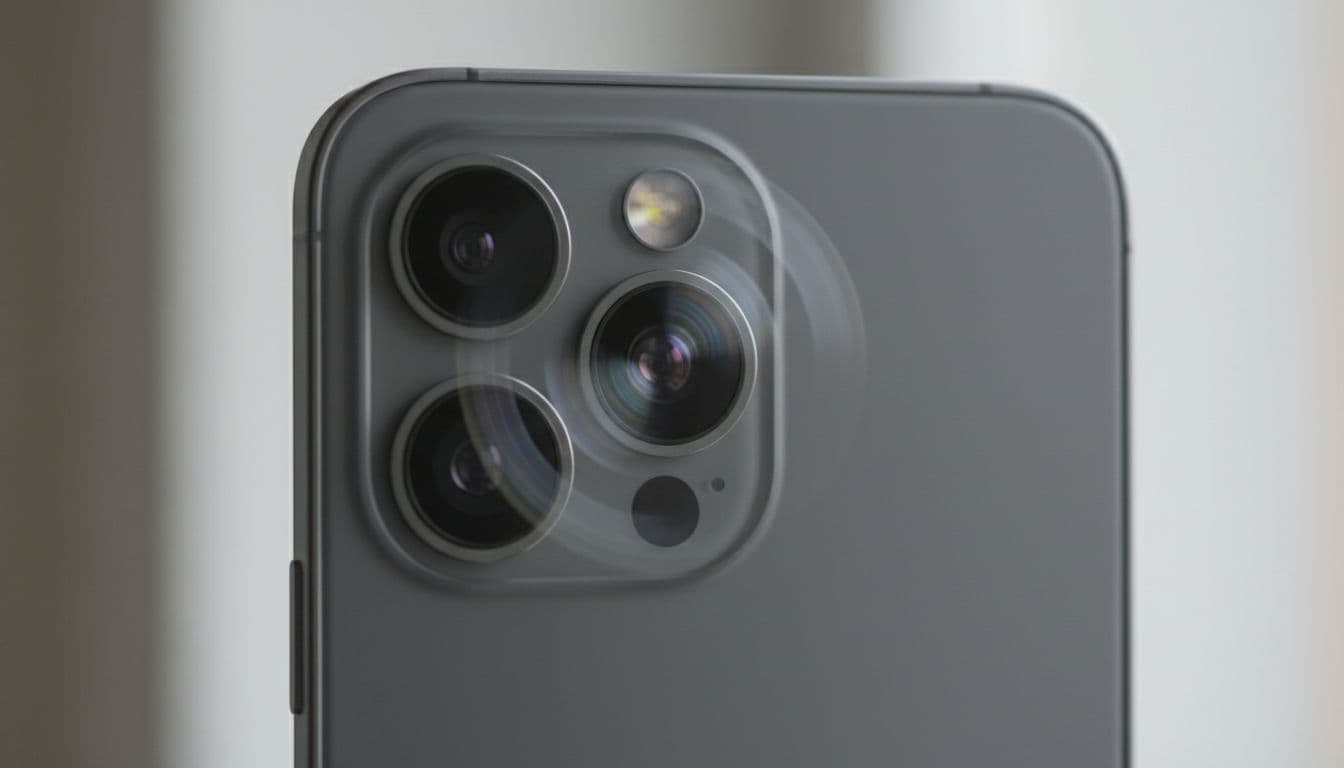
We usually spot the same pattern. The 1x camera goes blurry or wobbly, whilst the ultra-wide camera still works. Video may jitter. Sometimes the phone makes a faint clicking sound. If that sounds familiar, it points to a damaged stabiliser or autofocus unit, not a software bug.
A restart is still worth trying. So is removing a magnetic mount or bulky case. However, if the fault began straight after a drop, software is rarely the main story. If you’d like to compare the symptom, this short video example shows the kind of shake and blur we often see after impact.
If the camera only shakes on one lens after a fall, the hardware is usually the issue.
What to do before the fault gets worse
First, stop testing it every few minutes. Constantly forcing the camera to focus can strain a part that’s already damaged. Take a quick backup, then keep use to a minimum.
These are the first steps we recommend:
- Back up your photos and messages to iCloud or a computer.
- Check whether the shake happens on every rear lens or only one.
- Look for other damage, such as a bent frame or cracked back glass.
- Avoid DIY poking around the camera area, because dust and moisture can creep in.
If the same drop damaged the front glass, say so when you book it in. Many people head straight for a “cracked iphone screen repair” search because the outside damage is obvious. Meanwhile, the hidden camera fault is what wrecks photos, video, and FaceTime.
We hear the same search terms every week. Some customers start with “iphone screen repair UK” because that is what they can see. Others type “iphone battery replacement UK” or “mobile phone repair UK” when the phone has taken a few knocks and seems off in more than one way. Plenty of local people find us after searching “phone repair Essex”, then our testing shows the camera took the main hit.
What we see in the workshop, and how we fix it
Last week, we had an iPhone 13 Pro in from Essex after a kitchen-tile drop. The 1x lens shook badly, portrait mode would not lock, and the phone made a soft buzzing noise. The screen was fine, which threw the customer off. After testing, we replaced the rear camera module, checked focus on all lenses, and the phone was sorted the same day in the workshop.
That kind of repair is common. We also see phones where the frame has twisted slightly. In those cases, a new camera alone might not be enough, because the housing keeps pressure on the module. This is why we prefer to test the handset before quoting. Guesswork wastes time and money.
For local customers, our professional iPhone repair specialists in Essex page gives a clear picture of the faults we handle, from camera trouble to screen and battery issues. The same principle applies across the UK too. Our “postal phone repair UK” option helps people who can’t get to us in person.
It isn’t only iPhones, either. We handle “samsung phone repair UK” jobs with similar symptoms, especially after corner drops. The camera systems differ, but the story is often the same, a hard knock damages parts that are meant to move with precision. A recent iPhone help thread shows how often this happens after a strong impact.
When repair makes sense, and how our postal service works
If the phone still charges, connects, and takes usable photos on at least one lens, repair usually makes sense. Camera faults are often cheaper than replacing the whole handset. It also makes sense if the phone is otherwise in good condition and still suits your day-to-day use.
We see a lot of combined faults. Someone searches for help with an iPhone camera shaking, then finds they also need a screen or battery. That’s still manageable. When needed, we can combine camera work with other repairs, which saves time and avoids sending the phone away twice.
For customers outside Essex, the process is simple. Book online, pack the phone securely, include the order number and any passcode we need for testing, and send it in. We aim to start repairs as soon as it arrives, often the same day. If you want a rough idea of timings, our guide on how long an iPhone repair can take is useful. We also back our work with quality parts, express repairs where possible, a price promise, and a repair warranty for peace of mind.
Conclusion
When an iPhone camera starts shaking after a drop, the fault is usually mechanical. The good news is that it often comes down to a camera repair, not a new phone.
If your photos suddenly wobble, buzz, or refuse to focus, stop stressing the camera and get it checked properly. We can test the full device, whether you need local help in Essex or a “mobile phone repair UK” option by post.
If you’re stuck with it now, book the repair online and send it in. We’ll get it checked and sorted as quickly as we can.
James Waterston, Device Repair Specialist at Repair My Crack