
You’re halfway to work, Maps disappears, the podcast cuts out, and your iPhone drops CarPlay again. It’s a bit of a nightmare, especially when the phone worked fine yesterday.
The good news is that an iPhone CarPlay disconnecting problem is usually fixable. In our workshop, we find the cause is often a tired cable, fluff in the port, a wireless pairing glitch, or the car’s own system getting stuck.
Before you price up a new handset, start with the checks that solve the issue most often.
Why your iPhone keeps dropping CarPlay
Most CarPlay faults sit in one of three places, the cable connection, the wireless handshake, or the car’s head unit. That matters, because the fix changes depending on which one is playing up.
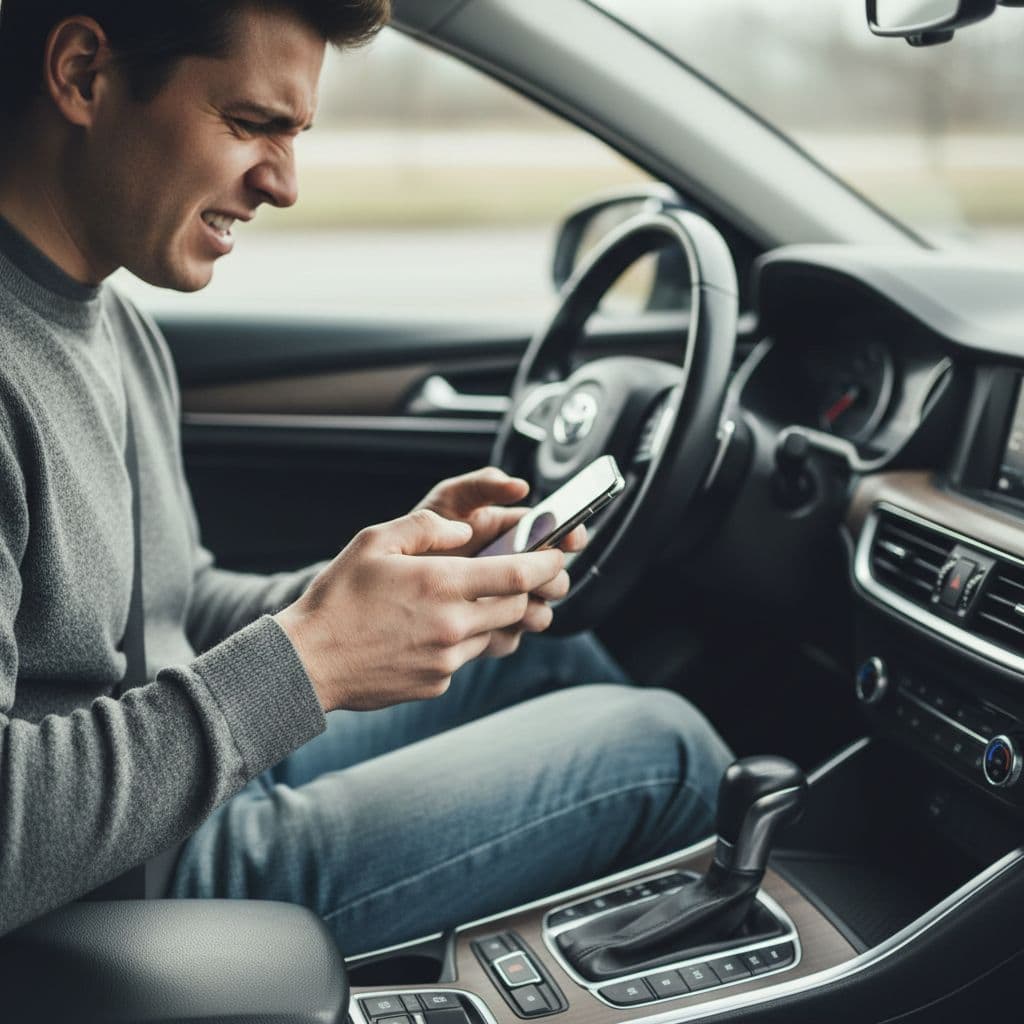
When the drop-outs happen only on wired CarPlay, we look first at the USB data cable and the Lightning or USB-C port. When wireless CarPlay keeps disconnecting, the trouble is often in Bluetooth, Wi-Fi, saved pairing data, or a VPN interfering with the link. If it happens in one car but not another, the iPhone may be fine and the vehicle system may be the weak point.
This quick table helps narrow it down.
| What you notice | Likely cause | Try first |
|---|---|---|
| Wired CarPlay drops when you move the phone | Worn cable or dirty port | Swap the cable, clean the port carefully |
| Wireless CarPlay drops after a minute or two | Pairing or Wi-Fi issue | Delete and re-pair CarPlay |
| It started after an iPhone update | Corrupt saved connection | Restart both devices, then reset network settings |
| It only happens in one vehicle | Car head unit or adapter fault | Reboot the car system, test another phone |
In 2026, we’re also seeing more cases after phone updates and car software changes. That doesn’t always point to a major bug. Quite often, the old pairing data survives badly, and a clean re-pair sorts it.
We see the same mix of faults in Apple Community reports on wireless CarPlay drop-outs. A small but important point, wired and wireless CarPlay fail for different reasons. If a cable fixes it, stop there. If wired stays solid but wireless keeps cutting out, the weak point is often the car’s wireless hardware or an aftermarket adapter.
Fixes that help in 2026, in the right order
When customers ask us where to start, we keep it simple. Work through the basics in order, because random tinkering wastes time and can muddy the fault.
- Delete the saved CarPlay connection on both sides. On the iPhone, go to “Settings > General > CarPlay”, remove the car, then delete the phone from the car’s Bluetooth or CarPlay list. After that, restart the iPhone and pair it again.
- Restart both the phone and the infotainment system. Phones get restarted all the time, cars almost never do. A full reboot of the head unit often clears odd pairing behaviour.
- Check Wi-Fi, Bluetooth and the cable. Wireless CarPlay needs both Wi-Fi and Bluetooth working properly. Wired CarPlay needs a good data cable, not a cheap charge-only one. If your car has more than one USB port, test the other port as well.
- Open the CarPlay settings for your car and make sure “Allow CarPlay While Locked” is on. Then check Screen Time restrictions, because CarPlay can be blocked there without it being obvious.
- Turn off any VPN and test again. We’ve seen VPN apps cause CarPlay to drop because they interfere with the Wi-Fi link used in the background. Some users have also fixed repeated disconnects by turning off Vocal Shortcuts in Accessibility.
- If it still fails, do a network reset on the iPhone. You’ll find it under “Settings > General > Transfer or Reset iPhone > Reset > Reset Network Settings”. This wipes saved Wi-Fi, Bluetooth and mobile network settings, so make sure you know your passwords first.
If wired CarPlay works but wireless doesn’t, look hard at the car’s wireless module or adapter before blaming the phone.
Test after each change with a proper drive, not a 30-second glance on the driveway. Many cars reconnect once, then fail when music, calls and maps all start together. If you use a wireless adapter, remove that from the chain and connect the phone direct to rule it out.
We also saw similar complaints in recent owner reports after a newer iPhone update. That’s why we always re-test after a fresh pair, rather than assuming the handset is faulty.
When it’s more than a settings glitch
If you’ve done the resets and CarPlay still cuts out, we start looking for physical faults. A worn charging port, bent pin, damaged flex, water exposure, or an unstable battery can all make the connection flaky.
A quick job from our Harlow bench
Last week we had an iPhone 12 from Essex that kept dropping wired CarPlay in a Ford. The owner had reset the phone, re-paired the car, and even updated the infotainment software. The real issue was compacted lint in the charging port and a tired third-party cable. We cleaned the port, tested it with a proper data cable, and the connection held steady.
That sort of job is common after a phone has spent months in a pocket or a handbag. Dust packs into the port, the plug no longer seats fully, and the slightest bump breaks the data link. Water exposure can add to the fun as well. A port may still charge, but the data pins can corrode, so CarPlay becomes hit and miss.
A repair check makes sense when you notice any of these signs:
- The phone only charges at a certain angle.
- The cable feels loose in the port.
- The iPhone gets hot and restarts in the car.
- CarPlay drops at the same time charging stops.
If that sounds familiar, our iPhone repair specialists in Essex can test the port, cable and battery properly.
We often hear from people who first searched for “iphone screen repair UK” or “cracked iphone screen repair” after the same drop that damaged the charging area. Others come to us for “iphone battery replacement UK” because poor battery health and heat can sit alongside connection issues. Even though this article is about Apple, we use the same fault-finding logic for customers searching for “samsung phone repair UK” and wider “mobile phone repair UK” help, because cable, port and power faults behave in similar ways.
If the same impact left the screen damaged as well, our UK iPhone screen repair pricing page gives a rough 2026 guide before we inspect the phone.
If you need help in Essex or by post
Some CarPlay faults need hands-on testing. We can check the charging port, try known-good cables, confirm whether the phone is charging properly, and spot wear that doesn’t show up in software menus.
For local customers, “phone repair Essex” searches usually lead to us because we handle these everyday faults in Harlow by appointment. For everyone else, our mail-in phone repair service UK is built for the same job. If you prefer a “postal phone repair UK” option, you can book online, package the phone securely, include your order number and any needed passcode, then send it tracked.
We aim to start work as soon as the device arrives, often the same day. Because we handle express repairs, we try to keep your downtime short. After that, we test before and after the repair, use quality parts, and back our work with a one-year warranty on eligible repairs. Our price promise matters here too, because nobody wants to pay over the odds for a port or battery fault that could be sorted properly.
Most CarPlay cases don’t need major work. Sometimes the fix is a clean port and a proper cable. At other times, the charging assembly or battery needs attention. We’ll tell you which it is, rather than guessing. That’s especially useful if the phone is your work device and you can’t spend another week unplugging and reconnecting it at traffic lights.
Getting your CarPlay stable again
When an iPhone keeps disconnecting from CarPlay, the fastest route is usually the simple one. Re-pair the car, restart both sides, test a proper data cable, switch off the VPN, and reset network settings only if you need to.
If those steps don’t hold, the next suspect is the hardware, not your patience. A loose port, worn cable, weak battery or fussy car head unit can all break the link.
If your phone is still dropping CarPlay, book a repair online or post it in to us. We’ll test it properly, tell you what’s wrong in plain English, and get it sorted as quickly as we can.