
Drop an iPhone once, and the home button can stop responding in a blink. We see it all the time, especially on iPhone 7, 8 and SE models where the impact lands right on the bottom edge.
If it failed straight after the drop, the blunt answer is simple: it is usually a hardware fault, not a random software wobble. A few safe checks are still worth doing first, though, because they can confirm whether you need proper iPhone home button repair or only a temporary workaround.
Why the home button often fails after a fall
The bottom of an iPhone takes more punishment than people expect. The screen, frame, home button assembly and flex cables all sit in a tight space, so one sharp knock can upset several parts at once.
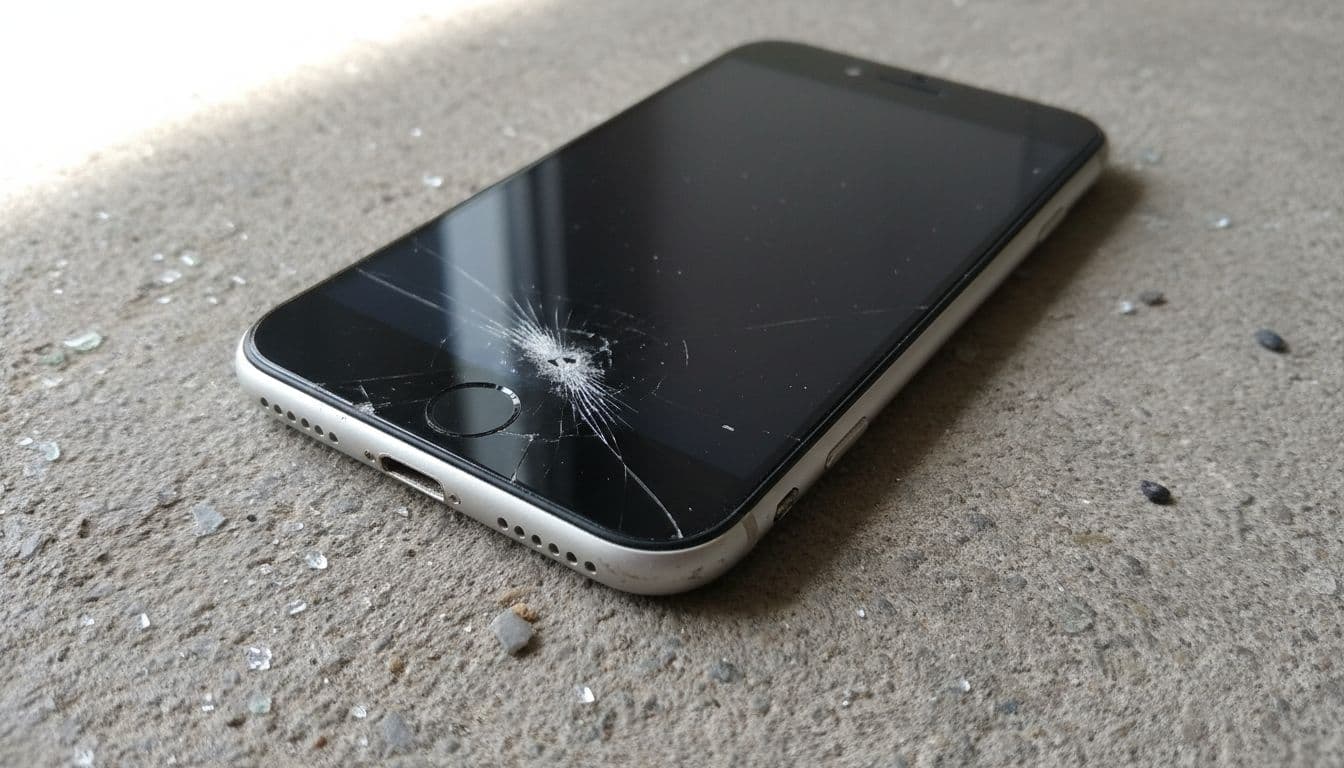
On older models, the button itself can jam or shift. On iPhone 7, 8 and later SE models, the “click” is partly simulated, so a failed button may point to damage in the screen assembly, connector, or the home button cable rather than the button cap alone.
That is why a phone can look mostly fine but still lose home button use. We often find a cracked lower corner, a bent frame, or pressure damage behind the screen. Your thumb is not the problem.
Safe checks before booking iPhone home button repair
Before we open a handset, we always suggest a few low-risk checks. They won’t fix broken hardware, but they can rule out minor issues and help you use the phone in the meantime.
- Remove the case and screen protector, especially if they sit tightly around the button.
- Force restart the iPhone, because a crash can sometimes mimic button failure.
- Turn on AssistiveTouch in Settings > Accessibility > Touch, so you have an on-screen Home button.
- Back up your data and stop pressing the button hard, because extra force can worsen a torn cable.
For a software workaround, Macworld’s guide to a broken Home button is useful. If you want a second opinion on how drop damage shows up, this iFixit thread on drop-related home button faults gives a good picture too.
If Touch ID and button response both vanished right after the fall, we usually treat it as a hardware issue first.
Avoid digging around the button with pins, spraying cleaner into the gap, or trying internet “pressure tricks”. Those bodges often turn a tidy repair into a bigger one.
What we usually find on the repair bench
A recent example came in from Essex with an iPhone 8. The customer had dropped it getting out of the car. The screen only had a small crack near the bottom, but the home button was dead. Once we stripped it down, the impact had damaged the lower screen area and stressed the button connection. We repaired the front assembly, re-fitted the original paired button, then tested Touch ID, charging and speakers before it went back out.
That last part matters. A proper repair is not only about making the button respond. We test the whole handset because the same knock can also lead to charging issues, microphone faults, or hidden frame pressure.
Here is the rough pattern we see most often:
| Symptom | Likely cause | Usual fix |
|---|---|---|
| No response after a drop | Damaged button cable or connector | Internal repair and testing |
| Bottom corner cracked | Screen assembly damage near the button | Screen strip-down, then re-fit original button where possible |
| Button works, Touch ID fails | Original sensor or cable damage | Button use may return, fingerprint often will not |
| Intermittent response | Frame pressure or loose connection | Diagnostic, internal adjustment or part replacement |
One important point, especially on Touch ID models: if the original home button itself is damaged beyond saving, full fingerprint use cannot always be restored by a third-party repair. We can often get normal button function back, but Touch ID depends on the original paired hardware.
Repair options in Essex and across the UK
If you are local, we offer phone repair Essex bookings with a drop-in option in Harlow. If not, our postal phone repair UK guide explains the mail-in process from booking to tracked return. For model-specific work, you can also book an iPhone repair.
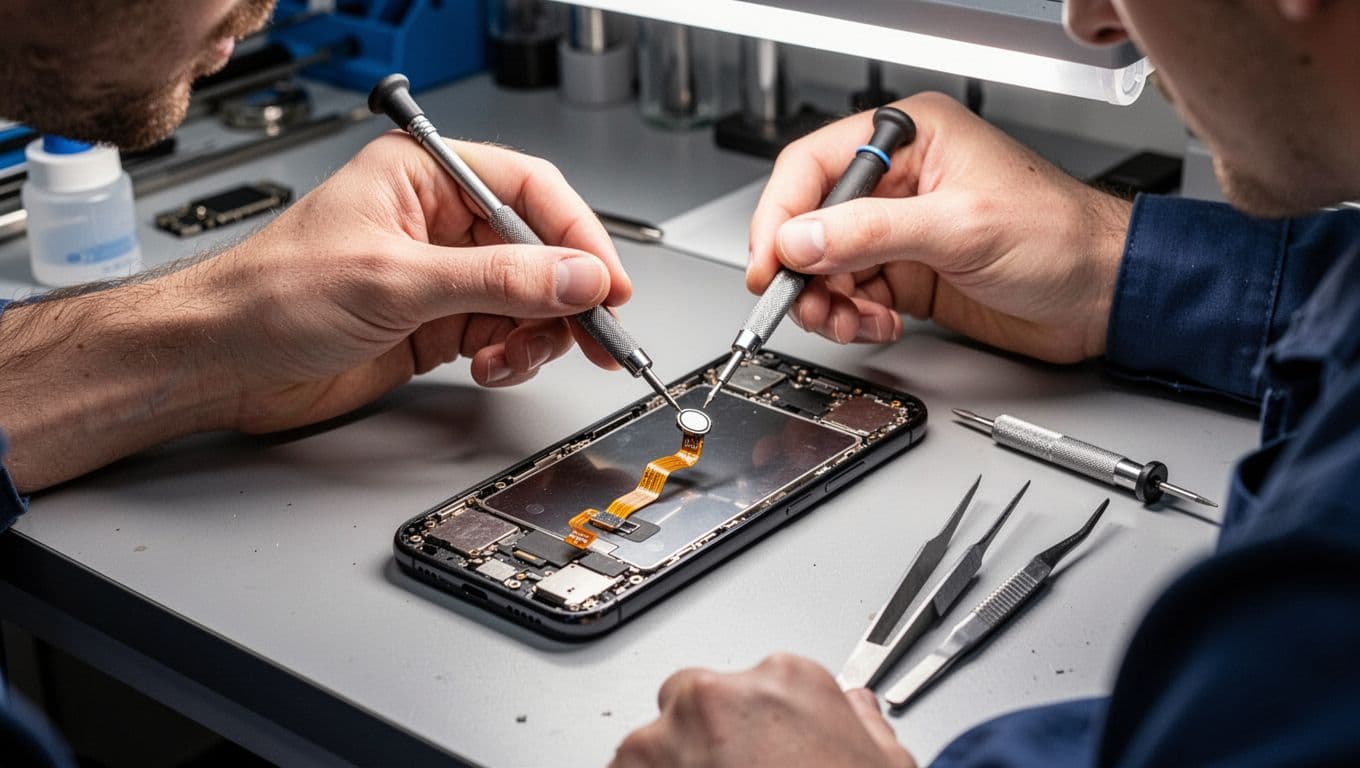
We aim to start repairs quickly once the device arrives. For post-in jobs, we ask customers to book online, pack the phone well, include the order number, and give any passcode needed for testing. That keeps the whole mobile phone repair UK process smooth and avoids guesswork.
Quite often, a single drop creates more than one fault. We regularly combine home button work with iPhone screen repair UK jobs, cracked iPhone screen repair, or an iPhone battery replacement UK if the battery was already struggling. We also handle Samsung impact faults, and plenty of samsung phone repair UK cases start with the same story, a hard knock on the lower edge.
What it usually costs in the UK, and when it’s worth it
Prices depend on the model and the exact damage. As a rough guide, third-party home button repairs in the UK often sit between £50 and £150. Official routes can be higher, sometimes £100 to £250, especially if Apple or an authorised provider treats it as a wider assembly repair.
The key is diagnosis. If the phone only needs button work, repair usually makes sense. If the frame is bent, the board is damaged, and the screen is smashed too, the maths can change.
We are honest about that in the workshop. Sometimes a repair is the sensible move. Other times, keeping AssistiveTouch on for a week while you decide is the less painful option.
A dropped iPhone with a dead button is rarely a mystery. Most of the time, something physical moved, cracked, or tore, and the fix is a proper bench repair, not endless restarts.
If you are stuck with it now, we can help with iPhone home button repair in Essex or by post across the UK. Book online, send it in securely, and we will aim to get it sorted as quickly as we can.
James Waterston, Device Repair Specialist at Repair My Crack