
Nothing ruins your day like your iPhone suddenly flashing iPhone temperature warning and refusing to work properly. You’re trying to pay for a coffee, grab a train ticket, or take a photo, and your phone decides it needs a lie down.
Here’s the straight answer: most of the time, the “Temperature, iPhone Needs to Cool Down” message is a normal safety feature. Cool it down the right way and you’re sorted. If it keeps happening at room temperature, that’s when I start thinking iPhone battery replacement or a logic board fault.
I’m James Waterston at Repair My Crack, and below are the quick checks I run through at the counter (and what I look for when it’s more serious).
Quick checks when the iPhone temperature warning appears
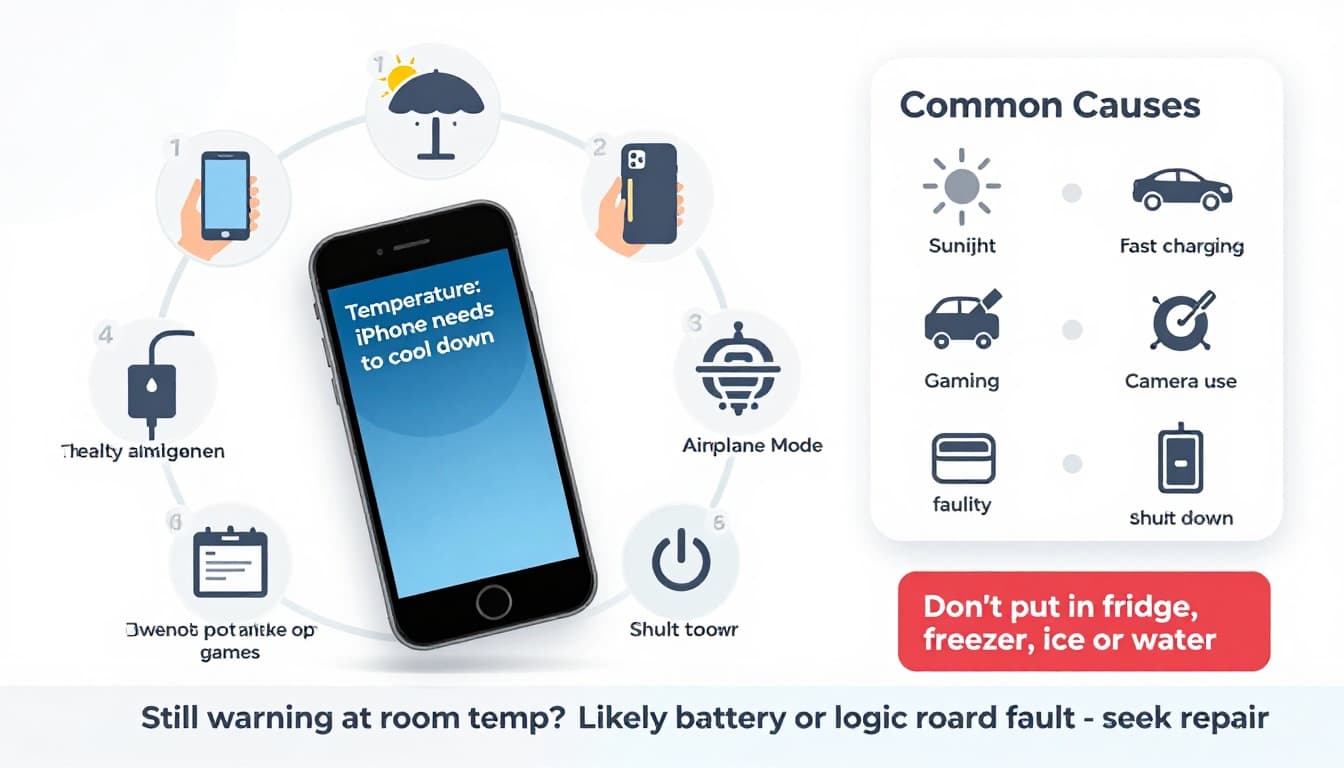
First, don’t panic. iPhones are designed to protect themselves. Apple states the normal operating range is 0º to 35ºC, and outside that range you can see warnings and performance limits (details are on Apple’s guidance on iPhone operating temperatures).
When the warning appears, do this in order:
- Stop what you’re doing and lock the screen. Heavy apps keep the heat going.
- Unplug charging straight away. This includes MagSafe and car chargers.
- Move it to shade and room temperature. A cooler room beats a cold window ledge.
- Remove the case if it’s thick. Some cases trap heat like a winter coat.
- Turn on Airplane Mode and Low Power Mode. Less radio work equals less heat.
- Power it off for 10 to 15 minutes. Let it cool naturally.
Don’t put it in the fridge or freezer. Rapid cooling can cause condensation inside the phone, and then you’re into water damaged phone repair UK territory.
Once it’s back to normal, keep usage light for a bit. If the message comes back within minutes, while you’re not doing much, skip ahead to the “battery or board job” section.
Common causes in the UK in 2026 (yes, even in February)
People assume overheating is a summer-only problem. Not true. I see it year-round in the workshop, because heat often comes from workload and charging, not just sunshine.
The usual triggers are simple:
- Long camera use (4K video, portraits, live photos), especially while charging
- Gaming, video calls, or hotspot use for ages
- Sat nav on full brightness in a windscreen mount
- Fast charging in a warm spot (bed, sofa, car cubby)
- Background activity after an iOS update, or a stuck app chewing CPU
- A case that insulates the back of the phone
One tip that’s consistently solid is to reduce heat at the source rather than “cooling” it with gimmicks. The Associated Press advice quoted in this phone overheating summer tip lines up with what we see: keep it out of direct heat, stop heavy use, and give it time.
If you’re also dealing with damage, heat can get worse. A bent frame from a drop, a poorly fitting screen, or debris in the charging port can all raise temps. We see this alongside iPhone screen replacement jobs, and even on devices booked in to fix cracked iPhone screen damage after an unlucky drop.
When it’s a battery or board job (and not just “your phone got warm”)
If your iPhone throws the temperature warning in normal indoor conditions, something isn’t right. At that point, I’m thinking either battery trouble or a fault on the logic board.
Signs it’s likely an iPhone battery replacement
A tired or failing battery can heat up under load, or even while charging gently. Watch for:
- The warning appears during light tasks (messages, email, browsing)
- Battery percentage drops fast, then stalls
- The phone shuts down at 20 to 40% and comes back later
- The back feels hot in one spot, often near the battery
- You notice bulging or the screen lifting (stop using it)
That’s often solved with an iPhone battery replacement, and for local customers we regularly handle iPhone battery replacement Essex while you wait (model dependent). Nationally, this falls under phone battery replacement UK too, since we can arrange postal phone repair UK.
Signs it may be a logic board fault
Board level issues are less common, but they’re real. I’m suspicious when:
- The warning appears even when the phone is idle and not charging
- The phone heats near the top, around the processor area
- It overheats the moment you plug a charger in
- It has a history of liquid exposure or a bad drop
Liquid damage is a big one. Even if the phone “worked fine after”, corrosion can slowly cause shorts, leading to heat and power issues. That’s why diagnostics matter on any water damaged phone repair UK.
Charging faults can also overlap. A damaged port or power management issue can create heat and charging problems at the same time, which is when we look at broken charging port repair and phone not charging repair options as part of the same diagnosis.
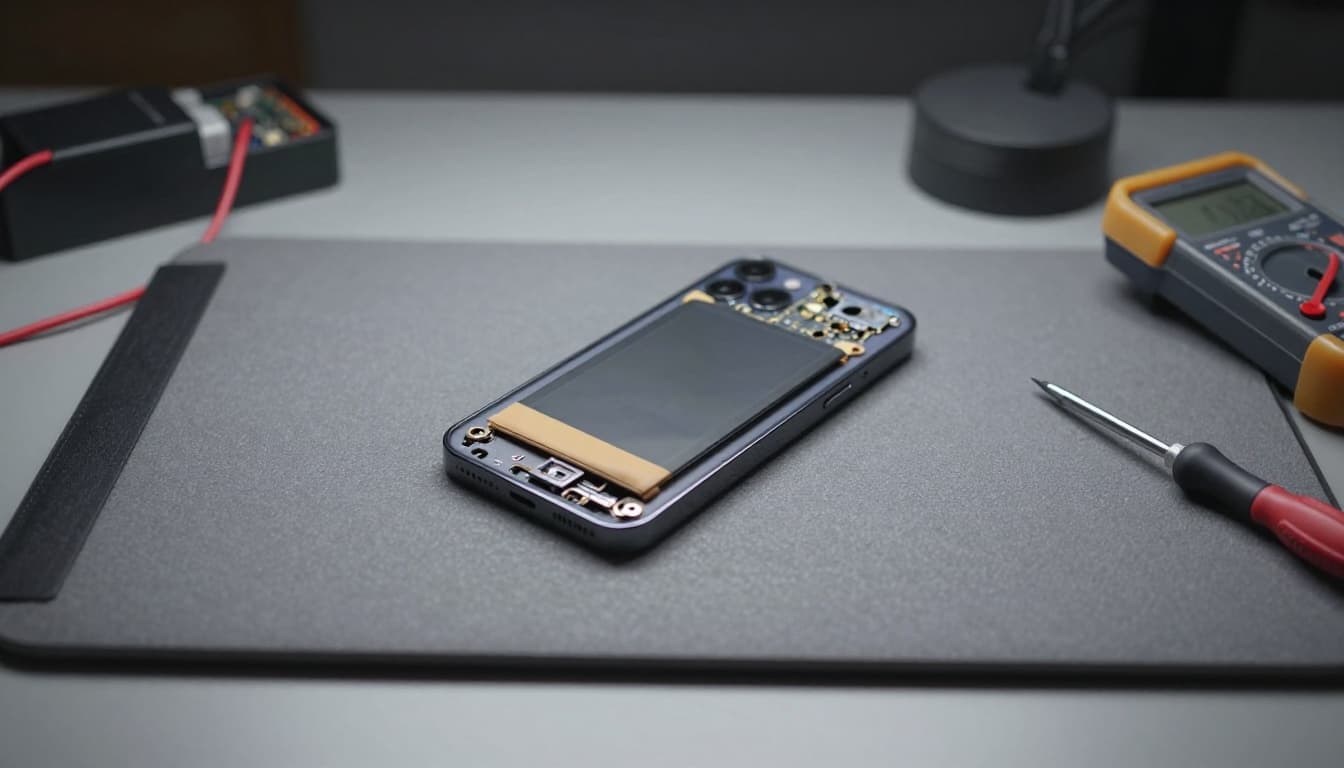
And it’s not only iPhone. We see similar patterns with Samsung Repairs too, whether that’s Samsung Phone repair for overheating, or a worn battery causing thermal shutdowns.
Repair routes: Essex walk-ins and phone repair by post UK
If quick checks don’t solve it, don’t keep forcing it. Repeated overheating can shorten battery life and make other faults worse.
At Repair My Crack, we handle iPhone repairs and Samsung all day, from iPhone repair Essex bookings to Samsung phone repair Essex jobs. If you found this while searching for mobile phone repairs Essex, phone screen repair Essex, or iPhone screen repair Essex, you’re in the right place. We also cover Samsung screen repair Essex and general mobile phone repair UK services via post.
A few practical notes people always ask me about:
- Screen costs and time: iPhone screen replacement cost UK and Samsung screen replacement cost UK vary a lot by model (LCD vs OLED is a big factor). If you’re weighing cracked screen repair UK, we’ll quote once we confirm the device and part type. The same goes for “how long does phone screen repair take UK“, it depends on model and stock, but we aim to start repairs as soon as the device arrives.
- Warranty and peace of mind: Customers often search phone repair with warranty UK because they’ve been stung before. We provide a warranty on repairs and use quality parts. If you see ads for lifetime warranty phone repairs, always read the small print, because terms vary wildly.
- Business devices: We also support teams who can’t afford downtime: business mobile phone repairs UK. business laptop and tablet repairs. trusted phone repair service UK.
If you’re comparing alternatives to Apple Store screen repair UK, or you need affordable phone repairs UK with a strong price promise, you can book online at Repair My Crack and use our phone repair by post UK option. Package the phone securely, include your order number, and share any required passcodes so we can test properly.
I also see people searching Repair My Crack phone repair and Repair My Crack reviews. best phone repair shop in Essex before they commit. That’s sensible. Look for recent feedback, clear warranty terms, and proper testing notes.
Quick FAQs I get about overheating and repairs
Is it worth repairing a cracked iPhone screen?
If you’re asking is it worth repairing a cracked iPhone screen, it usually is, especially if Face ID, cameras, and battery are fine. Cracks can also let moisture in, which can trigger later overheating issues.
Can a screen or battery job help overheating?
Yes. A swollen battery needs sorting quickly, and a poorly seated screen after a previous repair can trap heat. We see both during iPhone screen replacement and iPhone battery replacement work.
What about Samsung overheating?
Samsung devices can overheat for the same reasons. We handle Samsung Repairs, including batteries and Samsung Phone repair diagnostics, plus screens where needed.
Bottom line
An iPhone temperature warning is usually your phone protecting itself, not “dying”. Cool it down properly, avoid charging and heavy apps, and it often behaves. If it keeps happening indoors or during light use, it’s time for a battery and board check. If you’re stuck, book in with Repair My Crack and we’ll diagnose it properly, whether you’re local or using post.
– James Waterston, Device Repair Specialist at Repair My Crack