
When iPhone portrait mode is not working after a drop, we usually treat it as a camera problem first, not a settings problem. A fall can shift tiny parts inside the phone, and that is enough to throw focus, depth sensing, or stabilisation off.
That is why the photo can look odd even when the lens glass still looks fine. We see it a lot on phones that have landed on a corner or bounced on a hard floor, and the fix depends on whether the damage is software-related or physical.
Why iPhone portrait mode stops working after a drop
Portrait mode relies on a camera module that stays precisely aligned. Once the phone takes a knock, the autofocus unit, optical image stabilisation, or depth sensors can move by a tiny amount, and that is all it takes for the effect to go wrong.
Apple Community threads show the same pattern after a strong drop, where the 0.5x camera or portrait shots start acting up because the hardware has shifted out of line. Apple Community advice on drop damage is a useful sanity check, because it matches what we see in the workshop.
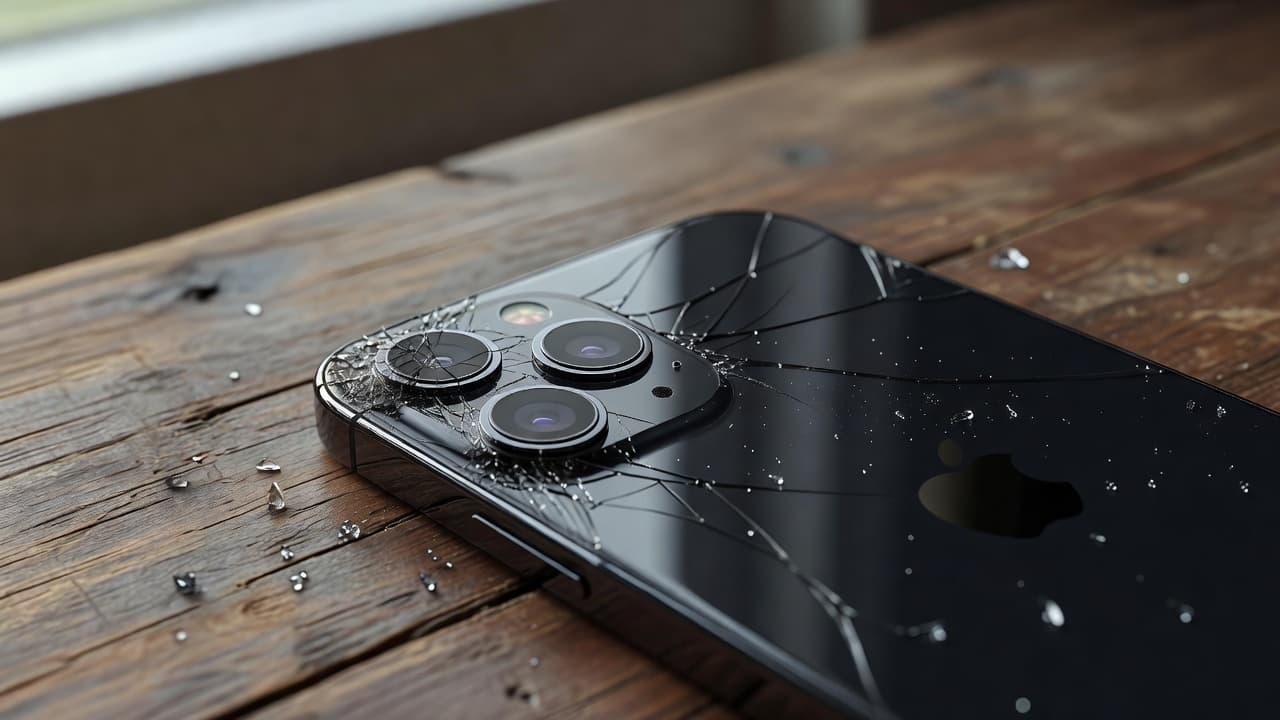
When the camera module slips, portrait mode struggles with edges. Hair, glasses, shoulders, and pets are usually the first clues. The phone may still take a picture, but the blur effect looks messy, patchy, or off-centre.
The same thing can happen even without a cracked lens. A phone can look tidy on the outside and still have a loose camera assembly inside. That is why we never judge the fault by the glass alone.
Checks we can run before booking a repair
A few quick checks are worth doing, especially if you want to rule out a software hiccup. We would not spend long on them if the problem began the moment the phone hit the floor, but they can still save a wasted trip.
If you want a visual reminder of the button sequence, this force-restart walkthrough shows the basic steps.
Try these first:
- Force restart the iPhone, then open the Camera app again.
- Test both rear cameras, then try the front camera in portrait mode too.
- Clean the lenses with a soft microfibre cloth.
- Check whether portrait works in a different app, not just the stock Camera app.
- Go to Settings, then General, then Transfer or Reset iPhone, and reset all settings if the phone still seems confused.
If portrait mode only fails after the drop, or only fails when you tilt the phone a certain way, that points more towards hardware. A software reset will not move a bent camera module back into place.
We also like to test the full camera path, not just the portrait button. Still photos, video, 0.5x, 1x, front camera, and Face ID all tell us different things. One broken feature can be the tip of the iceberg.
If the portrait problem started the same day as the drop, we treat it as a hardware fault until testing proves otherwise.
Signs the camera has taken physical damage
Once the camera hardware has been knocked, the symptoms usually become quite consistent. The picture may never look properly sharp again, or the phone may keep trying to refocus every few seconds.
Common signs include:
- Portrait mode blurs the wrong part of the image.
- The camera hunts for focus and never settles.
- Photos look soft even when the lens is clean.
- The phone rattles more than normal near the camera bump.
- Face ID or the front portrait camera also starts behaving oddly.
- The lens ring, rear glass, or camera bump looks lifted or cracked.
That last one matters more than people think. A cracked camera ring or bent frame can press on the module and keep the fault going. We see this in phone repair Essex jobs after phones have landed on tiled floors, pavements, or the edge of a desk.
Last week we had an iPhone 13 Pro in from Essex with exactly this sort of fault. The rear portrait shots looked flat, then the focus started pulsing on and off. The lens glass looked fine, but the camera assembly had shifted after the fall. A replacement camera module sorted it, and the portrait blur came back properly.
The same repair logic applies across iPhone repair services in Harlow and other mobile phone repair UK work. If the rest of the handset is healthy, camera repair is usually the sensible move. If the frame is bent, the screen is cracked, and the battery is weak too, we start looking at the bigger picture.
What the repair bill usually looks like in the UK
There is no single price for this fault, because the drop may have damaged one part or several. A simple camera issue is one thing. A camera issue plus a cracked screen and a bent frame is a different job altogether.
For context, these are the sort of guide prices we see on common repairs:
| Repair type | Typical UK price | Usual warranty |
|---|---|---|
| Screen replacement | £60 to £180 | 12 months |
| Battery replacement | £40 to £80 | 6 months |
| Charging port repair | £50 to £90 | 6 months |
| Water damage treatment | £60 to £120 | 3 months |
| Camera fault diagnosis or replacement | Quote after inspection | Depends on model |
That is why we test before we quote. A camera fault on its own is often manageable, but a damaged screen can turn a straightforward fix into a more expensive repair. The same applies to iphone screen repair UK and iphone battery replacement UK jobs. Once two or three faults show up, the maths changes fast.
If the same drop also smashed the display, a cracked iphone screen repair can often be done alongside the camera work. That usually makes more sense than splitting the job into two visits. The same thinking applies to samsung phone repair UK work as well, because Samsung handsets can suffer the same mix of focus faults, glass damage, and frame pressure after a fall.
We also keep an eye on value. Our price promise helps us stay competitive, and we use quality parts so the repair lasts properly. A cheap fix that fails in a month is no bargain.
How our postal repair service works
If you are not local, our postal phone repair UK service keeps things simple. It is the same idea whether you are in Manchester, Kent, Scotland, or right down the road from us in Essex.
The process is straightforward:
- Book the repair and tell us the model and the symptoms.
- Pack the phone securely in a sturdy box or padded parcel.
- Include your order details and any notes about the drop.
- Back up your data if you can, then send it in.
- We aim to start the repair as soon as it arrives, then test and return it tracked.
We also offer drop-in repairs by appointment in Harlow, Essex, which suits people who want a face-to-face chat about the fault. That is often helpful when the camera problem sits alongside a cracked screen, a weak battery, or a charging fault.
Our usual approach is plain and practical. We inspect the device first, explain what we find, and give a clear quote before we go ahead. If the camera issue is linked to a deeper fault, we say so. If the phone is still a good candidate for repair, we sort it with as little faff as possible.
Conclusion
When iPhone portrait mode is not working after a drop, the odds are high that the camera hardware has moved, not that the phone has suddenly forgotten how portrait mode works. A few checks are worth trying, but a fault that starts straight after impact usually needs proper testing.
If the same knock also cracked the screen or affected the battery, repairing everything together is often the smarter choice. It keeps the phone usable, avoids repeat postage, and usually makes better financial sense than jumping straight to a replacement.
If your portrait mode has gone strange after a fall, we can test it properly, quote clearly, and get it sorted with our usual express repairs and warranty-backed service.
James Waterston, Device Repair Specialist at Repair My Crack