
Drop your iPhone, pick it up, and the glass looks fine, yet the display suddenly looks warm, patchy or almost nicotine-yellow. That iPhone screen yellow tint after a fall is a common fault, and it doesn’t always mean the same thing.
In our workshop, we’ve seen it caused by simple settings, tired screen protectors and genuine impact damage inside the display. If the colour changed right after the drop, there’s a fair chance the screen itself has taken the hit. The good news is that a few quick checks can tell you whether you’re dealing with a cheap fix or a proper repair.
What a yellow tint after a drop usually points to
A yellow cast on an iPhone screen can come from software, but a drop changes the odds. If your display looked normal one minute and yellow the next, impact damage moves up the list quickly.
The simple causes are still worth ruling out first. Night Shift, True Tone and Colour Filters can all warm the display. A cheap or ageing screen protector can do the same. We’ve also seen yellowed cases reflect a warm edge around the screen, which makes whites look off.
However, drops often cause hidden faults inside the panel. On OLED models, the light-producing layer can suffer impact damage even when the outer glass barely shows it. On older LCD models, pressure marks or backlight issues can create a warmer, uneven look. In some cases, the connector between the screen and the board loosens slightly, so the image goes odd without full screen failure.
If the tint appeared straight after the drop, treat it like hardware damage until a basic settings check proves otherwise.
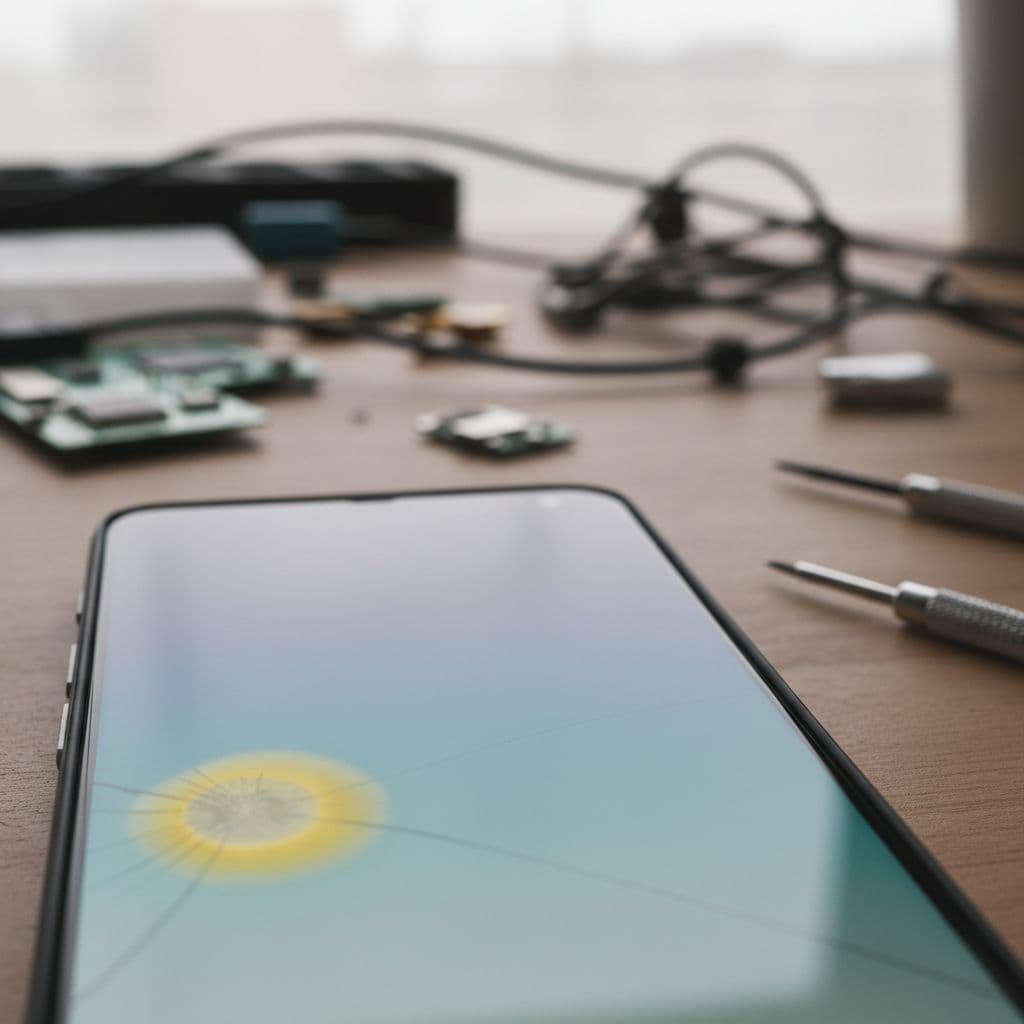
A couple of solid repair write-ups explain this well. One guide on safe fixes to try first shows how settings can shift screen colour, whilst another breakdown of drop-related screen damage explains how OLED layers and connectors can fail after impact.
The pattern matters too. A full warm tint across the whole screen can still be settings. A yellow patch in one corner, flicker, lines, or colour that changes when you press the frame usually means the display needs attention.
Checks worth doing before you spend money
Before you book a repair, give the phone five minutes of calm testing. That often saves a wasted trip, or at least helps us diagnose the fault faster.
Try these checks in order:
- Turn the phone off and back on again.
- Disable Night Shift and True Tone in Display settings.
- Check Accessibility settings for Colour Filters.
- Remove the screen protector if it looks old, thick or yellowed.
- Take a screenshot and view it on another device. If the screenshot looks normal elsewhere, the issue is your screen, not the software.
- Look for extra signs like flicker, lines, black spots, touch lag or a purple smear.
If the colour shift stays there after those checks, a repair is more likely than a settings fix. That’s even more true if the phone now runs hot, has a lifted screen, or shows ghost touches.
We cover the wider warning signs in our iPhone screen repair advice, especially if you’re deciding whether to keep using the device for a few days. In most cases, a yellow tint won’t harm your data straight away, but the screen can worsen without much notice.
One small tip from the bench, don’t keep pressing hard on the yellow area to “test” it. That often spreads internal damage.
When the panel is damaged, not just the glass
A lot of people expect a smashed front if the display has failed. In reality, the picture layer can break long before the outer glass looks dramatic. That’s why we often see phones with no major crack, but obvious discolouration.
Last week we had an iPhone 12 from Essex on the bench with a mustard-yellow strip down the left side. The customer assumed it was a setting because touch still worked and the glass wasn’t badly cracked. We ran through the basic checks, then opened it up. The OLED assembly had impact damage from a corner drop onto paving. A proper screen replacement sorted the colour immediately, and Face ID stayed working because we transferred the original parts carefully.
That kind of job is common. The same goes for many Samsung devices as well. A yellow or green cast after a fall is something we see in Samsung phone repair UK work just as often as on iPhones, especially on OLED screens.
When we confirm that the display is at fault, the fix is usually straightforward. We replace the damaged screen with a quality part, test brightness and colour balance, then check touch response, cameras and sensors before return. If you want the nuts and bolts of that process, our page on iPhone screen replacement explained shows what a proper repair involves.
UK repair costs, replacement choices and when it makes sense
Price matters, especially when the phone is a couple of years old. The good news is that a cracked iPhone screen repair or colour-fault repair is still worth doing on many models, because the rest of the device often works perfectly.
A quick guide helps here:
| Fault | Likely fix | Typical UK cost |
|---|---|---|
| Warm tint caused by settings or protector | No repair needed | £0 to £15 |
| Older iPhone screen fault | Screen replacement | £80 to £150 |
| Newer OLED iPhone screen fault | Screen replacement | £110 to £350+ |
| Screen plus deeper frame or board issue | Inspection first | Quote after diagnosis |
Those figures are only a guide. Exact pricing depends on the model and whether the drop has caused extra damage. We keep an updated iPhone screen repair cost UK guide, and we can quote properly once we’ve confirmed the fault.
In plain terms, repair makes sense when the phone still holds charge, the cameras work, and the rest of the handset is in decent shape. If the battery is tired as well, pairing the job with an iPhone battery replacement UK service can make an older device feel far better value than replacing it.
We also tell customers when not to spend the money. If a much older handset has heavy frame damage, battery issues and a failing charging port, a screen alone may not be the smartest move. We’d rather say that up front than sell a repair that doesn’t stack up.
That same honest approach applies across our mobile phone repair UK work, from iPhones to Samsungs and other common faults.
If you’re in Essex, or posting from elsewhere
Some customers want a local drop-off. Others need a reliable mail-in option because they’re nowhere near us. We do both.
For phone repair Essex customers, we offer local appointments in Harlow. If you’re further away, our postal phone repair UK service keeps things simple and secure. We aim to start diagnostics as soon as the phone arrives, often the same day, then return it with tracked delivery once testing is complete.
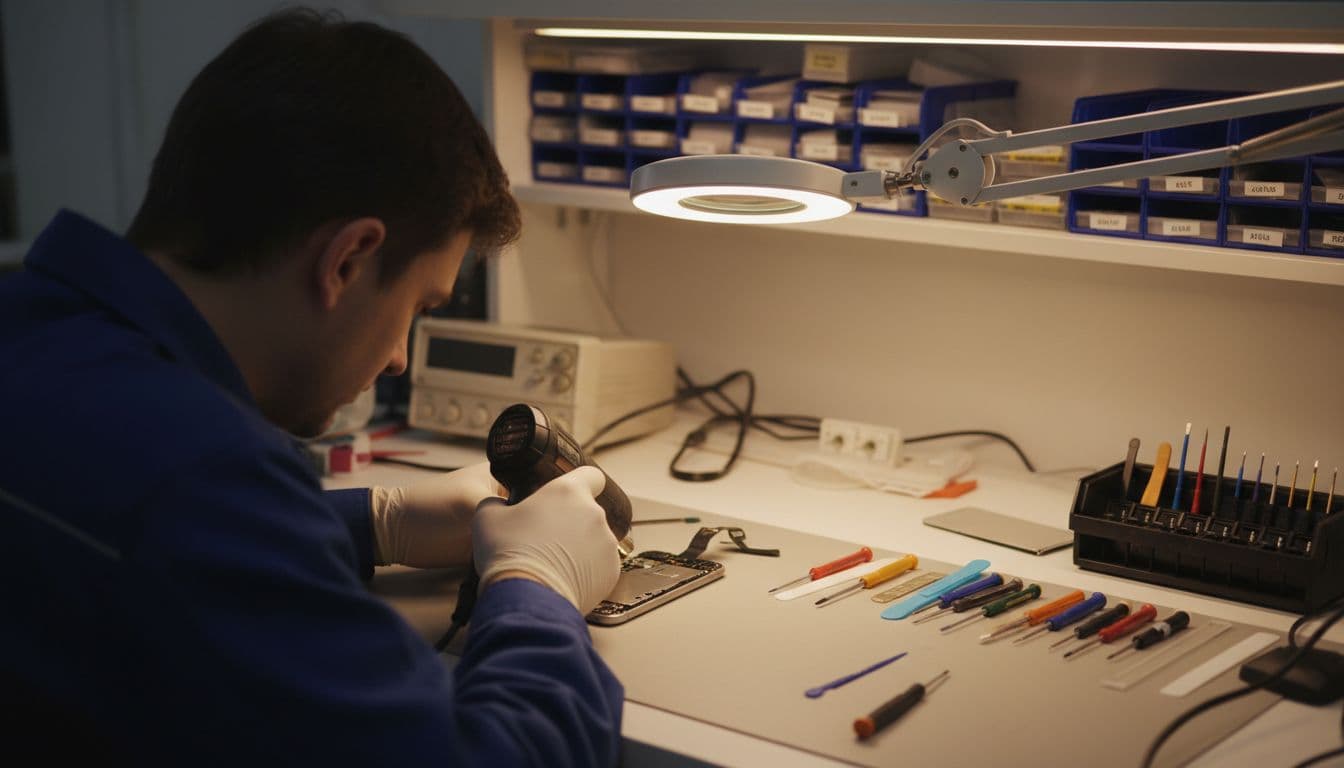
If you’re posting a device to us, this is the smoothest way to do it:
- Book the repair online so we know what’s coming in.
- Back up your phone if the screen still works.
- Pack it well, include your order number, and add any passcode we need for testing.
- Send it by tracked post and we’ll update you once it lands.
We built the service around speed because a broken phone is a faff, especially if it’s your work handset. That’s why we focus on express repairs, quality parts, accredited technicians and a price promise if you’ve already had another quote. We also back many repairs with a one-year warranty, subject to terms, which gives a bit more peace of mind.
Final thoughts
A sudden iPhone screen yellow tint after a drop is often the phone’s way of telling you the display has taken damage, even when the glass doesn’t look too bad. Basic checks are worth doing, but if the colour change arrived with the impact, the screen usually needs proper attention.
If you’re stuck with it now, book a repair online and send it in, or arrange a local visit if you’re near Essex. We’ll tell you quickly whether it’s a settings issue, a screen fault, or something deeper, then get it sorted as fast as we can.
James Waterston, Device Repair Specialist at Repair My Crack