
That sinking feeling when your iPhone restarts… and just sits there on the Apple logo. No Home Screen, no calls, no messages, just a glowing fruit staring back at you.
If you’re dealing with an iphone stuck apple logo issue, the good news is it’s often a software hiccup you can sort at home in minutes. The less-good news is that sometimes it’s your battery, charging port, or storage failing, and that needs proper repair.
I’m James, one of the in-house techs at Repair My Crack. Here’s what usually causes it, what to try first (in the right order), and how to tell when it’s time for a hardware fix.
What “stuck on the Apple logo” actually means
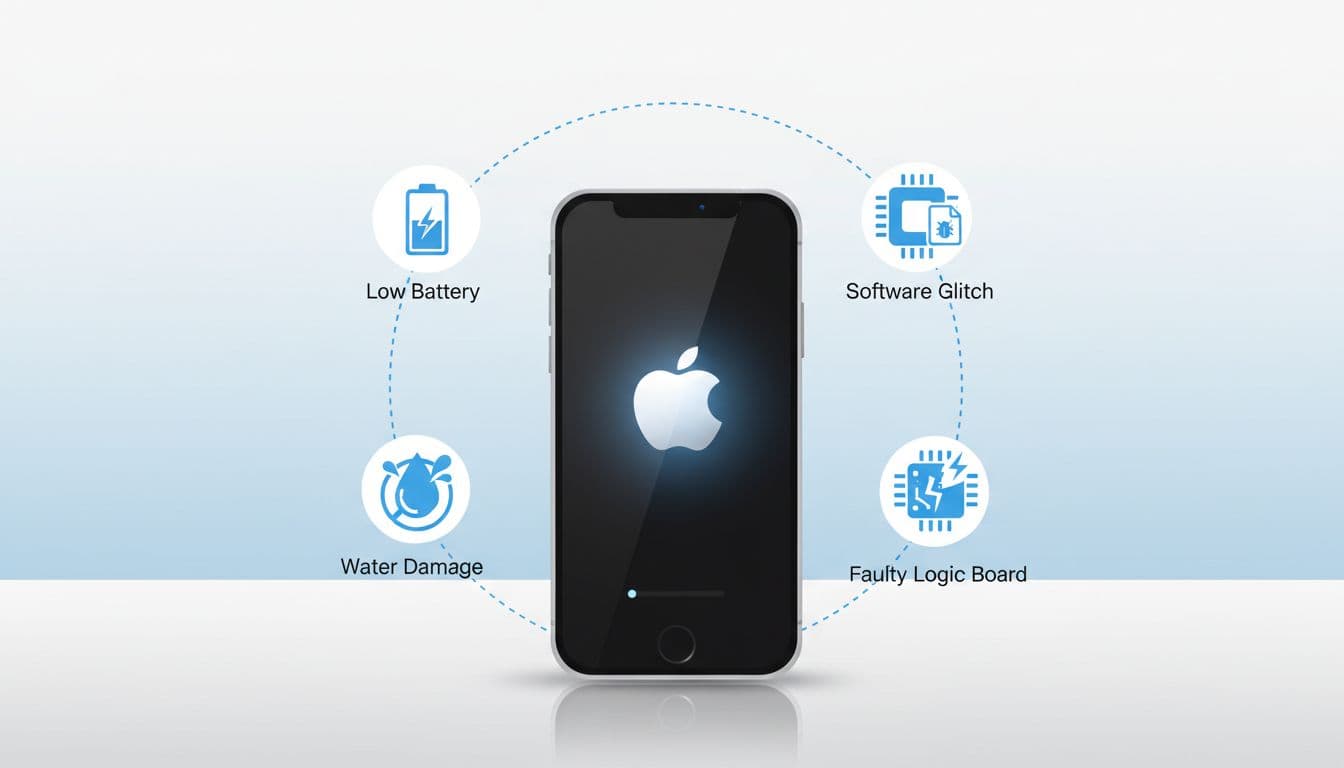
When an iPhone boots, it has to load iOS, check storage, verify system files, and start core services. If anything in that chain fails, the phone can hang on the Apple logo (sometimes with a progress bar, sometimes without).
Think of it like trying to start a car with a weak battery and a dodgy fuel pump. It might crank, but it won’t actually start.
The most common causes (and what they look like)
Software problems (most common)
These are the usual suspects I see at the counter:
- Interrupted update: battery died mid-update, Wi‑Fi dropped, or the phone restarted during install.
- Not enough free storage: iOS needs space to unpack and complete updates.
- Corrupted system files: after an update, restore, or failed data transfer.
- Jailbreak or beta software: more prone to boot issues.
Apple’s own guidance is a solid starting point if the progress bar hasn’t moved for a long time: If your iPhone is stuck on the Apple logo (Apple Support).
Power problems (common and easy to miss)
A tired battery can cause boot loops even if it “worked yesterday”. If the phone keeps restarting at the Apple logo, or only boots when plugged in, battery health is high on my list. That’s where an iPhone battery replacement often solves it.
Physical damage (often the hidden cause)
A drop can do more than crack glass. A hard knock can shift connectors, damage the logic board, or upset storage chips. Water exposure is another big one. Even a “quick dunk” can corrode components over time, leading to random boot failures.
For a plain-English walkthrough from a trusted publication, Macworld also covers the typical steps: How to fix an iPhone stuck on the Apple logo.
Quick fixes for iphone stuck apple logo (try these in order)
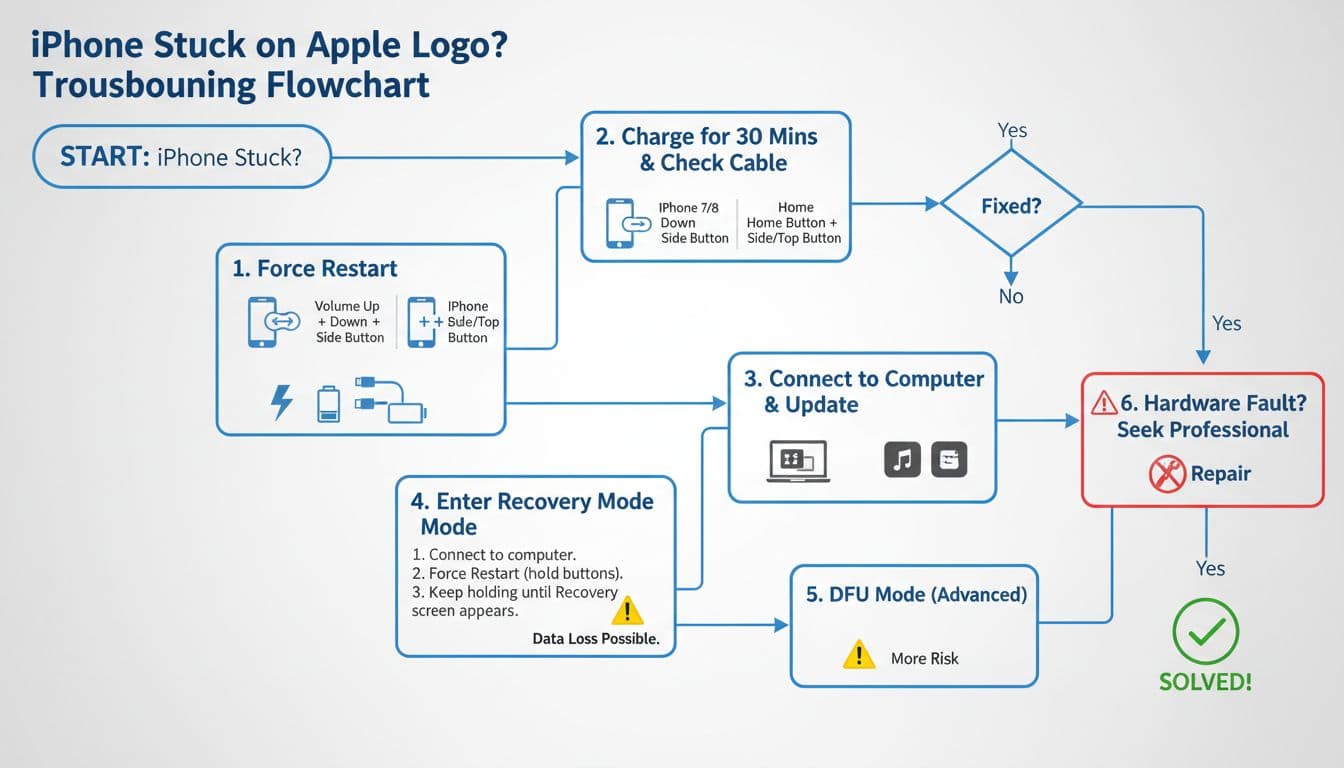
1) Charge it properly (don’t skip this)
Plug into a wall charger (not a laptop) for 30 to 60 minutes. Use a known-good cable. If the phone has a dirty port, it may look “plugged in” but not actually charge.
If you suspect the cable or plug, swap both before you do anything else.
2) Force restart (model matters)
This doesn’t wipe data, it just kicks the phone out of a frozen boot.
- Face ID iPhones (iPhone 8 and newer): press Volume Up, press Volume Down, then hold Side button until you see the Apple logo again.
- iPhone 7 / 7 Plus: hold Volume Down + Side button.
- iPhone 6s / SE (1st gen): hold Home + Side (or Top) button.
Apple’s steps are here if you want the official wording: Apple Support on force restart and black screen issues.
3) Update via a computer (safer than “restore”)
If a force restart doesn’t work, connect the phone to a Mac (Finder) or Windows PC (iTunes). Put it into Recovery Mode and choose Update first. Update tries to reinstall iOS without deleting your data (it doesn’t always succeed, but it’s worth trying before a full wipe).
4) Restore (last resort for software faults)
Restore reinstalls iOS and usually fixes a stubborn boot loop, but it can erase the phone. If you’ve got a recent iCloud or computer backup, it’s less scary. If you don’t, pause and decide whether you’re prepared to lose data.
5) DFU mode (advanced, use with care)
DFU is deeper than Recovery Mode and can help with corrupted firmware, but it’s easy to do wrong and it often ends in a restore anyway. If you’re not confident, stop here.
When it’s a hardware repair (and not a DIY job)
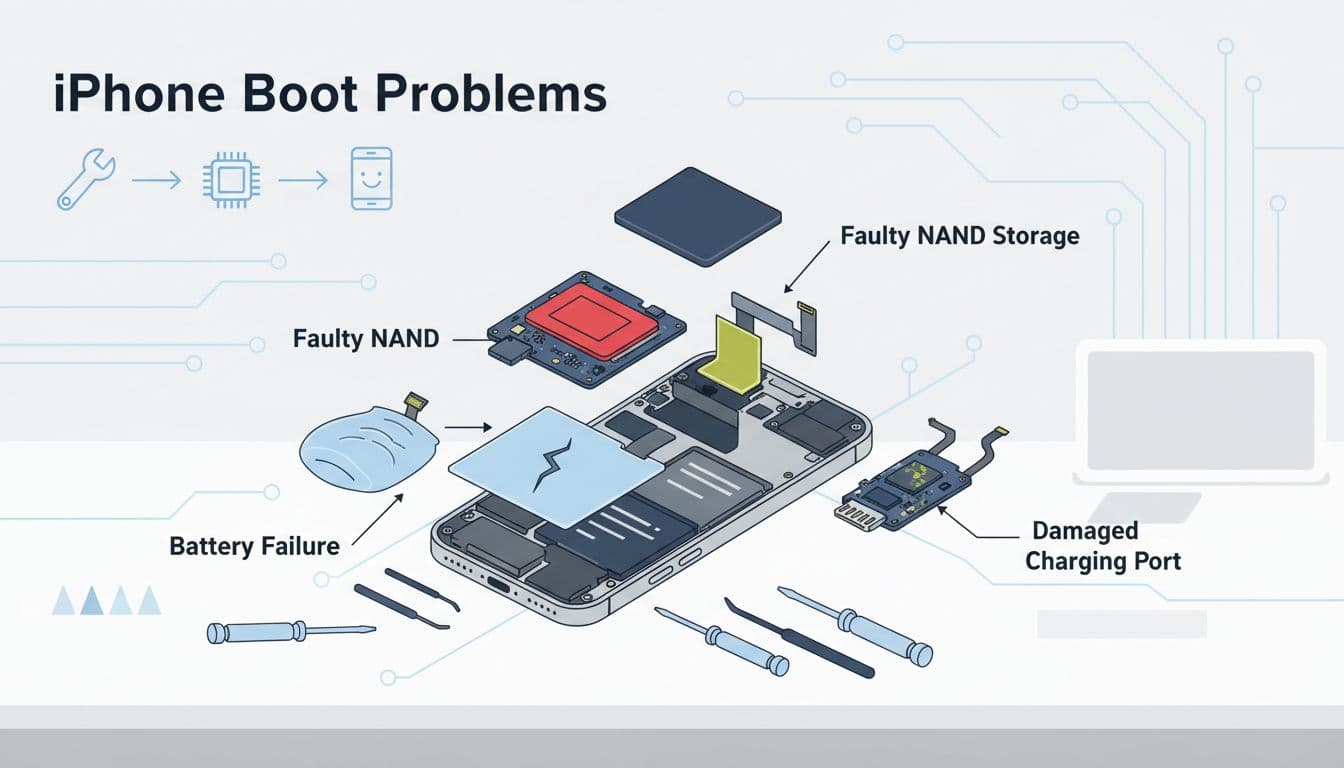
I start thinking “hardware” when I see any of these:
- The phone only boots when plugged in, then dies when unplugged (classic battery fault, often solved by iPhone battery replacement Essex jobs we do weekly).
- It gets hot near the top/back while stuck on the logo.
- It shows signs of liquid, needs water damaged phone repair UK diagnostics, or has corrosion in the charging port.
- It won’t take charge, which points to phone not charging repair work, or a broken charging port repair.
- It repeatedly fails restores and updates, which can mean storage (NAND) or logic board trouble.
Last week a customer came in after a “harmless” drop. The screen looked fine, but the phone was rebooting on the logo. The impact had weakened the battery connector. A proper inspection and battery swap had it sorted the same day.
Costs and related repairs people ask about (quick, honest ranges)
Even when the boot issue is the main problem, people often have other damage too. If you need an iPhone screen replacement, pricing depends heavily on model and part type. As a rough guide, iPhone screen replacement cost UK commonly lands anywhere from about £99 to £349.
On Samsung models, it’s similar. Samsung screen replacement cost UK is often around £129 to £369, again depending on model.
If the phone boots but the battery drains fast, a phone battery replacement UK service can be the sensible fix rather than buying a new handset.
People also ask me, “is it worth repairing a cracked iPhone screen?” Most of the time, yes, if the phone is otherwise healthy and you want a cheaper route than upgrading. If you’re searching how to fix cracked iPhone screen, make sure you’re comparing like-for-like parts and warranty, not just the lowest number.
Repair options in Essex and across the UK (shop or post)
We handle iPhone repairs and Samsung Repairs every day, from phone screen repair Essex walk-ins to nationwide post-ins. If you’re local, we’re a popular choice for mobile phone repairs Essex, including iPhone repair Essex, iPhone screen repair Essex, Samsung phone repair Essex, and Samsung screen repair Essex.
If you’re not nearby, our postal phone repair UK option is straightforward. It’s basically phone repair by post UK (some customers also call it postal phone repair UK twice because they’re stressed, fair enough).
A few practical tips before you send it:
- Back up to iCloud if you can.
- Remove your SIM.
- Pack it snugly, and include your order number.
- If the phone needs testing after boot, include any passcode we’ll need.
You can book online at Repair My Crack and we aim to start work as soon as it arrives.
Quick FAQ (the stuff people ask while I’m holding the phone)
How long does phone screen repair take UK?
It varies by model and parts availability. In many cases we can turn around common models quickly, but I always suggest asking before you travel or post it in.
What are alternatives to Apple Store screen repair UK?
Independent repair specialists can be a good option for speed and price, especially if you want more flexible booking and postage options. Compare parts quality and warranty terms.
Do you offer phone repair with warranty UK?
Yes, we back our work with warranty for peace of mind (and we’re clear about what’s covered). You’ll also see adverts for lifetime warranty phone repairs, but always read the small print on those.
Do you repair Samsung too?
Yes. We do Samsung Phone repair work alongside iPhones, plus tablets and computers. For companies we also cover: business mobile phone repairs UK. business laptop and tablet repairs. trusted phone repair service UK.
Are you actually “Repair My Crack phone repair” from the reviews?
Yes, that’s us. If you’re searching Repair My Crack reviews. best phone repair shop in Essex, check recent feedback and look for consistency on speed, comms, and aftercare.
Getting your phone back from the Apple logo for good
An iphone stuck apple logo fault is usually fixable, and it’s often just a forced restart, a proper charge, or an update through Finder/iTunes. If it keeps coming back, or the phone won’t charge, overheats, or fails restores, treat it as hardware and don’t keep hammering it with repeated restores.
If you want a hand, we’re an affordable phone repairs UK option with a strong price promise, and we can help whether you’re local for mobile phone repair UK walk-ins or need cracked screen repair UK and boot-fault fixes by post.
- James Waterston, Device Repair Specialist at Repair My Crack