
Nothing tests your patience like an iPhone that clings to Wi‑Fi for 10 seconds, then drops it like a hot mug of tea. One minute you’re on WhatsApp, the next you’re burning mobile data and everything feels sluggish.
If your iPhone Wi‑Fi not working properly, the good news is this, most cases are settings, router quirks, or an iOS hiccup, not an expensive repair. If it’s dropping out on every network, the Wi‑Fi toggle is greyed out, or it started right after a knock or water splash, that’s when I start thinking hardware.
I’m James Waterston, and at Repair My Crack we see this daily, especially after iOS updates, house moves (new routers), or the classic “it fell off the sofa, but it was fine” moment.
Quick checks when iPhone Wi‑Fi not working at home or work
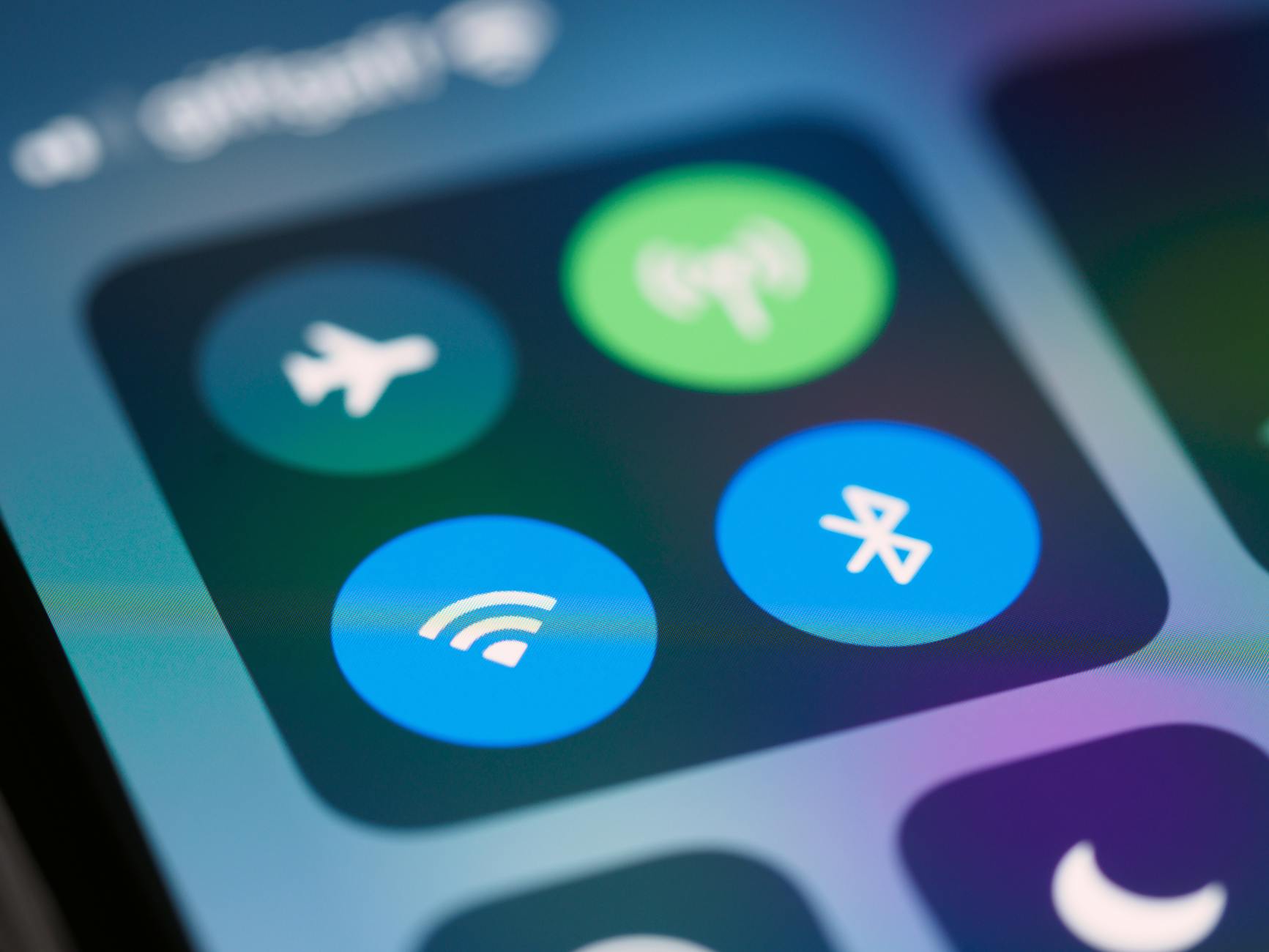
Photo by Brett Jordan
Start with the boring stuff. It’s boring because it works a lot of the time.
- Restart your iPhone, then restart the router. Unplug the router for 30 seconds, plug it back in, and wait for it to settle.
- Toggle Airplane Mode on for 10 seconds, then off. It gives the wireless radios a quick reset.
- Forget the Wi‑Fi network and re-join it (Settings, Wi‑Fi, tap the “i”, then Forget This Network).
- Turn off any VPNs or “security” apps temporarily. Some behave like an overprotective bouncer and block normal traffic.
- Check for iOS updates (Settings, General, Software Update). In January 2026 we’re still hearing reports of iOS 26 Wi‑Fi drops on some devices, so keeping iOS current matters.
Apple’s own steps are worth following in order, especially the “forget network” and “reset network settings” bits. Here’s the official guide: Apple’s Wi‑Fi connection checks.
If you’re at work, it can also be the network itself. Captive portals (the login pages) and stricter security can make phones look “connected” but useless. EE’s checklist is a good plain-English reference: EE’s iPhone Wi‑Fi fix guide.
One more setting that catches people out: Wi‑Fi Assist. If your iPhone thinks the Wi‑Fi is weak, it quietly swaps to mobile data. You can turn it off in Settings, Mobile Data (or Cellular), then Wi‑Fi Assist.
Why Wi‑Fi keeps dropping out (even when settings look fine)
When someone tells me “it only drops in the bedroom” I don’t reach for a screwdriver. I reach for common sense and a mental picture of brick walls, mirrors, and that one dodgy extender from 2018.
A few real-world causes that don’t mean your iPhone is broken:
- Weak signal and interference: Microwaves, baby monitors, thick walls, fish tanks (yes, really) can all chew up Wi‑Fi.
- Band steering and mesh handover: Some routers push devices between 2.4 GHz and 5 GHz. That handover can feel like random dropouts.
- Router firmware: Old firmware can struggle with newer phones. A quick update on the router can calm everything down.
- Saved networks fighting each other: If your iPhone keeps trying to jump to a neighbour’s network you used once, it’ll behave like it can’t make its mind up.
If it helps, think of Wi‑Fi like a conversation across a busy pub. If you’re far from the router (the person you’re talking to), and there’s loads of noise around you, you’ll keep missing words and repeating yourself.
A quick way to separate “router problem” from “phone problem” is to test on two other networks. Try a friend’s Wi‑Fi, your workplace, or a phone hotspot. If your iPhone drops on all of them, it’s probably not your router.
If you want to see how common these reports are, Apple’s community threads show the same patterns (especially post-update): Wi‑Fi dropouts discussed by iPhone users.
Common hardware causes, and when it’s a repair
Here’s the bit people don’t love hearing. If your iPhone was fine, then after a drop, bend, or water exposure the Wi‑Fi becomes unreliable, hardware is on the table.
Hardware faults we see in the workshop
Loose or damaged Wi‑Fi antenna connections: A drop can shift internal connectors. Sometimes it’s a simple reseat, sometimes the antenna flex needs replacing. If you’re curious what that part looks like, iFixit shows examples like an iPhone Wi‑Fi antenna component.
Liquid damage and corrosion: Even “it dried out” can leave residue that causes weak signal or random disconnects. This is where water damaged phone repair UK diagnostics matter, because the damage isn’t always visible from the outside.
Logic board faults: If Wi‑Fi is greyed out, won’t switch on, or Bluetooth also plays up, it can point to board-level trouble. That’s a proper bench job, not a settings tweak.
Aftermarket housings or previous repairs: I see this after a poor-quality iPhone screen replacement, where shielding isn’t refitted right, or an antenna is pinched. The same applies across brands, including Samsung Phone repair work done badly.
How to tell it’s probably time for a technician
If two or more of these are true, stop chasing settings and get it assessed:
- Drops on every network, even right next to the router.
- Wi‑Fi toggle is greyed out or stuck.
- Problem started right after a drop or after moisture.
- You’ve already tried Reset Network Settings and iOS updates.
And yes, Wi‑Fi issues often arrive with other “while you’re at it” faults. We regularly combine iPhone repairs with iPhone battery replacement (especially if the phone is overheating), broken charging port repair, and phone not charging repair.
If you’re comparing options, people often ask: is it worth repairing a cracked iPhone screen? Most of the time, yes, if the phone is otherwise solid. They also ask how long does phone screen repair take UK, and in many cases it’s same-day once the device is with us, parts depending. For pricing, iPhone screen replacement cost UK and Samsung screen replacement cost UK vary by model, but you’ll usually see mid-range devices cheaper than Pro and Ultra models. If you’re looking at alternatives to Apple Store screen repair UK, an independent repair with quality parts and a phone repair with warranty UK can be the practical route.
We cover mobile phone repairs Essex daily, including phone screen repair Essex, iPhone repair Essex, iPhone screen repair Essex, Samsung phone repair Essex, and Samsung screen repair Essex. We also support mobile phone repair UK customers via postal phone repair UK, including phone repair by post UK, so you can get sorted without travelling. If you need to fix cracked iPhone screen damage, or want phone battery replacement UK (including iPhone battery replacement Essex), we can quote once we know the model and fault.
For businesses, we get enquiries that literally read: business mobile phone repairs UK. business laptop and tablet repairs. trusted phone repair service UK. If your team can’t connect to Wi‑Fi, emails stop and jobs stall, so we aim to turn repairs around quickly once devices arrive.
If you’re checking reputation first, I get it. People search “Repair My Crack reviews. best phone repair shop in Essex” before posting anything valuable. You can book through Repair My Crack phone repair and send your device securely, include your order number, and any passcode you want us to use for testing.
One last note on warranties: some people search lifetime warranty phone repairs. In reality, what matters is a clear, written warranty and decent parts, not marketing fluff. We focus on affordable phone repairs UK with a proper warranty, and we’ll tell you honestly if a Wi‑Fi fault looks like board damage that may not be economical.
Quick FAQ
Will a reset definitely fix it?
No. Reset Network Settings fixes loads of software glitches, but it can’t repair a damaged antenna or corrosion.
Could a cracked screen affect Wi‑Fi?
Indirectly, yes. A hard impact that cracks glass can also shift internal connectors. That’s why a cracked screen repair UK job should be done properly.
Do you only repair iPhones?
No, we do Samsung Repairs too, including screen and battery jobs, plus charging faults and diagnostics.
Getting back to stable Wi‑Fi (without guessing)
If your iPhone Wi‑Fi not working is down to settings or the router, the quick checks above usually sort it. If it’s dropping on every network, started after a knock, or shows signs of liquid damage, it’s time for a proper inspection.
If you’re stuck, book online and post it in, or pop in if you’re local to Essex. We’ll test the hardware, explain what’s actually failed, and get you back to reliable Wi‑Fi with as little faff as possible.
– James Waterston, Device Repair Specialist at Repair My Crack