
A cracked mobile screen is annoying enough without being handed two vague choices: “original” or “compatible”. If you’re comparing original vs compatible phone screens, the cheaper option can look tempting, but the part grade affects colour, touch response, brightness, fit and long-term reliability.
The short answer is simple. An original or refurbished-original display usually gives the closest match to the screen your phone had when new. A good compatible screen can reduce the bill considerably, especially on an older model, but you need to know exactly what you’re buying. We inspect the whole device before chargeable work begins, because a smashed panel can hide frame, battery or charging damage.
Original vs compatible phone screens: the quick answer
An original screen comes from the phone manufacturer or uses the original display panel. In the independent repair market, “original” can mean a new genuine part, a screen removed from another phone, or a refurbished original panel with new glass. Those options aren’t identical, so the wording on a quote matters.
A compatible screen is made by a third-party manufacturer to fit a particular phone. Quality varies widely. Some premium compatible OLED displays look and feel close to the factory part, while basic LCD replacements can have obvious differences in black levels, brightness and touch response.
| Choice | Main advantage | Main drawback | Usually suits |
|---|---|---|---|
| Genuine new screen | Closest factory match | Highest cost | New or premium phones |
| Refurbished original | Original panel at a lower price | Condition and availability vary | Flagship phones where quality matters |
| Premium compatible OLED | Good balance of price and performance | May differ in calibration or features | Recent phones on a budget |
| Basic compatible LCD | Lowest repair price | More visible differences on OLED phones | Older or lower-value devices |
For a healthy recent phone with one damaged display, a quality compatible part often makes financial sense. However, an original panel is normally the safer choice when you rely on accurate colours, high refresh rates, strong outdoor brightness or an in-screen fingerprint reader.
Our phone screen repairs guide covers the wider repair process, including hidden damage and what to check before sending a device away.
What “original screen” really means
The word “original” sounds clear, but repairers use it in several ways. A manufacturer-authorised repair normally uses a genuine part supplied through the relevant service network. An independent repairer may fit a genuine screen removed from another handset, or a refurbished assembly built around an original display panel.
A refurbished original can be an excellent part. The display technology and panel may match the factory unit, while the outer glass has been replaced. The result can look very close to a new screen, although the part still needs proper inspection and testing.
We recommend asking these questions before accepting an “original” quote:
- Is the screen a new genuine part or a refurbished original?
- Is the complete display assembly included?
- Will True Tone, fingerprint recognition or other model-specific features work?
- Does the price include adhesive, fitting, testing and VAT?
- What warranty applies to that exact part?
An original display usually offers the most predictable result. Colours tend to match the handset’s previous appearance, touch sensitivity should feel familiar, and the fit is designed around the original frame. On phones with curved glass or a laminated display, those details matter because even a small difference can affect how the screen sits.
The main downside is cost. Apple’s out-of-warranty screen prices for newer iPhones can reach roughly £389, depending on the model. Samsung and Google Pixel repairs also vary according to display size, panel type and parts availability. For an older handset, paying the full original-part price may not be sensible.
What a compatible screen includes
“Compatible” doesn’t mean automatically poor quality. It means the display was made by another manufacturer rather than the phone brand. The important question is the grade.
A basic replacement may use an LCD panel where the original phone used OLED. LCD screens need a backlight, so blacks can look grey and the assembly may be thicker. On an OLED phone, a compatible LCD can also change the viewing angles, brightness and battery behaviour.
OLED replacements usually sit closer to the original experience. Hard OLED panels use a rigid substrate and often cost less, but they can be less forgiving if the phone frame has a slight bend. Soft OLED panels use a more flexible construction and may provide a closer fit on models that originally had OLED. Neither option is automatically perfect, and the manufacturer, batch and testing process still matter.
The word “aftermarket” covers several grades rather than one standard product. A repair-community comparison of aftermarket screens shows why two repairs carrying the same label can produce different results. A separate guide comparing premium and aftermarket screens also separates the quality levels instead of treating every third-party panel as identical.
Good compatible displays can offer:
- A much lower repair price.
- Strong touch response and clear image quality.
- OLED performance on models that need an OLED panel.
- A sensible solution for an older phone.
- A warranty that gives you a route back if the part develops a fault.
The risk comes when a quote only says “screen replacement” without stating the type. A very cheap price may reflect a basic LCD, limited brightness or no clear cover for later faults. We always ask which display grade is being fitted before comparing the cost.
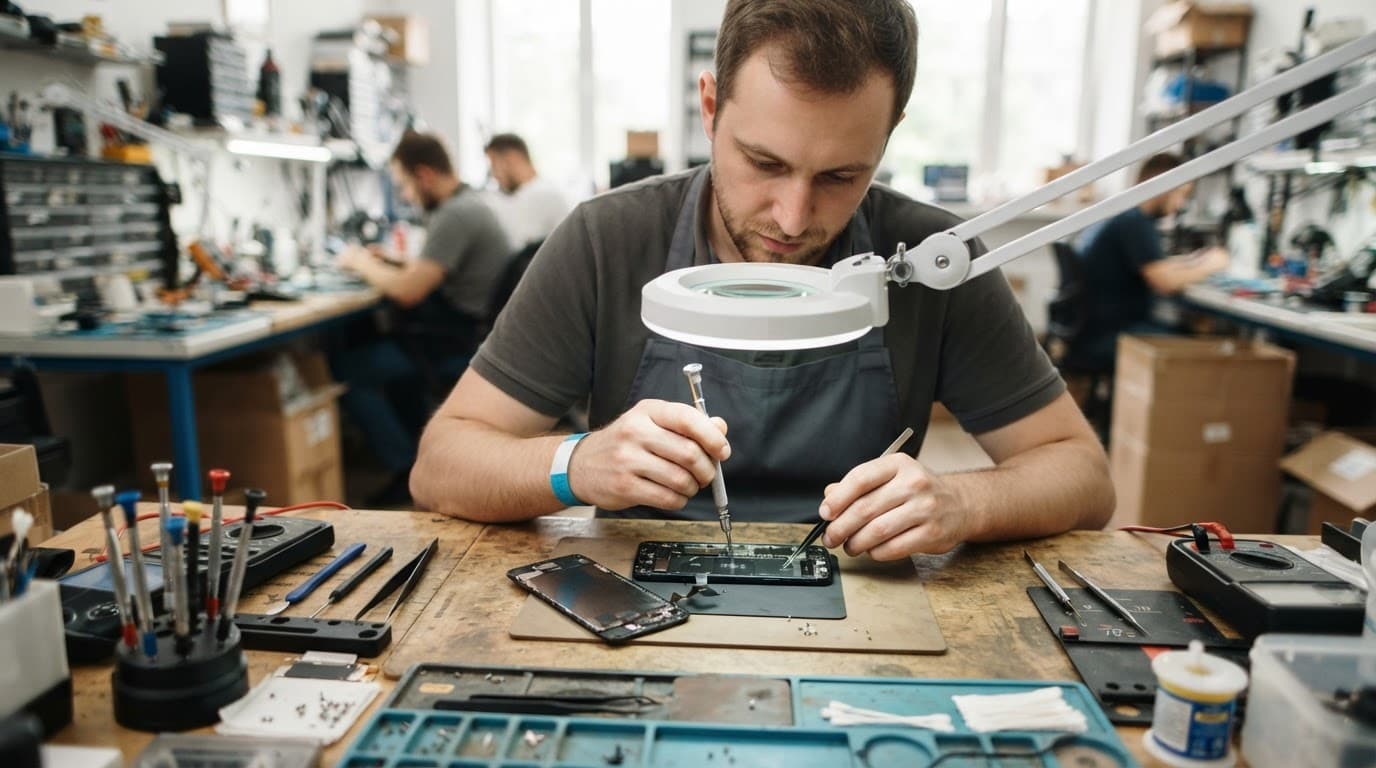
Comparing colour, touch and everyday performance
The difference between original and compatible displays often becomes obvious during normal use rather than during a quick five-minute check.
Original panels usually provide the closest colour calibration. Whites should look natural, skin tones should remain consistent and dark areas should appear properly black on an OLED display. A compatible screen can still look excellent, but cheaper panels may appear cooler, warmer or less bright than the original.
Touch response matters just as much. A display can show a sharp image while missing taps, registering ghost touches or feeling slightly delayed. We test typing, swiping around the edges and dragging across the full panel. Edge response matters on larger phones, especially when using a case.
Brightness is another practical difference. A lower-grade compatible display may look acceptable indoors but become difficult to read outdoors. Auto-brightness and proximity sensors also need checking after a repair, because the front assembly can contain or sit beside delicate sensor components.
Samsung owners should ask about AMOLED quality and refresh rate. Many Galaxy phones use high-refresh-rate displays, and a cheaper replacement may not reproduce that smoothness. An in-screen fingerprint reader can also behave differently if the replacement panel, adhesive or calibration is unsuitable.
On iPhones, features such as True Tone and display-part messages depend on the model, the part and the repair process. Face ID components are particularly sensitive. A replacement screen cannot fix a damaged front sensor assembly, and careless handling can create a second fault.
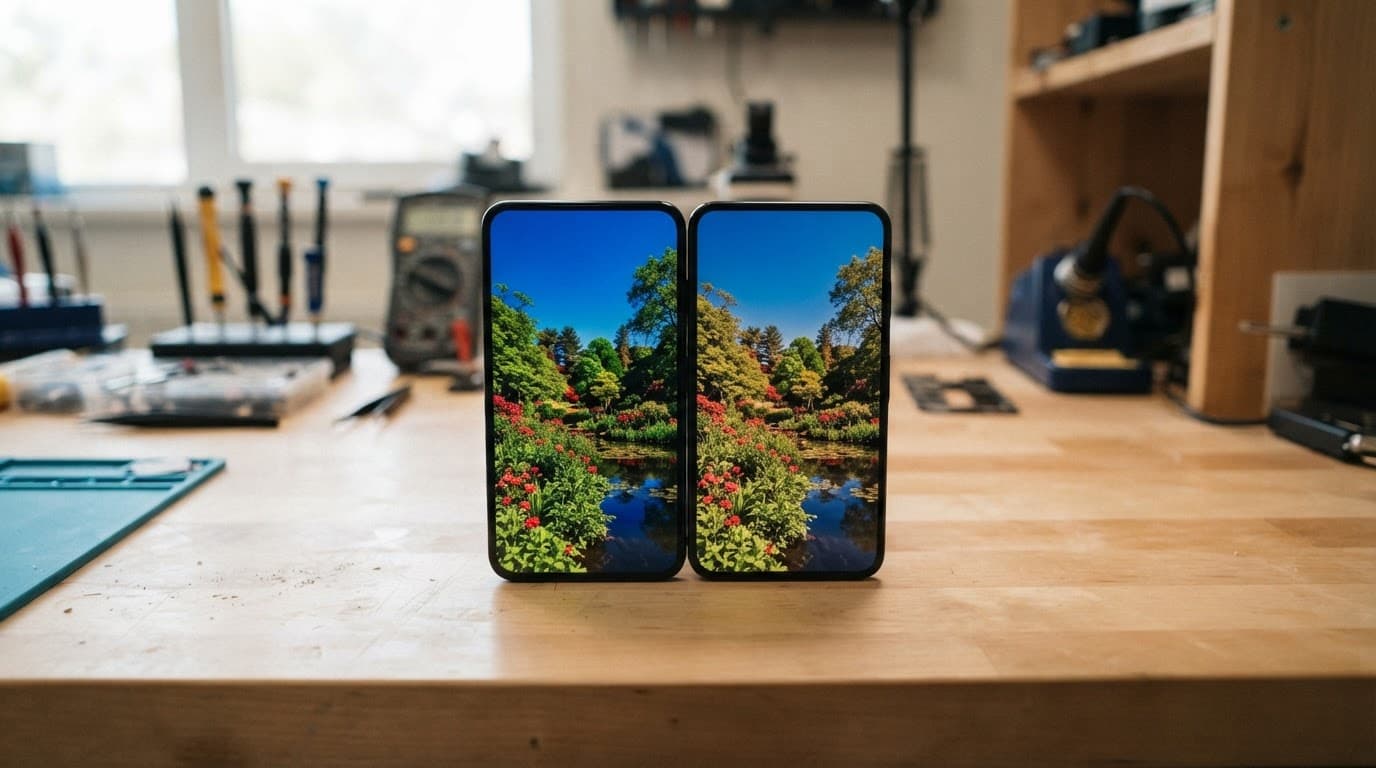
A compatible screen is a reasonable choice when the phone has several years of use behind it, the price saving is meaningful and the repairer offers clear testing and warranty cover. An original or refurbished-original display is easier to justify on a recent Pro, Ultra or flagship handset that you plan to keep for years.
Screen or display fault symptoms that need checking
The common screen or display fault symptoms include cracked glass, dead touch areas, flickering, coloured lines, black patches and a display that stays dark even though the phone vibrates or rings.
A crack isn’t always the complete diagnosis. A drop can damage the touch layer while leaving the image intact. It can also bend the frame, loosen a connector or affect the battery and charging path. That is why we test the whole handset rather than replacing the visible panel without checking anything else.
Before booking, carry out these safe checks:
- Back up photos, messages, contacts and authenticator apps while the screen still responds.
- Remove the case and inspect the frame under good light.
- Restart the phone, then test touch response across every corner.
- Check brightness, cameras, speakers, microphones, buttons and charging.
- Stop using the device if the screen is lifting, the phone becomes hot or the battery looks swollen.
Avoid pressing down on a lifting display. Don’t use a hairdryer, metal tool or clamp to remove a screen, and never try to straighten a bent phone by hand. Those actions can damage the battery or delicate flex cables.
Faults we see on different devices
An iPhone component fault after a drop may involve more than the display. A side impact can bend the rail, disturb the volume flex cable or leave Face ID unreliable. On an iPhone 12, we often see a cracked outer glass with a working image at first. Dead touch zones or black patches can appear later, which means the complete screen assembly needs replacing.
With a Samsung component fault after a drop, the curved edge, AMOLED panel and fingerprint reader need particular attention. A Galaxy may still power up while showing green lines, flickering or a dark section. A straight frame and an otherwise healthy phone usually make repair sensible, but a bent chassis can prevent a new panel from sitting safely.
A Google Pixel component fault after a drop can show up as a soft volume button, unreliable touch or a screen that works only intermittently. The phone may have no obvious crack. We check the side rail, display connector and internal components before blaming Android or a settings change. You can book a Google Pixel repair if the fault began after an impact.
For an iPad component fault or diagnosis, the larger laminated display makes the frame condition especially important. A corner impact can affect the glass, LCD, touch layer and housing together. If the iPad has a picture but ignores touch, a display assembly may be required rather than a glass-only repair. Our iPad repair service can assess the model and fault before work begins.
Good phone hardware troubleshooting in the UK starts with symptoms and testing, not guesswork. When a device won’t turn on or won’t charge, diagnosis should include the cable, port, battery, screen, connectors and power circuit. A black screen does not always mean a dead phone.
UK repair prices and the cost of each screen grade
Prices depend on the model, display technology, part grade and hidden damage. These are our general guide figures, not fixed quotes:
| Repair | Typical UK guide price |
|---|---|
| Screen replacement | £60 to £180 |
| Battery replacement | £40 to £80 |
| Charging port repair | £50 to £90 |
| Water-damage assessment or treatment | £60 to £120 |
| Premium OLED screen on newer flagships | £200 to £350 or more |
Older LCD phones usually sit at the lower end. Newer iPhone Pro, Samsung Ultra and other flagship models cost more because their OLED assemblies, high refresh rates and sensor arrangements are more expensive.
An original screen may cost substantially more than a compatible option. However, the cheapest compatible part isn’t always the cheapest repair in the long run if it needs replacing again or affects features you use every day. We compare the complete repair outcome, including the screen, adhesive, labour, testing and warranty.
If testing finds no fault, an inspection fee may apply under our standard charges. When we find additional damage, we contact you before carrying out chargeable work where possible. You should receive a revised choice rather than an unexpected bill.
You can view model-specific options when you book an iPhone repair or Book a Samsung Repair.
Questions to ask before choosing a replacement
A quote should tell you more than the word “screen”. Before booking, ask the repairer to confirm:
- Whether the part is genuine, refurbished original, premium OLED, hard OLED or LCD.
- How the replacement compares with the original for brightness, colour and refresh rate.
- Whether touch, cameras, speakers, proximity sensors and fingerprint functions will be tested.
- Whether the quoted price includes labour, adhesive, VAT and return postage.
- How long the warranty lasts and whether it covers the part and fitting.
- What happens if testing finds frame, battery, charging or liquid damage.
Check the phone’s overall condition as well. Repair usually makes sense when the handset has one clear fault, a healthy battery and a straight frame. Replacement may be more practical when the phone has a shattered display, heavy corrosion, poor battery life and charging problems at the same time.
Insurance can change the calculation. Compare the confirmed repair price with your policy excess and check whether using an independent repairer affects the cover. Manufacturer warranty terms can also change after an independent repair, so check those conditions before authorising work. Accidental damage is rarely covered by a normal manufacturer warranty.
How the postal repair service works
We serve customers in Essex and across the UK through our postal repair service. Customers can also arrange an appointment-only drop-off in Harlow. We provide tracked Royal Mail postage, tracked returns and aim to begin work as soon as a device arrives, although the total turnaround depends on delivery, parts and the fault found.
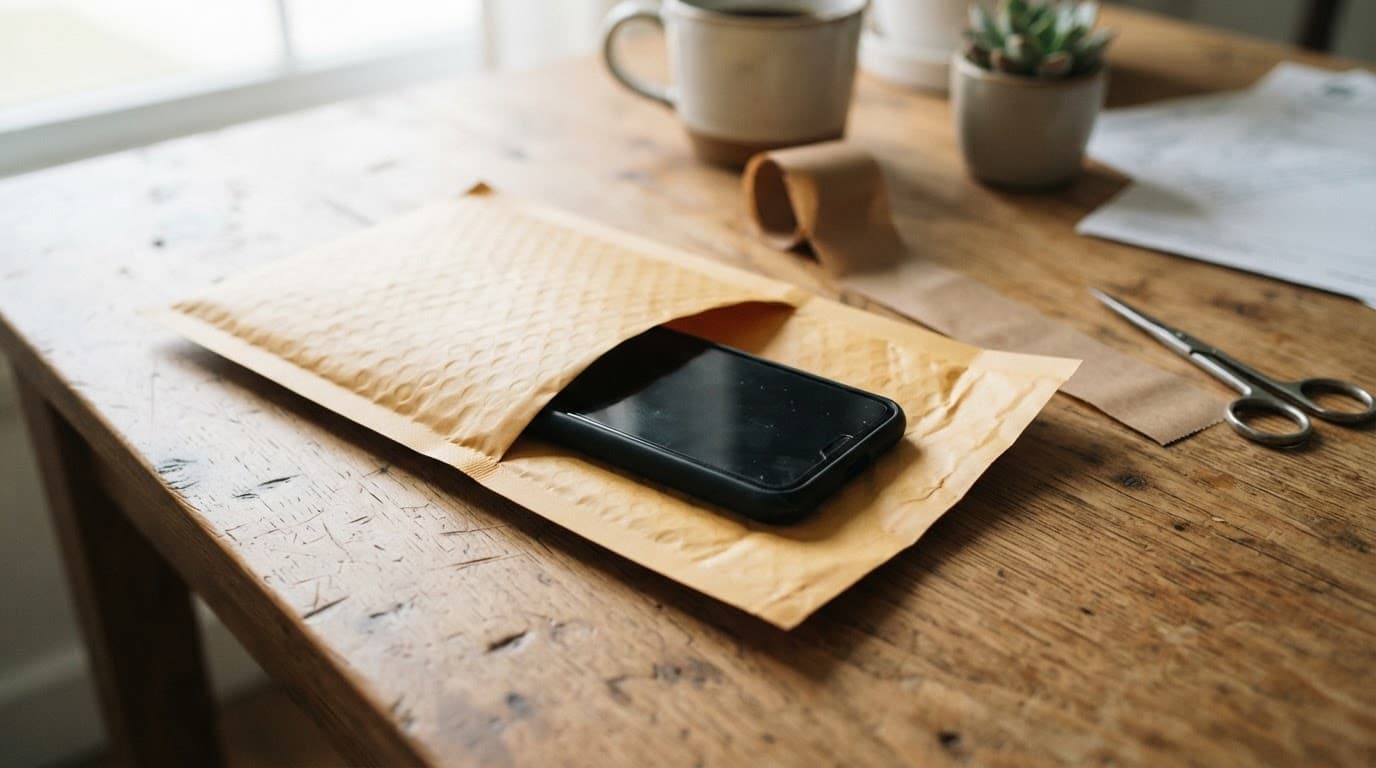
The usual process is straightforward:
- Use the online Fix My Phone option and select the device and reported fault.
- Back up your data, remove the SIM card and take off the case.
- Power the device down if the screen is lifting, the phone is hot or the battery looks damaged.
- Pack the handset securely so it cannot move inside the parcel.
- Include the order number and any passcode requested for testing, following the booking instructions.
- We inspect, quote where needed, repair and test the device before sending it back.
Our published terms distinguish between screen grades. Premium iPhone screens carry a 12-month warranty, while standard iPhone screens have a shorter warranty term. Batteries and other components are generally covered for 12 months, with separate terms for liquid damage and other specialist work. Accidental damage, liquid exposure after collection and tampered warranty seals can affect cover.
A Repair My Crack service may also affect a manufacturer’s warranty. If keeping that cover is your priority, contact the manufacturer first. The manufacturer may still exclude accidental damage, so compare the full cost and timescale before deciding.
Conclusion
The practical answer to original vs compatible phone screens depends on your phone, budget and expectations. A genuine or refurbished-original display gives the closest factory result, while a well-made compatible OLED can offer strong value when the part grade and warranty are clear.
Before accepting a cheap quote, check the display type, expected features, testing process and warranty. If the frame is bent, the battery is lifting or charging has become unreliable, ask for a full diagnosis rather than booking a screen blindly.
For a cracked screen in Essex or anywhere else in the UK, we can inspect the handset, explain the options and provide a clear price before chargeable work begins.
James Waterston, Device Repair Specialist at Repair My Crack