
Dropped your Pixel and now every photo looks soft or blurry? We see this fault all the time, and it’s a proper nuisance when the phone still seems fine in every other way.
The short answer is simple. If a Pixel camera focus issue starts straight after a drop, we first rule out dirt, app glitches and updates. If the blur stays in every camera app, the fault is usually inside the camera itself.
Why a drop can stop a Pixel camera from focusing
Pixel cameras are clever, but they’re still small moving parts inside a thin phone. After a knock, the autofocus motor can stick, the stabiliser can shift, or the lens cover can crack just enough to confuse focus. The camera app may still open, yet the image keeps hunting and never locks.
Sometimes only one lens plays up. For example, the selfie camera may stay sharp while the main rear camera won’t focus at 1x. That usually points to a damaged rear module, not a phone-wide software problem.
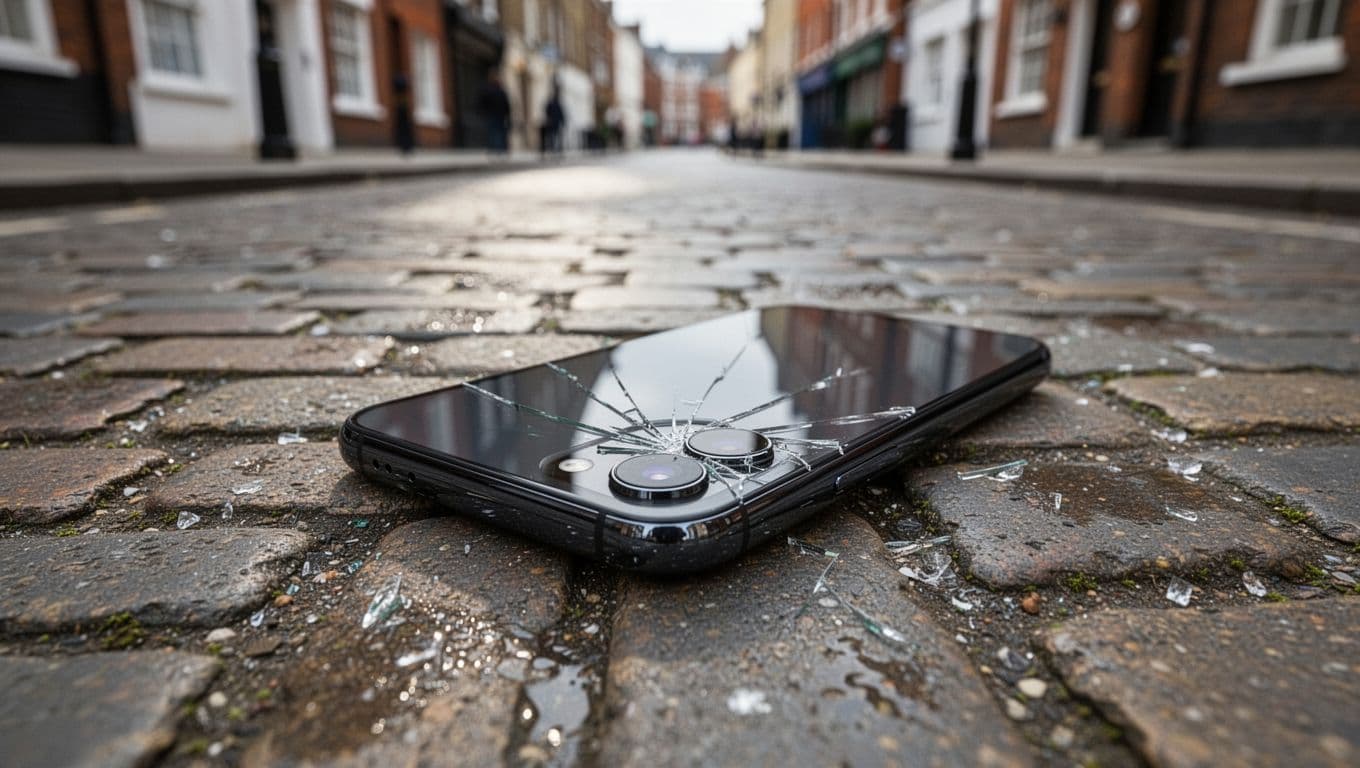
On newer Pixel models, a drop can also upset the optical stabiliser and focus motor together. That lines up with what this Pixel 8 Pro focus guide describes around stuck lens movement after impact.
Signs the fault is probably hardware
A few clues usually give the game away:
- The camera keeps pulsing in and out but never gets sharp.
- Every app shows the same blur, not only the stock Camera app.
- Close-up shots are worst, yet distant shots still look a bit better.
- You hear clicking or a harsh buzz when the camera opens.
If your Pixel stays blurry in every camera app after a drop, the fault is usually mechanical.
A small rattle on some Pixel models isn’t always bad news on its own. Google notes that slight camera movement noise can be normal on some larger camera setups, so the sound matters less than the symptoms.
Checks worth trying before we open the phone
Before booking a repair, we always suggest a few quick checks. They only take a few minutes, and they can save you a wasted trip.
- Clean the lens and camera bar with a soft microfibre cloth.
- Force-close the Camera app, then open it again.
- Clear the Camera app cache in Settings.
- Restart the phone and test both photo and video.
- Try Safe Mode and check for Android and Camera updates.
If the picture sharpens after a restart or cache clear, happy days. If nothing changes, move on quickly. There’s no point spending an hour on settings when the lens mechanism has taken the hit.
For the exact Safe Mode and app steps, Google’s own Pixel camera help page is the best place to follow the process. We’ve also seen a few cases where recent updates changed camera behaviour, so it’s worth checking you’re fully up to date before we call it hardware.
One warning, though. Don’t start tapping the phone against your palm because a random video suggested it. That sometimes shifts a stuck part, but after a drop it can also make a small fault worse. We’d rather diagnose it properly than turn a camera repair into a bigger job.
A real example from our Essex workshop
Last week we had a Pixel 7 in from Chelmsford after a waist-height drop onto tarmac. The screen was fine, but the main camera wouldn’t lock focus at all. The customer had already cleaned the lens and restarted the phone, which was the right call.
We tested the stock app, a second camera app, and video mode. Same blur every time. That told us the Pixel camera focus issue wasn’t app-related. On inspection, the rear camera glass had a tiny crack at the edge, and the main module had clearly taken the shock. We replaced the faulty camera assembly, tested focus at different distances, and the phone was sharp again.
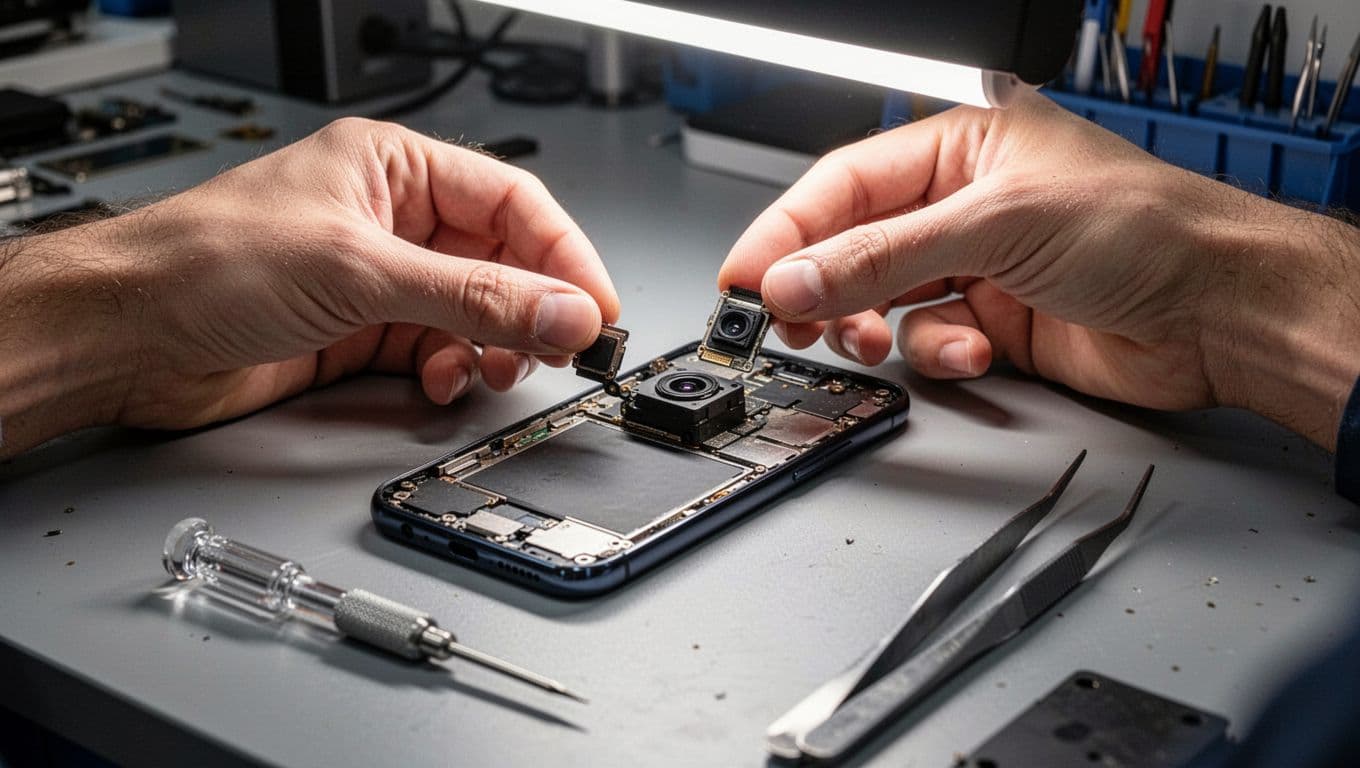
Most of these jobs are worth repairing. A camera fault alone rarely means the whole phone is done for. If the frame is bent, the rear glass is smashed, or the display is gone as well, we look at the total repair cost and tell you straight whether it still makes sense. If the drop damaged more than the camera, our Pixel screen repair UK service may be relevant too.
For anyone searching for phone repairs in Essex, we offer Harlow drop-in bookings. If you’re farther away, our tracked UK phone repair by post keeps things simple. We ask you to book online, pack the device securely, include your order number, and add a passcode if testing will need it.
Our bench isn’t Pixel-only either. The same week can bring iphone screen repair UK enquiries, cracked iphone screen repair jobs, iphone battery replacement UK bookings, and samsung phone repair UK work. We also handle mobile phone repair UK cases nationwide, so a postal phone repair UK booking is often the easiest route if you’re not local. We use quality parts, aim for express turnaround where possible, and repairs are backed by a 12-month warranty, subject to terms. If you’ve already had a quote elsewhere, our price promise is worth asking about.
Conclusion
When a Pixel stops focusing after a drop, the main thing is to separate a quick software check from a true hardware fault. If the lens is clean, updates are done, and every camera app stays blurry, the camera module is the usual culprit.
We’d rather tell you the truth than waste your time. If repair is sensible, we’ll get it sorted as quickly as we can. If you’re stuck with a blurry Pixel right now, book it in online and send it over, or drop into us in Essex, and we’ll check the fault properly.
Repair Your Google Pixel
We repair screens, batteries, charging ports, cameras and back glass across the Pixel range, with free tracked Royal Mail postage both ways and transit insurance up to £750. Every repair is tested before it’s returned, and covered by a 12-month warranty.
- Pixel 9 Pro, Pixel 9, Pixel 9a
- Pixel 8 Pro, Pixel 8, Pixel 8a
- Pixel 7 Pro, Pixel 7, Pixel 7a
- Pixel 6 Pro, Pixel 6, Pixel 6a
- Pixel Fold
Get an instant price for your Pixel model, or contact us if you’re not sure what’s wrong.