
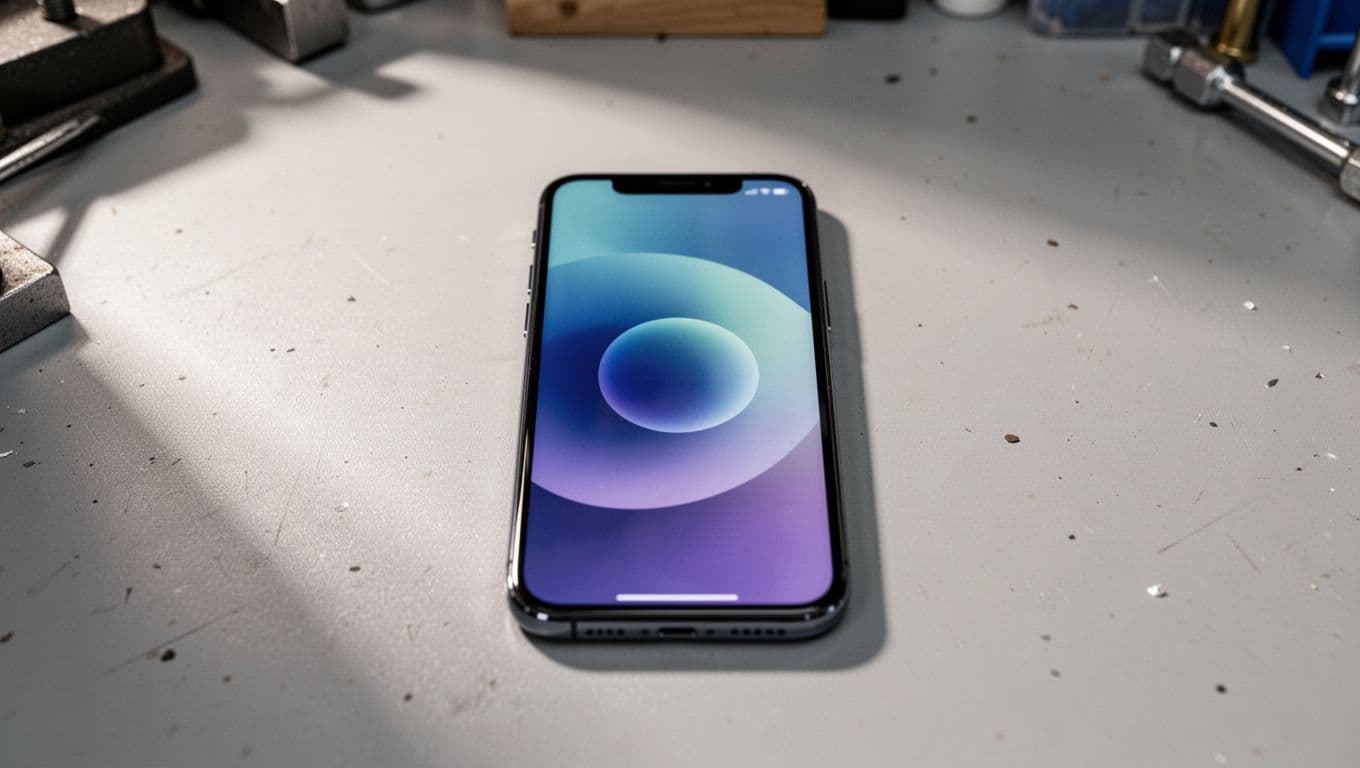
Watching a Pixel sit on the Google logo for minutes feels grim. It looks alive, but it won’t actually do anything useful.
The good news is that a pixel stuck google logo fault in 2026 is often a software issue, not a dead phone. We usually start with safe recovery steps first, because plenty of Pixels can still come back without a full repair.
We handle more iphone screen repair UK and iphone battery replacement UK jobs than Pixel boot loops, yet the same rule applies. Start with the least risky fix, then move to hardware checks only if the basics fail.
Why a pixel stuck google logo fault is showing up in 2026
Spring 2026 has brought a spike in Pixel boot issues. Reports gathered by Android Central on the March Pixel update problem suggest some phones, from Pixel 6 through newer models, can get trapped on the boot screen after updating.
Google’s own help pages also point users towards restart, crash and freeze troubleshooting, including Pixel restart and crash support and Google’s guide for frozen Pixels. That lines up with what we see on the bench.
Most cases are software-related. A bad update, corrupted app data, low storage, or a failed restart can all trigger it. Still, hardware can play a part. A weak battery, liquid damage, or a drop can make the phone fail during boot and look like the same fault.
At the bench, this is less common than cracked iphone screen repair or samsung phone repair UK work, so it catches people off guard.
If your Pixel also has impact damage, our guide to Google Pixel display replacement costs 2026 helps if the boot fault and screen damage arrived together.
Safe fixes to try before we open the phone
If the phone is stuck on the logo, keep it simple. Random button mashing usually makes a bad day worse.
- Charge it properly first.
Leave it on a decent USB-C charger for at least 30 minutes. A tired battery can drop voltage during boot. - Force a restart.
Hold Power and Volume Down together for around 30 seconds. If it restarts, give it a minute. Some Pixels need a second attempt. - Try Safe Mode if it gets any farther.
If the phone begins to boot, hold Volume Down when the Google logo appears. If Safe Mode loads, remove any recent apps and restart normally. - Use Recovery Mode as a last software step.
Hold Power and Volume Down to reach the bootloader. From there, try Recovery Mode. If it opens, restart first. Only consider a factory reset if nothing else works.
A factory reset wipes your data, so we treat it as the last software option, not the first.
If the phone briefly boots, back it up straight away. Then update it fully and clear out any dodgy apps. We also tell people not to trust every forum fix they find at 1am. Some advice is sound, some is pure chaos.
When it starts looking like hardware
If the phone won’t hold charge, gets hot near the camera bar, or only stays on while plugged in, software may not be the whole story. The same goes for phones that were dropped, bent, or exposed to water before the boot issue started.
This is where proper testing matters. Most people searching mobile phone repair UK help want a quick answer, but a boot problem needs a little patience. We check battery health, charging behaviour, button response, and whether the phone can reach recovery or fastboot consistently.
Last week we had a Pixel 7 in from Essex with this exact fault. The customer thought the March update had killed it. It had partly done that, but the battery was also collapsing under load. We fitted a new battery, completed software recovery, then ran full charging and boot tests. It went back working normally.
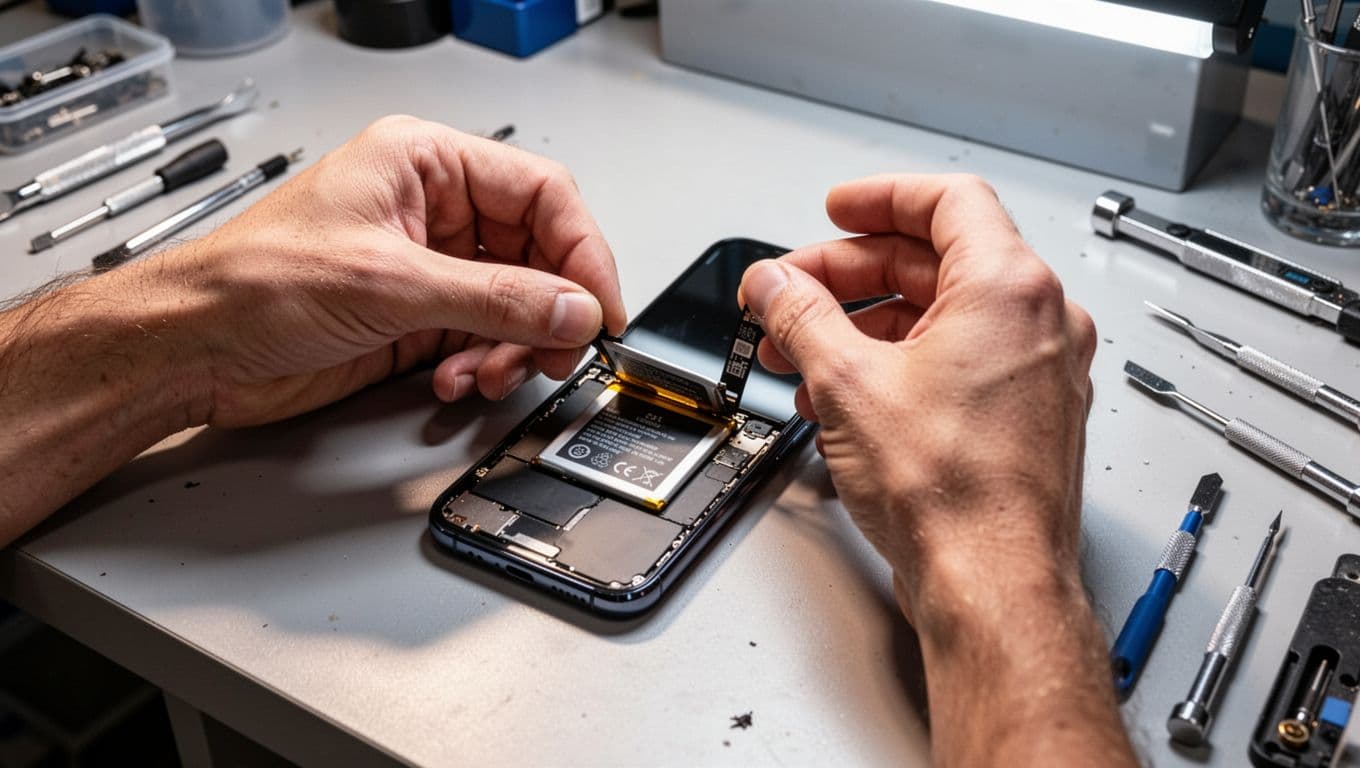
That sort of mixed fault is why we don’t guess. A worn battery can mimic a motherboard problem, and a stuck power button can mimic a software loop.
Local readers often find us by searching phone repair Essex, while others need a postal phone repair UK option. If you’re nearby, our phone repairs in Essex page explains the drop-in route. If you’re farther away, our postal phone repair UK guide covers packing, booking and tracked return delivery.
Quick questions we hear all the time
Will a factory reset always fix it?
No. It can solve corrupted software, but it won’t fix a bad battery, water damage, or board trouble. That’s why we only suggest it after safer steps.
Is it worth repairing an older Pixel?
Usually, yes, if the rest of the phone is tidy. If the fault is battery-related, the repair can be far cheaper than replacing the handset. We say the same when customers ask about iphone battery replacement UK jobs on older iPhones.
Can you help if it isn’t a Pixel?
Yes. Alongside Pixel faults, we handle the usual iphone screen repair UK work, cracked iphone screen repair, and plenty of Samsung jobs. The main thing is accurate diagnosis first.
A pixel stuck google logo problem feels dramatic, but many 2026 cases still come down to recoverable software or a tired power system. Start with charging, a forced restart, Safe Mode, and Recovery Mode before doing anything drastic.
If yours is still frozen, we can test it properly, give you a clear quote, and aim to get it sorted fast, whether you’re local or sending it in by post. Book online when you’re ready, include your order number, and we’ll take it from there.
Repair Your Google Pixel
We repair screens, batteries, charging ports, cameras and back glass across the Pixel range, with free tracked Royal Mail postage both ways and transit insurance up to £750. Every repair is tested before it’s returned, and covered by a 12-month warranty.
- Pixel 9 Pro, Pixel 9, Pixel 9a
- Pixel 8 Pro, Pixel 8, Pixel 8a
- Pixel 7 Pro, Pixel 7, Pixel 7a
- Pixel 6 Pro, Pixel 6, Pixel 6a
- Pixel Fold
Get an instant price for your Pixel model, or contact us if you’re not sure what’s wrong.
- James Waterston, Device Repair Specialist at Repair My Crack