
When a Pixel lands on a corner, the screen isn’t always the only thing that suffers. A Pixel torch not working fault can appear straight away, even when the phone still unlocks, makes calls and looks mostly fine.
The short answer is that the torch may have lost its connection to the rear camera or flash circuit. Android can also disable the torch when the camera is stuck, the phone is too hot or the battery is critically low. We can rule out the simple causes first, then inspect the handset properly if the fault started with the impact.
Pixel torch not working: what the drop may have damaged
The torch uses the LED flash beside the rear camera. It isn’t a separate plug-in light that sits away from the rest of the phone. The flash, camera module and main board communicate through small connectors and flexible cables, so a sharp impact can disturb one part of that chain.
Several faults can produce the same greyed-out or unavailable torch icon:
- A camera or flash connector may have shifted after the phone hit the floor.
- The rear camera module may have suffered impact damage.
- A bent frame can press against internal parts and stop a connection sitting correctly.
- Cracked rear glass can let in dust or moisture, especially when the phone is used outdoors.
- A damaged power circuit may prevent the LED from receiving power.
- The torch may be temporarily blocked by the camera app, heat protection, low battery or a software fault.
The rear camera is a useful clue. If the torch fails but the camera works normally, the LED circuit or its connection may be the problem. If the camera also shows a black preview, crashes or refuses to focus, the camera assembly or a shared connection deserves closer attention.
Google’s Pixel support community includes reports where rear camera failure and a disabled flashlight appeared together. That does not prove every torch fault is hardware-related, but it shows why testing both features matters.
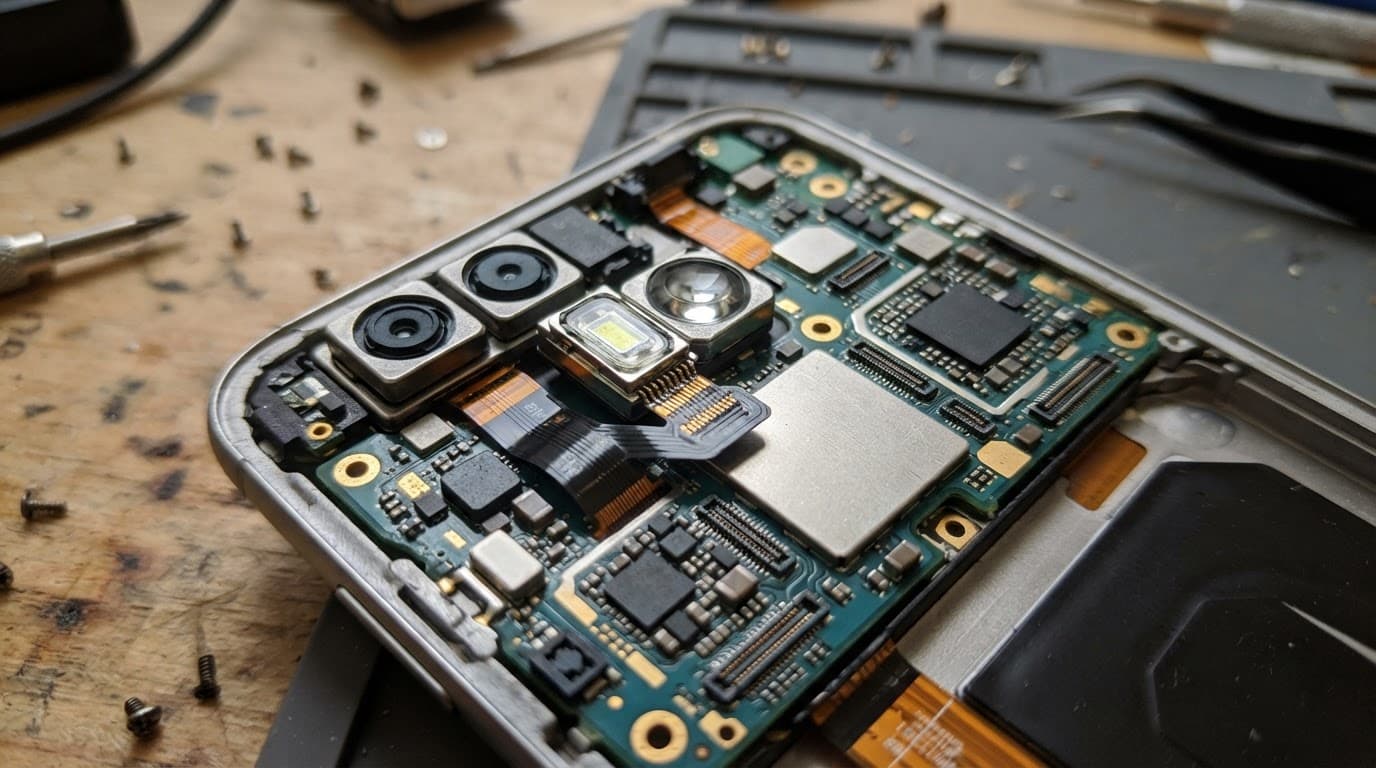
A small crack around the camera area can also make later moisture damage more likely. Even if the torch returns for a while, repeated failure after a drop shouldn’t be ignored.
Safe checks before booking a repair
A few checks are safe to try at home. They won’t repair a broken connector, but they can separate a temporary software problem from damage caused by the fall.
- Remove the case and check the phone under good light. A tight case can hold a damaged button or press against a slightly bent frame.
- Restart the Pixel, then test the torch from Quick Settings. Also test the rear camera, flash in the camera app and video recording.
- Close the camera, QR scanner, Snapchat, Instagram and any other app that may be using the camera. Android can keep the torch unavailable while another app has control of the camera.
- Check whether the handset feels unusually hot or has a very low battery. Let it cool naturally and charge it with a reliable cable if the phone looks physically safe.
- Back up your photos, contacts, messages and authenticator information while the phone still works.
A camera app update or a restart may solve a software glitch. However, if the torch stopped immediately after the impact and remains unavailable, repeated resets are unlikely to help. Avoid a factory reset before a hardware inspection, because it can erase useful information without fixing a damaged part.
Don’t use a hairdryer, radiator or kitchen tool to open the Pixel. Heat can damage the battery and screen adhesive, while a screwdriver in the wrong place can turn a loose connector into a torn cable. If the screen is lifting, the phone is getting hot, or the battery looks swollen, switch it off and don’t charge it.
A general phone flashlight troubleshooting guide also covers low battery, power-saving settings and camera-related causes. Those checks are sensible, but physical damage needs a different approach.
How a repairer finds the real fault
We start with the phone’s history. A drop onto a corner suggests different risks from a handset that was squeezed in a bag or exposed to water afterwards. We then inspect the frame, rear glass, camera lens and gaps around the housing before opening anything.
The next stage is functional testing. We check:
- Whether the rear and front cameras open reliably.
- Whether the rear camera focuses and records video.
- Whether the torch works from Quick Settings and another app.
- Whether the phone charges normally and stays at a safe temperature.
- Whether other features failed at the same time, such as vibration, microphones or wireless charging.
Inside the handset, we look for a displaced connector, torn flex cable, cracked camera module, pressure from the frame or signs of corrosion. A connector can sometimes be reseated. Other cases need a camera or flash-related part. Board damage needs more careful assessment, and repair may not be sensible if several circuits have failed.
A familiar workshop pattern is a Pixel that arrives after a corner impact with a grey torch icon, a rear camera that struggles to open and no obvious problem with calls or Wi-Fi. We test the camera and flash together, inspect the connection, then check the handset again after any repair. That stops us from replacing a part that was never responsible for the fault.
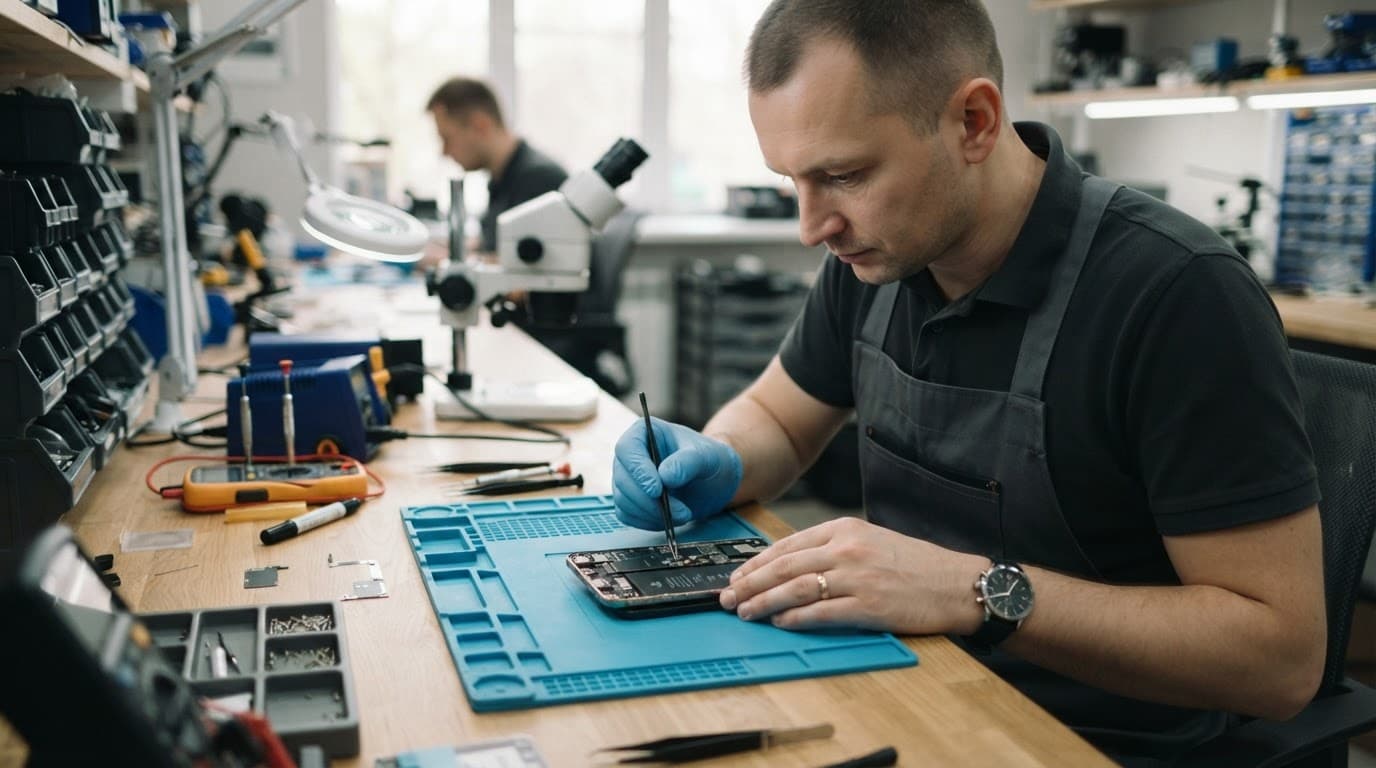
When the camera and torch fail together after a drop, replacing the LED alone may not solve the problem. The shared connection and camera assembly need testing first.
Repair costs and when replacement makes more sense
There isn’t a responsible flat price for every Pixel torch fault. The cost depends on whether the problem is a loose connection, a camera module, a damaged frame, liquid corrosion or a board-level fault. We confirm the fault and explain the options before chargeable work begins.
For context, guide prices for common UK repairs often fall within these ranges:
| Repair type | Typical guide range |
|---|---|
| Screen replacement | £60 to £180 |
| Battery replacement | £40 to £80 |
| Charging port repair | £50 to £90 |
| Water-damage treatment | £60 to £120 |
| Pixel torch or camera fault | Quote after inspection |
These figures are guides, not fixed promises. A screen, battery or charging port may have been damaged during the same fall, so the final repair can involve more than the original symptom suggests.
Repair usually makes sense when the Pixel has one clear fault, a healthy main board, a reasonably straight frame and good battery life. Replacement becomes more sensible when the phone has heavy corrosion, a badly twisted chassis, several major faults or a repair cost close to the value of the handset.
The same judgement applies beyond Pixel work. A cracked iphone screen repair is often worthwhile when the rest of the phone is sound. Someone comparing iphone screen repair UK options should ask whether the quoted part includes fitting, adhesive, testing and warranty. An iphone battery replacement UK job also needs proper testing first, because poor charging can come from the port rather than the battery.
Independent repair can affect a manufacturer’s warranty, so check those terms before booking. Our repair terms also distinguish between parts. Batteries and other components carry 12 months’ cover, while screen warranty depends on the screen type stated in the quote. If no fault is found, an inspection fee may apply under the standard charges.
Choosing a repair service in Essex or across the UK
People searching for phone repair Essex often want a quick local inspection. We offer appointment-only drop-in repairs in Harlow, Essex, alongside express repair options for common smartphone faults. Our accredited technicians use quality replacement parts and test the handset after the work.
Customers who live elsewhere can use our postal phone repair UK service. You can book online, package the phone securely, include the order number and provide any necessary passcode details. Back up your data first, remove the SIM card and avoid sending loose accessories unless we ask for them. Free tracked Royal Mail postage and tracked returns help keep the journey clear.
We aim to start work as soon as the device arrives, often on the same day, although parts availability and the fault itself affect the timescale. A postal repair still needs proper testing, so a complicated camera or board fault may take longer than a straightforward screen replacement.
Our phone screen repair turnaround times guide explains why testing can take longer than fitting a replacement part. The same principle applies to a Pixel torch fault. The visible symptom may take seconds to describe, but the correct diagnosis requires checking the rest of the handset.
We also handle mobile phone repair UK enquiries across common iPhone and Samsung faults. For example, our Samsung phone repairs cover camera, charging, battery and screen problems. The same post-drop checks matter whether the handset is a Pixel, Galaxy or iPhone.
Quick answers about Pixel torch faults
Can a restart fix the torch?
Yes, if an app has held the camera open or Android has temporarily disabled the LED. A restart won’t fix a damaged connector, camera module or board.
Is it safe to keep using the Pixel?
If the phone is cool, the frame is straight and the battery looks normal, limited use is usually reasonable while arranging an inspection. Stop using it if the handset heats up, the screen lifts, the rear glass opens or charging becomes unreliable.
Will a repair erase the data?
Routine hardware repairs usually focus on parts rather than storage. Even so, we recommend backing up before sending or opening any device. A drop can reveal a separate fault, and a backup protects your photos and files if the repair becomes more involved.
Conclusion
A Pixel torch not working after a drop often points to a camera, flash connection or internal power fault rather than a simple torch setting. Test the camera, restart the phone, back up your data and inspect the frame, but don’t heat, bend or pry open the handset.
If the fault remains, a proper diagnosis gives you a clearer choice between a sensible repair and replacement. We can assess Pixel damage in Essex or through our UK postal service, explain the cost before chargeable work and get started as quickly as the confirmed fault allows.
James Waterston, Device Repair Specialist at Repair My Crack