
A dropped Pixel can look fine on the outside, then leave you unable to turn the volume up during a call. It is a proper nuisance when your phone still works, but the side controls suddenly do nothing.
If you notice Pixel volume buttons not working straight after a fall, the cause is often physical. A restart or setting change can sometimes imitate a physical fault. An app conflict or software glitch can produce the same symptom. Start with the safe checks below before assuming the phone needs parts.
Key Takeaways
- Pixel volume buttons that stop working immediately after a drop are often affected by a bent side rail, damaged button mechanism or faulty flex cable.
- Remove the case, inspect the rocker, restart the phone and test Safe Mode before assuming a hardware repair is needed.
- A mushy, jammed or flat button should not be pressed repeatedly, especially if the screen, frame or battery also shows signs of impact damage.
- Use the Accessibility Menu, Bluetooth controls or Google Assistant as temporary workarounds while arranging a professional inspection.
- Back up your data before troubleshooting further, and treat a factory reset as a last resort rather than a fix for obvious physical damage.
First checks after a Pixel drop
Start by removing the case to rule out case interference. Thick or poorly fitted cases can press against the volume controls after an impact, especially if the frame has picked up a small dent.
Then inspect the side of the handset under good light. Look for a bent rail, a gap around the volume rocker, cracked rear glass, or a button sitting lower than usual. Press each side gently.
A healthy button should give clear, springy tactile feedback, showing that the external control is moving normally. If it feels normal but does not change media volume, software or the internal flex cable may be at fault. If it feels mushy, jammed or completely flat, the impact may have damaged the button mechanism.
If pressing the keys changes accessibility sliders rather than sound, check whether TalkBack, Select to Speak or Switch Access is active.
Take these steps before trying anything more involved:
- Back up photos, messages and authenticator apps while the Pixel still responds.
- Remove any debris around the button with a dry microfibre cloth.
- Check whether the screen or back cover is lifting away from the frame.
- Stop charging the phone if it feels unusually hot, the battery looks swollen, or the casing has separated.
A reboot can clear a software wobble, but it cannot repair a dented side rail or a torn button flex cable.
If the display has cracked too, do not press hard around the button to make it work. Pressure near a damaged edge can turn a straightforward button fault into a screen repair as well.
Rule out a software issue before booking a repair
Although a drop points towards hardware, it is worth spending five minutes on software checks. A system update or a downloaded app can change what the volume keys control.
Restart the Pixel once and test both directions on the volume rocker. If the touchscreen works but the power button does not bring up the menu, hold it for around 30 seconds for a forced restart. Wait for the Google logo, then test the rocker again.
If they change an accessibility feature shortcut rather than media volume, Android may have assigned the keys to another function. Open Settings > Accessibility from the settings menu, then review the accessibility menu for TalkBack, Select to Speak and Switch Access. Check Select to Speak and Switch Access key assignments, then turn off any unused Switch Access shortcut and test the buttons.
Android Accessibility Suite can also cause odd key behaviour after an update. Google community guidance for a Pixel 6a volume button problem suggests checking the Android Accessibility Suite app settings and recent update history, then selecting uninstall updates where appropriate. After you uninstall updates for Android Accessibility Suite, test the keys again, but only when the symptom resembles a settings conflict, not when the key is physically stuck.
Boot into Safe Mode, then test the volume controls there. If the rocker works in Safe Mode, third-party apps are likely causing the conflict, so uninstall any recently added launcher, accessibility tool, audio app or remapping app. If it still fails in Safe Mode, downloaded software is unlikely to be the cause.
A factory reset should be the last software step, not the first. Back up your data before considering it, and do not reset a Pixel with obvious impact damage until you have ruled out the hardware side.
Cleaning sticky residue and trapped debris safely
Pocket lint, dried coffee and sticky residue can stop the buttons travelling fully. It is tempting to poke around with pins, but they can scratch the button edge or push dirt further inside.
Power the handset off first. Use a soft, dry brush or a clean microfibre cloth around the seam. A few gentle puffs from a hand blower can lift loose dust, although compressed air can force debris deeper into the phone.
For visible sticky residue, lightly dampen a lint-free cloth with 99% isopropyl alcohol. Wipe the outside edge only. Never pour or spray isopropyl alcohol into the gap, soak the button, or apply cleaner directly to the Pixel.
Avoid hairdryers, radiators, toothpicks and paperclips. Heat can soften internal adhesive, while sharp tools can damage the button or nearby seals. Liquid or pushed-in debris can also affect the internal flex cable.
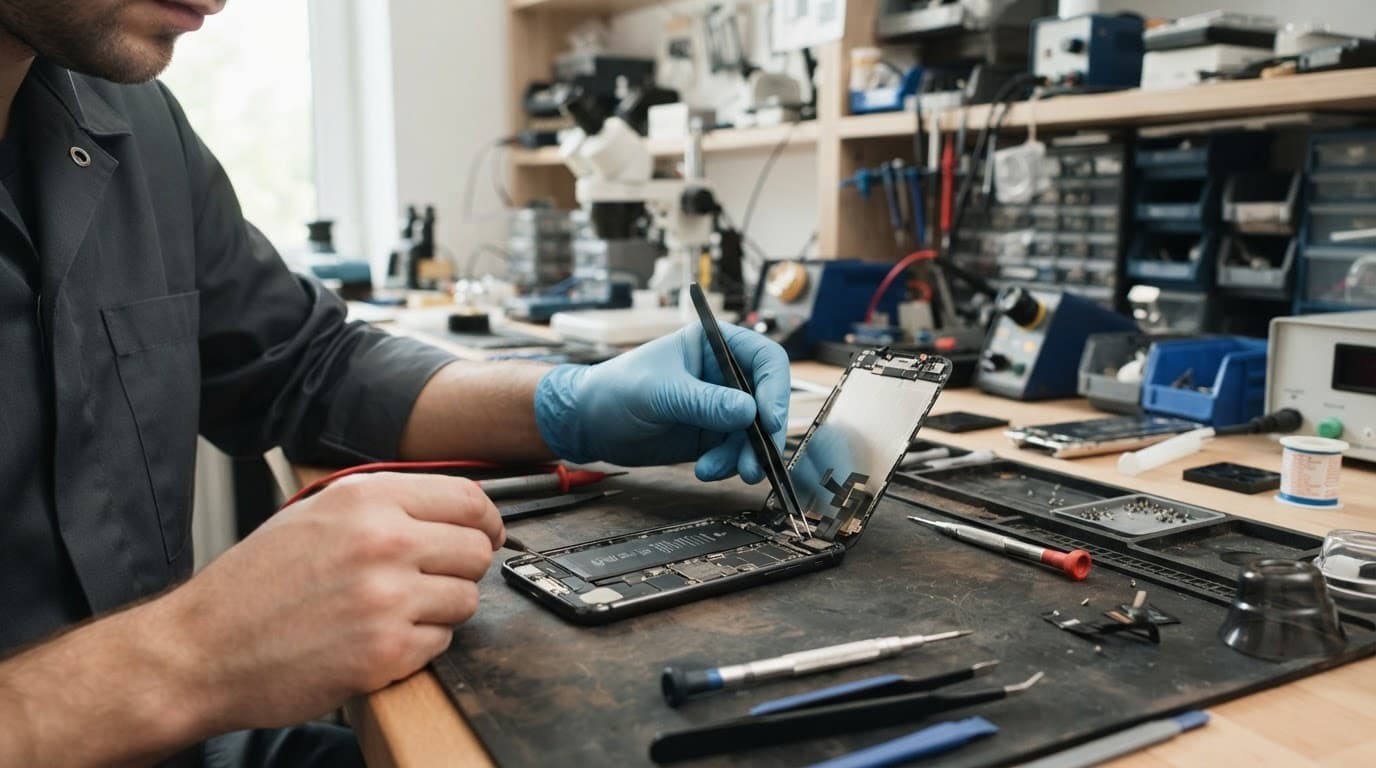
If the control still behaves intermittently after cleaning and restarting, stop trying to force it. A button that only works at a certain angle suggests that something underneath is no longer sitting correctly.
What a mushy volume rocker usually means
Inside the phone, the outer rocker transfers pressure to a small dome switch or tactile switch beneath it. That switch connects to the board through a side flex cable. A drop onto the right edge can bend the frame, dislodge the outer button or damage the assembly.
We see a few repeat patterns on the repair bench:
- The rocker still clicks, but neither direction registers. This can indicate damage to the flex cable or its connector.
- One side works, while the other responds intermittently or stays dead. The volume switch assembly or its flex cable may have suffered a local impact.
- The button has no click and sits low in the frame. A dented rail or broken internal switch is more likely, especially when normal tactile feedback has disappeared.
- Volume keeps changing without being pressed. Dirt, a trapped button or liquid damage needs checking promptly.
A recent Pixel sent to us after a pavement drop had no visible screen crack, yet the volume-down key felt soft and worked only intermittently. The side rail had taken the hit and was pressing against the button assembly. A proper inspection confirmed a hardware failure, rather than an Android update or settings issue.
This is why home repairs are risky. Opening a modern Pixel means working around adhesive, delicate screen cables and a battery. Replacing the flex cable can be sensible, but lifting an OLED display without the right tools can make the job much more expensive.
A professional repairer should check the frame, display fit, battery condition, charging and camera function as well as the button. A hard drop rarely respects neat categories.
Virtual volume controls and repair choices in the UK
You can keep using the phone while arranging a repair. Go to Settings > Accessibility > Accessibility Menu, then enable the accessibility shortcut. The accessibility menu provides on-screen volume controls without relying on the physical key.
Review Select to Speak and Switch Access if either has altered a shortcut. Select to Speak and Switch Access can remain enabled or be disabled independently of the on-screen volume control.
Bluetooth headphones, a smartwatch or a car system can also provide temporary volume control. Google Assistant can adjust the sound level too, but only as a temporary workaround. TalkBack may provide an audio cue, but it can’t repair a physically damaged key. Leave the accessibility menu enabled while arranging a repair. Don’t treat these workarounds as permanent if the physical button is stuck. A jammed switch can keep sending volume commands and drain the battery.
Google offers UK walk-in and mail-in repair routes for eligible Pixels. An independent diagnosis may identify a damaged flex cable, but repair by that provider may affect any remaining manufacturer warranty. Accidental damage isn’t normally covered by a standard manufacturer warranty, so compare the likely repair cost with the phone’s age and overall condition.
For a handset with one clear fault and a healthy screen, battery and frame, button repair often makes sense. If the Pixel also has a cracked display, bent chassis, weak battery and charging issues, a replacement flex cable may be only part of the job. We’d assess the whole device before recommending you spend money on it. The earlier Safe Mode result is useful evidence for a repairer.
Customers in Essex can arrange an appointment in Harlow. If you are elsewhere, our postal phone repair service lets you send the device securely for assessment, with tracked Royal Mail delivery both ways.
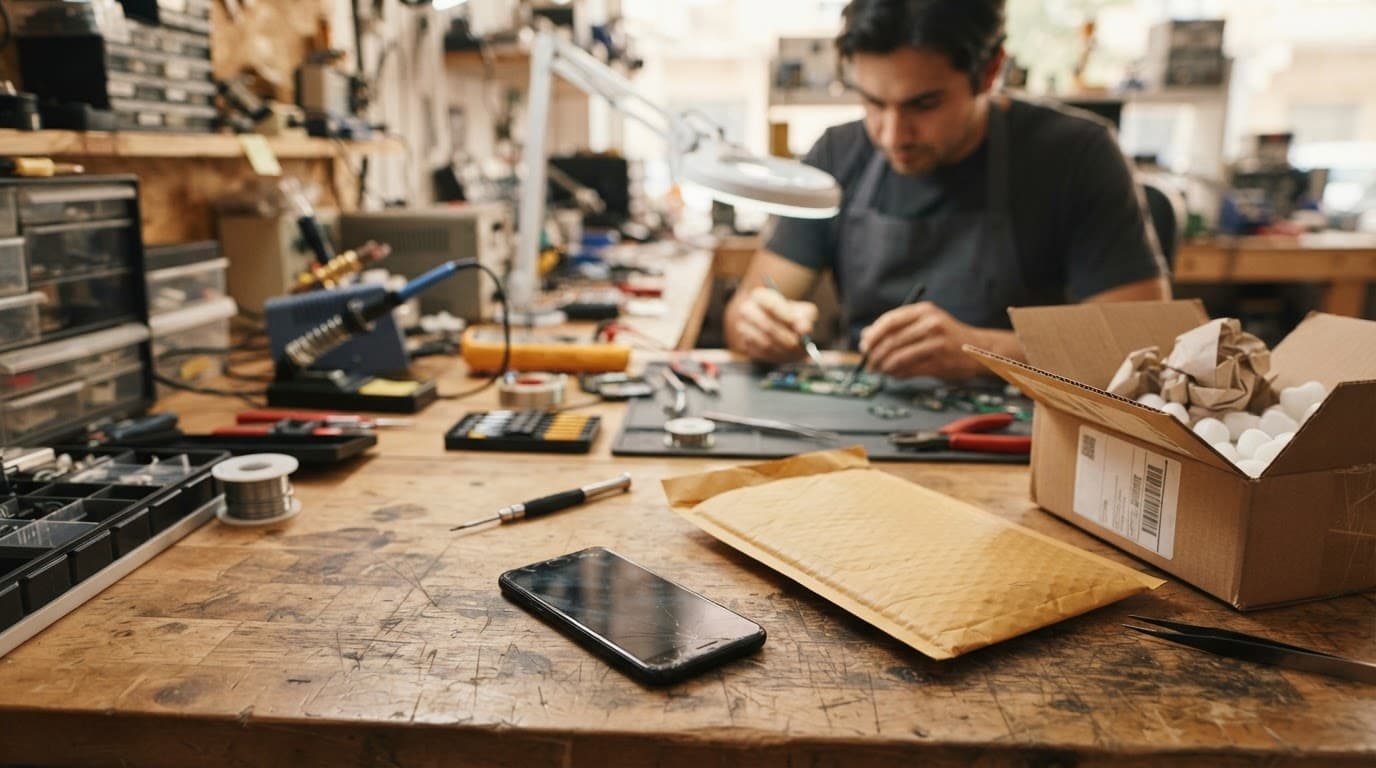
We inspect the confirmed fault before carrying out chargeable work. If testing reveals extra damage from the drop, we explain the options and price before proceeding. If no fault is found, an inspection fee can apply under our standard charges.
For another perspective on the diagnostic order, this repair guide covers diagnostic checks and repair considerations for Pixel button faults.
Frequently Asked Questions
Why did my Pixel volume buttons stop working after a drop?
A drop can bend the side rail, dislodge the outer rocker or damage the internal button flex cable. If the button feels mushy, sits low or has lost its normal click, physical damage is more likely than a settings problem.
Can a restart fix Pixel volume buttons that are not working?
A restart can clear a temporary Android or app-related glitch, but it cannot repair a damaged button mechanism or flex cable. Test the phone after restarting, then try Safe Mode if the controls still do not respond.
How can I control the volume without the physical buttons?
Enable Settings > Accessibility > Accessibility Menu to use on-screen volume controls. Bluetooth headphones, a smartwatch, a car system or Google Assistant can also provide temporary control while you arrange a repair.
Should I use a pin or compressed air to clean a stuck Pixel button?
No. Pins can damage the button and compressed air can push debris further inside the phone; use a dry, soft brush or microfibre cloth around the outside seam instead.
Should I factory reset my Pixel before getting it repaired?
A factory reset should be a last software step and is unlikely to help when the fault began with impact damage. Back up your data first, and arrange an inspection if the button remains stuck, intermittent or physically changed.
Getting your Pixel back to normal
Most cases of Pixel volume buttons not working after a drop come down to software or physical damage. Check the case, restart the phone, test Safe Mode and try a forced restart. Use Switch Access as a final settings check.
Back up your phone and don’t repeatedly press a mushy volume rocker. If the fault remains, arrange an inspection so a technician can check the button assembly and flex cable.
A factory reset should be a last resort, not a substitute for diagnosing impact damage. Back up your data first, then choose the repair that matches the fault.
James Waterston, Device Repair Specialist at Repair My Crack