
Your Samsung can hit the floor once and seem mostly fine, then Bluetooth packs up an hour later. That catches people out all the time. Calls still work, Wi-Fi looks normal, but the car won’t pair and your earbuds keep dropping out.
The short answer is this: when Samsung Bluetooth isn’t working after a fall, it can be a simple software wobble, or it can point to hidden hardware damage. We’ve seen both. The good news is that you don’t need to guess for long if you check the right things first.
Why a drop can knock out Bluetooth
Bluetooth relies on more than one part working nicely together. The software manages pairing, the antenna sends and receives the signal, and small connectors inside the phone keep that path stable. A hard knock can upset any of them.
Sometimes the fall only scrambles saved connections. That’s the easy version. Your phone still sees devices, Bluetooth turns on, and a restart or re-pair sorts it. In other cases, the impact loosens an internal antenna contact, damages a flex, or causes a small fault on the board. Then the problem sticks around.
We’ve also seen phones that look spotless from the front, yet the corner impact has done enough inside to break wireless performance. Bluetooth is often one of the first things to act odd because the signal is low-power and easy to disrupt.
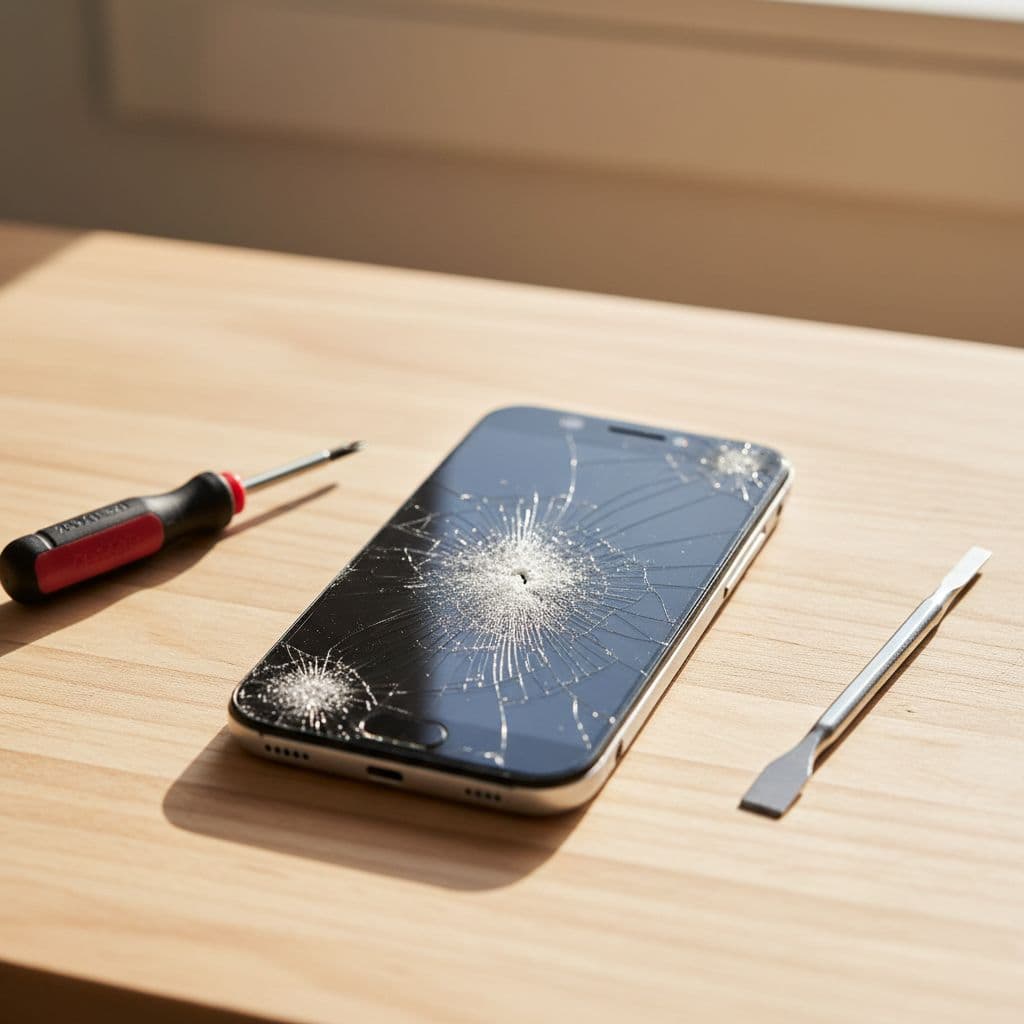
If you’ve booked an iphone screen repair UK job before, you already know how obvious a cracked display fault is. Bluetooth isn’t like that. The damage can hide under the back cover, near the antenna path, or around the board where nothing looks wrong from the outside.
That is why we always treat “it was fine before I dropped it” as useful evidence. It helps us separate a random software issue from a fault caused by impact.
If your Samsung Bluetooth isn’t working, start with these checks
Before we call it a hardware problem, we run through a few basics. They take 10 minutes and can save you a repair bill.
- Restart the phone and the accessory. It sounds basic, but temporary Bluetooth crashes do happen after a shock.
- Turn Bluetooth off, wait 20 seconds, then switch it back on. Also toggle Airplane mode once.
- Forget the device and pair it again. Corrupt pairing data is common after a glitch.
- Test with a different accessory. If nothing connects, the phone is the likely culprit.
- Reset network settings, if re-pairing fails. On Samsung, that can clear broken Bluetooth settings without wiping your photos.
- Check battery optimisation if the issue is random disconnects, not total failure. Aggressive app management can break background Bluetooth behaviour, as explained in XDA’s guide to Bluetooth disconnects.
If you want the official basics, Google’s Android Bluetooth troubleshooting is still a good reference. We often point customers there before they send a handset in.
If Bluetooth won’t switch on at all, keeps spinning, or the phone sees no devices whatsoever, a drop-related hardware fault moves much higher up the list.
One more useful check is Safe mode. If Bluetooth works there, a rogue app may be interfering. If it still fails in Safe mode, the fault is more likely within the phone itself.
For anyone searching mobile phone repair UK options, this is the point where diagnosis matters more than guesswork. Swapping random parts won’t help if the issue sits on the board.
Clues the drop caused internal damage
A few symptoms make us suspicious straight away. Weak Bluetooth range is one. If your earbuds only stay connected when the phone is in your hand, the antenna path may have taken the hit. Another clue is patchy behaviour after pressure. We sometimes see phones that reconnect when the back is pressed lightly, then fail again in a pocket.
This quick table shows the sort of pattern we look for on the bench.
| Symptom | Likely cause | Best next step |
|---|---|---|
| Bluetooth turns on, but won’t pair | Corrupt settings or pairing data | Reset and re-pair |
| Bluetooth keeps dropping at short range | Antenna or connector issue | Internal inspection |
| Toggle is greyed out or stuck | Hardware fault or board issue | Diagnostic repair test |
| Only one accessory fails | Problem with the accessory | Test another device first |
The biggest takeaway is simple. Total Bluetooth failure after a drop rarely fixes itself.
Last week, we had a Galaxy S21 arrive from Essex after a pavement drop. The customer said music kept cutting out in the car, then Bluetooth vanished completely. The screen was intact, so they assumed it must be software. On inspection, we found impact damage near the antenna contact. Once we repaired that area and tested it properly, pairing came back as normal.
For customers looking for phone repair Essex support, this is the sort of fault we handle in Harlow every week. It’s also why a clean-looking phone can still need proper internal work.
Unlike a straightforward cracked iphone screen repair or an iphone battery replacement UK booking, Bluetooth faults don’t always reveal themselves at first glance. Diagnosis comes first, then the right fix.
When repair makes sense, and when it doesn’t
In most cases, repairing a Samsung with Bluetooth trouble after a drop makes sense if the phone is otherwise healthy. If the screen, battery, cameras and charging all work well, fixing the wireless fault is usually far cheaper than replacing the handset.
Common repairs include reseating or replacing antenna parts, correcting damage around connectors, or carrying out board-level work when needed. That’s why samsung phone repair UK quotes for Bluetooth faults are often confirmed after testing, not before. The fault can range from a loose contact to something deeper.
We take the same practical view with every device. If a phone already has a failing battery, smashed back glass, poor charge port and water exposure, the sums can stop making sense. In that case, we’ll say so. Nobody wants to throw good money at a handset that’s on its last legs.
That said, many impact faults are still worth sorting. A Samsung that’s only a couple of years old often has plenty of life left. With quality parts, proper testing and a price promise, repair is often the better call.
If you’re comparing options, our professional Samsung phone repair service is built around faults like this, not only obvious screen damage. We also back repairs with a warranty, subject to terms, which gives a bit of peace of mind after the job is done.
Posting your Samsung to us from anywhere in the UK
You don’t need to be local to get this sorted. Our postal phone repair UK service is ideal for faults that need bench testing, especially when Bluetooth works one minute and vanishes the next.
The process is simple:
- Book the repair online, or message us if you’re not sure which option fits the fault.
- Pack the phone securely, add your order number, and include any passcode we need for testing.
- Send it in by tracked post. We aim to start work once it arrives, often the same day.
- Once testing and repair are complete, we send it back securely.
If you want to get moving, you can book a Samsung phone repair online. If you’re still weighing up the best route, our trusted Samsung repair services across the UK page explains how we handle nationwide jobs.
We’re also available for local drop-ins by appointment in Harlow. So whether you need a samsung phone repair UK service by post or face-to-face help in Essex, we’ve got both covered.
Conclusion
A dropped phone can cause more than a cracked corner. When Samsung Bluetooth isn’t working after impact, the fault may be small, but it still needs proper testing. The early checks are worth doing, yet stubborn pairing failures, weak range or a dead Bluetooth toggle usually point to internal damage.
We’ve seen plenty of phones recover with the right repair, even when the outside looks fine. That’s why it’s worth diagnosing before writing the handset off.
If your Samsung is still refusing to pair, you can book it in and send it to us, or bring it to our Essex workshop. We’ll test it properly, explain the fault clearly, and get it sorted as quickly as we can.
James Waterston, Device Repair Specialist at Repair My Crack