
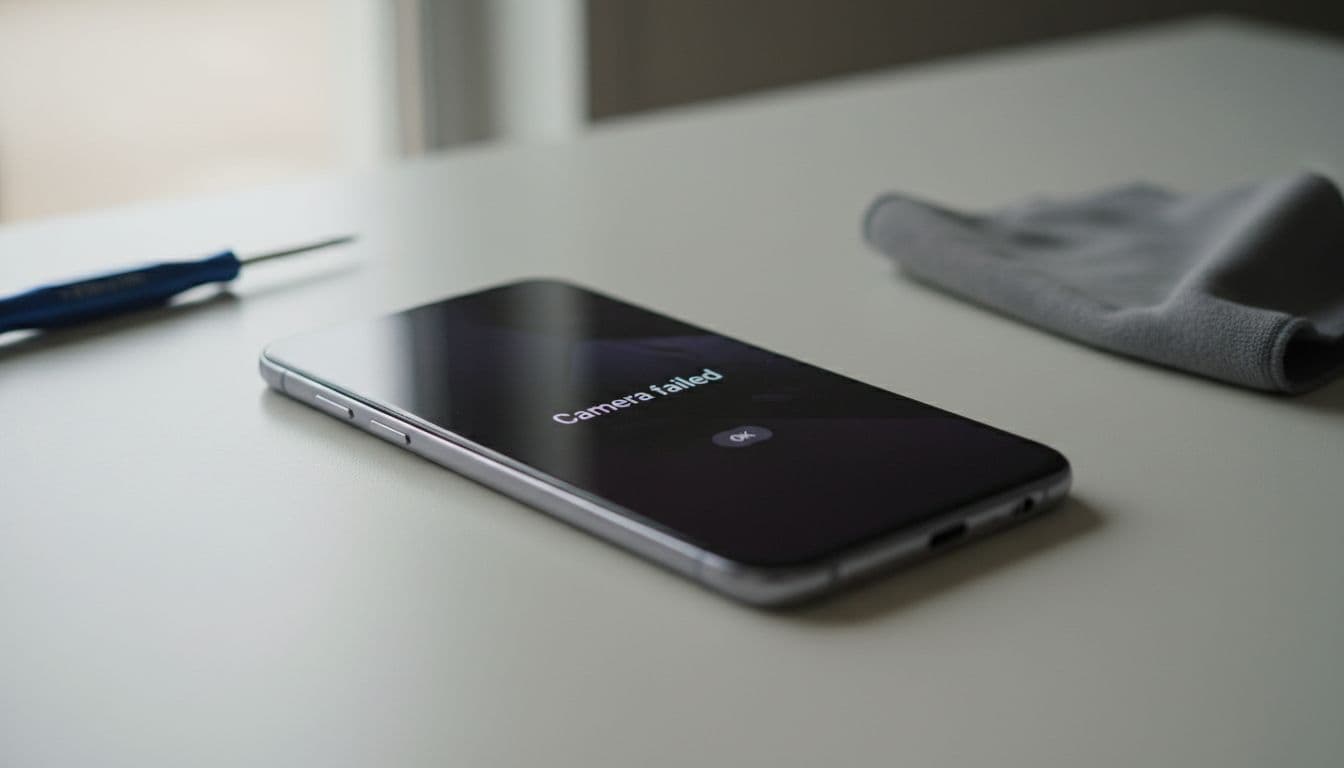
Nothing ruins a quick photo like a samsung camera failed warning popping up out of nowhere. One second your Galaxy is fine, the next the camera app won’t open, freezes, or shows a black screen.
The good news is that this fault is often fixable, and in many cases it’s software, not a dead camera module. In our workshop, we see it on newer Galaxy phones and older A series handsets alike. Let’s get into the fixes that help first, and the signs that mean it’s time for a proper repair.
What the Samsung camera failed warning usually means
Most of the time, the warning points to a clash inside the phone, not smashed hardware. A buggy update, bloated app cache, bad permissions, or a Google Play system issue can stop the camera from loading properly. In early 2026, we’re still seeing this on models such as the Galaxy A13, A14, A21s and some S series phones after updates.
It can also be physical. A drop can knock the camera loose. Moisture can corrode the connector. Cheap third-party repairs sometimes cause it too, especially when a phone has already had a poor-quality screen or back glass job.
That’s why we don’t guess. We test the simple fixes first, because they solve a lot of cases without opening the device.
The fixes we try first at the bench
If your Samsung camera has stopped working, go in this order. Test the camera after each step.
- Restart the phone
It sounds basic, but it clears temporary crashes and memory faults. Hold the side key and restart properly, not just screen off and on. - Update software and Google Play system
Go to Settings, then Software update. After that, check Security and privacy for a Google Play system update too. This has fixed camera faults on several Galaxy A models. - Clear the Camera app cache and data
Head to Settings, Apps, Camera, Storage. Clear cache, then clear data. Next, force stop the app and reopen it.
Clearing Camera app data resets camera settings, but it doesn’t delete your photos.
- Check permissions
In the Camera app settings, make sure camera, microphone and storage access are allowed. A blocked permission can trigger the warning. - Reset camera settings or test Safe Mode
If another app is interfering, Safe Mode often shows it. If the camera works there, a third-party app is likely the culprit.
Samsung’s own camera failed troubleshooting guide backs up most of these steps. We’ve also seen the same pattern in recent Galaxy S24 camera troubleshooting, which matches what we’re seeing on the repair bench.
If none of that helps, don’t keep hammering the app. At that point, the phone usually needs a closer look.
Signs it’s probably hardware, not software
A camera fault starts to look physical when the symptoms stay the same after resets and updates. In those cases, we usually find a failed camera module, damaged connector, or signs of moisture.
Common clues include:
- The camera app opens, then shuts instantly
- Only one lens fails, front or rear
- The image shakes, blurs, or clicks
- There’s visible lens damage or moisture under the glass
Last week we had a customer from Essex with a Galaxy A14 that showed the samsung camera failed warning after a minor drop. A restart and cache clear did nothing. Once we opened it, the rear camera connector had shifted slightly. We reseated the module, tested all lenses, and the phone was sorted the same day.
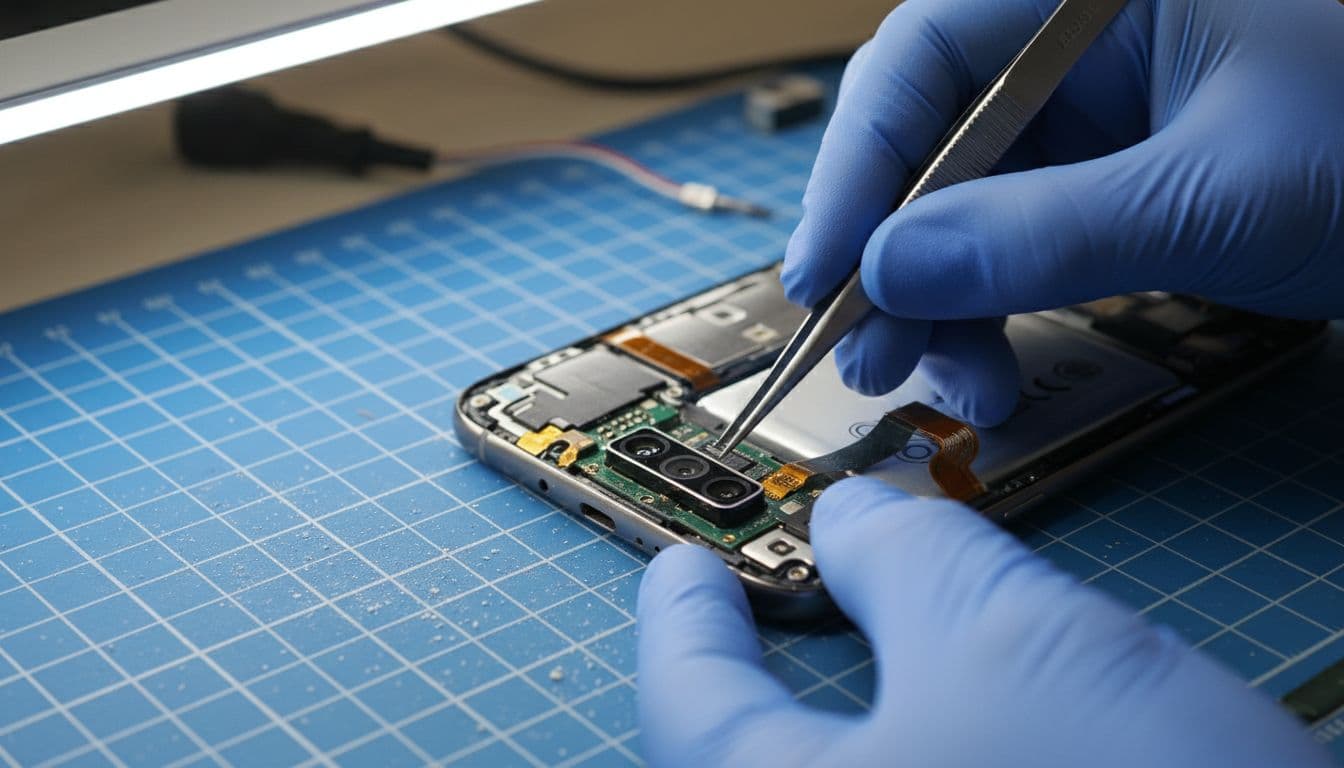
That kind of repair is far better than living with a half-working phone. It’s a bit like driving with one windscreen wiper, you can manage for a while, but it soon becomes a faff.
Is it worth repairing in the UK?
Usually, yes. A camera repair is often cheaper than replacing the phone, especially if the rest of the handset still works well. In the UK, a typical Samsung camera repair might fall anywhere from £59 to £169, depending on model, parts and whether more than one camera is affected. We always prefer to confirm the fault before giving a final quote.
We handle Samsung phone repairs in Essex and across the UK every week, and a lot of these jobs are straightforward once diagnosed. If the phone also has a cracked screen, charge issue or battery problem, we can quote for the lot together. Sometimes that makes more sense than replacing one part now and another next month.
Plenty of customers first find us while searching for samsung phone repair UK, mobile phone repair UK, or postal phone repair UK. Others come back after using us for iphone screen repair UK, iphone battery replacement UK, cracked iphone screen repair, or general phone repair Essex work. Different brand, same principle, repair the failed part properly and test everything before it leaves us.
How our postal repair service works
If you’re nowhere near Harlow, that’s no problem. We offer a UK-wide mail-in option, and we aim to start work as soon as your device arrives.
The process is simple:
- Choose the repair and book Samsung repairs online.
- Back up your phone, remove your SIM, and pack it securely.
- Include your order number and any passcode we need for testing.
- Send it in, and we’ll diagnose, repair and return it by tracked post.
We also offer drop-in appointments in Essex, plus a price promise, quality parts and a 12-month warranty on repairs, terms apply. That gives people a bit more peace of mind, especially when the camera fault turns out to be a simple fix.
A samsung camera failed warning doesn’t always mean the phone is finished. More often, it means the device needs a few sensible checks, and sometimes a proper repair, not guesswork.
If your camera has packed up and the usual resets haven’t helped, book a repair and post it in, or bring it to us in Harlow. We’ll test it properly and get it sorted as quickly as we can.
James Waterston, Device Repair Specialist at Repair My Crack