
A Samsung torch that dies after a drop is usually telling us something useful. The phone may still switch on, but the impact has disturbed the camera area, loosened a connector, or upset a setting that now needs checking.
Most of the time, Samsung flashlight not working after a fall is repairable. If the phone also has a cracked screen, bent frame, or charging trouble, we need to look at the whole device rather than chase the torch on its own.
If the fault started the moment the phone hit the floor, we treat it as hardware first and software second. That saves a lot of faffing about.
Key Takeaways
- A dropped Samsung with a dead torch often has a camera module, flex cable, or frame-pressure issue.
- Simple checks still matter, especially if another app is holding the camera open.
- If the phone also has screen, battery, or charging faults, repair value can change fast.
- We often fix these faults through diagnostics, part replacement, or connector work.
- Postal repair is a solid option if you’re not local to Harlow or Essex.
Samsung flashlight not working after a drop
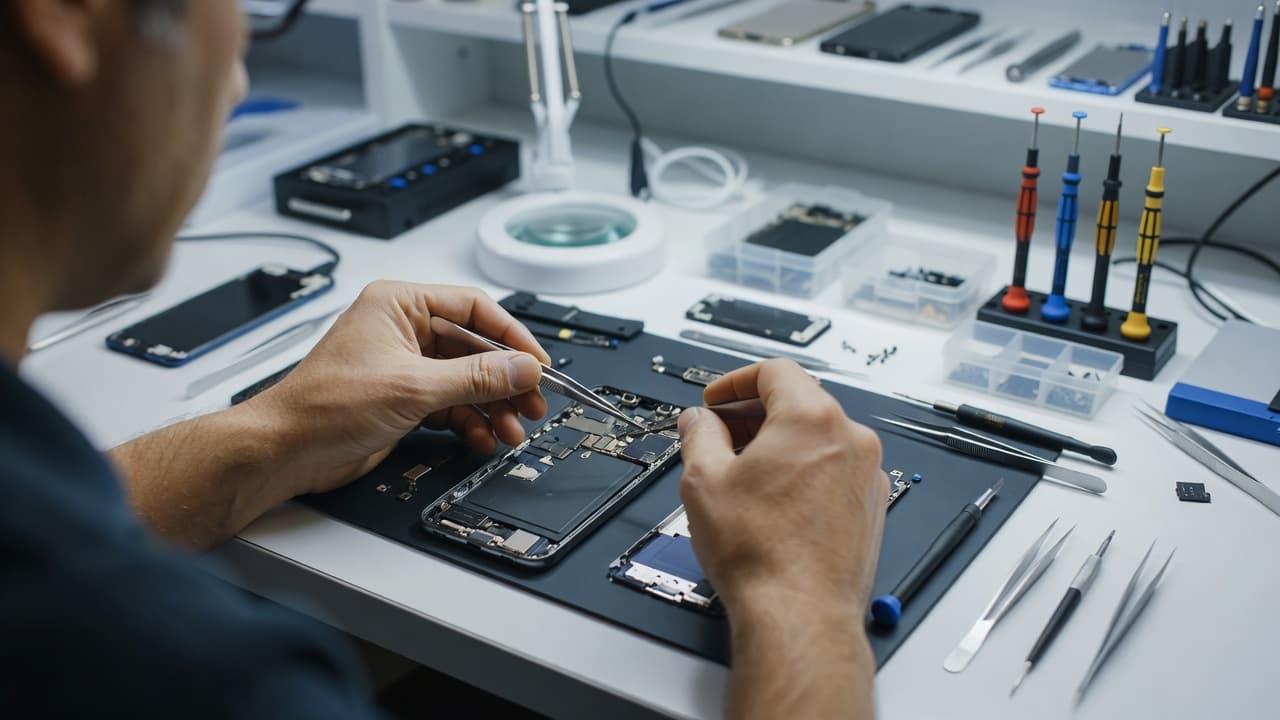
A torch issue after a fall is often tied to the camera assembly, because Samsung usually keeps the flashlight close to the rear camera hardware. A hard knock can shift that area by a fraction, and that is enough to stop the light working properly.
We also see dropped phones where the frame bends slightly. That tiny twist can pinch a connector or put pressure on the board. The phone may look fine from the outside, yet the flash circuit is no longer behaving.
Sometimes the problem is simpler. A camera app may still be open in the background, or One UI may have glitched after the impact. Samsung Members suggests running a diagnostic check when the fault is unclear, which is a decent starting point for a non-destructive test. You can see the sort of approach Samsung recommends in the Samsung Members diagnostic thread.
If the torch failed straight after the drop, we always suspect hardware first.
A useful clue is whether the camera itself is also acting oddly. If the rear camera won’t focus, the preview is black, or video recording behaves strangely, the fault often sits in the same area as the flash.
Quick checks before we open the phone
We never start by guessing. A few safe checks tell us a lot before any screwdriver comes out.
First, restart the phone. It sounds basic, but a clean reboot clears camera routing glitches more often than people expect. Next, close every app that might use the camera, including social media apps and the main camera app itself. The flashlight can stay greyed out if another app is sitting on the camera feed.
Then check whether the torch works in a different mode. If it fails in the quick settings panel but not inside the camera app, or the other way round, that’s useful evidence. It helps separate software trouble from a physical fault.
If the problem started after a hot day, a long video call, or gaming, let the phone cool down for a few minutes. Heat can make Samsung phones throttle features to protect the hardware. A torch may refuse to behave properly until the temperature drops.
For a simple software comparison, this Galaxy flashlight troubleshooting guide explains the app-conflict side well. It’s handy when the torch is blocked, but it won’t help much if the phone took a hard knock and the hardware is damaged.
These are the checks we’d run in order:
- Restart the phone and retest the torch.
- Close recent apps and test again.
- Open the camera and check whether the rear camera behaves normally.
- Let the phone cool if it feels warm.
- Run Samsung diagnostics if the fault is still unclear.
- If the torch still fails after a drop, get the phone inspected.
What the drop usually damaged
Once we open the phone, the pattern normally becomes clearer. A drop rarely damages only one tiny thing. It often affects the surrounding hardware as well.
| Symptom | Likely cause | Usual next step |
|---|---|---|
| Torch won’t turn on at all | Flash module or camera flex fault | Diagnose the rear camera assembly |
| Torch works sometimes | Loose connector or frame pressure | Reseat or replace the affected part |
| Camera also acts up | Shared camera and flash hardware issue | Test the full rear camera unit |
| Phone gets warm and the torch fails | Heat protection or board issue | Cool test, then deeper diagnostics |
| Torch failed after water exposure too | Corrosion or board damage | Inspect for moisture and corrosion |
A cracked back, bent corner, or scuffed camera ring often gives the game away. Even when the glass looks only lightly marked, the inside can be a mess.
The same logic applies across choosing between official Samsung support and independent repair shops. If the phone is new and still under warranty, the official route can make sense. Once the handset is out of warranty, a clean independent repair is often quicker and easier on the wallet.
When repair makes sense, and when it doesn’t
A torch fault on its own is usually worth fixing. We can often replace or reconnect the damaged part without touching the rest of the phone. That’s especially true if the handset still powers on, charges properly, and the frame is straight.
The numbers change when the drop caused several faults at once. A flashlight issue plus a smashed screen, poor battery life, and a bent frame starts to look like a much bigger job. At that point, we stop looking at the torch alone and look at the whole phone.
For a rough idea, these are the kind of guide prices we usually discuss for related faults once testing confirms them:
| Repair type | Typical UK guide price |
|---|---|
| Screen replacement | £60 to £180 |
| Battery replacement | £40 to £80 |
| Charging port repair | £50 to £90 |
| Water damage treatment | £60 to £120 |
Those are guide figures, not fixed quotes. The exact cost depends on the model and the fault we confirm during inspection.
That same repair-versus-replace logic comes up in iphone screen repair UK conversations, iphone battery replacement UK jobs, cracked iphone screen repair cases, and samsung phone repair UK bookings. We use the same thinking across mobile phone repair UK work, because a repair only makes sense when the rest of the handset is still worth saving.
A real workshop example from Essex
Last week we had a Galaxy in from Essex where the owner said the torch had died after a fall onto a tiled floor. The phone still charged, the screen looked fine, and the camera app opened as normal, so the owner assumed it was a software glitch.
Once we tested it properly, the rear camera module was the problem. The phone had taken the impact right on the corner near the camera housing, and the connector had stopped behaving properly. After a careful repair and full function check, the torch and camera both came back.
That kind of job is common. People often think the flashlight is a small, separate fault, but it usually sits inside a wider impact story. If the frame has shifted even slightly, we need to correct that before the new part can sit properly.
Booking a repair without the faff
If you’re local, our Samsung phone repair services in Harlow give us a chance to inspect the phone in person. That helps when the fault is mixed, because we can check the camera, torch, frame, battery, and charging port in one go.
If you’re further away, our mail-in Samsung repair service with free postage keeps things simple. We aim to start work as soon as the device arrives, often the same day if the fault is clear and the parts are ready.
Before you post it, do a quick backup if you can. Then package the phone securely, include your order number, and make a note of any passcode requirements if we need to test the device fully. A torch fault after a drop can look minor, but we often need to check the whole handset to give a proper answer.
We also see a lot of customers coming to us for broader phone repair Essex help, or booking postal phone repair UK repairs when they can’t get to Harlow. That suits people who want a straight diagnosis without a day trip.
A few things worth checking before you give up on the phone
If the torch still doesn’t work, look at the bigger picture. A dead flashlight with no other symptoms can still be a simple repair. A dead flashlight with a cracked screen, bent housing, or corroded port is a different story.
The following signs push us towards a closer inspection:
- The rear camera has started misbehaving as well.
- The phone gets hot quickly after the drop.
- The frame is bent near the camera corner.
- The torch worked briefly, then failed again.
- The phone has had liquid exposure at the same time.
If those sound familiar, the fault is probably bigger than a setting change. A proper check saves time and stops you replacing the wrong part.
Conclusion
A dropped Samsung with a dead torch usually has a hardware problem hiding behind the symptom. Sometimes it’s the flash unit itself, sometimes it’s the rear camera assembly, and sometimes the frame has shifted enough to cause trouble.
The good news is that Samsung flashlight not working after impact does not automatically mean the phone is finished. If the rest of the handset is healthy, repair often makes far more sense than replacement.
If your torch has packed up after a fall, we can inspect it properly, give you a clear quote, and sort the fault without guesswork.