
You drop your Samsung, pick it up, press the side button, and nothing happens. That sinking feeling is familiar in our workshop.
The good news is simple: a Samsung not turning on after a drop is often repairable. In many cases, the phone is still alive, but the screen has failed, the battery connector has shifted, or the charging side has taken the hit. Before you write it off, a few calm checks can save you money and stress.
The first checks to do before you assume it’s dead
Start with safety. If the phone is bent, unusually hot, or smells odd, stop there. Don’t keep charging it, and don’t press on the screen. Impact damage can affect the battery, and that isn’t worth gambling with.
If it looks safe, work through these steps in order:
- Charge it for at least 30 minutes with a known-good plug and cable. A drop can leave a battery deeply drained, or make a weak cable look like the problem.
- Check the charging port with a torch. Pocket fluff and bent debris are common, so use a soft brush or compressed air only.
- Force restart it by holding the side key and volume down for up to 20 seconds.
- Watch for signs of life. Vibration, warmth, charging sound, or a PC recognising the phone all matter.
Samsung also has a useful power-on troubleshooting guide if you want to compare the basic checks.
If the phone vibrates or gets warm, it may not be dead at all. The display could be the real fault.
We see this across our mobile phone repair UK jobs every week. People assume the worst because the screen is black, but the board is often fine. That same panic shows up on Samsung phone repair UK bookings and on other jobs too, including iPhone screen repair UK, cracked iPhone screen repair, and iphone battery replacement UK work. The first symptom rarely tells the whole story.
When a black screen is the real problem
A dropped Samsung can look totally lifeless when the display has failed but the phone still boots in the background.
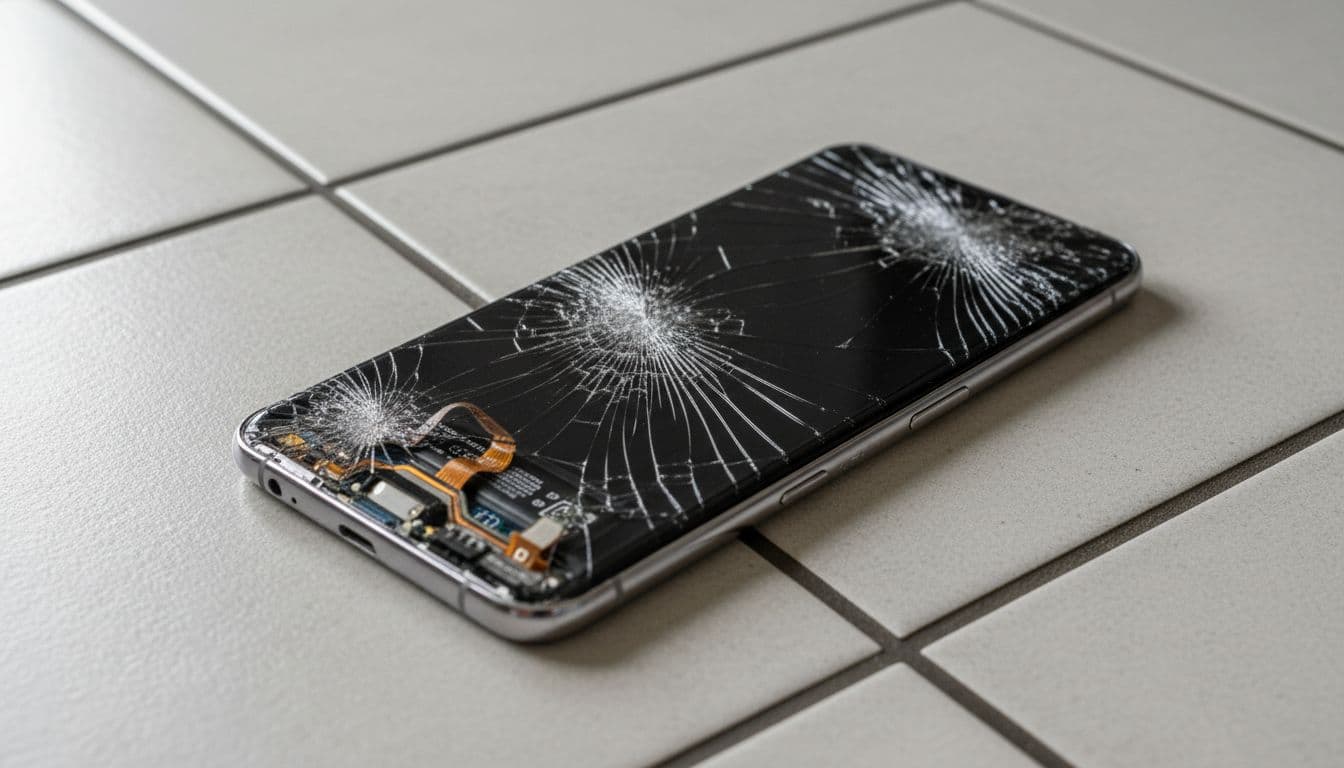
Common clues include vibration when you plug it in, alarms still going off, or a faint buzz from notifications. On OLED Samsung screens, impact often causes black ink-like blotches, green lines, or a full black-out. If that sounds familiar, our Samsung screen black spots repair guide explains why this happens after a knock.
Samsung’s own cracked screen advice also backs this up. A hard drop can crack the glass, damage the panel underneath, or affect internal connectors even when the outside looks only mildly scuffed.
We’ve also seen phones that charge one minute and refuse the next because the frame has twisted slightly. That’s enough to stress a battery connector or charging port. In other words, a phone that “won’t turn on” can be a screen job, a battery issue, or a board-level fault. The trick is not guessing.
One thing we never recommend is squeezing the phone, tapping it on the palm, or trying every cheap charger in the house. That usually adds a second fault to the first one.
What we test in the workshop, and when repair makes sense
When these phones come in, we don’t swap parts at random. We test charge draw, battery response, display output, port condition, and the frame itself. That tells us quickly whether the fault is simple or deeper.
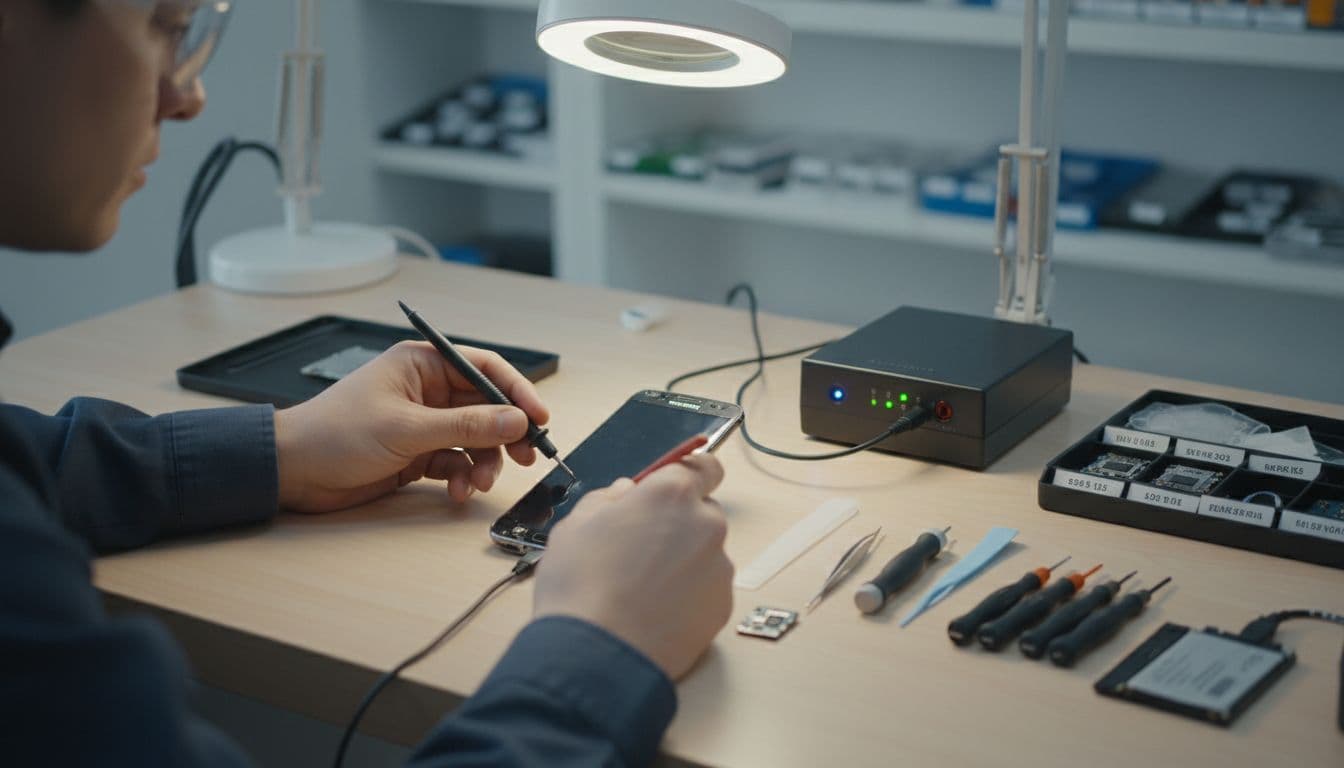
This quick table shows how we read the first signs:
| What you notice | Likely fault | Usual repair path |
|---|---|---|
| Vibrates, rings, or gets warm, but no picture | Broken OLED or loose display connection | Screen assembly replacement |
| No charge sign and no response | Battery, charging port, or internal connector fault | Diagnostic test, then battery or port repair |
| Bent frame, intermittent power | Internal board stress or battery disconnect | Full inspection, quote after testing |
The main takeaway is simple: the symptom tells us where to start, not where to stop.
A recent example came through our phone repair Essex bench in Harlow. A customer dropped a Galaxy A54 on paving and thought it was finished. It showed no image at all, but it still pulled charge on test. The OLED had failed after the impact, so we replaced the display, checked the frame, and the customer’s data stayed intact. That’s a far better result than buying a new handset on a bad day.
Cost depends on the model and fault. As a rough guide, Samsung display repairs often land between £79 and £249, batteries around £59 to £109, and charging-port work can sit in a similar range. True no-power board faults need testing first, so we quote those properly once we know what failed. If you’re weighing that up, our guide to Samsung phone repair costs explained is a good place to start.
If you’re outside Essex, our postal phone repair UK service keeps it simple. Book online, pack the phone securely, add your order number and passcode if needed, and send it in. We aim to start diagnostics as soon as it arrives, often the same day, using quality parts and a 12-month warranty on repairs, subject to terms.
Conclusion
A Samsung that won’t turn on after a drop isn’t always dead. Quite often, the phone is still working and the screen, battery connection, or charging side has taken the hit.
The best move is to do the basic checks once, then stop guessing. Proper testing usually costs less than replacing a modern handset, and it gives you a clear answer instead of a hopeful punt.
If your phone is sat there looking lifeless, book it in or post it to us and we’ll tell you straight whether it’s worth fixing.
James Waterston, Device Repair Specialist at Repair My Crack