
A Samsung that feels a bit warm after charging or a long video call is common. A Samsung that gets hot in your pocket, slows to a crawl, or shuts itself off is a different story.
In 2026, we are seeing more Samsung overheating complaints across the UK. Some are simple, like heavy apps or a dodgy charger. Others point to a tired battery or another hardware fault. The key is spotting the difference early, before heat starts knocking the life out of the phone.
When a warm Samsung becomes a real problem
Most Samsung phones run warm at times. Fast charging, wireless charging, gaming, sat-nav, 4K video, and long video calls all push the processor and battery harder. Samsung says as much in its UK guide to warm Galaxy phones.
What we worry about is heat during light use. If your phone gets hot while messaging, scrolling, or sitting on charge with the screen off, that’s not something we would brush off. The same goes for random restarts, sharp battery drops, charging pauses, or the back panel starting to lift.
If the phone gets hot during light use, or stays hot long after charging stops, we treat that as a fault.
There are a few red flags that mean stop charging it and get help. One is a swollen battery, which can push the screen or rear cover away from the frame. Another is a hot charging port with a burnt smell. If either shows up, leave the phone off until it has cooled.
Heat also builds faster in summer. Samsung notes that phones work best in a sensible temperature range, and hot cars or direct sun can tip a normal device into trouble. If yours overheats only on bright days, the fault may still be real, but the weather is helping it along.
What’s causing Samsung overheating in 2026
The biggest change we are seeing this year is workload. Newer Galaxy phones handle more AI-heavy features, bigger camera processing, and more background syncing than older models. Right after setup or a large update, they often run warmer for a while because the phone is indexing photos, restoring apps, and pulling data in the background.
Charging is still one of the top causes. Cheap plugs, damaged cables, and using the phone hard whilst charging all create extra heat. Fast charging is handy, but it isn’t gentle. Wireless charging adds even more warmth because energy transfers through the pad instead of a cable.

Signal is another sneaky one. On trains, in rural areas, inside warehouses, or in thick-walled buildings, the phone works harder to hold a connection. That extra radio activity creates heat and drains the battery at the same time. Add a thick case and a warm dashboard, and the phone has nowhere to dump that heat.
Battery wear matters too. Once a lithium-ion battery ages, it becomes less stable under load. The result is familiar in the workshop: heat, poor battery life, lag, and sudden shutdowns. Samsung’s advice for phones in hot weather lines up with what we see every week, especially when people charge in direct sun or leave the phone in a car.
How we diagnose the fault before replacing parts
We don’t start by swapping parts and hoping for the best. First, we try to pin down when the heat appears. That tells us a lot.
If your Samsung is running hot, these are the first steps we recommend:
- Unplug it and take the case off.
- Let it cool on a table for 15 to 20 minutes.
- Close heavy apps, then restart the phone.
- Test with a proper Samsung charger or a known good USB-C cable.
- Check battery use and updates in Device Care.
Don’t put it in the fridge. Sudden cold can cause condensation, which only adds another problem.
A quick fault pattern often points us in the right direction:
| What you notice | Likely cause | What we usually check |
|---|---|---|
| Hot only during fast charging | Charger, cable, port, or battery wear | Charging test, port condition, battery health |
| Hot on video calls or maps | Heavy load, poor signal, warm room | App use, signal strength, case, settings |
| Hot during light use | Battery fault or stuck background process | Battery, software, recent updates |
| Hot with back lifting | Swollen battery | Stop charging, inspect battery urgently |
The takeaway is simple. If the phone cools down once the load stops, it may be a settings issue. If it keeps heating up during normal use, it needs proper diagnosis. That’s when a Samsung phone repair service makes more sense than endless restarts.
A recent workshop case from Essex
A recent job sums this up well. We had a Galaxy S23 in from Essex that got roasting during charging and dropped from 38% to 9% in under an hour. The owner had already tried clearing apps and turning off fast charging, but the phone still ran hot on basic use.
We tested it with a known good cable and charger, then checked the charging behaviour and battery response. The battery was the real problem. It was no longer handling load properly, so it heated up fast and dragged the rest of the phone with it. After a Samsung battery replacement service, plus a clean-up and retest, the handset charged normally and stopped throttling.
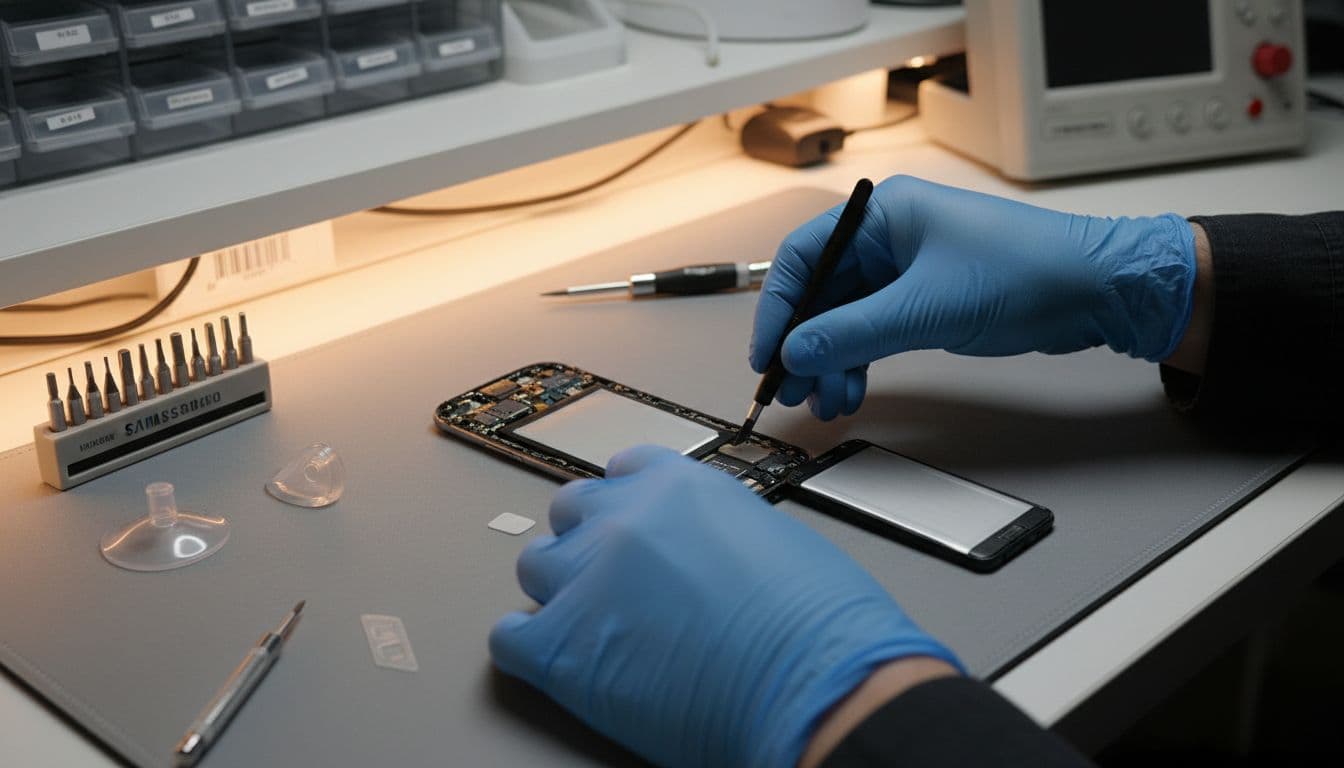
That sort of repair is common. In a normal week, alongside samsung phone repair UK bookings, we also handle iphone screen repair UK jobs, iphone battery replacement UK requests, and the odd cracked iphone screen repair after a nasty drop. Different brands, same rule: diagnose first, then replace only what has failed.
Repair, replacement, and getting your phone sorted in the UK
In many cases, fixing an overheating Samsung is worth it. A battery fault or charging issue is often far cheaper than replacing the whole handset, especially if the screen and cameras are still fine. As a rough guide, battery work often lands around £59 to £99, while charging-related repairs can sit around £49 to £89. Exact quotes depend on the model and the fault we confirm on the bench.
There are times when we tell people to pause. If the phone has heat damage, liquid damage, frame damage, and a worn battery all at once, the bill can climb quickly. Across the wider mobile phone repair UK trade, premium Samsung parts are still pricey in 2026, especially on newer OLED models.
For local customers searching for phone repair Essex, our Essex phone repairs service is the easy option. If you’re elsewhere, our postal phone repair UK service is usually less of a faff than people expect. We ask customers to book online, back up the device, pack it well, include the order number, and add any needed passcode so we can test the repair properly. Our postal phone repair UK guide for Samsung walks through the packing side.
We aim to start work as soon as the phone arrives, often the same day. We also back repairs with quality parts, a price promise, and warranty cover where it applies. For prevention, Samsung’s own steps to reduce overheating are worth a look, especially if you want to cut background activity and tame fast charging.
Conclusion
A warm phone is normal now and then. A Samsung that keeps overheating during everyday use usually needs attention before the battery, screen, or charging system gets worse.
If settings tweaks and a better charger don’t calm it down, the next step is a proper check. We can help whether you need a local booking in Essex or a secure postal repair anywhere in the UK.
If your phone is running too hot right now, book it in and we’ll get it checked, priced, and sorted as quickly as we can.
James Waterston, Device Repair Specialist at Repair My Crack