
One drop onto paving slabs and the side key does nothing. If your Samsung power button is not working after a fall, the fault is usually physical, and many cases are repairable.
We see this a lot. The phone may still charge, vibrate or light up, but the button feels stiff, mushy or dead. That points to damage around the button itself, the tiny inner switch, or the frame around it.
Knowing what to test safely matters, because extra poking can turn a small repair into a bigger one.
Why a drop can kill the Samsung side button
On most Galaxy models, Samsung calls it the Side key, but the problem is the same. The outer button presses a tiny switch inside the phone. A drop can knock that switch out of line, dent the frame, or pinch the flex cable. The button may still click, but the phone does not read the press.
Sometimes the key gets stuck in. Then the handset may boot-loop, keep opening the power menu, or refuse to wake properly. Samsung’s own Community advice on bent buttons matches what we see at the bench, impact damage often needs a paid repair.
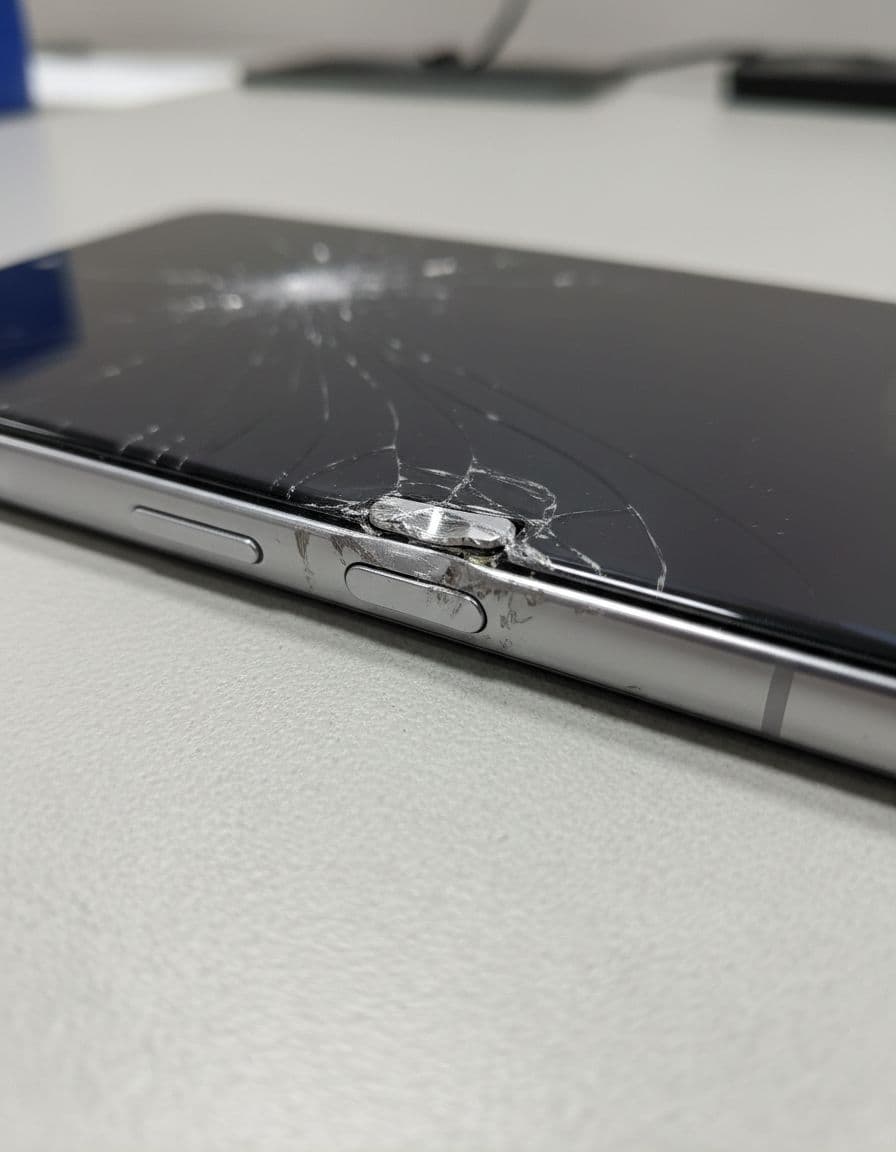
Last week, we had a Galaxy A54 in from Essex after a kerb-side drop. The screen survived, but the button felt soft and would not lock the phone. Inside, the frame had shifted enough to stop the switch making clean contact. We replaced the damaged part, tested it, and sent it back out the same day.
We see similar hidden faults during iPhone repair Essex work. An iPhone screen repair UK job can uncover a bent frame, and an iPhone battery replacement UK booking sometimes reveals older impact damage. A cracked iPhone screen repair often starts with glass and ends with more than one fault.
Safe checks to try before booking a repair
Start with the simple stuff. A tight case can press on the button after a drop, and dust can wedge itself into the gap.
- Remove the case, then test the button again.
- Charge the phone for 30 minutes with a known-good cable.
- Hold Power and Volume Down for up to 20 seconds for a force restart.
- Search “double tap” in Settings and switch on screen wake options if the phone is still usable.
- If it hit water as well, stop charging it and keep it off.
If the button feels jammed, don’t dig at it with a pin or knife. That often bends the cap or damages the seal.
If the phone still unlocks, back it up before sending it anywhere. We’d rather your data was safe than left to luck.
If liquid got involved, be extra careful. The iFixit discussion on water-related power button faults reflects what we see in the workshop, corrosion can leave the side key dead even when the screen and speakers still seem fine. Skip rice and hairdryers, because they do not fix corrosion.
These checks can save time. They do not fix a torn flex, cracked switch, or bent frame.
What a proper repair usually involves
In the workshop, we first test the button response, charging behaviour and screen condition. If the frame is bent or the display is lifting, we know the job may go beyond the button alone.
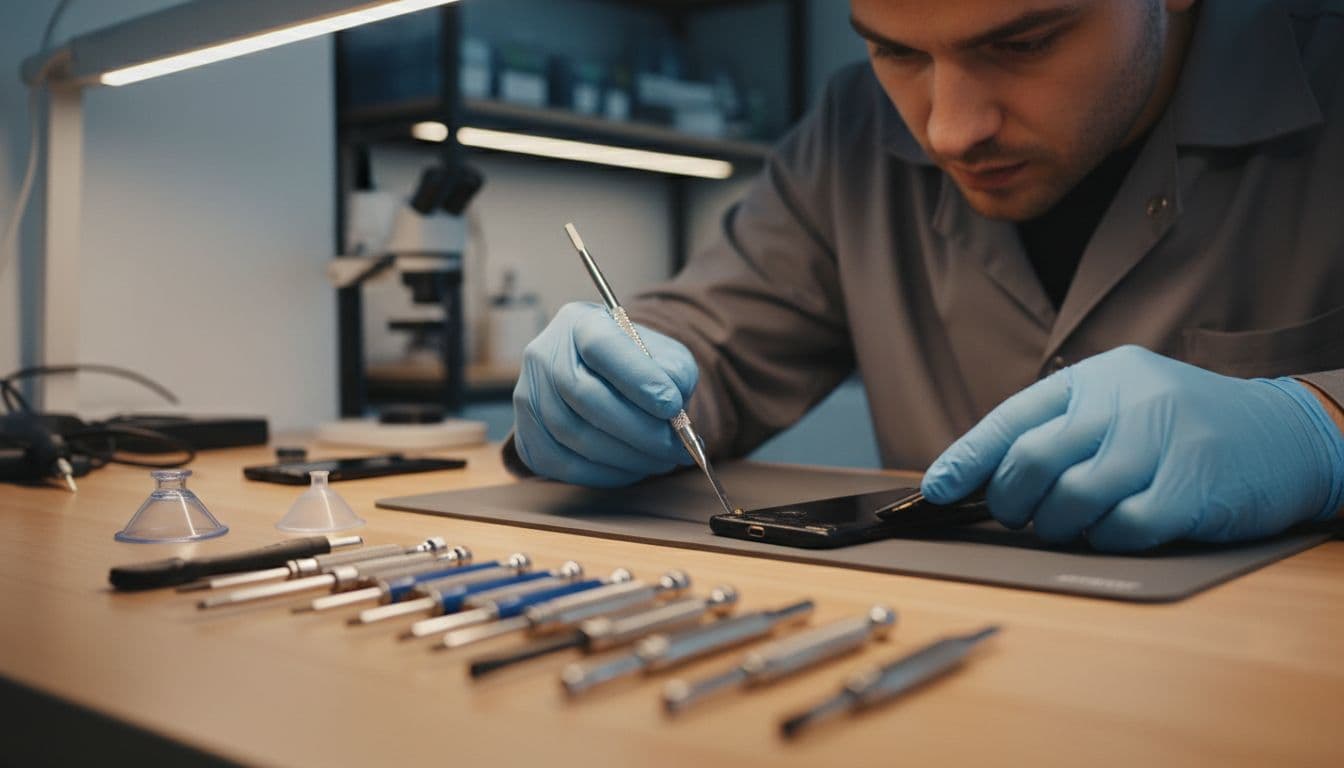
Most repairs involve opening the handset, checking the side-key assembly, and replacing the worn or damaged switch or flex. On some models, we also need to re-seat the frame so the new button lines up properly. If the phone landed on its side and cracked the display, the price rises because safe access can mean screen removal too.
As a rough UK guide in April 2026, these are the ranges we usually see:
| Fault found | Likely repair | Typical UK cost |
|---|---|---|
| Button cap or switch damage | Replace side-key part | £50 to £120 |
| Flex or board-side damage | Deeper internal repair | £100 to £250 |
| Button fault plus broken screen | Combined repair | £200 to £400 |
Those figures are guides only. We confirm the exact quote after testing, and we keep our price promise in mind when customers compare Samsung phone repair UK options.
If you’re looking at mobile phone repair UK services, ask what parts are used, whether the phone is fully tested, and what warranty comes with the work. We use quality parts, our accredited technicians test buttons and charging before return, and we aim for express turnaround where the fault is straightforward. Many repairs also come with a 12-month warranty, subject to terms.
Local in Essex, or post it from anywhere in the UK
We handle phone repair Essex bookings in Harlow, but we also cover the rest of the country. If you are not local, our postal phone repair UK service is usually the easiest route.
Book online, pack the phone well, include your order number and any needed passcode, then send it in. Free tracked Royal Mail postage is available on many mail-in bookings, and we return the device the same way. We aim to start work as soon as the handset arrives, often the same day, so the whole thing stays simple and low-stress.
Conclusion
If your Samsung power button is not working after a drop, the fault is usually a damaged button assembly, bent frame, or inner switch. Safe checks at home are worth doing, but repeated pressing rarely sorts a physical problem.
If it is still playing up, we can test it, quote it clearly and get it back out with as little faff as possible. Book online if you want a fast check, whether you need a local visit or a UK mail-in repair.
James Waterston, Device Repair Specialist at Repair My Crack