
Drop your Galaxy once, and the S Pen can go from smooth to stubborn in a second. If Samsung S Pen not working is the problem you’re facing, the cause is usually either pen damage or a screen fault caused by the impact.
The good news is that it isn’t always an expensive repair. In our workshop, we often rule out a simple reset, a blocked connection, or a damaged nib before we blame the screen. Here’s how we sort the easy wins from the jobs that need proper repair.
What a drop can break, even when the phone looks fine
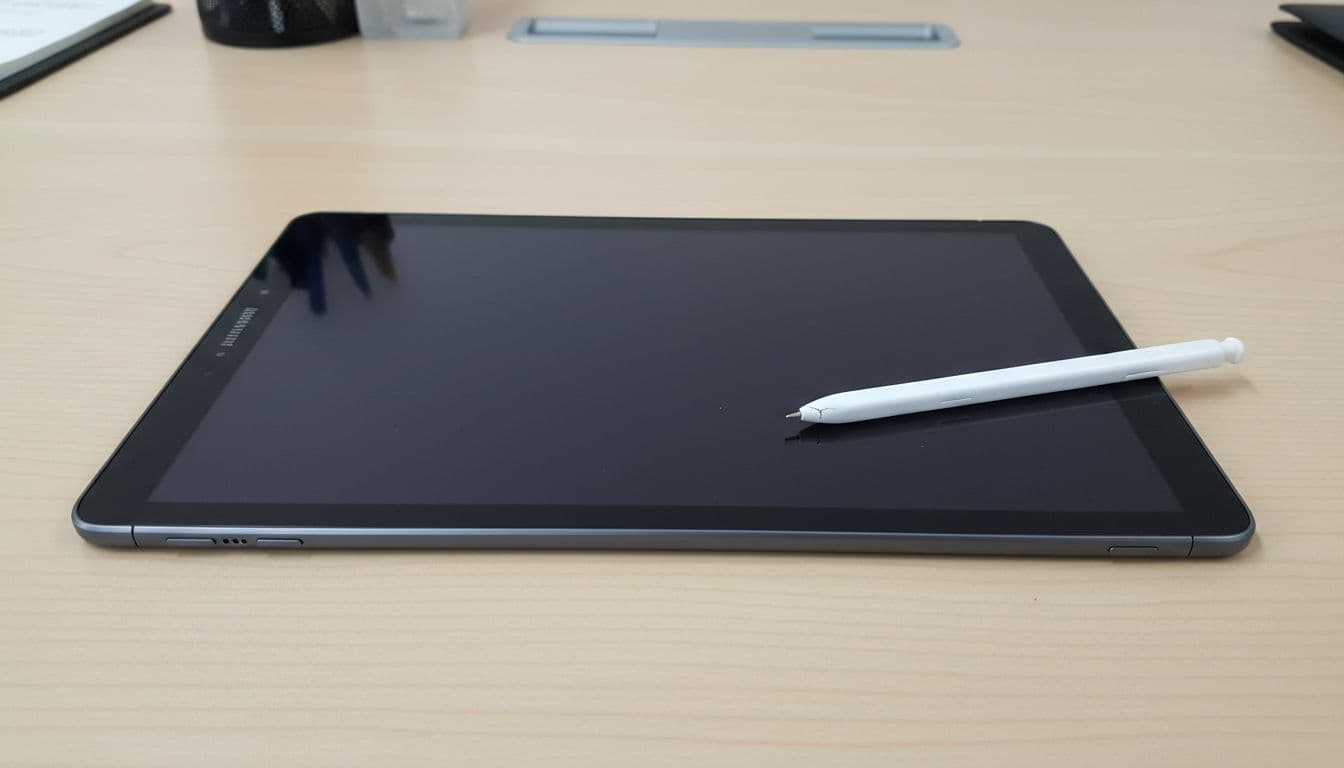
A fall doesn’t have to smash the glass to cause S Pen trouble. On Galaxy Ultra, Note and Tab models, the pen relies on a screen layer called the digitiser. That layer reads the pen tip. If it takes the knock, the pen can stop writing even though finger touch still works.
Sometimes the pen itself is the problem. We see cracked tips, bent nibs, and pens that no longer charge or pair properly after a drop. If Air actions stop working but writing still works, the pen connection is often at fault. If neither works, we start suspecting the screen or an internal connector.
Samsung also says third-party cases, thick protectors and magnets can interfere with the pen, which is why we strip those out during testing. Their advice on S Pen connection issues and Air actions not responding matches what we see at the bench. The same pattern also shows up in this iFixit discussion on drop-related S Pen faults.
The checks we do before we quote for repair
Before we open anything, we spend two minutes on the boring stuff. Boring is good, because boring is usually cheap.
- Reinsert the S Pen fully, then wait for the phone to confirm the connection.
- Restart the phone. A proper reboot clears a lot of odd pen behaviour.
- Reset the pen in Settings, then pair it again.
- Remove the case and screen protector, especially if either has magnets or extra thickness.
- Test two things separately, writing in Samsung Notes and Bluetooth features like Air actions.
That last step matters. If the pen writes but won’t do remote clicks or gestures, the screen may be fine. If it won’t write anywhere on the display, the digitiser is higher on our list.
If the fault started straight after a drop, don’t keep pressing harder with the pen. It won’t wake the screen back up, and it can damage the tip.
We also look for related clues. Dead zones, black patches, green lines, or a bent frame usually point to impact damage. If the display has changed too, our guide on Samsung display green line issues after a drop covers another fault we repair all the time.
How we tell whether it’s the S Pen or the screen
Last week we had a Galaxy S23 Ultra in from Essex that had slipped off an armchair. The owner thought the pen had died. In fact, the nib was fine, the phone still paired with the pen, but the lower half of the screen ignored pen input. A new screen assembly fixed it, because the digitiser had failed under the glass.
That kind of job is common. The S Pen system is a bit like a key and lock. If the key is bent, the pen is at fault. If the lock is broken, the screen is the issue.
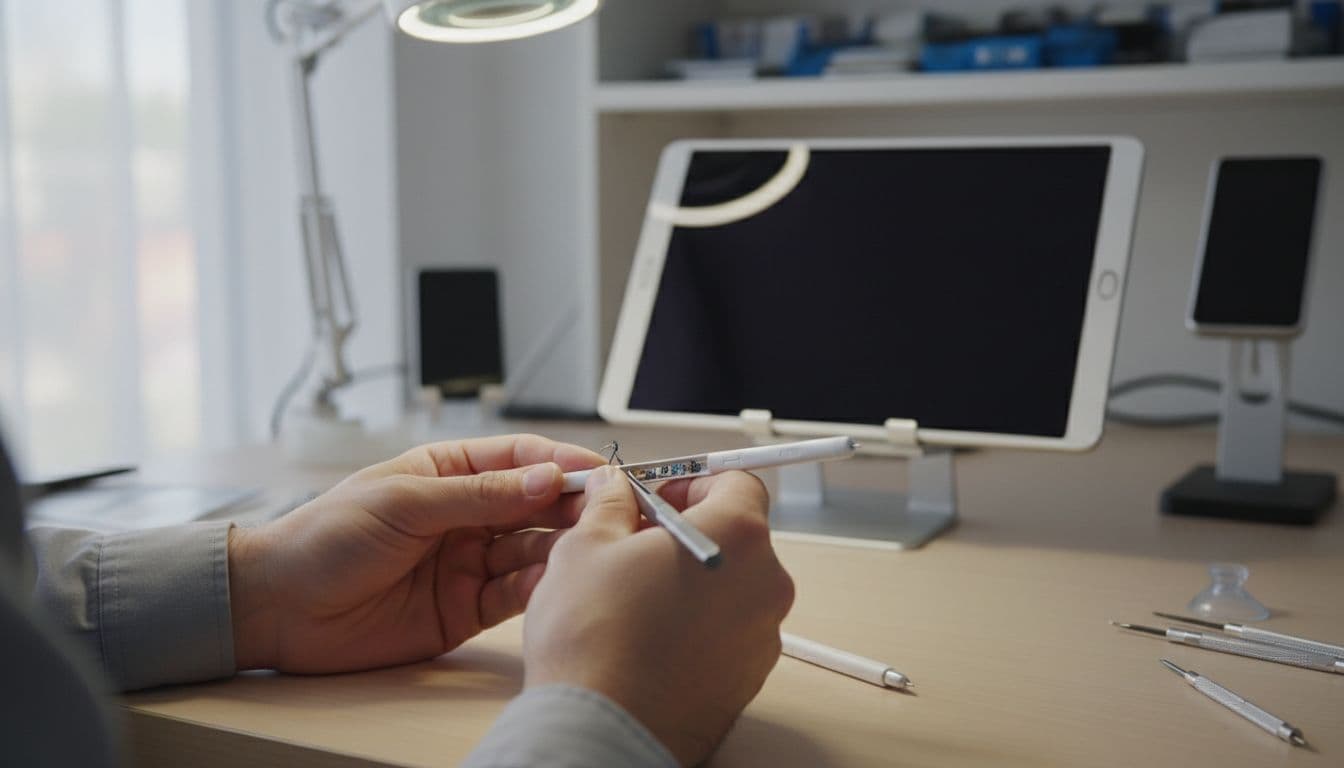
This quick guide shows how we read the symptoms:
| Symptom | Likely cause | Usual fix |
|---|---|---|
| Pen won’t write anywhere, finger touch still works | Digitiser or screen damage | Screen assembly replacement |
| Pen writes in patches, or the tip feels rough | Damaged nib or pen body | Tip or S Pen replacement |
| Writing works, but Air actions fail | Bluetooth pairing or charging fault in the pen | Reset, re-pair, or replace pen |
| Screen has dead zones, lines, or black patches after the drop | Wider impact damage | Full diagnostics, then quote |
UK repair costs, and whether it’s worth fixing
For 2026, a replacement S Pen usually lands around £20 to £50. A screen and digitiser repair is more often £150 to £350, depending on the model. Ultra and Note devices sit higher because the parts are dearer. If the frame is bent or the back is damaged too, the quote can climb.
That sounds steep, but it still beats replacing a recent flagship in many cases. We usually say repair makes sense when the phone is otherwise healthy, the battery still behaves, and the cost is well below a new handset. If you’re weighing that up, our guide to Samsung phone repair costs UK gives a wider picture.
For local customers looking for phone repair Essex, our Harlow drop-in option keeps things simple. For everyone else, our postal phone repair UK guide explains the process from secure packing to tracked return. We handle mobile phone repair UK jobs every week, including samsung phone repair UK bookings, iphone screen repair UK, iphone battery replacement UK, and the classic cracked iphone screen repair after a pavement slip.
We ask customers to book online, pack the device well, include the order number, and add the passcode if they want full testing after the repair. Then we aim to start as soon as the phone arrives. Our price promise, express repairs, and 12-month repair warranty, terms apply, are there to keep the whole thing straightforward.
When Samsung S Pen not working means stop testing and book it in
If Samsung S Pen not working started the moment your phone hit the floor, don’t assume the pen is dead. A quick reset might sort it, but repeated failure usually points to the pen, the digitiser, or both.
If you’re stuck, send us the model and the symptoms, and we’ll tell you plainly what makes sense. Book it online, pop it in the post or drop into Essex, and we’ll get it sorted as quickly as we can.
James Waterston, Device Repair Specialist at Repair My Crack