
Your stomach drops before the phone does. One second it’s in your hand, the next it’s doing a perfect swan dive into the sink, loo, puddle, or pint.
If you’ve got a water damaged phone, the first 30 minutes matter more than the next 30 hours. Act quickly, keep it powered off, and don’t panic-test it. Those little “just checking” button presses are where most phones get finished off.
I’m James Waterston, and I fix water-damaged iPhones and Samsungs every week at Repair My Crack. Below is the exact first-aid routine I’d tell you across the counter.
Phone dropped in water: the first 30 minutes (UK checklist)
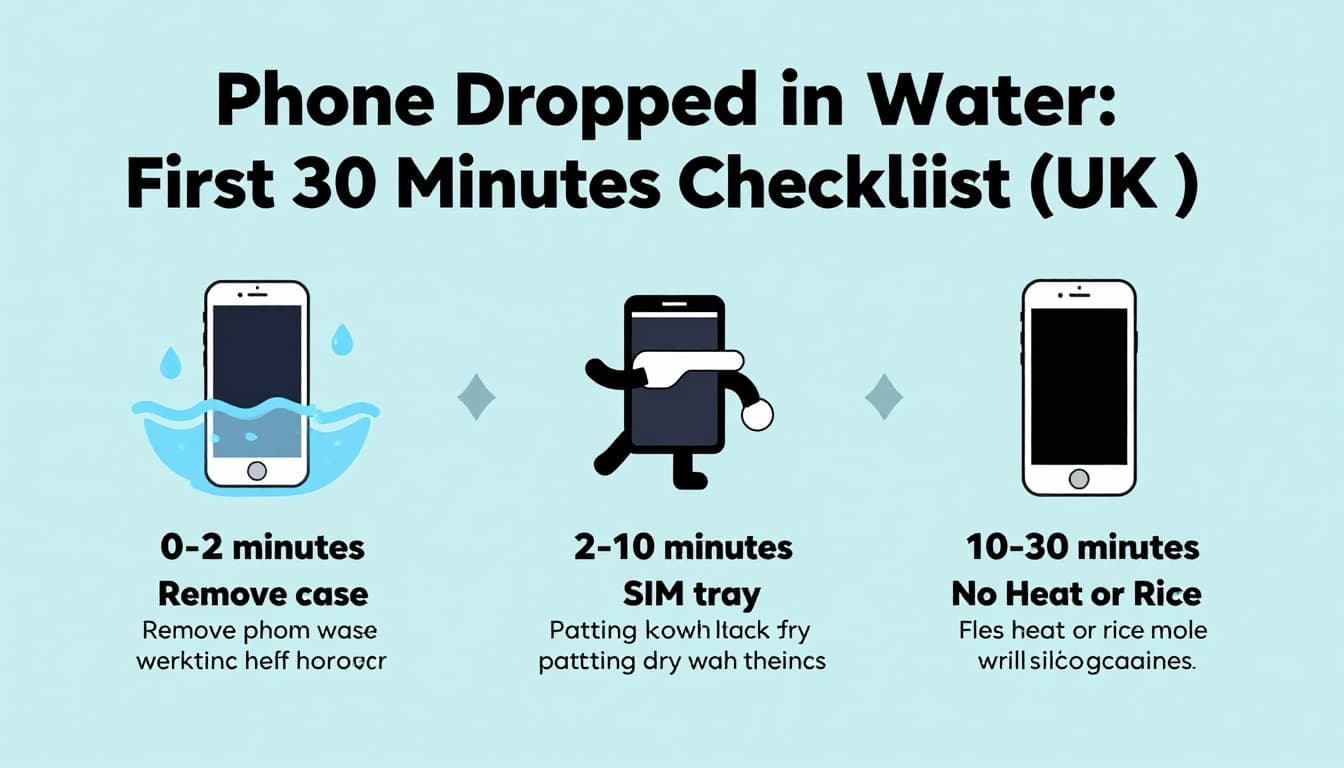
The golden rule: power off, keep it off, and focus on removing moisture, not “seeing if it still works”.
0 to 2 minutes: rescue and power down
Get the phone out of the water immediately. If it’s in the bath or sink, grab it first, think later.
Turn it off straight away (hold power and shut down). If the screen is black already, don’t try to switch it on.
If it’s safe to do so, disconnect anything attached (charging cable, headphones, external mic). Every extra connection is another path for moisture.
2 to 10 minutes: strip it back and dry the outside properly
Remove the case and any accessories. Take out the SIM tray (a paperclip is fine). If your model has a removable memory card, take that out too.
Next, pat-dry with a towel or kitchen roll. Don’t rub aggressively and don’t shake it. Shaking pushes water deeper, a bit like sloshing tea into the keyboard.
If the phone got dunked in saltwater, fizzy drink, beer, or coffee, wipe the outside with a slightly damp cloth (fresh water), then dry again. Sticky liquids leave residue that causes corrosion.
10 to 30 minutes: airflow beats heat
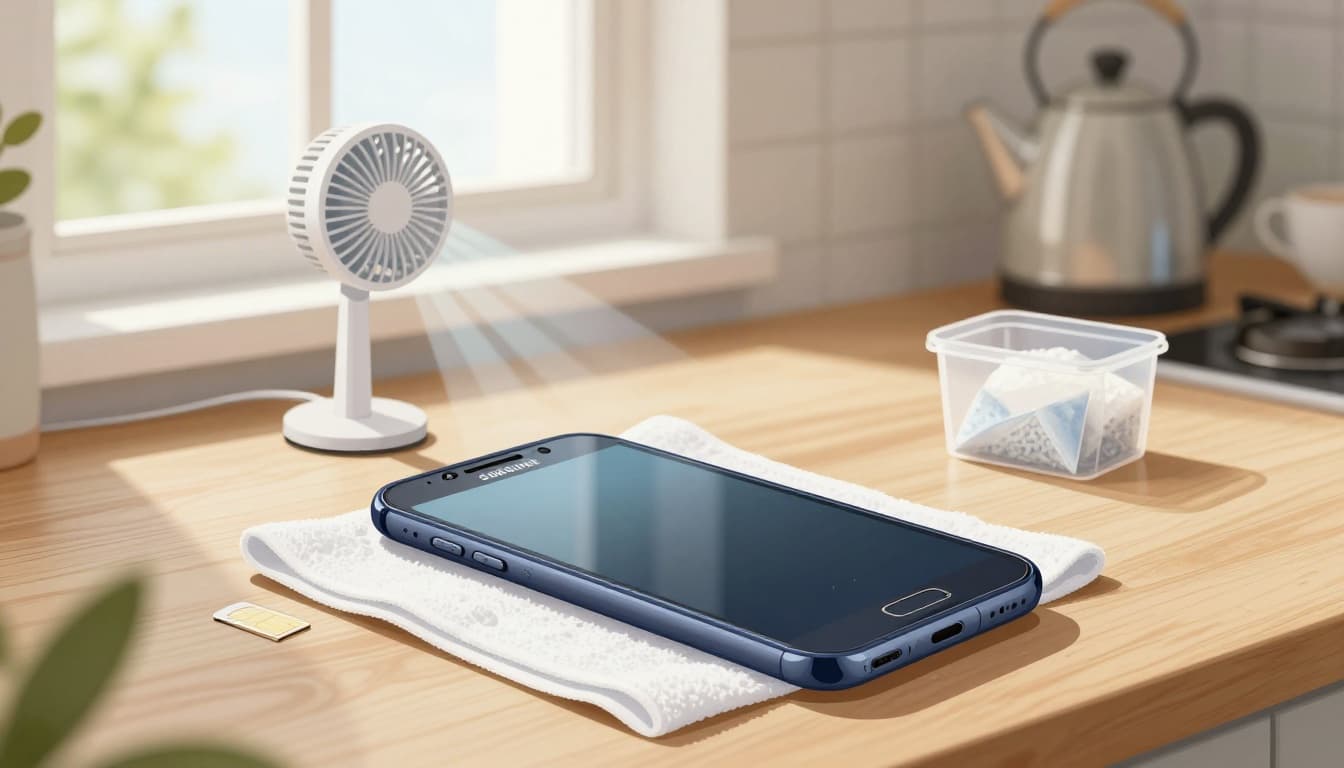
Place the phone somewhere warm-ish and dry, not hot. A windowsill near (not on) a radiator is fine. A fan on low, blowing across the phone, helps.
If you’ve got silica gel packets (the little sachets from shoe boxes), pop the phone in a sealed tub with a handful of them. Don’t bury it in anything dusty.
Also, keep it upright if water may be sitting in ports, then switch to screen-down on a towel after a while. You’re trying to encourage moisture to leave, not travel.
For extra peace of mind on protecting photos and files later, this guide on minimising damage and protecting data explains why powering on too soon is risky.
The 4 things that usually turn “maybe” into “dead”
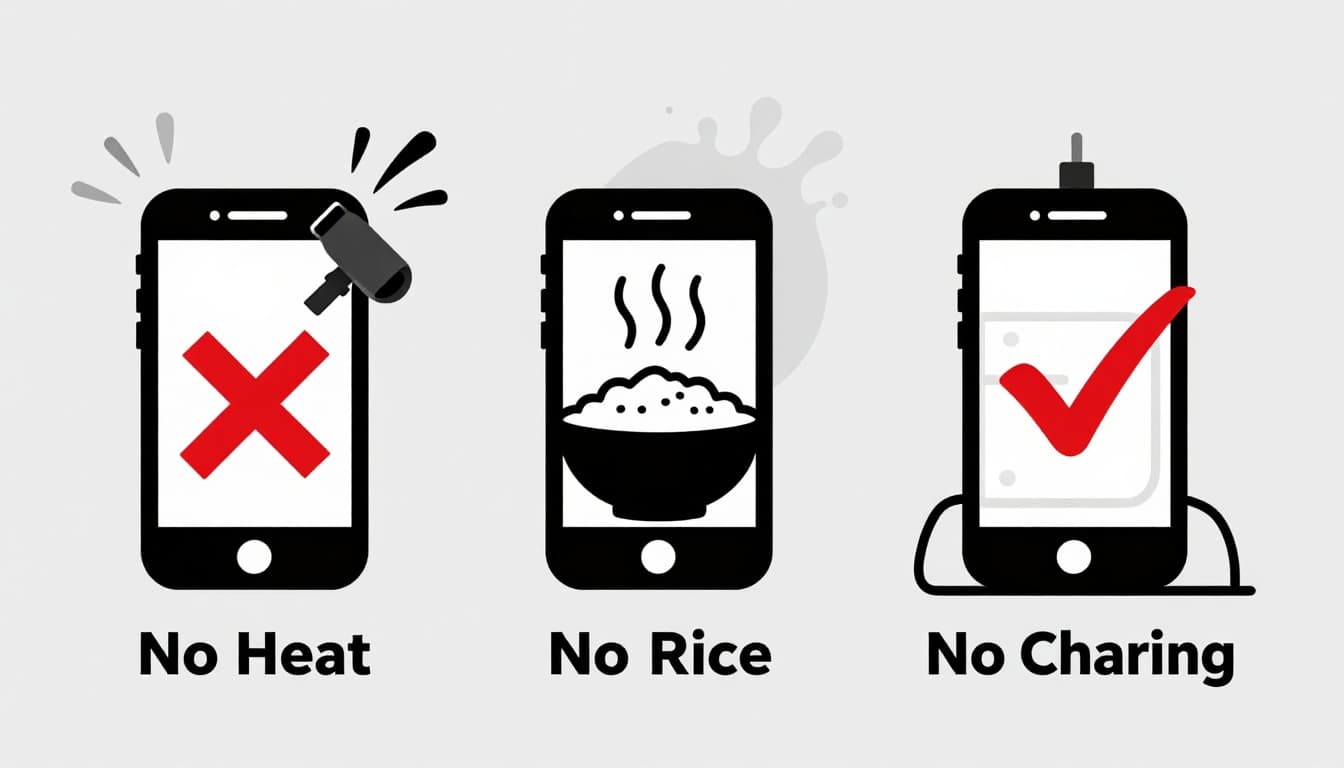
These are the mistakes I see most with water damage jobs. They’re understandable, but they’re costly.
1) Plugging it in to “see if it charges”
Charging + moisture can short the board. If you need a phrase to remember, it’s this: wet phone + power = trouble. This is how a simple rescue turns into a proper water damaged phone repair UK job.
2) Hairdryer, oven, radiator blast, or heat gun
Heat can warp seals, soften adhesives, and push water deeper. You can also damage the battery, which leads to a later phone battery replacement UK.
3) The rice trick
It’s a classic, but it’s not a fix. Rice dust can clog ports, and it doesn’t pull moisture from under shielding. Even Apple has warned against it, as covered in The Guardian’s report on the rice myth, and iFixit explains the same in why you shouldn’t use rice.
4) Button mashing and “quick tests”
Every press can move liquid around. Leave it alone once it’s powered down.
After the first 30 minutes: decide if it needs a technician
Here’s the honest bit: many phones look fine after a dunk, then fail days later. That’s corrosion creeping in.
A quick way to think about it is this table:
| What you notice | What it often means | What to do |
|---|---|---|
| Screen flickers, touch is odd | Moisture under the display | Keep it off, book diagnostics |
| “Phone not charging” or port feels warm | Liquid in charging port | Avoid charging, arrange phone not charging repair or broken charging port repair |
| Cameras fogging | Moisture trapped inside | Don’t heat, get checked |
| It was saltwater or sugary drink | Higher corrosion risk | Get it seen quickly |
If you must get back online, move your SIM into a spare phone. Keep the wet one powered off until it’s inspected.
At Repair My Crack, we’ll advise whether cleaning and diagnostics are enough, or whether parts are needed. Sometimes water damage triggers later issues that look unrelated, like a sudden need for iPhone battery replacement or iPhone battery replacement Essex (swollen or unstable batteries are no joke).
Repair routes in the UK: Essex walk-in feel, nationwide by post
If you’re local, we’re known for mobile phone repairs Essex and fast turnaround on common faults. People often find us through searches like phone screen repair Essex, iPhone repair Essex, iPhone screen repair Essex, Samsung phone repair Essex, and Samsung screen repair Essex.
If you’re not nearby, we also offer postal phone repair UK and phone repair by post UK. You book online, package the device securely, include your order number, and add any passcodes we’ll need for testing. We aim to start work as soon as it arrives, often the same day.
Water damage doesn’t always mean the end. Still, if your phone also hit the floor on the way down, we can handle that too, from cracked screen repair UK through to iPhone screen replacement and Samsung Phone repair (we do Samsung Repairs and iPhone repairs daily).
People ask about cost a lot. An iPhone screen replacement cost UK and Samsung screen replacement cost UK varies by model, screen type, and whether there’s extra damage. If you’re weighing alternatives to Apple Store screen repair UK, we can quote quickly and we back our work with a phone repair with warranty UK for peace of mind (some customers even ask about lifetime warranty phone repairs, so always check what warranty applies to your specific repair).
We also support companies that can’t afford downtime (business mobile phone repairs UK. business laptop and tablet repairs. trusted phone repair service UK).
If you’re comparing options, you’ll also see searches like Repair My Crack phone repair and Repair My Crack reviews. best phone repair shop in Essex. Those reviews matter, because water damage needs careful handling, not guesswork.
Quick FAQs people ask me in the shop
Can I try to fix it myself?
Basic drying steps, yes. Board-level cleaning, no. That’s where proper tools matter.
Is it worth repairing a cracked iPhone screen if it also got wet?
Often, yes, but only after diagnostics. People ask is it worth repairing a cracked iPhone screen all the time, and the answer depends on hidden damage.
How long does phone screen repair take UK?
It depends on model and parts availability. For many common screens, it can be same-day once booked in, but I never promise it until we’ve seen the device.
What if I just need to fix cracked iPhone screen, not water damage?
We do that too, along with iPhone screen replacement and Samsung screen repair Essex options.
Bottom line: keep the water damaged phone off, then get it assessed
A water damaged phone can be saved, but the first half hour is where you win or lose the fight. Power it down, dry it sensibly, and avoid charging or heat.
If you’re stuck, book a repair online at Repair My Crack and post it in, or get in touch for a quick quote. We’ll tell you straight what’s worth repairing, and what isn’t.
– James Waterston, Device Repair Specialist at Repair My Crack