
A phone can survive the drop, then still give you bad news a minute later. That thin green line down the display is one of the most common signs that the screen took more damage than it first seemed.
When a samsung green line screen shows up after a knock, it’s usually a hardware fault, not a weird app or a bad wallpaper. The good news is that it can often be sorted, and you don’t always need a new phone. Here’s how we check it, what it tends to cost in the UK, and when repair is the sensible move.
What a samsung green line screen usually means after a drop
In plain English, the display has usually been injured under the surface. On Samsung OLED screens, a drop can damage the panel itself or the flex cable that links the screen to the board. That’s why the phone may still ring, vibrate, and even respond to touch, while the line stays put like a stubborn scratch on a windscreen.
We see this a lot on Galaxy S models, especially where the glass looks fine but the screen underneath isn’t. A line after a drop is far more likely to be physical damage than software. Reports in the Samsung Community thread on green vertical line issues show the same pattern.
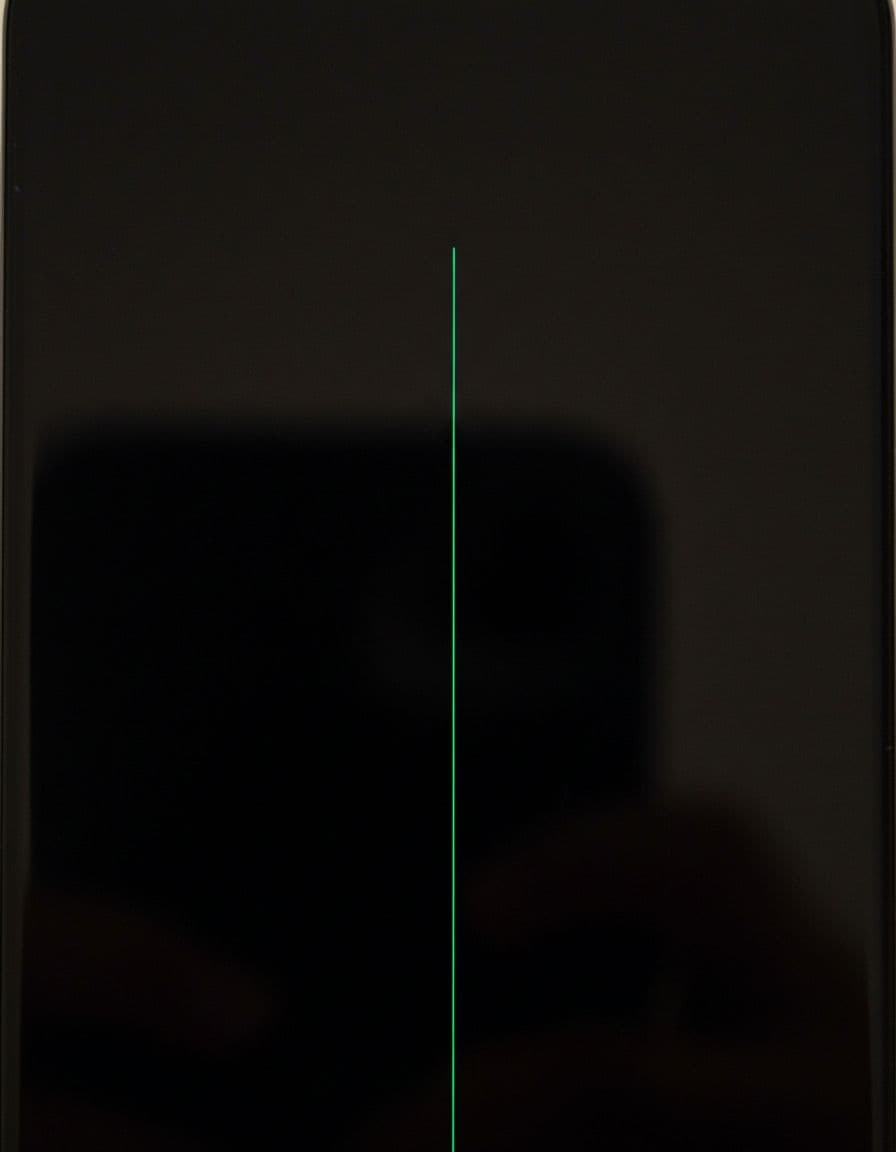
If the line appears on the lock screen, in apps, and during boot-up, the screen has usually taken the hit.
Before we open anything, we rule out the easy stuff. It only takes a few minutes:
- Force restart the phone by holding power and volume down for around 7 to 10 seconds.
- Boot in Safe Mode to see if the line still shows.
- Run updates in Settings, because a software glitch can mimic display faults.
- Use Samsung’s test menu, dial *#0*#, then check the display colours.
- Take a screenshot and view it on another device. If the line doesn’t appear in the screenshot, that points to screen hardware.
If the line stays after all that, don’t press on the panel, twist the frame, or warm it with a hairdryer. That old internet trick causes more damage than it fixes. A useful round-up of common green line causes and prevention tips backs up what we see at the bench every week.
When repair makes sense, and what we normally replace
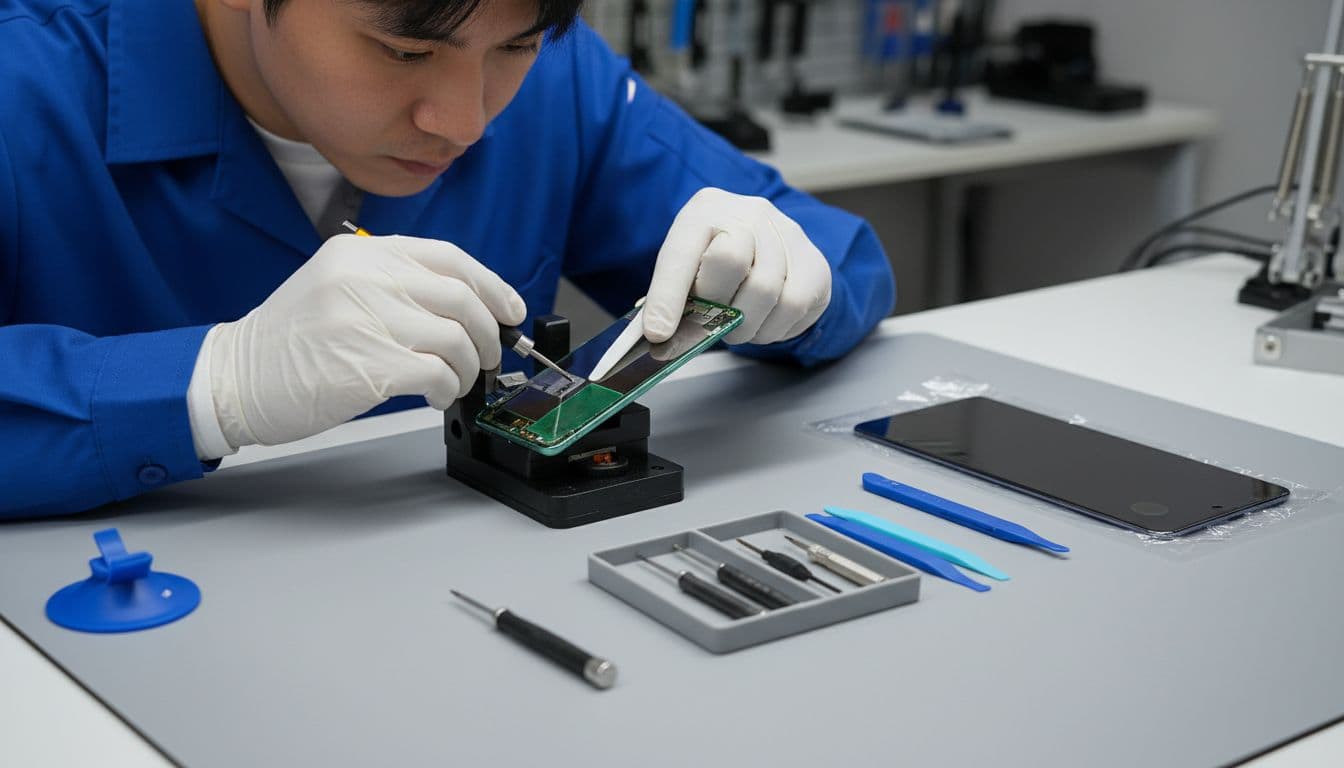
Most of the time, we don’t “repair the line” itself. We replace the faulty screen assembly. On Samsung handsets, that’s usually the proper fix because the OLED panel and related layers work as one unit. Think of it like a cracked double-glazed window, you don’t patch the middle, you replace the sealed part.
Last week, we had a customer from Essex bring in a Galaxy S22 with a bright green line after it slipped from a car seat onto the door sill. The front glass wasn’t shattered, so they hoped it was a quick setting change. It wasn’t. We tested it, found the OLED had failed from the impact, fitted a new screen assembly, then checked touch, brightness, charge, cameras, and speakers before it left.
Here’s the rough picture on pricing in the UK:
| Situation | Likely fix | Rough UK cost |
|---|---|---|
| A-series, single green line after a drop | Screen assembly replacement | £100 to £160 |
| S-series or Note with one line and full touch working | OLED or full screen assembly | £160 to £300 |
| Multiple lines, black patch, bent frame | Full assessment, often more than screen only | Quote after inspection |
These are ballpark figures, not fixed menu prices. The exact quote depends on the model, parts availability, and whether the frame is bent. If the housing has warped, a new screen on its own may not sit properly.
For people comparing options, our Samsung phone repair in Essex page explains the sort of faults we handle daily, from screens to charging issues. If you want a wider idea of the process, our guide on what to expect from screen repairs is worth a look too.
Getting it sorted in Essex or by post
We keep this part simple because nobody wants extra faff when their phone already looks half-crossed with them. If you’re local, our phone repair Essex customers can book in and drop the device to us in Harlow. If you’re further away, our postal phone repair UK service is often the easiest route.
For mobile phone repair UK jobs, we ask customers to back up the phone first, remove SIM trays if they want to, package the device well, and include the order number in the parcel. If you’re happy for us to test everything properly after repair, send the passcode too. We use it only to test functions, not to poke around your data.
We also handle plenty of other faults while these Samsung jobs are on the bench. That includes samsung phone repair UK work more broadly, plus iphone screen repair UK bookings, iphone battery replacement UK jobs, and the classic cracked iphone screen repair after a pavement drop. If you’ve got Apple trouble as well, our complete iPhone screen fix advice and guide to iPhone battery replacement times UK cover the questions we hear most.
Our aim is fast diagnostics, quality parts, and a proper repair rather than a bodge. We also offer tracked postage, tracked return, a strong price promise, and a 12-month warranty on repairs where applicable, terms apply.
Quick answers we hear in the workshop
Can we keep using the phone with the line?
Usually yes, for a while. Still, the line can spread, more lines can appear, or the screen can go black later.
Will the line go away on its own?
In most drop cases, no. If the samsung green line screen stays after restart and Safe Mode, it’s usually hardware.
Is it worth repairing an older Samsung?
Often yes, if the phone still runs well and the frame isn’t badly bent. If it’s an older budget model with heavy frame damage, we’ll tell you honestly if the money is better saved.
That green line often feels small, but it’s usually the warning sign before a bigger screen failure. The smartest move is to stop fiddling with it, back it up, and get it checked.
If your phone’s doing the green-line trick right now, we can take a look in Essex or through our postal repair service and tell you plainly what makes sense. Book the repair online, pack it securely, and we’ll get it sorted as quickly as we can.
James Waterston, Device Repair Specialist at Repair My Crack