
Nothing is more annoying than plugging in a Pixel at bedtime and waking up to 3%. If your Pixel charging port has stopped working, the good news is that the port itself often isn’t dead.
In our workshop, most charging faults come down to lint, a worn cable, a dodgy plug, or a software blip. That means there are a few safe checks worth trying before paying for a repair.
Start with the obvious, because it fixes a lot
When we see a Pixel that won’t charge, we don’t reach for tools first. We start with the cable, plug and power source, because they fail more often than the phone.
Google’s own Pixel charging help still recommends using a proper USB-C PD charger and a known-good cable. That matters, especially with newer Pixels that can be fussy about cheap accessories.
Here’s the quick triage we use at the bench:
| What you notice | Likely cause | Try this first |
|---|---|---|
| No charging at all | Cable, plug, outlet | Swap all three |
| Charges only at an angle | Lint or worn port | Inspect and clean |
| “Liquid or debris” warning | Moisture or dirt | Unplug and dry |
| Wireless charging works | Port or cable fault | Test another cable |
A few simple checks usually tell us a lot:
- Try a different USB-C cable that charges another device properly.
- Swap the wall plug and try another socket.
- Remove the case, because some thick cases stop the cable seating fully.
- Restart the phone, then test again with the screen off.
If your Pixel supports wireless charging, try that too. When wireless works but USB-C doesn’t, the problem often sits around the port area rather than the whole phone.
Safe ways to clean a Pixel charging port
A dirty port is the most common fix we see. Pocket fluff gets packed into the bottom of the USB-C port like felt in a tiny drawer, so the cable looks plugged in but never reaches properly.
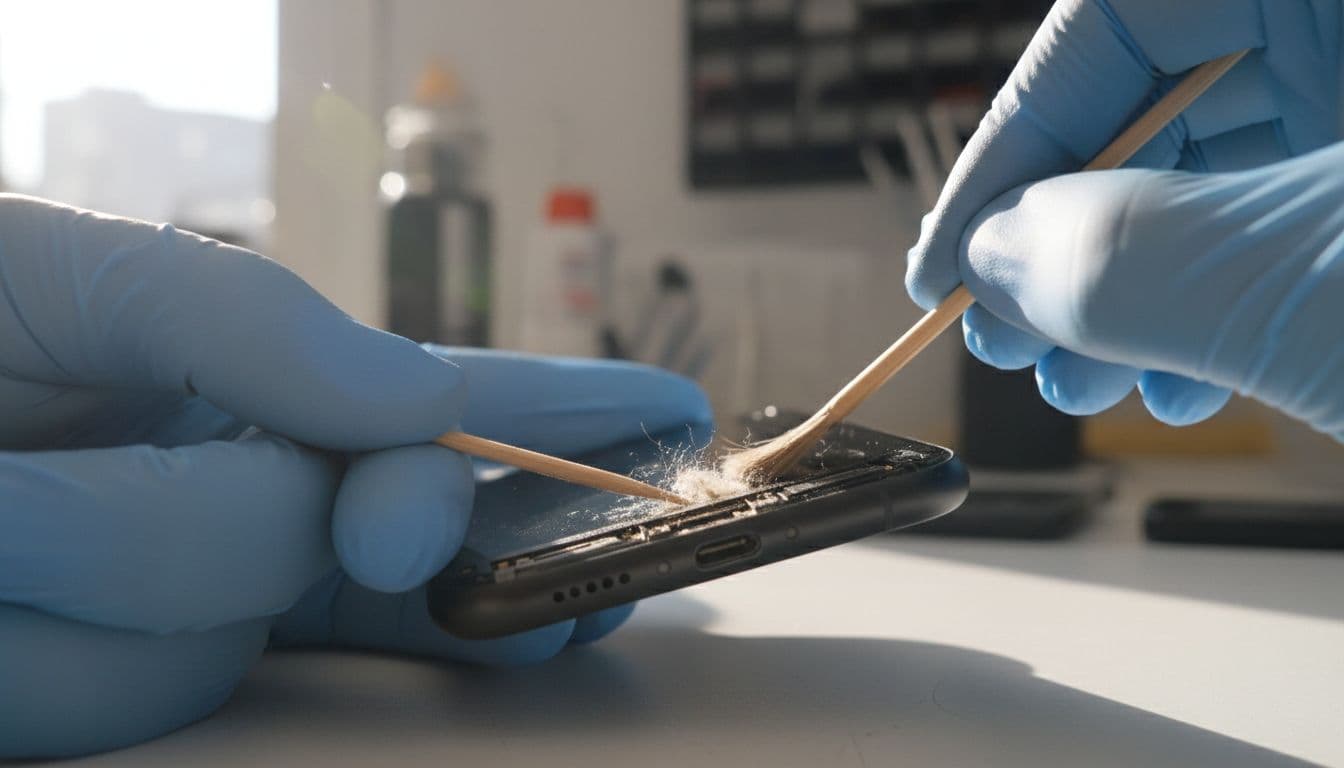
If the cable no longer clicks in firmly, compacted lint is often the culprit.
We always switch the phone off first. Then we shine a torch into the port and look for dust, fabric fibres or anything stuck at the back.
The safest home method is simple. Use a wooden or plastic toothpick and gently tease debris out. A soft dry brush can help loosen it. We don’t recommend metal pins, paperclips or anything sharp, because the internal contacts are easy to mark.
Compressed air can help, but only lightly. Don’t blast it from point-blank range, and don’t poke around like you’re digging a hole in the garden. Gentle is the whole point here.
If the phone shows a moisture warning, stop charging straight away. Google has a useful guide on the liquid or debris USB warning, and it matches what we tell customers, unplug it, let it dry, and don’t force the cable back in.
Signs the Pixel charging port is actually damaged
Sometimes cleaning sorts it. Sometimes it doesn’t. If the cable still feels loose, drops out easily, or only works when held at a funny angle, the port may be worn or damaged.
We also get concerned when charging cuts in and out with light movement, the port looks bent, or the connector gets hot. Those are the jobs where home fixes stop being helpful.
Across our mobile phone repair UK bookings, we still see plenty of iphone screen repair UK, cracked iphone screen repair, iphone battery replacement UK and samsung phone repair UK work. Still, Pixel charging faults come in every week, and the pattern is familiar.
Last week we had a Pixel 7a in from Essex that “would only charge if the cable was balanced just right”. A careful clean improved it, but not enough. On test, the connection still dropped with the slightest movement. In the end, the charging assembly needed replacing, and the phone charged normally again after final checks.
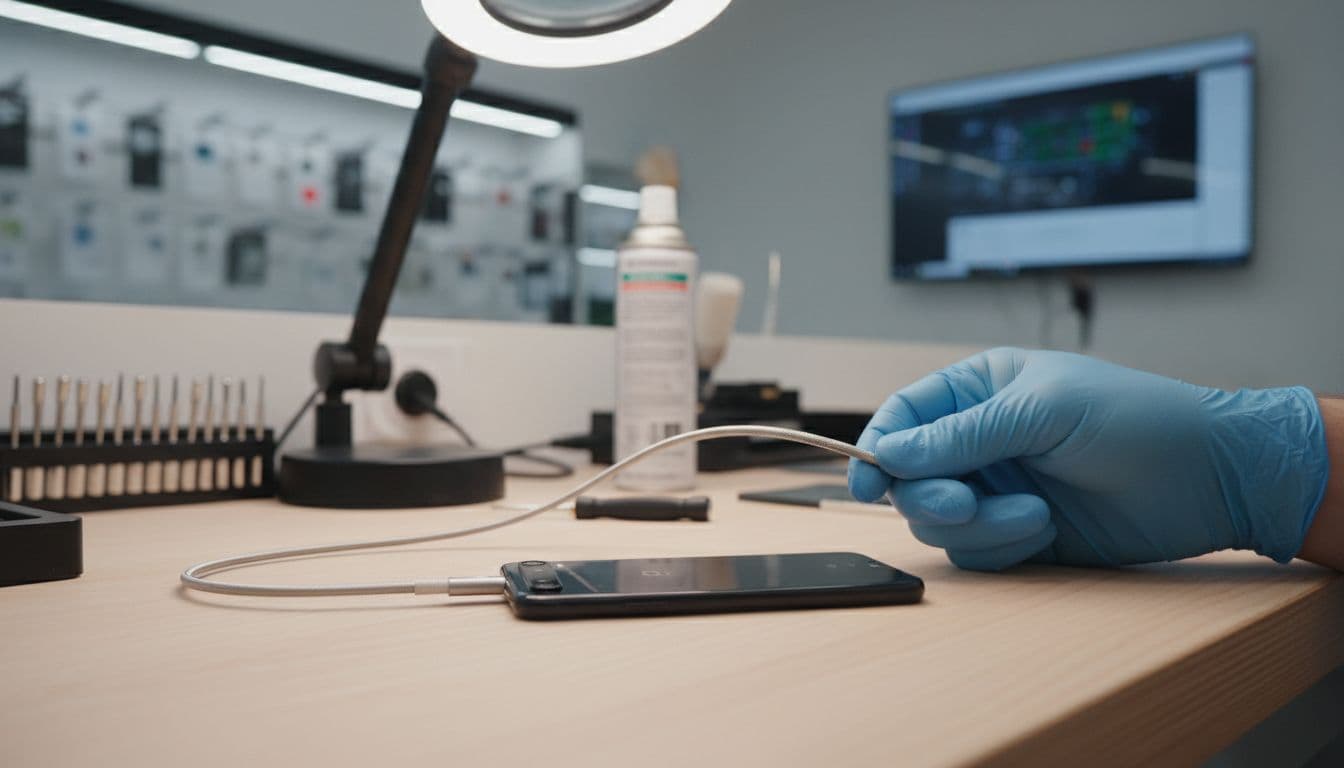
If you’re local, our phone repair Essex options make it easy to book in. If you’re further away, we also handle postal phone repair with tracked postage across the country, which suits plenty of busy customers.
When it’s time to stop testing and book a repair
There’s a point where more fiddling becomes a faff. If you’ve tried a known-good cable, cleaned the port safely, restarted the phone and checked for moisture, that’s enough for most people.
A proper charging port repair in the UK often lands around £49 to £119, depending on the Pixel model and whether it needs cleaning, a replacement part, or extra diagnostics. We only quote properly once we’ve confirmed the fault, because charge issues can sometimes involve the battery or board rather than the port alone.
If you book with us, we aim to keep it straightforward. We offer express repairs where possible, quality parts, a price promise, and a 12-month warranty subject to terms. You can also read our repair warranty details before sending anything in.
For postal jobs, we suggest backing up your phone, removing the SIM if you want to, and packing the device securely with your order number inside. That keeps things moving once it arrives.
A Pixel charging port fault isn’t always serious, but it shouldn’t be ignored either. If the cable feels loose, charging is intermittent, or heat is building up, it’s better to get it checked than keep forcing it.
If your phone still won’t charge after the safe fixes above, we can take it from there. Book online, send it in, or drop it to us in Harlow, and we’ll get it sorted as quickly as we can.
Repair Your Google Pixel
We repair screens, batteries, charging ports, cameras and back glass across the Pixel range, with free tracked Royal Mail postage both ways and transit insurance up to £750. Every repair is tested before it’s returned, and covered by a 12-month warranty.
- Pixel 9 Pro, Pixel 9, Pixel 9a
- Pixel 8 Pro, Pixel 8, Pixel 8a
- Pixel 7 Pro, Pixel 7, Pixel 7a
- Pixel 6 Pro, Pixel 6, Pixel 6a
- Pixel Fold
Get an instant price for your Pixel model, or contact us if you’re not sure what’s wrong.
James Waterston, Device Repair Specialist at Repair My Crack