
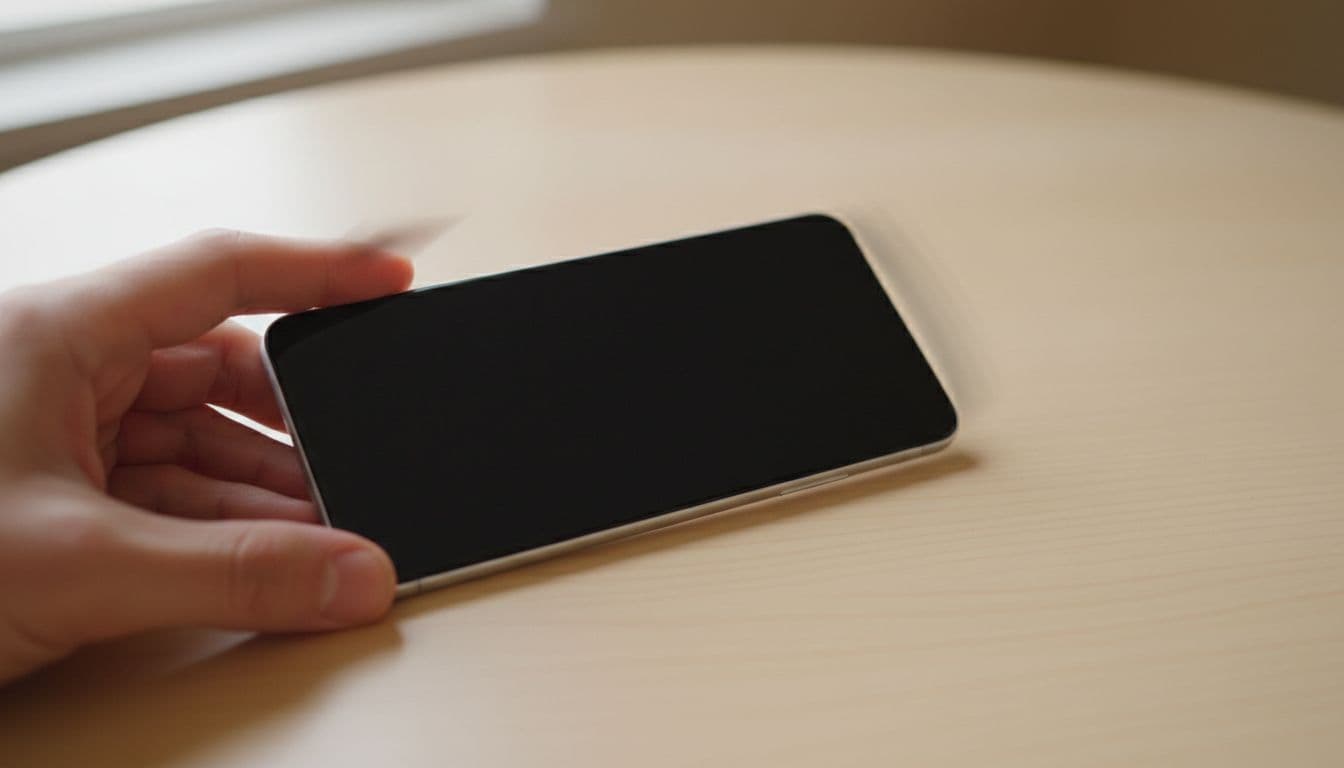
A Google Pixel black screen can feel worse than a smashed display. The phone buzzes in your hand, alarms still go off, yet the screen stays pitch black.
The good news is simple. If your Pixel still vibrates, it often isn’t fully dead. In many cases, we’re dealing with a frozen system, a charging issue, or a failed display rather than a dead handset.
We’ve seen more of this since the April 2026 Pixel update chatter started online, especially on Pixel 6 and newer models. So let’s start with the checks that usually sort it.
When vibration is a good sign
If your Pixel vibrates, makes sounds, or rings, the phone is often still powering on. That points us towards a display fault, a crash during boot, or a wake issue.
If the phone vibrates, don’t write it off. The screen may be the only part that has stopped playing nicely.
These clues help us separate a simple glitch from a proper hardware repair:
| What the phone does | What it often means | Best next step |
|---|---|---|
| Vibrates for calls or notifications | System is running, display may be stuck off | Force restart |
| Vibrates only on charge | Battery may be flat or charging unstable | Charge for 30 minutes |
| Went black after a drop | OLED or display connector damage | Stop pressing it, get it checked |
| Feels hot and stays black | Thermal shutdown or software crash | Let it cool first |
We also pay attention to what happened before the fault. A recent update, a drop onto paving, water exposure, or a cheap charger can all change the answer. Google also has its own Pixel screen troubleshooting guide, and the same symptom shows up in this Pixel Community thread about a black screen with vibration.
Safe fixes to try at home first
Start with the boring stuff, because boring fixes often work.
- Charge it properly for 30 minutes
Use a known-good USB-C cable and a wall plug, not a tired laptop port. If the battery is deeply flat, the phone may vibrate before the display wakes. - Force restart the phone
On many newer Pixels, hold the power button and volume down together for 20 to 40 seconds. On some models, the power button alone works. Keep holding until you feel a stronger buzz or see the Google logo. - Let it cool down
If the phone feels warm, leave it somewhere cool for half an hour. Take the case off. Don’t put it in the fridge, because that only adds moisture and misery. - Listen for signs of life
Call the phone from another handset. If it rings but stays black, the display system is the likely fault. - Think about the last change
If the issue started after an app install or update, get the screen back on first, then test in Safe Mode. Since April 2026, we’ve seen more reports of Pixels crashing to a black screen after updates or overheating.
If the screen comes back after a restart, back everything up straight away. Then update apps, clear storage, and keep an eye on it for a day or two.
What usually causes a Google Pixel black screen in our workshop
On the bench, this fault is rarely a mystery for long. The real cause tends to fall into one of four camps.
A failed OLED panel is common after a drop. The glass may look fine, yet the display underneath has packed in. That’s why a phone can still vibrate while showing nothing.
A loose or damaged display connector also happens. One awkward knock can shift a connection enough to kill the image. We see this more than most people expect.
Then there’s software failure. A force restart fixes plenty of these, especially after updates. Finally, we do see power button or board faults, but they’re less common than people fear.
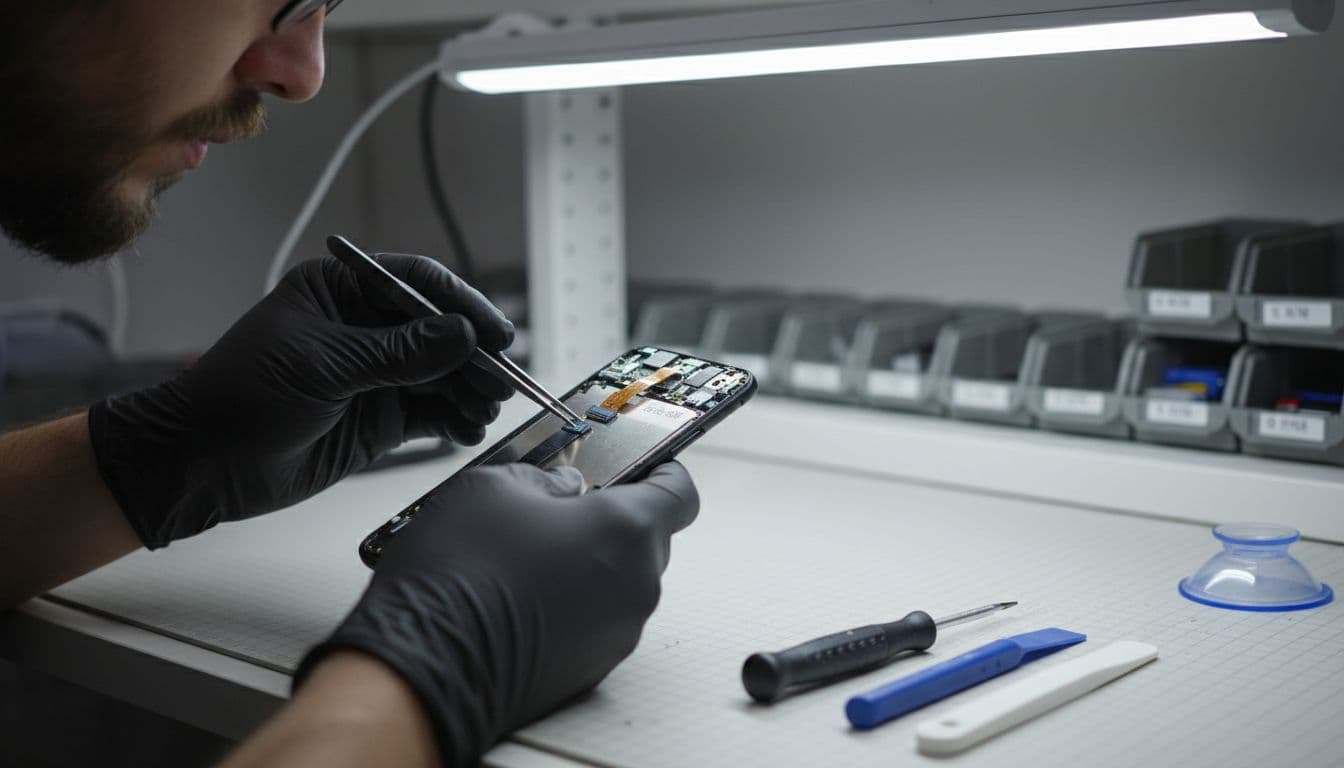
Last week, we had a Pixel 7 from Essex that still buzzed for WhatsApp but showed a dead-black screen. The owner thought the update had killed it. Once we opened it, the screen connector had taken the hit from a small drop the day before. After a proper display replacement and testing, it was sorted.
Our workshop sees this fault alongside the usual stream of iphone screen repair UK bookings, cracked iphone screen repair jobs, iphone battery replacement UK work, samsung phone repair UK repairs, and general mobile phone repair UK diagnostics. Different brands, same story, people just want the phone working again without a faff.
If you already know the screen is damaged, our Pixel screen repair UK prices page gives a realistic starting point.
When repair makes sense, and how we handle it in the UK
If your Pixel still vibrates, repair often makes sense. The phone is usually still alive, which means you’re not always looking at a full replacement.
For local customers, our Essex phone repairs option is handy if you want a drop-in booking in Harlow. If you’re further away, our mail-in phone repair UK guide explains the post-in process from booking to tracked return. That’s useful if you’re searching for phone repair Essex help locally, or a proper postal phone repair UK service from elsewhere.
Before you send any device, do three things. Back it up, remove the SIM if you can, and include your order number. If testing needs a passcode, we only ask for what’s needed to check the repair, never your account password.
We aim to start repairs quickly once the device arrives, and we use quality parts with a 12-month warranty where applicable, subject to terms. That gives people a bit more peace of mind than gambling on a mystery repair.
A black screen that still vibrates is annoying, but it’s often fixable. Start with charging, a force restart, and a cool-down. If those fail, the display is the next suspect.
If your Pixel is still buzzing away in your pocket and showing nothing, we’re happy to help you get it sorted, whether that’s in Essex or through the post.
James Waterston, Device Repair Specialist at Repair My Crack