
A phone can look fine after a fall and still hide a fault on its main board. When people search for board level phone repair, they usually want to know two things: can their data be saved, and will repair cost less than replacing the phone?
In many cases, the answer is yes. Board-level work can repair a damaged component or connection without replacing the whole logic board. However, the fault needs proper testing first. We see why when we inspect common post-drop problems in our workshop.
What board level phone repair actually involves
Board-level repair means working on the phone’s logic board, also called the mainboard or motherboard. This is the small circuit board that controls power, charging, display output, cameras, signal and many other functions.
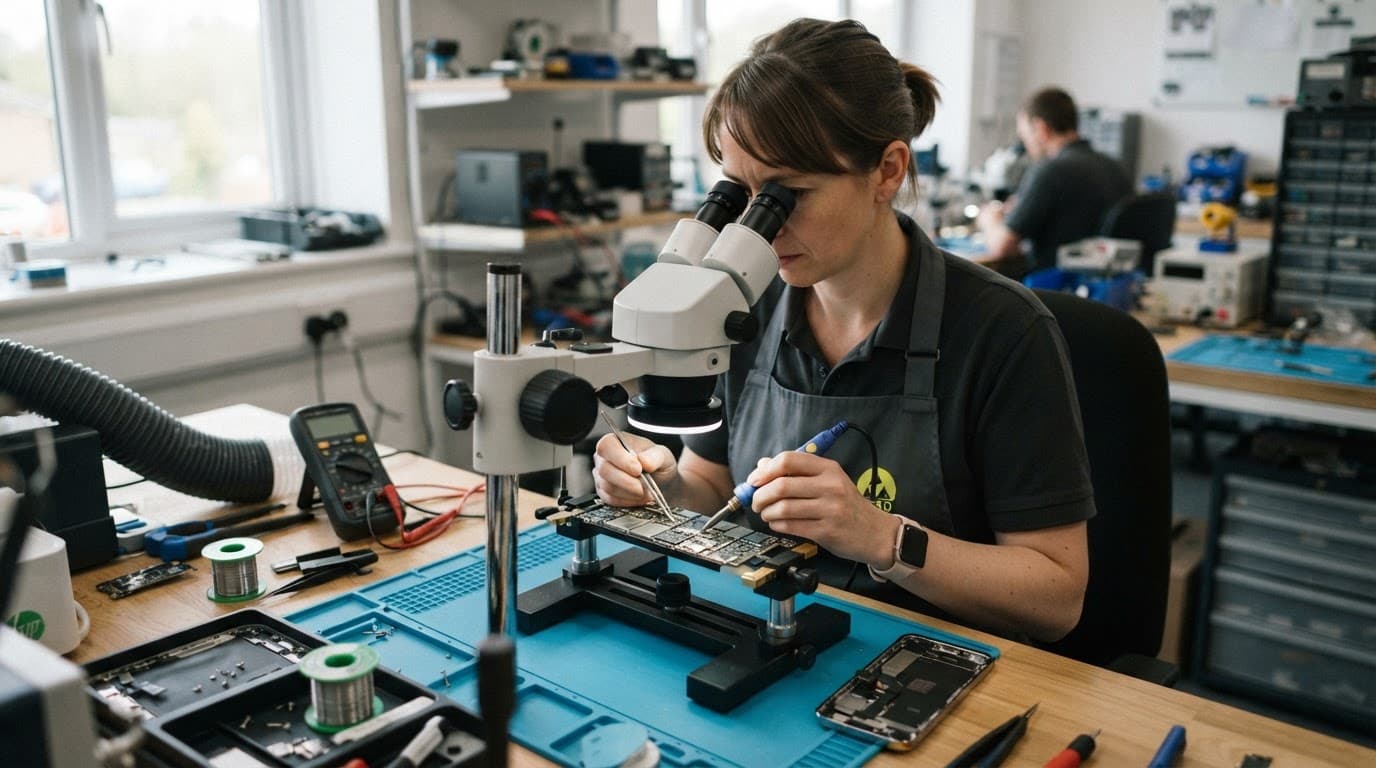
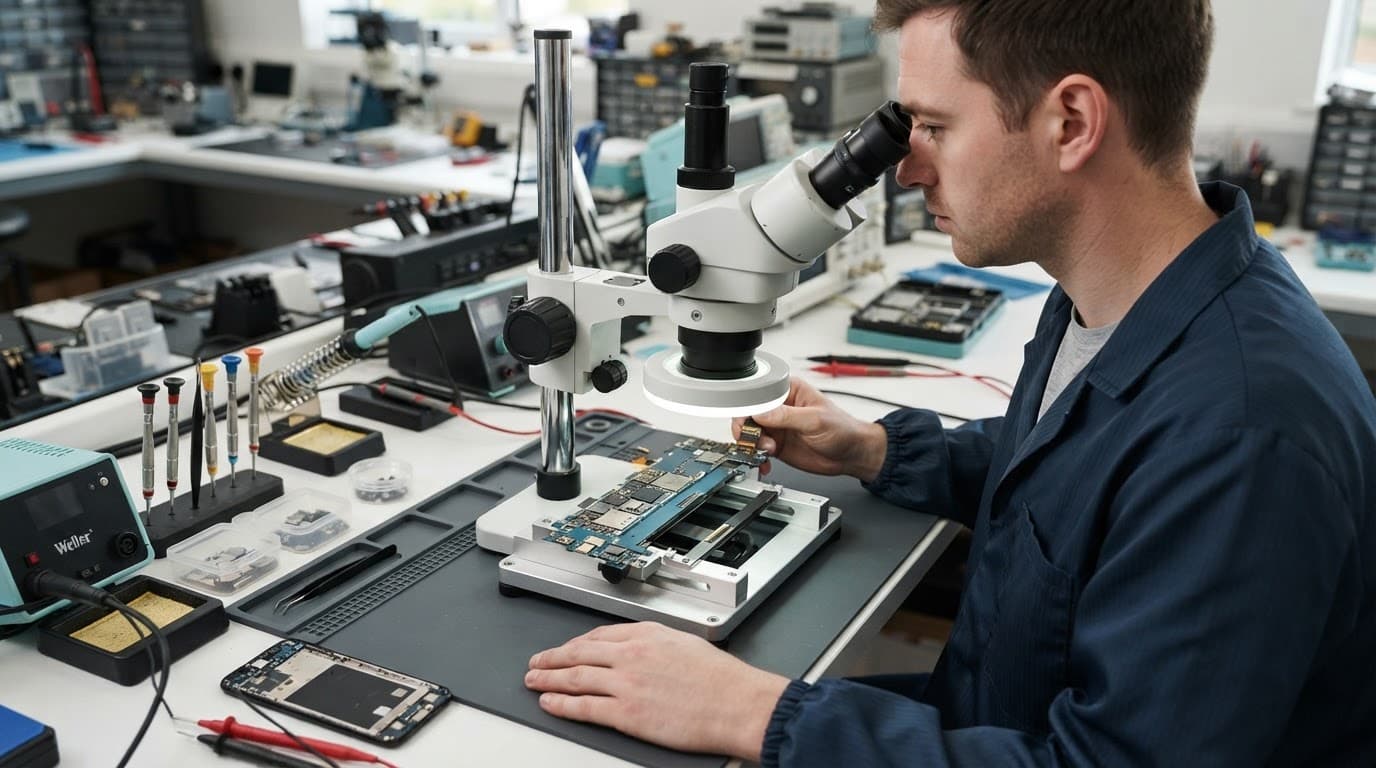
A standard repair might involve replacing a screen, battery or charging port. Board work goes further. A technician uses magnification and specialist equipment to test circuits, locate a failed component and complete a precise micro-soldering repair.
Component repair instead of a whole board swap
A drop can damage a charging line, power-management component, connector or small filter on the board. Replacing the entire board may solve the fault, but it can be expensive and may leave the data on the original board inaccessible.
Component-level work keeps the original board in place whenever the damage allows it. That makes it particularly useful when the phone contains important photographs, business files, messages or authenticator details.
A successful repair isn’t guaranteed. Severe impact, corrosion, multiple failed components or a badly twisted frame can make the job uneconomical. We inspect the device before recommending a repair route.
Faults that may need board-level diagnosis after a drop
Impact damage doesn’t always announce itself with a shattered screen. A phone may still light up while losing charging, sound, signal or button functions. The location of the impact matters, as does the age and design of the handset.
A device won’t turn on or won’t charge diagnosis starts with simple checks, then moves towards internal testing if the obvious causes have been ruled out.
Power, charging and restart problems
A phone that stays completely dead after a drop may have a damaged battery connector, charging circuit or power-management component. Other warning signs include:
- The phone boots for a few seconds, then switches off.
- Charging works only at one angle or cuts in and out.
- The handset becomes unusually warm while connected.
- The phone restarts repeatedly or remains stuck on its logo.
- A computer detects the device, but the screen stays black.
A charging port replacement won’t fix a damaged charging IC or board connection. Likewise, a new battery won’t solve a fractured power line. That is why repeated parts swapping can become expensive without a proper diagnosis.
A charging symbol doesn’t prove that the board is healthy. A damaged charging line can still allow intermittent power.
Before sending an iPhone, you can follow Apple’s official charging checks, including testing a known-good cable and adapter. If the phone remains unreliable after those checks, stop repeatedly connecting it.
For more detail on common causes, our guide to iPhone charging fault repairs covers port, battery and board-related problems.
Display faults that aren’t caused by the screen
Black patches, flickering, missing touch response and backlight failure can all look like a straightforward screen fault. Sometimes they are. A damaged display assembly is often the most sensible repair.
However, a drop can also disturb the display connector or damage the board’s image or backlight circuit. Common screen or display fault symptoms include:
- The phone vibrates or rings, but the display stays black.
- Touch works in one area and fails elsewhere.
- The picture appears briefly during startup, then disappears.
- Brightness changes cause flickering or a completely dark image.
- A replacement screen shows the same fault as the original.
We test the phone before fitting a new display where possible. That prevents a customer paying for a screen when the real issue sits underneath it.
iPhone, Samsung, Pixel and iPad faults
Different manufacturers use different board layouts, connectors and repair methods. The symptoms can look similar, but the likely repair differs between models.
iPhone and Samsung impact damage
An iPhone component fault after a drop may affect the charging circuit, display connection, camera, Face ID-related hardware or a small connector. A side impact can also bend the frame and put pressure on internal parts without cracking the front glass.
A Samsung component fault after a drop can involve the mainboard, side-button flex, charging path or display connector. Samsung Galaxy phones with curved or OLED screens can also suffer hidden damage around the frame. A new screen may not sit correctly if the chassis has bent.
We recently saw a Galaxy S23 from Essex that charged only when the cable sat at a particular angle. The port contained compacted lint, but testing also showed damage around the connection. Cleaning alone would not have been a lasting fix, so we repaired the charging area and tested data transfer, charging stability and heat levels.
Samsung also offers an official UK route through its authorised repair centres. That option may suit a newer device where manufacturer handling and remaining cover matter most.
Google Pixel and iPad diagnosis
A Google Pixel component fault after a drop can appear as intermittent charging, a dead screen, repeated restarts or a faulty volume button. A bent side rail may press against the button assembly, while an internal flex cable or connector can lose contact.
Google’s repair guidance includes hardware problems where a Pixel won’t charge or turn on. You can check the available options through its Google Store repair information. Independent repair may provide another route, especially for an older or out-of-warranty phone, although you should compare warranty implications.
An iPad component fault or diagnosis needs extra care because the large laminated display, battery connector, charging port and logic board sit within a relatively thin body. A corner impact can bend the frame and stress more than one assembly. Sometimes the tablet is working, but the screen has failed. Other times the display is fine and the power or charging circuit has taken the damage.
Our advice on an iPad not turning on after a drop explains the safe checks worth trying before arranging an inspection.
Safe checks before sending a damaged device
Good phone hardware troubleshooting in the UK begins with checks that protect the device rather than create more damage. Start with the following:
- Remove the case, SIM tray accessories and any magnetic attachments.
- Inspect the frame, buttons, rear glass and screen under bright light.
- Try one known-good cable and charger, but don’t keep forcing the connection.
- Check whether the phone vibrates, rings or appears on a computer.
- Back up your data if the device still works.
- Photograph the handset, including corners, ports and any existing cracks.
Don’t straighten a bent frame by hand or press down on a lifting screen. Avoid pins, metal tools, hairdryers and compressed air around ports or buttons. Heat can affect adhesive and batteries, while sharp tools can damage contacts.
Our phone repair checklist includes useful photos to take before posting a device. Tell us exactly what happened, including whether the phone was dropped, sat on, exposed to liquid or repaired previously.
What we test in the workshop
We begin with the outside condition, button feel, charging response and signs of heat or corrosion. Then we check power draw, screen output, battery behaviour, connector condition and communication with diagnostic equipment.
If a part replacement is likely to solve the problem, we explain that option. If the results point to the board, we provide the clearest available choices before chargeable work starts. A factory reset won’t repair a broken connector or damaged circuit, so we treat it as a last resort when the fault began with physical damage.
Repair costs and when replacement makes more sense
Board repair prices vary widely because the model and failed component make a large difference. A straightforward component repair may cost around £70 to £150, while newer flagship phones, liquid damage and complex power faults can reach £300 or more. These are broad UK guide figures, not fixed quotes.
For comparison, common Repair My Crack guide ranges look like this:
| Repair type | Typical guide range | What can change the price |
|---|---|---|
| Screen replacement | £60 to £180 | Model, display type and frame damage |
| Battery replacement | £40 to £80 | Battery condition and connector damage |
| Charging port repair | £50 to £90 | Port design, corrosion and board faults |
| Water-damage treatment | £60 to £120 | Corrosion and failed components |
| Board-level repair | About £70 to £300+ | Model, circuit fault and repair complexity |
Repair usually makes sense when the phone has one clear fault, a straight frame and a healthy screen, battery and camera. It can also be worthwhile when the data matters more than the handset’s resale value.
Replacement may be more sensible when the device has several existing problems, severe liquid damage, a badly twisted chassis or a repair cost close to the price of a dependable replacement phone. We would rather explain that clearly than recommend work that doesn’t add up.
Many of our repairs include a 12-month warranty on parts and workmanship. Screen warranty terms can vary by part grade, while liquid-damage treatment has separate conditions. Accidental damage after collection and further liquid exposure aren’t normally covered.
How the UK postal repair service works
Customers in Essex can arrange an appointment-only drop-in at Harlow. We also support customers across the UK by post, with tracked Royal Mail postage and tracked returns.
After booking online, package the device securely. Include the order number and any passcode needed for testing, but don’t send loose accessories unless we request them. If the phone still works, back up photographs, messages and important files before handing it over.
Once the device arrives, we aim to begin testing quickly, often on the same day when the fault is clear and the required part is available. Board-level diagnosis can take longer because the board needs detailed inspection. We contact you if testing changes the likely repair or price.
You can also get in touch if you aren’t sure whether the problem is a screen, port, battery or mainboard fault. A few details about the model and symptoms usually help us point you in the right direction.
Conclusion
Board level phone repair can save a device that appears dead, keeps restarting or refuses to charge after a drop. It may also protect access to the original data because the existing logic board stays in place, although no repair can promise recovery in every case.
Back up the phone, avoid risky home fixes and arrange a proper diagnosis before buying replacement parts. We check the whole device, explain the options and use quality parts with a clear price promise where the repair makes financial sense.
James Waterston, Device Repair Specialist at Repair My Crack