
Nobody wants a phone that doubles as a hand warmer on the train home. If your Pixel feels hotter than usual in April 2026, you’re not imagining it.
We have seen a sharp rise in Google Pixel overheating complaints after the April update, especially during charging or even light use. The good news is simple. Most cases come down to software load, charging habits, or a tired battery, and not a dead handset. Start with the cause, because the right fix depends on why the heat shows up.
Why Google Pixel overheating has spiked in 2026
A warm Pixel is normal during video calls, Maps, camera processing and fast charging. Real overheating is different. The screen may dim, charging may slow or pause, and the battery can drop far too quickly.
On Pixel 6a and later, Google’s device temperature guide shows whether the phone is Warm or Elevated. Google’s advice for keeping a Pixel cool also covers the basics.
What changed in 2026 is the timing. Recent reports point to the April 2026 security update and Google Play Services activity. When that process keeps the chip awake, the phone never settles properly. We have heard the most noise from Pixel 6, 7 and some 10 users, although any model can run hot if it’s charging, syncing photos and using 5G at the same time.
This quick table shows the patterns we see most often:
| Cause | What it looks like | Best first fix |
|---|---|---|
| April update bug | Hot at idle, heavy battery drain | Update Play system, then restart |
| Camera, Maps or gaming | Hot during use, cooler at rest | Reduce load and brightness |
| Charging while using it | Warm back, slow charge | Charge with screen off |
| Hot room or thick case | Heat builds quickly | Move somewhere cooler |
No major hardware defect has surfaced in 2026 reports. Most cases still look like software load or charging stress first, and that matters because replacing parts too early will not fix a rogue process.
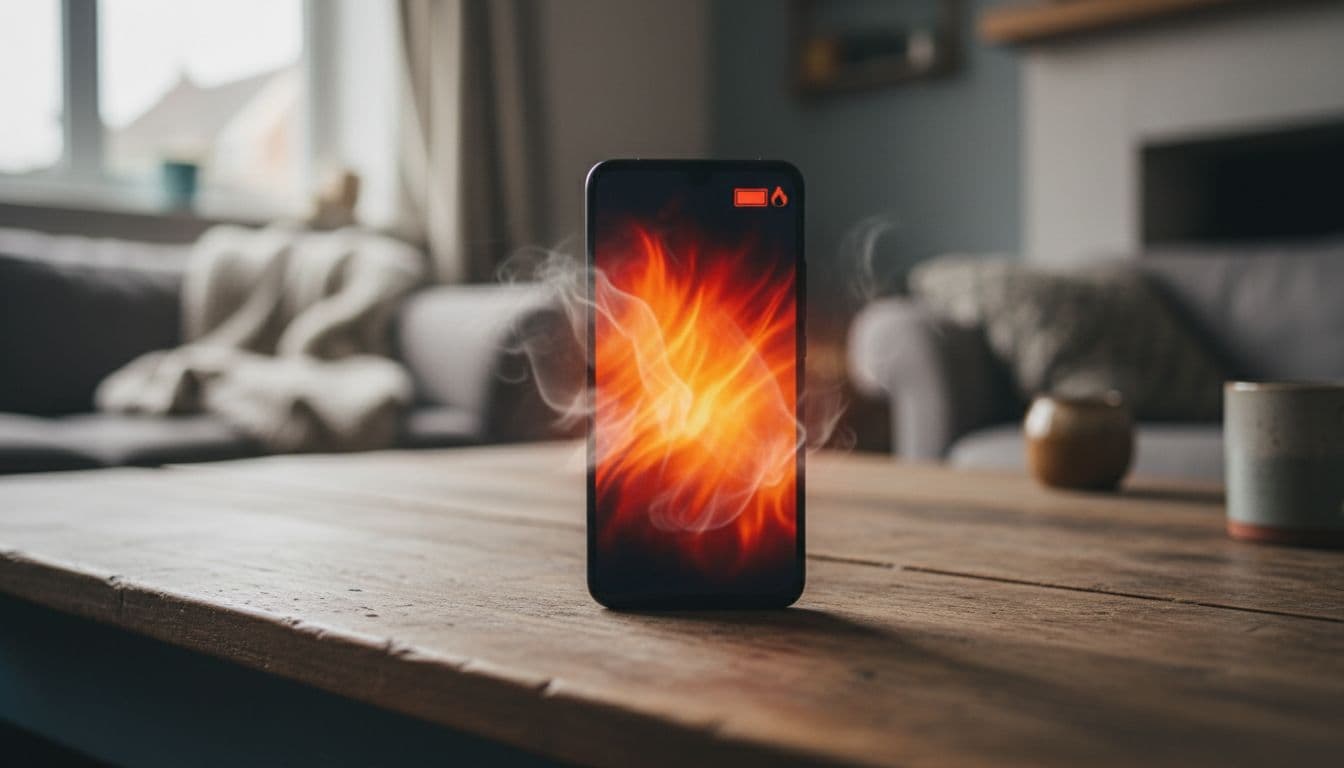
Most of the time, the fastest win is to cut the background load, then update and restart before assuming the hardware has failed.
What to do the moment your Pixel gets too hot
If the phone is too hot to hold, stop charging it and let it cool before trying anything else.
Heat stacks up fast when you use a Pixel while it charges, especially on a wireless pad. A chunky case can trap it too. We usually suggest these steps, in order:
- Restart the phone, because a stuck process often clears with a clean boot.
- Install Google Play system updates, Android updates and app updates, then leave the phone alone for a bit.
- Open Battery usage and look for one app chewing through power. If something looks odd, force stop it or remove it.
- Clear cache for the app behaving badly. This is safe and does not wipe your data.
- Charge with the screen off, in a cool room, using a decent cable, and skip gaming or video calls until the temperature settles.
If the phone only runs hot in one app, test Safe Mode or remove that app for a day. Social apps, buggy launchers and navigation tools are common culprits after big Android updates.
After a major update, Android can spend 24 to 48 hours tidying itself up. Some warmth during that window is normal. Heat at idle is not.
When Google Pixel overheating points to a repair bench
At the bench, we start thinking “repair” when the phone stays hot after updates, restarts and app checks. A worn battery can create extra resistance and heat. So can a damaged charging port, liquid residue, or impact damage near the board.
The warning signs are fairly clear. Heat around the charging port points to cable or port trouble. Heat across the back, random shutdowns, or a lifting rear panel point more towards battery trouble. If the back starts lifting, stop using the phone at once.
Last week, we checked a Pixel 7a from Essex that became hot enough to pause charging and lose roughly a quarter of its battery in an hour. The owner assumed the battery had gone. In fact, Google Play Services was stuck after the update, and the USB-C port was packed with dust. After software checks, a proper port clean and battery health testing, the phone settled down and no parts were needed.
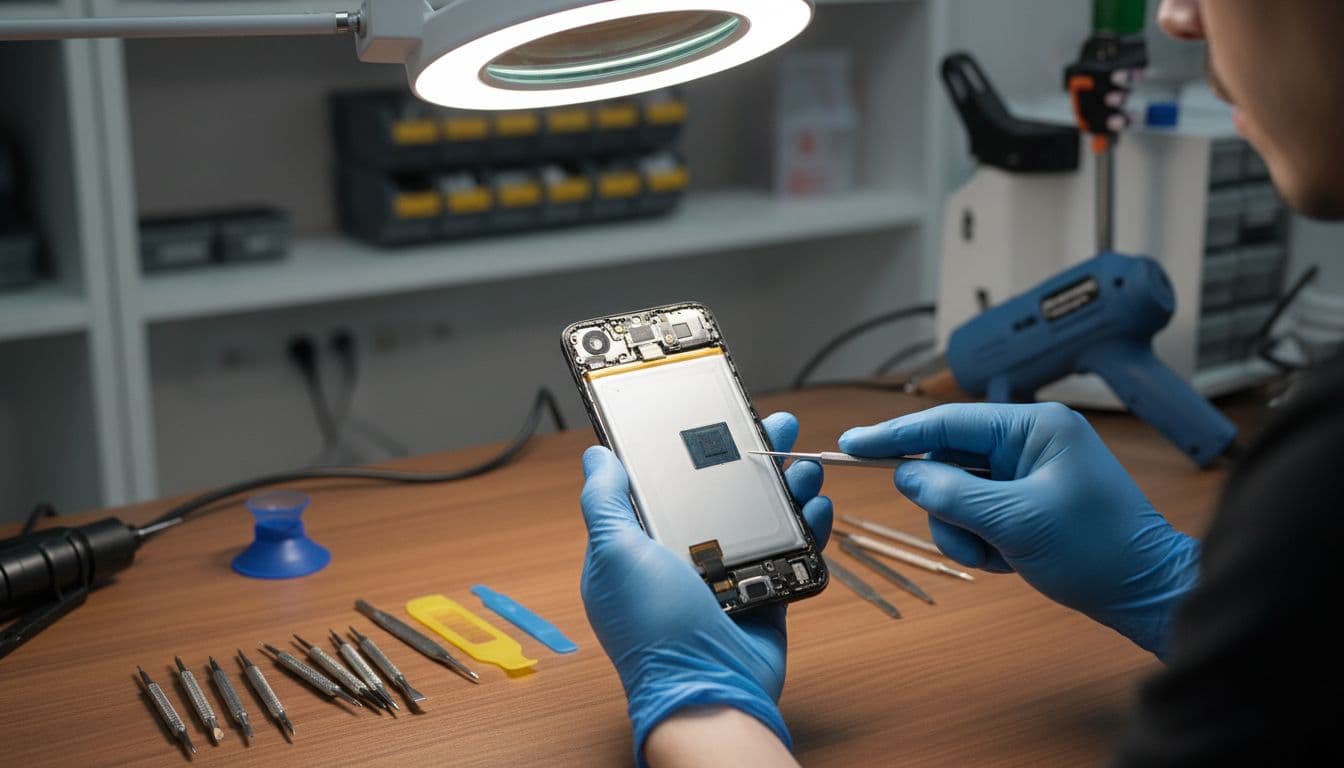
If you need phone repair Essex support, our phone repairs Essex page explains local bookings. If you’re further away, our mail-in phone repair UK guide shows how tracked post and testing work. We ask customers to pack the device securely, add the order number, and share a passcode only if testing needs it.
We also see plenty of iPhone screen repair UK enquiries, iPhone battery replacement UK jobs, cracked iPhone screen repair cases, and samsung phone repair UK work. Across the wider mobile phone repair UK trade, the rule is the same. If heat stays high when the phone is doing very little, get it checked before the battery ages faster or the charging circuit suffers. A proper postal phone repair UK route can save a lot of faff if you are nowhere near Essex.
Quick answers we give customers
Will a cooler app fix it?
Usually not. Those apps tend to kill background tasks or dim the screen. They do not solve a weak battery or charging fault.
Should we factory reset straight away?
Only after backing up and trying the simpler steps first. Google’s own help pages, plus iFixit’s Pixel overheating troubleshooting, are worth checking before a full reset.
Can overheating damage the battery?
Yes. Repeated heat ages lithium-ion cells faster and can lead to swelling. If you end up needing a battery or charging repair, our phone repair warranty UK guide explains what cover normally includes.
Should we keep fast charging?
Only if the phone stays warm rather than hot. Wired charging is usually kinder than wireless while you’re troubleshooting.
Google Pixel overheating is annoying, but it usually responds to boring fixes first, updates, app checks, cooler charging habits and a bit of patience after a patch. If the phone still gets hot when idle, smells odd, or warms up around the port, stop pushing it and get it checked.
If you’re stuck with a hot handset or another repair headache, get in touch with us and we’ll point you towards the sensible next step.
Repair Your Google Pixel
We repair screens, batteries, charging ports, cameras and back glass across the Pixel range, with free tracked Royal Mail postage both ways and transit insurance up to £750. Every repair is tested before it’s returned, and covered by a 12-month warranty.
- Pixel 9 Pro, Pixel 9, Pixel 9a
- Pixel 8 Pro, Pixel 8, Pixel 8a
- Pixel 7 Pro, Pixel 7, Pixel 7a
- Pixel 6 Pro, Pixel 6, Pixel 6a
- Pixel Fold
Get an instant price for your Pixel model, or contact us if you’re not sure what’s wrong.
James Waterston, Device Repair Specialist at Repair My Crack