
One drop, one odd symptom, and suddenly your phone refuses to turn sideways. If your iPhone auto rotate not working started straight after a knock, there’s a fair chance the issue isn’t random.
We see this a lot at Repair My Crack. Sometimes it’s a simple setting. Sometimes the drop has upset a sensor, loosened a connector, or damaged the screen assembly. The good news is that you can rule out the easy stuff first, then decide if a proper repair makes sense.
Why iPhone auto rotate not working after a drop often means hardware damage
Auto rotate relies on tiny motion sensors, mainly the accelerometer and gyroscope. They tell the phone which way up it is. After a drop, those parts can stop reporting movement properly, even if the screen still looks fine.
That’s why this fault can feel so odd. Your iPhone may still charge, ring, and open apps, yet it won’t rotate in Safari or Photos. It’s a bit like a spirit level with a bubble stuck to one side.
Software can still be the cause, so we never jump straight to repair. However, if the problem began right after impact, and it affects several apps, we treat it as a likely hardware fault until proven otherwise.
If rotation fails in Safari, Photos, and video apps after a drop, the phone usually needs testing, not guesswork.
We’ve also seen plenty of similar reports in the Apple Community thread on screen rotation, which lines up with what we find on the bench.
Quick checks before booking a repair
Start with the basics, because a stuck setting can look exactly like a broken sensor.
Try these in order:
- Turn off Portrait Orientation Lock in Control Centre.
- Test rotation in Safari or Photos, because not every app supports it.
- Restart the iPhone fully, then test again.
- Check Display Zoom is set to Standard, not Zoomed.
- Update iOS and the affected app, then try one more time.
If only one app won’t rotate, the app is the problem. If none of them will, the phone is more suspicious.
As of April 2026, we’re still finding that a restart, iOS update, or a settings reset can fix some cases. A recent rotation troubleshooting guide also highlights Display Zoom and app-specific glitches, which are worth checking before spending money.
If you’re still stuck, back up the phone before doing Reset All Settings. That won’t erase your data, but it will wipe saved Wi-Fi networks and a few preferences. When that doesn’t sort it, we’d stop there and get the handset checked properly.
What we usually find on the bench in Essex
When this fault lands in our workshop, we look for three things first: frame bend, screen damage, and loose internal connections.
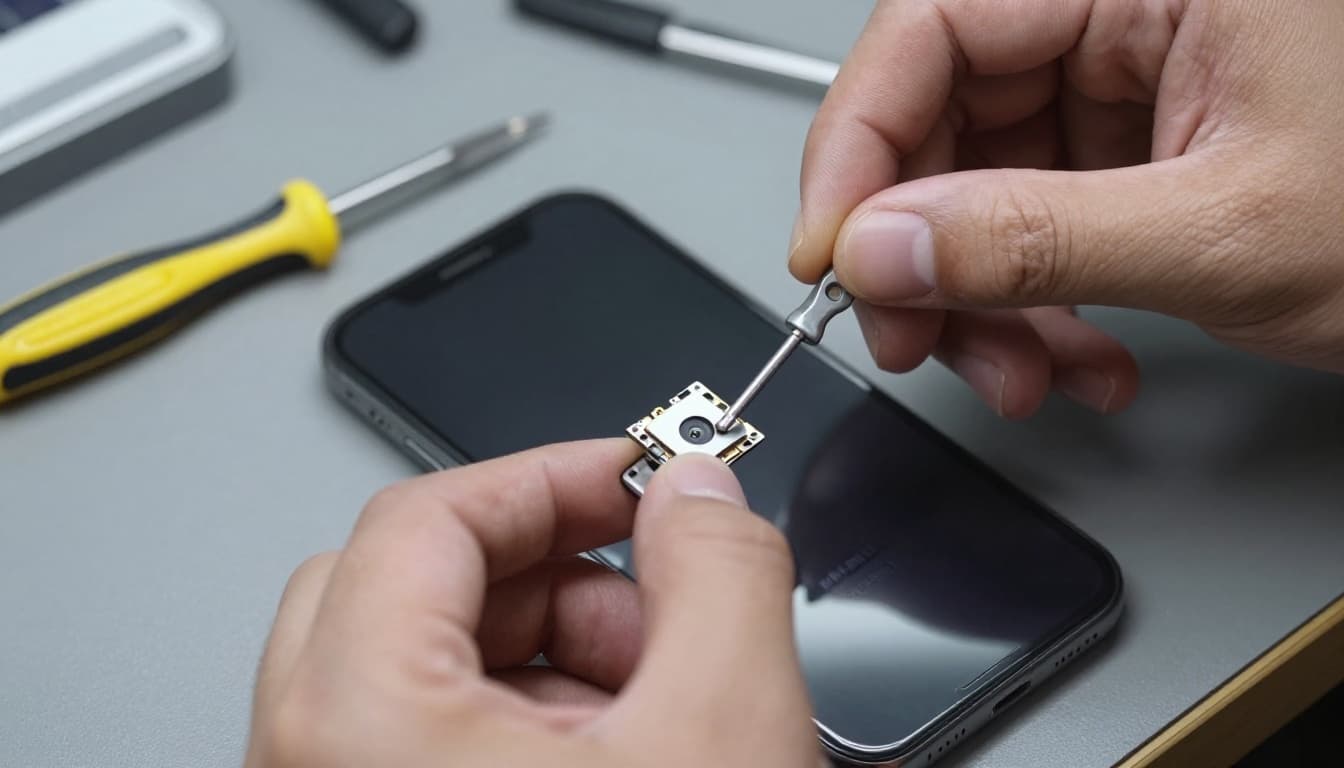
Last week, we had an iPhone 13 from Harlow that had slipped onto a car park kerb. The customer said everything worked apart from rotation. Portrait lock was off, iOS was current, and Photos still wouldn’t turn. Once we opened it, the frame had a slight twist and the display connection had taken a hit. After replacing the damaged screen assembly and testing the sensors, rotation came back normally.
That’s why this fault sometimes sits alongside iPhone repair Essex work for screen, charging, or camera problems. A drop rarely damages only one thing.
We also see cases where the front glass isn’t smashed, yet the inner display layers are damaged. In those jobs, an iphone screen repair UK service often solves more than the obvious visual issue. The same goes for cracked iphone screen repair, where touch, brightness, and rotation can all fail together.
Repair costs in the UK, and when it’s worth doing
The exact price depends on model and what the drop has damaged. A settings issue costs nothing. A screen assembly or sensor-related board repair is another matter.
Here’s the rough picture we give customers:
| Fault found | Usual fix | Typical UK range |
|---|---|---|
| Settings or iOS glitch | Software reset or update | £0 to £30 |
| Damaged screen assembly affecting sensors | Screen replacement | £90 to £280 |
| Internal connector or board-level issue | Diagnostics and repair | £80 to £250+ |
If the phone already needs iphone battery replacement UK, it can make sense to sort both faults together while the device is apart. On the other hand, if the frame is bent, Face ID has failed, and the board is damaged, we’ll say plainly if the repair starts to look poor value.
For local customers, our phone repairs Essex service is the simplest route. For everyone else, a postal phone repair UK option works well because we can diagnose it once it arrives, often starting the same day.
We handle this kind of mobile phone repair UK fault on iPhones every week, and we also deal with samsung phone repair UK jobs where motion or display faults show up after a drop.
A few questions we hear all the time
Can a case cause auto rotate to stop?
Not usually. A bulky case might make testing awkward, but it won’t normally kill rotation on its own.
Is it safe to keep using the phone?
Usually, yes, for a short while. Still, if the drop also caused screen pressure damage, the fault can spread.
Will this be covered after repair?
That depends on the confirmed fault and the work carried out. Our phone repair warranty UK guide explains what’s usually covered and what isn’t.
A phone that won’t turn sideways sounds minor, but it often points to a real impact issue. If your iPhone auto rotate not working started after a drop, do the quick checks, back it up, and don’t keep forcing it.
If you’re dealing with that fault now, we can test it in Essex or through our mail-in service, quote it clearly, and get it sorted with quality parts, a price promise, and a 12-month warranty where applicable. Book online, pack it securely with your order number, and we’ll get to work as quickly as we can.
James Waterston, for the Repair My Crack team