
Dropped your iPhone, opened the Camera app, and got… nothing. Just a iPhone camera black screen staring back at you. It’s a horrible little moment, especially when you need the camera for work, school runs, or a quick scan of a QR code.
The good news is this fault isn’t always “the camera is dead”. After a drop, we often see either a simple software crash or a connector that’s been jolted loose. In other words, it’s frequently fixable, and you don’t always need a new handset.
Below, we’ll run through what to try at home, what the drop may have damaged, and what we usually do in the workshop here in Essex.
First, the quick checks that fix a lot of black-screen camera faults
Before we reach for tools, we always rule out the easy stuff. A drop can shock iOS into a glitch, even if the phone looks fine outside.
Here’s what we recommend doing in this order:
- Force restart the iPhone. This is the big one. A normal restart sometimes isn’t enough, but a force restart can kick the camera service back into life.
- Swap between rear and front cameras a few times. It sounds daft, but it can “wake up” the camera system.
- Close the Camera app fully (swipe it away), then reopen it.
- Try the camera inside another app like WhatsApp. If it fails everywhere, we’re leaning towards hardware.
- Check for an iOS update (Settings, General, Software Update). If the phone took a knock mid-update cycle, odd bugs can show up.
If you want a wider list of safe troubleshooting ideas, this guide on fixes for iPhone camera black screen is a decent reference.
If the camera goes black in every app, plus the phone was dropped, we usually treat it as likely hardware and move to diagnostics.
If these steps don’t change anything after a couple of tries, don’t keep hammering away for hours. That’s when it makes sense to get it checked properly.
Why a drop causes an iPhone camera black screen (even with no visible damage)
A modern iPhone is like a well-packed suitcase. Everything fits, but it doesn’t take much impact to shift something inside.
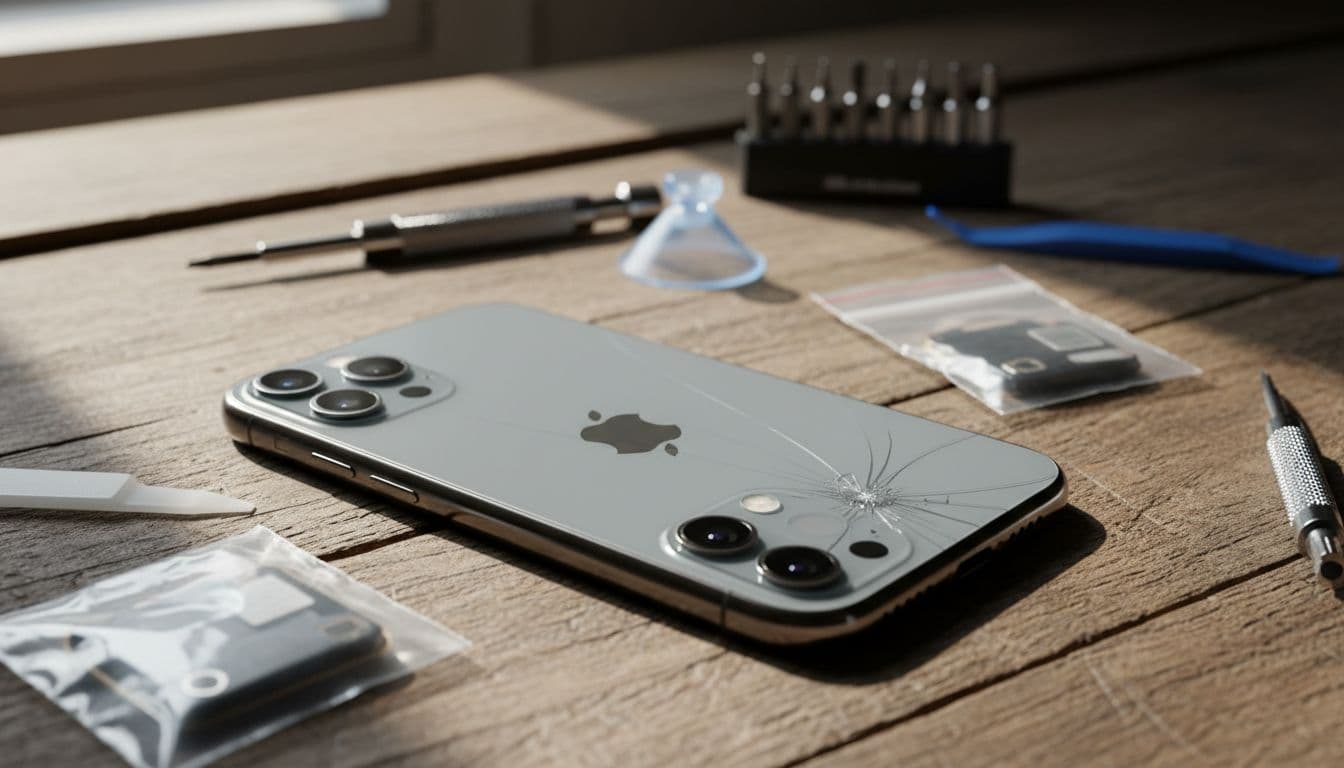
After a drop, the most common causes we see are:
The rear camera connector has popped loose
The camera module connects to the logic board with a delicate connector. A sharp impact can unseat it just enough to fail, so the app opens but shows black.
The camera module is damaged internally
If the phone lands on a corner, the camera unit can take the hit. Sometimes it fails completely. Other times, you’ll get a black screen plus focus issues, shaking, or clicking.
The camera lens or housing is compromised
A cracked lens cover can let dust in, or shift the alignment. Even if the app shows an image, quality drops fast. If you suspect lens damage, our guide to iPhone camera lens repair explains why it’s worth sorting quickly.
The drop also affected something else
We often find a second fault. For example, impact damage can also trigger a screen issue, or weaken a battery that was already tired. That’s why a proper diagnosis matters, not just swapping parts and hoping.
What we usually see in the workshop (plus one real repair example)
In our Harlow workshop, the camera black-screen job rarely arrives alone. Quite a few people come in for “camera not working”, then we spot a hairline screen crack or bent frame.
One recent example: a customer dropped an iPhone 13 Pro getting out of the car. The screen survived, but the rear camera went black instantly. The phone also felt slightly “twisted” when placed on the bench. After a quick check, we found the camera connector had shifted and the frame needed gentle re-seating. Once secured and tested, the camera came back and stayed stable.
When it is a parts job, it’s usually one of these:
- Rear camera module replacement
- Front camera or sensor flex repair (less common, but it happens)
- Lens cover replacement (especially if the phone landed camera-side down)
Costs vary by model, so we quote after confirming the exact fault. As a realistic UK guide, this is the sort of range people tend to see:
| Repair type (camera-related) | Typical UK range | What affects the price |
|---|---|---|
| Diagnostics and testing | £0 to £39 | Symptoms, model, any secondary faults |
| Rear camera module replacement | £79 to £199 | Model and parts availability |
| Camera lens cover replacement | £39 to £89 | Damage to housing, seal, dust ingress |
If the drop also smashed the display, we can combine jobs, which often saves hassle. We handle iphone screen repair UK work daily, including cracked iphone screen repair for models that still “work” but are one knock away from a full shatter. We also see plenty of iphone battery replacement UK bookings where the battery health was already low and the drop finished it off.
And yes, we’re not an Apple-only bench. We do samsung phone repair UK jobs too, and the same “black camera after impact” story happens on Galaxy models as well.
How we fix iPhone camera black screen issues (shop and postal options)
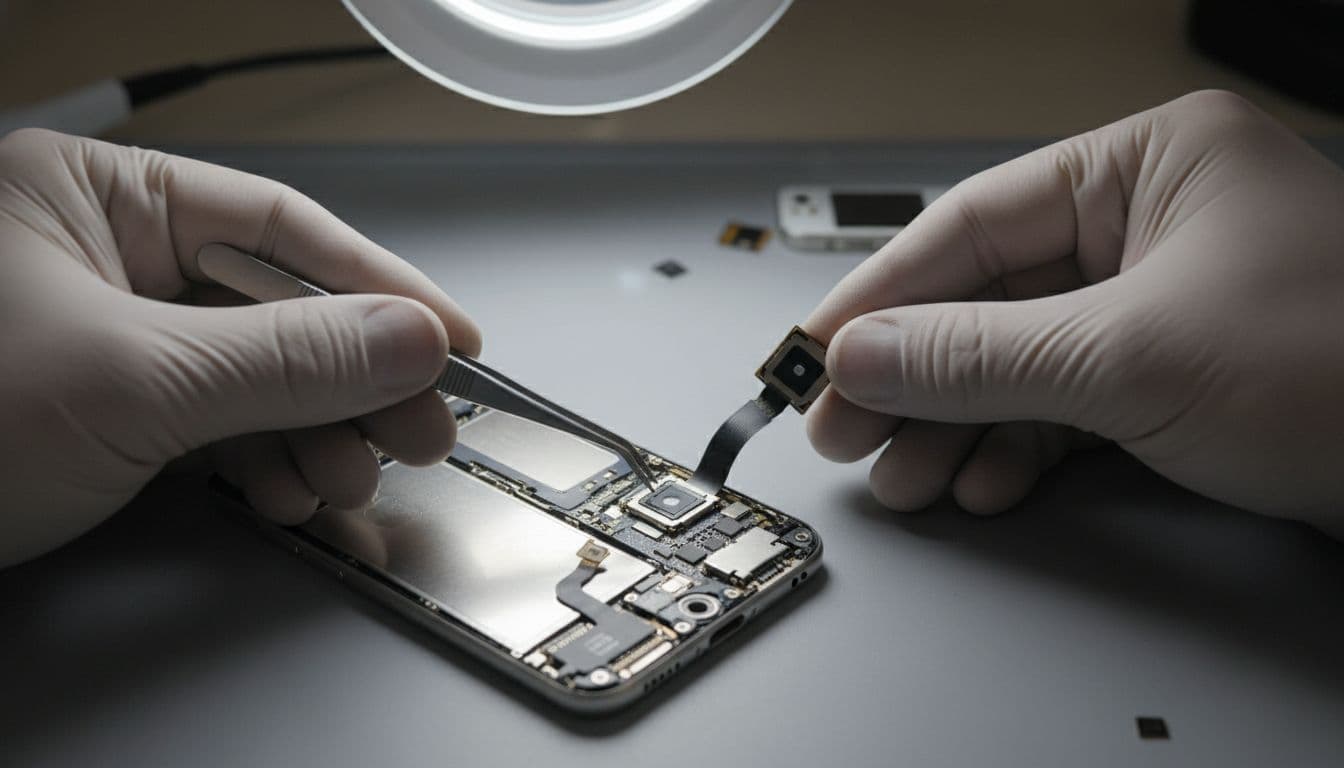
When a phone comes in with a black camera view, we keep it simple and methodical. First, we confirm whether the fault is software or hardware. After that, we decide whether it’s a connector re-seat, a module replacement, or a deeper board-level issue.
A normal visit looks like this:
- We test the camera in multiple apps.
- We check for crash behaviour, focus issues, and stabilisation faults.
- We inspect the frame and camera housing for impact points.
- We repair, then re-test properly (rear camera, front camera, flash, video, portrait modes where relevant).
If you’re local, phone repair Essex is straightforward: book in and drop the device to us in Harlow. If you’re not, we run a postal phone repair UK service every week, and we aim to start work as soon as the phone arrives. The process is explained step-by-step in our mail-in phone repair UK guide.
For iPhone models and bookings, our main iPhone repairs Essex specialists page lets you choose your handset and the likely repair.
For testing, we might ask for a passcode, but we never need your Apple ID password. If anyone asks for that, walk away.
After a camera or glass job, a bit of care helps adhesives and seals settle. Our iPhone repair aftercare tips cover the basics without the waffle.
Quick questions we hear all the time
“Can a drop cause the camera to go black even if the phone looks perfect?”
Yes. Internal connectors and modules don’t need visible external damage to fail. A corner impact is a classic.
“Is it safe to keep using the phone like this?”
Mostly, yes, but don’t ignore it for months. If the lens cover is cracked, dust and moisture risk goes up.
“Will you lose our photos?”
Camera repairs don’t usually affect data. Still, we always suggest backing up before any repair, just for peace of mind.
“Do you only repair iPhones?”
No. We cover mobile phone repair UK wide, including iPhones and Samsungs, plus common faults like charging ports, buttons, and speakers.
Getting your camera back without the faff
An iPhone camera black screen after a drop is often fixable, and it’s usually quicker than people expect once it’s properly diagnosed. Try the safe checks first, then stop guessing and get it looked at if the problem sticks.
If you want us to sort it, you can book in locally or use our postal phone repair UK service and send the phone securely. We’ll test it, explain what’s failed, and get you back to taking photos again with quality parts and a proper warranty.
– James Waterston, Device Repair Specialist at Repair My Crack