
One drop, one dented corner, and suddenly your laptop will not stay connected. When an iPhone hotspot stops working after a fall, the fault can be simple, but the timing often points to hidden damage.
The short answer is yes, a fall can knock hotspot out. That’s because Personal Hotspot depends on mobile signal, Wi-Fi, Bluetooth, the SIM path and stable power. If one part takes the hit, the feature can vanish, refuse to connect, or keep cutting out.
Before we assume the phone is finished, there are a few checks worth doing. After that, the symptoms usually tell us whether this is a settings issue or a repair job.
Why a dropped iPhone can lose hotspot without looking badly damaged
A hotspot is not one single part. It relies on mobile data, Wi-Fi, Bluetooth, the SIM connection and steady battery power. So a drop can break the chain in more than one place.
Most people expect smashed glass. Hidden faults are more common than they seem. An impact can loosen an antenna connector, shift the SIM slightly, crack a flex cable, or stress the battery. The phone may still switch on, make calls and browse a bit, but hotspot sessions fail because tethering pushes several radios at once.
We see this a lot after corner drops. The frame takes the force, signal drops by a bar or two, then the laptop will not stay online. People often contact us for iPhone screen repair UK work and only mention later that the hotspot also stopped. A cracked iPhone screen repair can reveal the bigger story.
Software can play a part as well. The shock of a fall sometimes leaves the phone buggy, or iOS resets a network setting after a forced reboot. Still, the timing matters. If hotspot worked before the drop and failed right after, hardware moves high up the suspect list.
The same pattern shows up on other brands too. Customers comparing samsung phone repair UK options often describe weak signal, Wi-Fi dropouts and failed tethering after an impact. Different handset, same basic problem.
Quick checks before we call it a repair
Before booking anything, spend 10 minutes on the basics. If the issue is a setting or carrier hiccup, these steps usually expose it.
- Check that mobile data still works on the iPhone itself. Open Safari without Wi-Fi. If pages will not load, hotspot will not work either.
- Open Settings > Personal Hotspot and make sure “Allow Others to Join” is on. Then toggle it off and back on.
- Restart both devices. It sounds obvious, yet it clears a surprising number of hotspot pairing faults.
- Reseat the SIM tray if the drop landed on that side. Power the phone off first, then check the SIM sits flat and looks undamaged.
- Look for carrier settings updates and confirm your plan still allows tethering. Apple keeps a useful Personal Hotspot help page with the standard checks.
- If the hotspot still will not hold, reset network settings. Save this for last because it removes stored Wi-Fi passwords.
While you’re testing, note the pattern. Does the hotspot vanish entirely? Does it connect for 30 seconds and then drop? Does it only behave when the charger is plugged in? Those small details help us find the fault faster.
This is also the point where we tell people not to overdo the DIY side. One reset is sensible. Ten resets in a row is a faff. If you’ve already tried the basics and the problem started after a fall, there is a fair chance you need hands-on help from a mobile phone repair UK service rather than another lap through Settings.
If you’ve been comparing iPhone battery replacement UK prices, mention any new heat, fast drain or random shutdowns. Tethering pulls more power than normal browsing, so a damaged battery often shows its worst side here.
The signs that point to hidden damage
Some clues tell us the drop did more than mark the case. If the phone says “Searching”, loses bars in places that were fine before, shows a greyed-out Wi-Fi toggle, gets hot during tethering, or reboots when hotspot is on, we start thinking about internal damage.
Last month, we had an iPhone 13 from Essex on the bench. The owner only saw a chipped corner and slight screen lift. Personal Hotspot switched on, but their work laptop dropped out every minute. Once we opened it, we found impact damage around the antenna assembly and clear signs that connector area had taken the knock. After the faulty part was sorted and the phone passed signal tests, the hotspot stayed stable again.
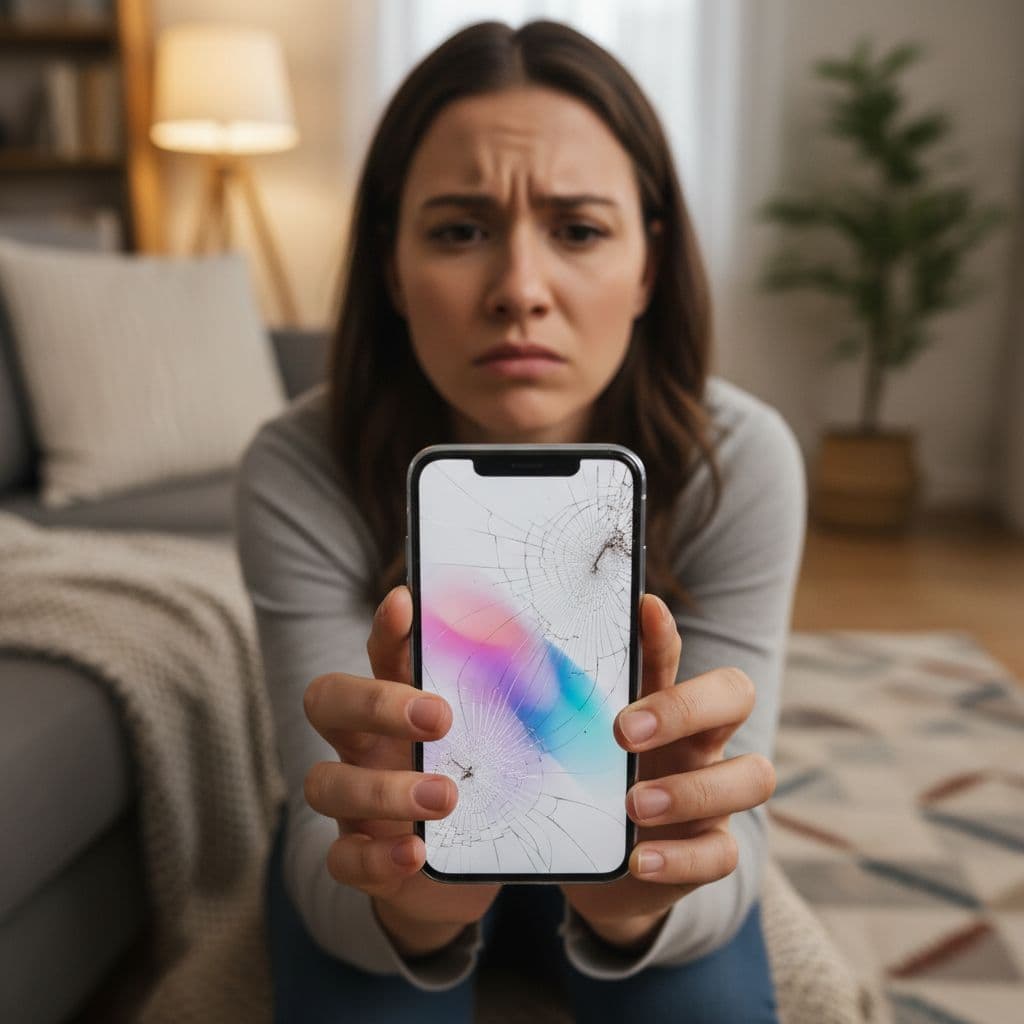
If hotspot failed straight after the drop, do not spend all evening restoring the phone. A loose connector or damaged antenna will not fix itself in Settings.
For local customers who search phone repair Essex after an accident, we can often tell a lot from those first symptoms alone. Similar faults show up on newer iPhones with hard corner knocks, and on Samsungs where the sub-board or antenna line takes the force. If you want another view on how impact affects signal hardware, this antenna repair guide explains the sort of faults repairers look for.
If the handset also has a cracked screen, do not ignore it. Broken glass can let in dust and moisture, and a bent frame can keep stressing the parts inside.
What usually fixes it, and what it tends to cost in the UK
The right fix depends on what the drop damaged. Sometimes the hotspot issue disappears after a careful reseat and full test. In other cases, the phone needs a battery, antenna assembly, charging flex, screen-frame repair, or board-level work.
If you already know the handset needs proper attention, our professional iPhone repair services cover common impact faults with quality parts, a price promise and a one-year warranty on many repairs, terms apply. We also see plenty of cases where a cracked iPhone screen repair is only half the job, because the real complaint is unstable signal after the fall.
These are broad UK price ranges before we confirm the exact fault:
| Repair type | What we usually see | Typical UK price |
|---|---|---|
| Screen or frame repair | Broken glass, bent corner, poor fit around the housing | £89 to £279 |
| Battery replacement | Fast drain, heat, shutdowns when hotspot is on | £49 to £99 |
| Antenna or flex repair | Weak signal, hotspot drops, intermittent Wi-Fi or Bluetooth | £69 to £149 |
| Board-level network repair | “Searching”, no service, heavy impact damage | £120 to £250+ |
The main takeaway is simple. A failed hotspot is not always a software fault, and the cheapest answer is not always the first job you spot.
When the quote stops making sense, we’ll say so. Older phones with major board damage can cost more than they are worth. Still, newer models are often worth repairing, especially if the rest of the phone is in good shape. If you’re unsure whether the device is salvageable, our guide to repairing damaged iPhones can help you weigh it up first.
If you’re in Essex, or anywhere else in the UK
We do not only help local drop-ins. If you’ve searched for a postal phone repair UK option because your iPhone hotspot not working is holding up work, study or travel, we can test it by mail as well. Many customers use us for mobile phone repair UK jobs because they want a clear quote and a quick turnaround without taking time off to travel.
The process is straightforward. Book online, pack the phone securely, include your order number, and add any passcode we need for testing. Then send it by tracked Royal Mail. Once it arrives, we aim to start diagnosis straight away, often the same day. Where parts and fault type allow, we aim for express repairs.
For customers nearby, Harlow appointments are handy too. If you’ve been typing “phone repair Essex” into Google, that’s the local route. For everyone else, post is usually easiest.
We handle far more than hotspot faults. People come to us for iPhone screen repair UK work, charging issues, camera faults and iPhone battery replacement UK jobs every week. We also repair Samsung handsets, so the same workshop that deals with samsung phone repair UK bookings can inspect an iPhone with poor signal after a drop.
Getting your hotspot back without the guesswork
When an iPhone hotspot not working starts right after a drop, we treat it as a warning sign. Sometimes the fix is a reset or SIM check. Quite often, the real issue is hidden damage to signal parts, power delivery or the frame.
The best next step is to do the quick checks once, then stop guessing. If the phone still misbehaves, we’ll test it properly, explain the fault in plain English, and tell you whether repair is worth it.
If you’re stuck with it now, you can book online and either visit us in Essex or post the phone in. We’ll do our best to get it sorted quickly, with quality parts and no drama.
James Waterston, Device Repair Specialist at Repair My Crack