
Dropped your phone in the sea? iPhone salt water damage needs fast action, because salt keeps corroding parts even after the phone looks dry.
The short answer is simple. Turn it off straight away, don’t charge it, remove the case and SIM tray, gently flush away the salt with fresh water, then let it dry properly. After that, get it checked if anything seems off.
What to do first after an iPhone hits salt water
Sea water is worse than a normal splash. Water can short a phone, but salt also leaves a conductive residue behind. That residue keeps causing trouble later.
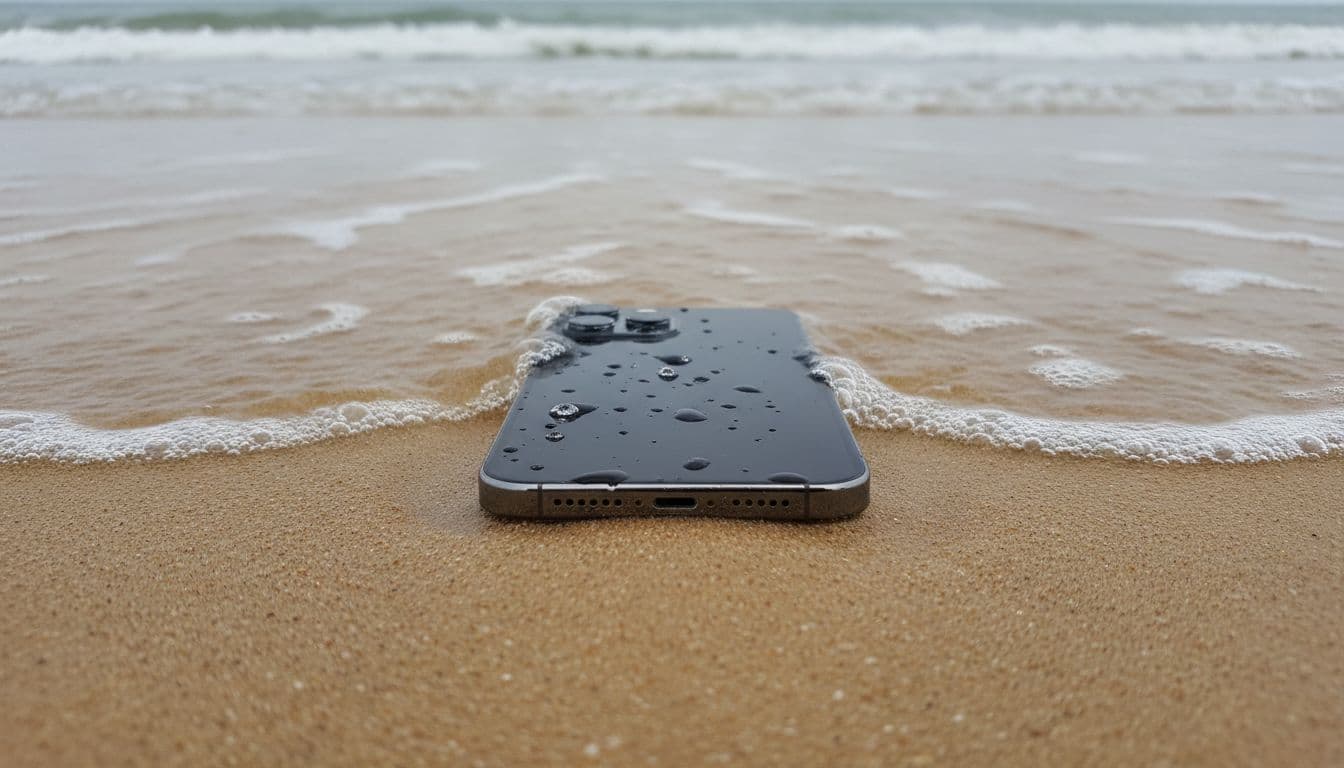
If your iPhone has taken a dip in the sea, do these steps in order:
- Power it off now. Don’t unlock it, test the camera, or “see if it still works”.
- Take off the case. Cases trap moisture around the frame and ports.
- Remove the SIM tray. This helps trapped liquid escape.
- Gently rinse the wet exterior with fresh tap water. For salt water, this helps flush salt away. Keep it gentle, and don’t blast it under a hard-running tap.
- Wipe it with a lint-free cloth. A microfibre cloth is ideal.
- Hold it with the charging port facing down. Tap it lightly against your hand to help liquid drain.
- Leave it switched off. Don’t plug anything in.
Salt water is worse than rain, because the salt keeps attacking contacts long after the phone stops looking wet.
Apple’s own UK guidance on water resistance is worth reading here. Water resistance isn’t permanent, and “water-resistant” never means “sea-proof”. We also see this point backed up in repair communities, including this iFixit discussion on salt water corrosion.
At the bench, we often remind customers of one thing. A cracked iPhone screen repair can wait a day, but salt inside the phone shouldn’t.
How to dry it safely, and what not to do
Once the salt is flushed away, drying matters. However, bad drying habits can turn a recoverable phone into a write-off.
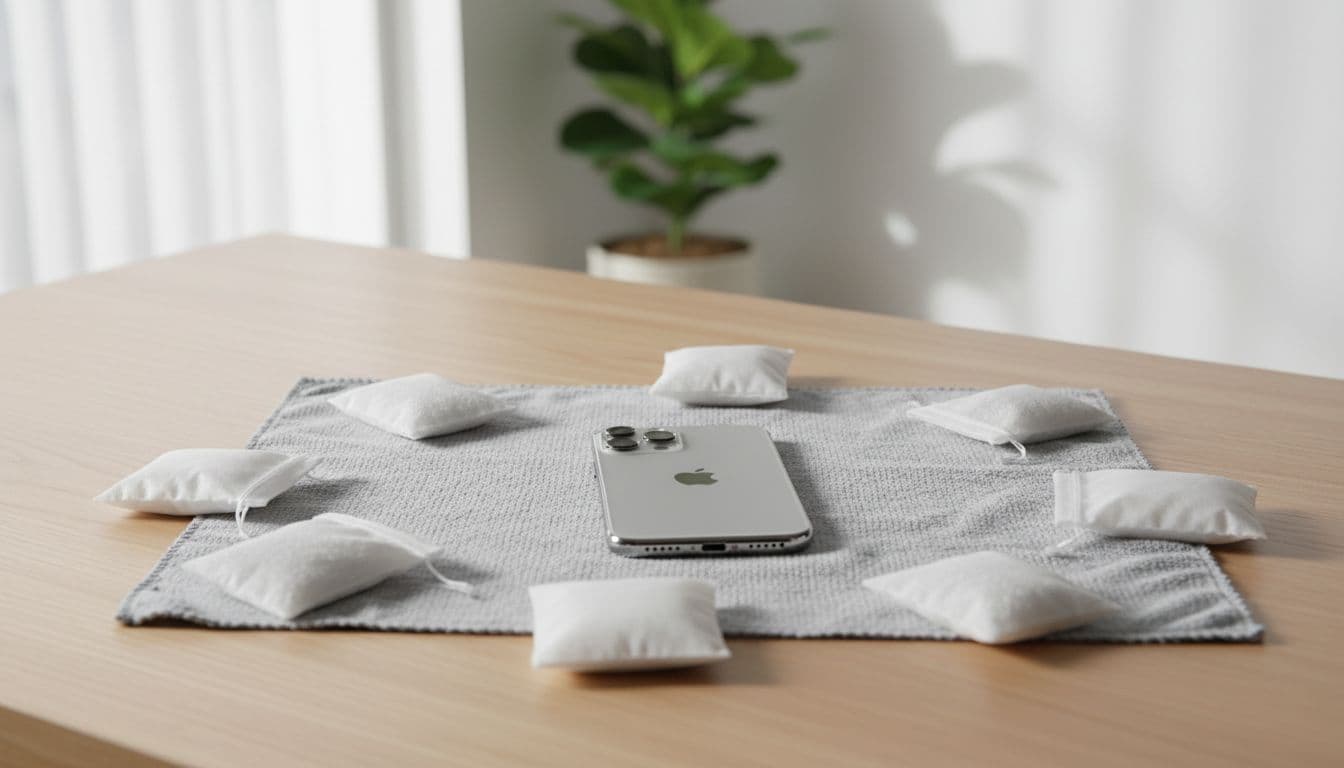
Put the phone in a dry, well-ventilated room. Leave it on a clean cloth, ideally with the port facing down or slightly angled. If you’ve got silica gel packets from shoe boxes or electronics packaging, place them nearby in a breathable container. Then wait, normally 24 to 48 hours.
Skip the rice. It’s a bit of a myth, and rice dust can get into ports. Also skip hairdryers, radiators and hot cupboards. Heat can warp seals, push moisture deeper, and damage the battery.
Don’t press buttons over and over. Don’t keep trying chargers. Don’t use wireless charging “instead”. If the phone is still damp inside, power and heat are the two things most likely to finish it off.
This is where we often see delayed faults. A phone may boot up, then develop charging trouble, speaker issues, face recognition errors, or poor battery life the next day. That’s why people who first search for iPhone screen repair UK or iPhone battery replacement UK sometimes end up needing a water-damage clean instead. If you want a wider look at the kinds of faults that show up after a dunking, our guide to frequent iPhone faults we fix gives a useful overview.
When we’d stop drying and book a repair
If the phone won’t power on after drying, won’t charge, shows screen lines, sounds muffled, or gets hot, it needs a proper inspection. Salt corrosion spreads quietly, so the earlier we clean it, the better the odds.
Recently, we had an iPhone 12 from Essex that had been dropped in sea water for only a few seconds. It still worked that evening, so the owner thought they’d got away with it. By the next morning, charging had failed and the earpiece had gone faint. We cleaned the corrosion, replaced the damaged charging part, and saved the handset before the board went too far.
Here’s a quick guide to the red flags we take seriously:
| Symptom | What it often points to | Best next step |
|---|---|---|
| No charging | Salt in the port or damaged charging assembly | Stop testing and book a diagnostic |
| Muffled audio | Speaker corrosion or trapped residue | Get internal cleaning done |
| Screen flicker or lines | Display damage or board trouble | Professional inspection soon |
| Battery drain or heat | Corrosion or battery stress | Keep it off and bring it in |
If you’re local and searching for phone repair Essex, we can help from Harlow. If not, our mail-in iPhone repair UK option makes the process simple. Book online, pack the phone securely, include your order number and any needed passcode for testing, then send it in. We aim to start work as soon as it arrives, and repairs come with a 12-month warranty, terms applying.
Water Damage? Get Your iPhone Checked Today
Free tracked postage both ways, insured up to £750, with same-day repair once your iPhone arrives with us.
Book My iPhone Repair
Across mobile phone repair UK jobs, salt damage is one of the few faults that can worsen by the hour. The same first-aid rule applies in Samsung phone repair UK too. Salt attacks any phone. If you need urgent help, our quick iPhone water damage recovery page explains the next step.
Quick questions we hear all the time
Can we charge an iPhone after it’s been in salt water?
No. Not until it’s fully dry, and even then, only if it’s behaving normally.
Does water resistance save it?
Sometimes, but not always. Seals age, small cracks matter, and salt is harsh.
Is it still worth fixing?
Usually, yes, especially on newer models. It’s often cheaper than replacement, and far less hassle than starting again. That applies whether you were already looking at postal phone repair UK options or thought you only needed cracked iPhone screen repair.
Do we only handle iPhones?
No. We also see sea-water damage on Galaxy models and iPads., so the advice carries across to Samsungs as well.
If your iPhone salt water accident happened today, speed matters more than luck. Power it off, flush away the salt, dry it properly, and stop testing it every ten minutes.
If you’re stuck with a wet phone right now, book a repair online and send it in, or drop in if you’re nearby. We’ll get it checked and sorted as quickly as we can.
Can a salt water damaged iPhone be repaired?
Often, yes — especially on newer iPhone models. Salt water damage repair is usually cheaper than replacing the phone, but success depends on how quickly the device is switched off and brought in for cleaning before corrosion spreads.
Should I try charging my iPhone after salt water exposure?
No — don’t plug it in or attempt to charge it until it’s been professionally checked and is confirmed fully dry and behaving normally.
How long does an iPhone water damage repair take?
Repairs are completed the same day your iPhone arrives with us. We cover delivery both ways, and high-value devices are sent using Royal Mail Special Delivery, insured up to £750.
James Waterston, Device Repair Specialist at Repair My Crack