
Your phone may still light up after a drop, yet the camera, charging port or touch controls can start misbehaving. A phone diagnostic checks what has actually failed before anyone replaces a part.
We begin with the symptoms you describe, then test the handset in a sensible order. That helps us separate a loose connector from a damaged component, a flat battery from a charging fault, and software trouble from impact or liquid damage. You receive a clear repair option and price before chargeable work starts.
What happens during a phone diagnostic?
A proper diagnosis is more than plugging in a cable and guessing. We record the phone’s condition, reproduce the fault where possible and check related components that may have been affected at the same time.
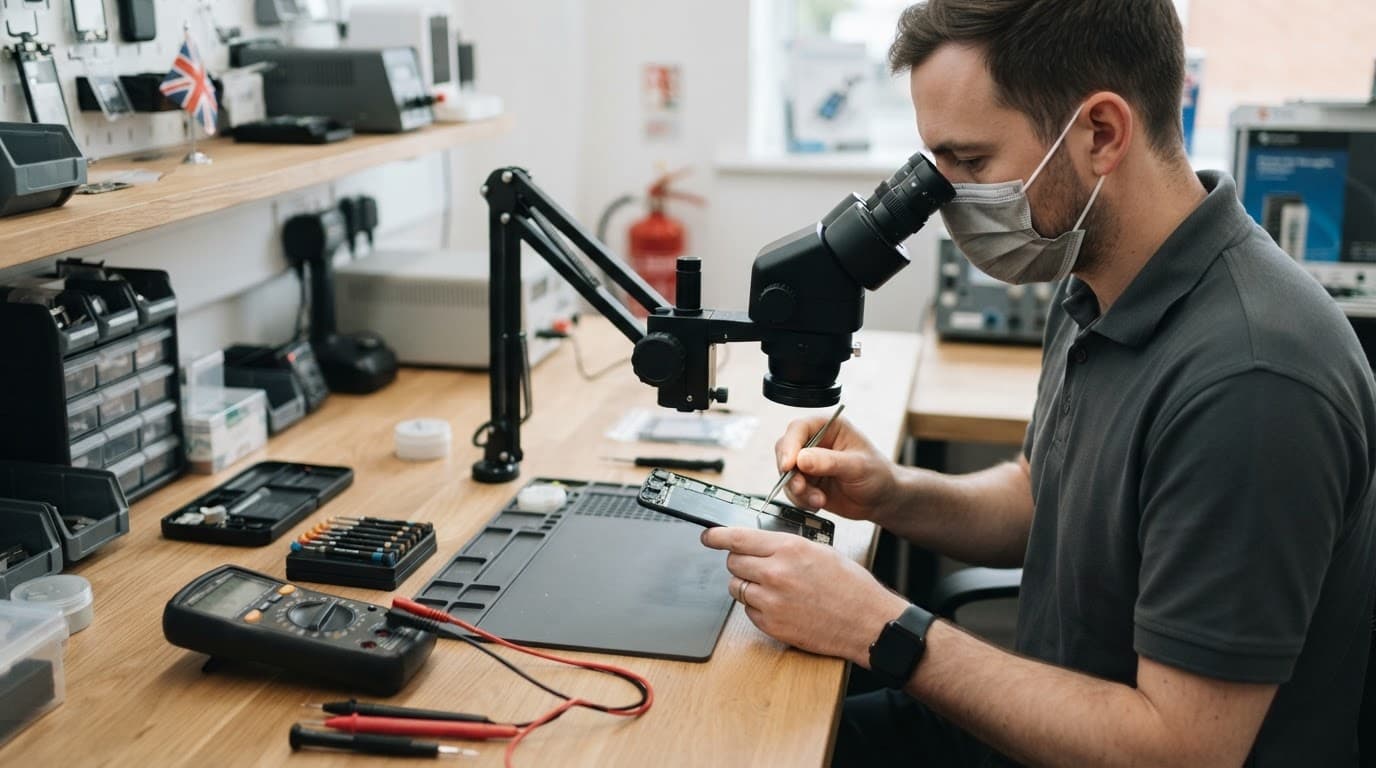
The intake and external inspection
We first ask what happened and when the problem began. A phone that stopped charging after a drink spill needs a different investigation from one that failed after landing on a pavement.
Next, we inspect the outside carefully. We look for:
- Cracks, black spots, lines or gaps around the screen
- A bent frame, loose buttons or a lifted display
- Damage around the charging port
- Signs of liquid, corrosion or residue
- Previous repairs that may have disturbed a connector
- Camera glass, rear-cover and speaker damage
This first look can reveal safety concerns. For example, a screen lifting from the frame may point to a swollen battery. In that situation, we stop treating the phone as a routine screen job and assess the battery before applying pressure or connecting a charger.
Basic power and function tests
We use known-good cables, chargers and test parts when needed. We check whether the phone draws power, shows a charging symbol, vibrates, rings, produces an image or responds to touch.
For a device that won’t turn on or won’t charge, diagnosis usually includes the battery, port, charging path, display and mainboard. A black screen does not always mean the phone is switched off. The handset may be running with a damaged display.
We also test features related to the reported fault. That can include cameras, speakers, microphones, buttons, wireless charging, biometric functions and mobile signal. A repair should not solve one problem while leaving a second impact fault undiscovered.
How technicians isolate the failed component
Once we understand the symptoms, we narrow down the cause rather than replacing parts at random. That saves money when the fault is small and avoids an unnecessary repair.
Charging faults and dead phones
A loose cable is not proof that the port needs replacing. Pocket lint can stop the plug seating fully, while a worn cable or faulty adapter can create the same symptoms.
We inspect the port, test it with reliable equipment and check whether charging changes when the phone is moved. If the connection only works at one angle, the port may have physical wear. Moisture or corrosion can also affect charging and data transfer, even when the phone still powers on.
Samsung’s guidance confirms that a water-drop icon can block charging when moisture is detected in the USB port. If that warning appears, disconnect the charger and allow the phone to dry. Repeated alerts or a port that remains unreliable need a proper inspection, not a pin pushed into the socket. Samsung explains the safe steps in its guidance on moisture and charging faults.
Screen, touch and button faults
Screen or display fault symptoms include flickering, coloured lines, dark patches, uneven brightness, dead touch areas and a display that works only intermittently. We test touch across the whole panel, not only the corner where you first noticed the issue.
A cracked iPhone 12 can still show a clear image while its touch layer has suffered hidden damage. In that case, fitting a complete screen assembly is usually more reliable than treating the glass as a cosmetic problem.
Physical buttons need their own checks. A key that feels flat or mushy may have a damaged switch, flex cable or bent frame. A button that clicks normally but does nothing may have a connector or software-related fault. Good phone hardware troubleshooting in the UK should check both possibilities before recommending a part.
When internal inspection is needed
We don’t open every phone automatically. If external checks identify a simple blocked port, we may not need to go further. However, unexplained power loss, liquid exposure, a loose display or impact damage can justify internal inspection.
With the correct tools, we check connectors, flex cables, corrosion, battery condition and board-level damage. We may use a known-good screen or battery to confirm the diagnosis. Testing with a replacement part is different from fitting one without evidence.
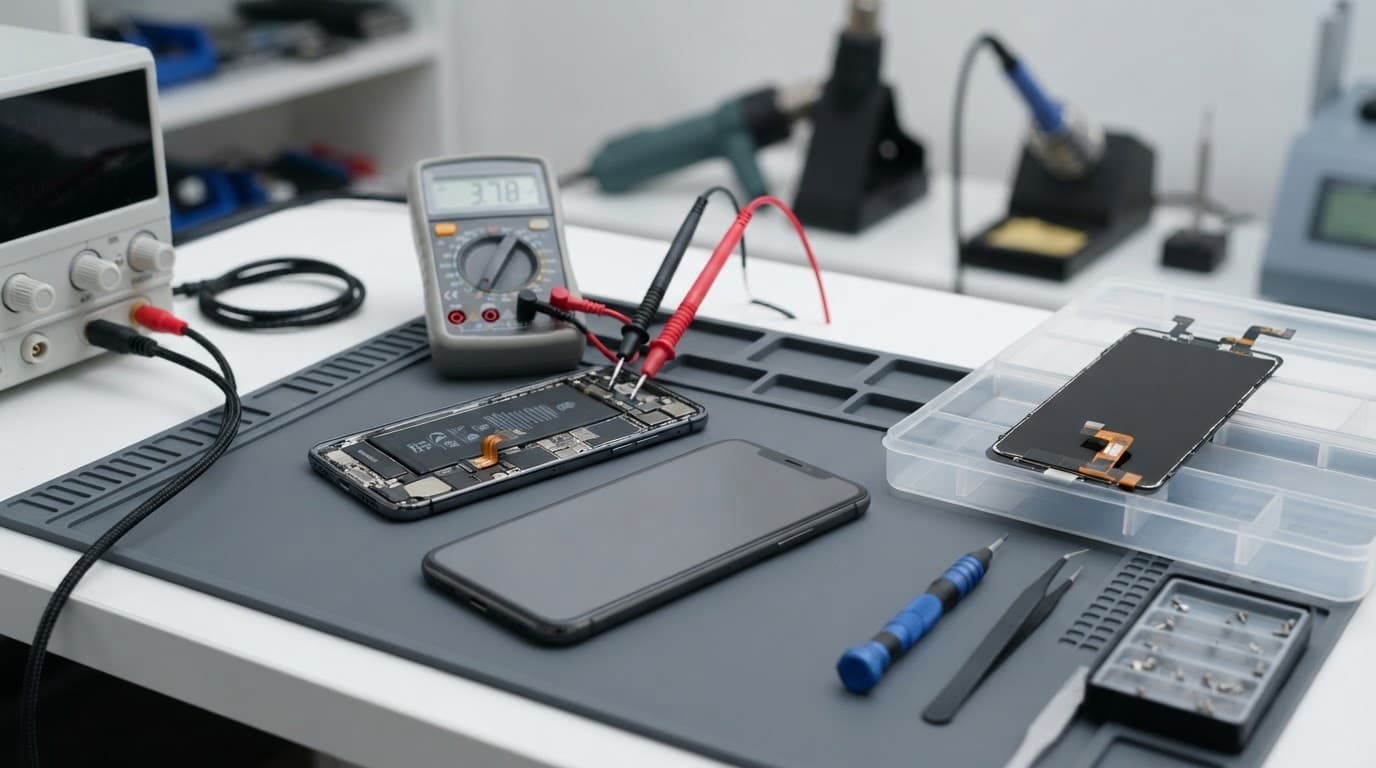
Common diagnostic patterns across iPhone, Samsung, Pixel and iPad
Different brands have their own construction and repair considerations, but drops and liquid exposure often create similar symptoms.
iPhone and Samsung faults after impact
What looks like an iPhone component fault after a drop may involve the display connector, battery connection, side-button flex or a slightly bent chassis. We check the whole phone because an impact rarely follows a neat repair category.
A Samsung component fault after a drop can affect the AMOLED display, charging assembly, earpiece, camera or side buttons. A phone may look intact but still have a damaged flex cable underneath.
A Galaxy S23 Ultra that came into the workshop had charging that kept stopping and starting. The cable and adapter passed testing, but the port had compacted debris and would not hold a steady connection. After the port was cleaned and tested with a reliable data cable, the connection held properly. That was a port issue, not a battery replacement.
If your iPhone fault is clear, you can book an iPhone repair online. Samsung owners can Book a Samsung Repair by selecting the model and reported repair type.
Google Pixel and iPad assessments
A Google Pixel component fault after a drop may involve the volume-button assembly, screen cable, battery connection or frame. We pay attention to how a button feels as well as whether Android responds. A mushy key suggests physical damage, while a normal click with no response can point towards the internal flex or software.
Google’s Repair Mode gives some Pixel owners a way to protect personal data during service. Google still recommends backing up the phone, removing the SIM and checking the device before handing it over. Its Pixel Repair Mode guide explains the preparation.
When an iPad has a component fault, diagnosis often includes the larger display assembly, battery, charging port, speakers and frame. A tablet can suffer pressure damage inside a bag, even without a dramatic drop. You can book an iPad repair if you already know the affected part, or contact us if the symptoms are unclear.
What the diagnostic means for price and warranty
The diagnostic gives you a confirmed repair route rather than a hopeful estimate. At Repair My Crack, typical guide prices for common jobs sit within these ranges:
| Repair type | Typical guide range | What can change the quote |
|---|---|---|
| Screen replacement | £60 to £180 | Model, display type, frame damage |
| Battery replacement | £40 to £80 | Model, swelling and connector damage |
| Charging port repair | £50 to £90 | Port design, corrosion and board faults |
| Water-damage treatment | £60 to £120 | Corrosion, liquid type and extra failed parts |
These are guide figures, not fixed promises. Premium OLED screens, bent housings and liquid damage can increase the cost. We confirm the fault and explain the price before proceeding.
Repair or replacement?
Repair usually makes sense when the handset has one clear fault and the rest of the device works well. A screen replacement on a recent iPhone or Samsung is often more sensible than buying another phone.
We look at the phone’s age, battery condition, frame, cameras and other existing problems. An older handset with several faults may not justify the total cost. In that case, we explain the options honestly rather than pushing you towards a repair.
If testing finds no fault, an inspection fee may apply under our standard charges. Independent repairs can also affect a manufacturer’s warranty, so compare the routes if that cover matters to you. Apple’s UK service and repair information sets out its own service process.
What warranty applies?
Many Repair My Crack repairs carry a 12-month warranty, including batteries and many replacement components. Screen terms can vary by grade, and liquid-damage treatment has separate conditions.
The warranty generally concerns faulty parts or workmanship. It doesn’t normally cover a new drop, cracked glass, liquid exposure after collection or damage caused by tampering. Our phone repair warranty terms explain the cover before you book.
How to prepare your phone for testing
A few sensible steps make the diagnostic safer and protect your data.
- Back up photos, messages, contacts and important files before handing over the phone.
- Remove bank cards from Apple Wallet or Google Pay where possible.
- Turn off Find My on an iPhone if the device still responds. Apple lists this, along with backup steps, in its service appointment preparation advice.
- Remove the SIM card before posting a Pixel or another phone.
- Include the cable or charger if the reported fault concerns charging.
- Write down the symptoms, including when they started and whether the phone was dropped or exposed to liquid.
- If we need a passcode for testing, we ask for it clearly. Never include banking PINs or unrelated passwords.
If the phone is wet, hot, smoking, swelling or has a display lifting from the frame, stop charging it and tell us before sending it. Don’t use a hairdryer, radiator, rice or sharp tools in the port. Our guide to iPhone water damage repairs covers the same cautious approach for liquid-related black screens.
Customers near Essex can arrange an appointment-only drop-in repair in Harlow. Across the UK, our mail-in phone repair service uses free tracked Royal Mail postage. We aim to start work as soon as the phone arrives, often on the same day, although the confirmed fault, parts and workload affect turnaround.
A clear answer before any repair
A phone diagnostic should leave you knowing what failed, what the repair involves and what it will cost. We check the visible symptoms alongside the parts that may have suffered hidden damage, so a quick screen fix doesn’t mask a charging or battery problem.
If you’re unsure which service fits your phone, you can get in touch before booking. We can assess the symptoms, explain the sensible options and help you decide whether repairing the handset is worthwhile.
James Waterston, Device Repair Specialist at Repair My Crack