
You drop your Pixel, pick it up, and there it is, one stubborn green line running down the screen. It’s a bit of a nightmare, especially when the glass looks mostly fine and the phone still works.
In most cases, a Pixel green line repair after a drop is a hardware job. The impact usually damages the OLED panel or loosens the display connection, so a restart rarely sorts it for long. If the line stays on the lock screen, boot screen, and in every app, we treat it as a screen fault first.
Why a dropped Pixel suddenly shows a green line
A green line after a knock usually means the display stack has taken the hit, even if the front glass hasn’t shattered. On Google Pixel phones, the OLED panel and its flex cable are sensitive to impact. A drop can stress that cable, crack the panel underneath, or disturb the connector.
Google’s own screen troubleshooting steps are worth checking, because Safe Mode and a restart can rule out an app issue. Still, when the problem starts right after a fall, software is rarely the main culprit.
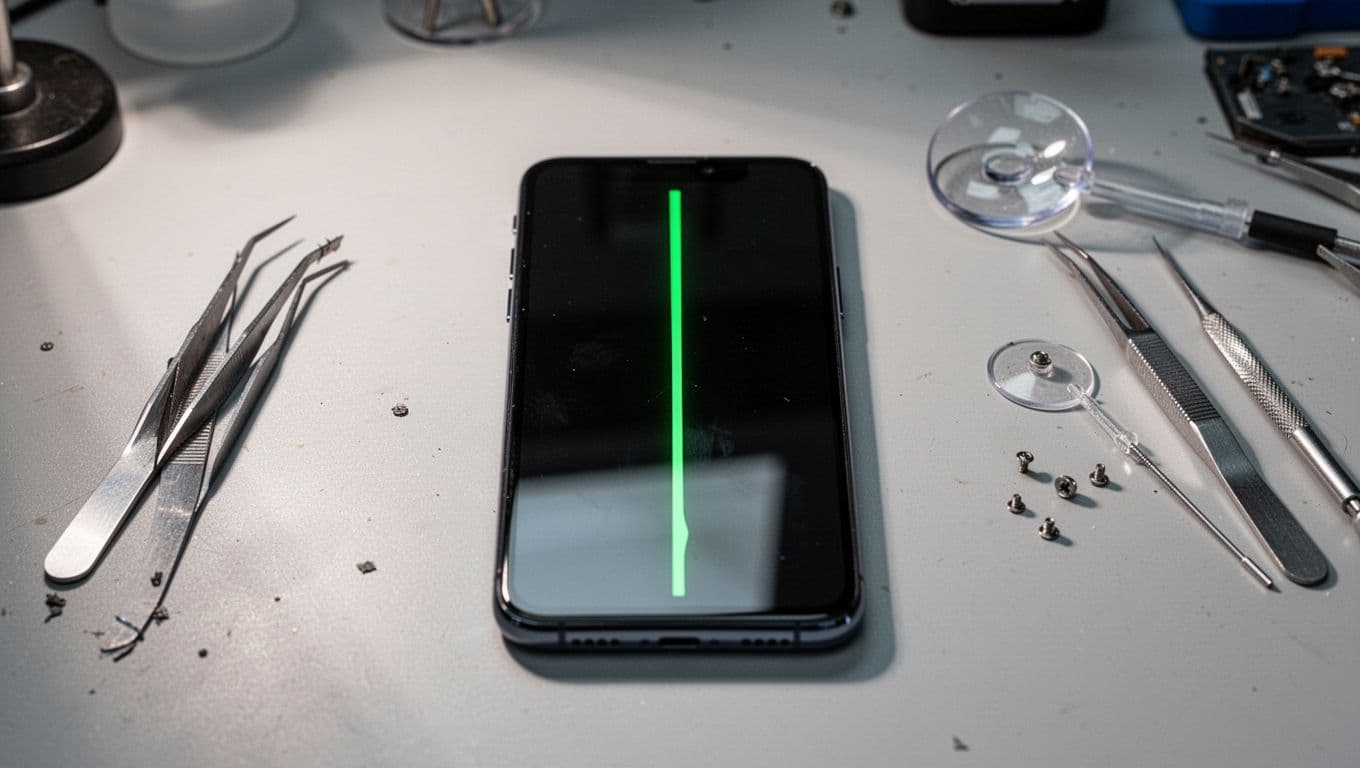
We see this across several models, including the Pixel 6, 7, 7 Pro, and 8 series. The line might stay thin and bright, or it can spread into flicker, a green wash, or black dead patches. Once that starts, the screen usually gets worse, not better.
People often reach us after searching for iphone screen repair UK, iphone battery replacement UK, or samsung phone repair UK, because they want a repairer they can trust. The same bench that handles cracked iphone screen repair also sees plenty of Pixels with this fault, and the pattern is familiar: impact damage causes the problem, not a dodgy app.
If the line appears on the Google boot screen as well as in apps, we treat it as hardware until testing proves otherwise.
What to do before booking a repair
First, stop pressing on the screen. It sounds obvious, but many people keep tapping the area to “test” it. That can make the panel split further.
A few quick checks help:
- Back up your photos and messages if the screen still responds.
- Restart the phone once, then check if the line returns straight away.
- Take a screenshot and view it on another device. If the line isn’t in the screenshot, the panel is at fault.
- Look for frame bends, black blobs, or flicker at low brightness.
If your phone still turns on, don’t rush into a factory reset. After a drop, that is often a faff with no real benefit. We only suggest deeper software steps when there is no clear impact history.
There is one useful exception. If you have a Pixel 8 and the phone hasn’t been dropped, check Google’s Pixel 8 extended repair programme before paying anyone. Google has acknowledged some display issues with lines and flicker on a limited number of devices. After a drop, though, outside damage usually changes that picture.
When Pixel green line repair means a new screen
In plain terms, most green line cases need a full screen replacement. Re-seating a connector can help in rare cases, but we don’t bank on that after impact unless testing points that way.
This quick guide shows the usual pattern:
| What we see | Likely issue | Usual next step |
|---|---|---|
| One thin green line, touch still works | OLED or flex damage | Screen replacement |
| Green line with flicker or black patch | Panel fracture | Screen replacement |
| Line plus bent frame or no image | Screen and possible board stress | Full diagnosis first |
The key takeaway is simple. A visible line does not always mean “minor fault”. On OLED screens, one damaged layer can show a single bright stripe while the rest of the display still looks usable.
For Pixel screen repair UK jobs, price usually falls between £125 and £399, depending on the model and part type. We confirm the exact quote after testing. That matters, because a Pixel 7 Pro screen and a Pixel 6a screen are very different jobs.
Last week, we had a Pixel 7 Pro in from Essex after a kerb-height drop. No smashed glass, just one sharp green line and light flicker. Testing showed the panel had failed under the top layer, so we replaced the screen assembly, checked the frame, and sent it back working properly. That’s a common workshop story with Pixels.
Local in Essex, or posting your Pixel to us
If you’re comparing phone repair Essex with a wider mobile phone repair UK option, diagnosis matters more than distance. A rushed screen swap on a bent frame can leave gaps, pressure marks, or repeat faults.
For local phone repair Essex customers, we offer drop-in repairs in Harlow by appointment. For everyone else, our postal phone repair UK service is often the easiest route. We include free tracked Royal Mail postage and tracked return, and we aim to start work once the device arrives, often the same day.
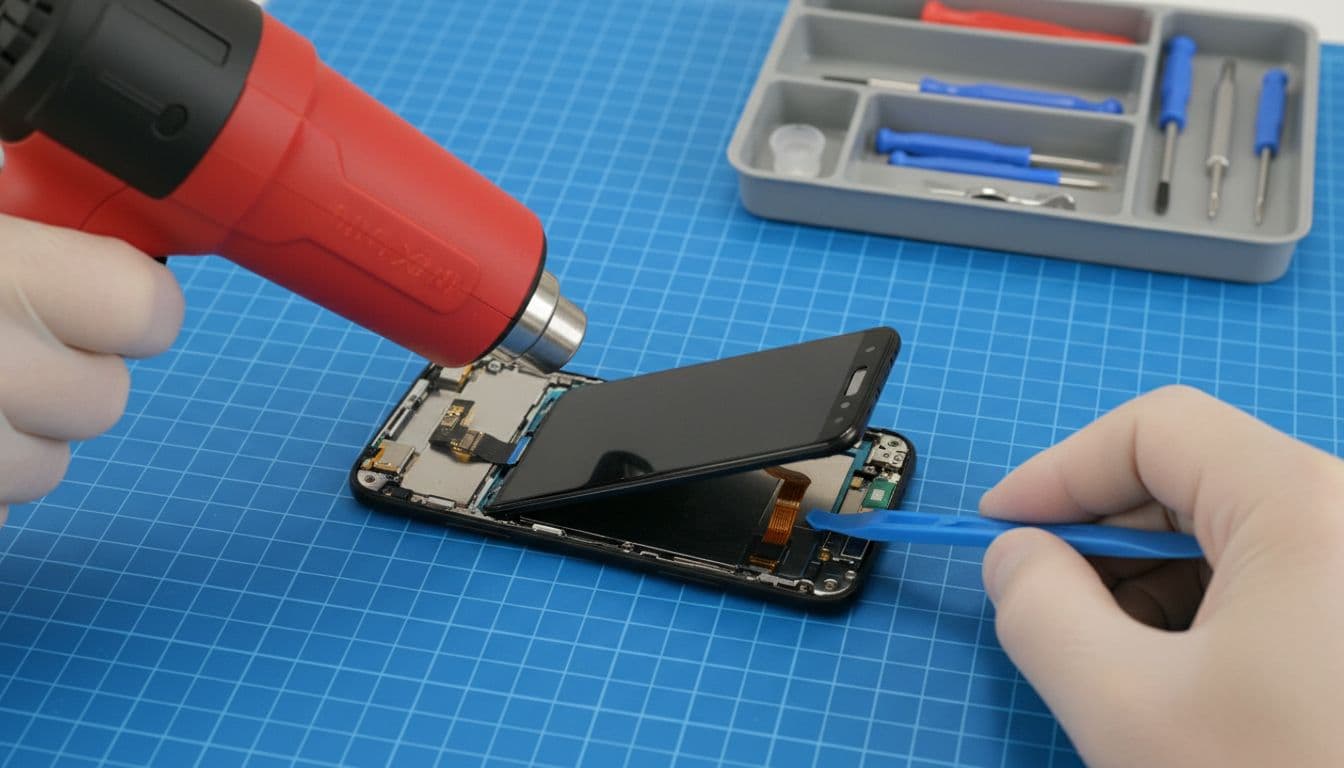
We keep the process simple. Book online, pack the phone securely, add your order number, and include any passcode we need for testing. We also cover the faults that often show up alongside screen damage, such as charging issues, battery problems, and frame damage. That’s one reason people looking for mobile phone repair UK help often stick with one repairer once they’ve found a good one.
We also offer a price promise, quality parts, express turnaround where possible, and a 12-month warranty on repairs, subject to terms. No drama, no vague answers.
Conclusion
A green line after a drop is rarely a harmless glitch. In most cases, the right Pixel green line repair is a proper screen replacement after we check the panel, frame, and internal connection.
If your Pixel has picked up that bright stripe, don’t wait for it to sort itself. Book the repair, or send us the model and a photo, and we’ll tell you straight whether it looks like a simple screen job or something deeper.
James Waterston, Device Repair Specialist at Repair My Crack