
That blue samsung odin mode screen can feel like the phone has given up for good. Usually, it hasn’t. In most cases, a Galaxy gets stuck there because an update failed, a firmware flash went wrong, or the button combo was triggered by accident.
The good news is simple, a forced restart often sorts it. If it doesn’t, we need to be careful and methodical, not random. Here’s how we handle it at Repair My Crack for customers in Essex and across the UK.
Why Samsung phones get stuck in Odin mode
Odin mode, also called Download mode, is Samsung’s service state for installing firmware. It’s useful in the right hands, but a pain when the phone won’t leave it. Think of it like a train stuck in a siding, the main route is still there, but the handset won’t move back onto it.
As of April 2026, the most common cause is still a failed or interrupted software update. We also see phones stuck there after the wrong firmware was used, or after a volume button stayed pressed inside a tight case. On some older models, worn buttons cause it more often than people expect.
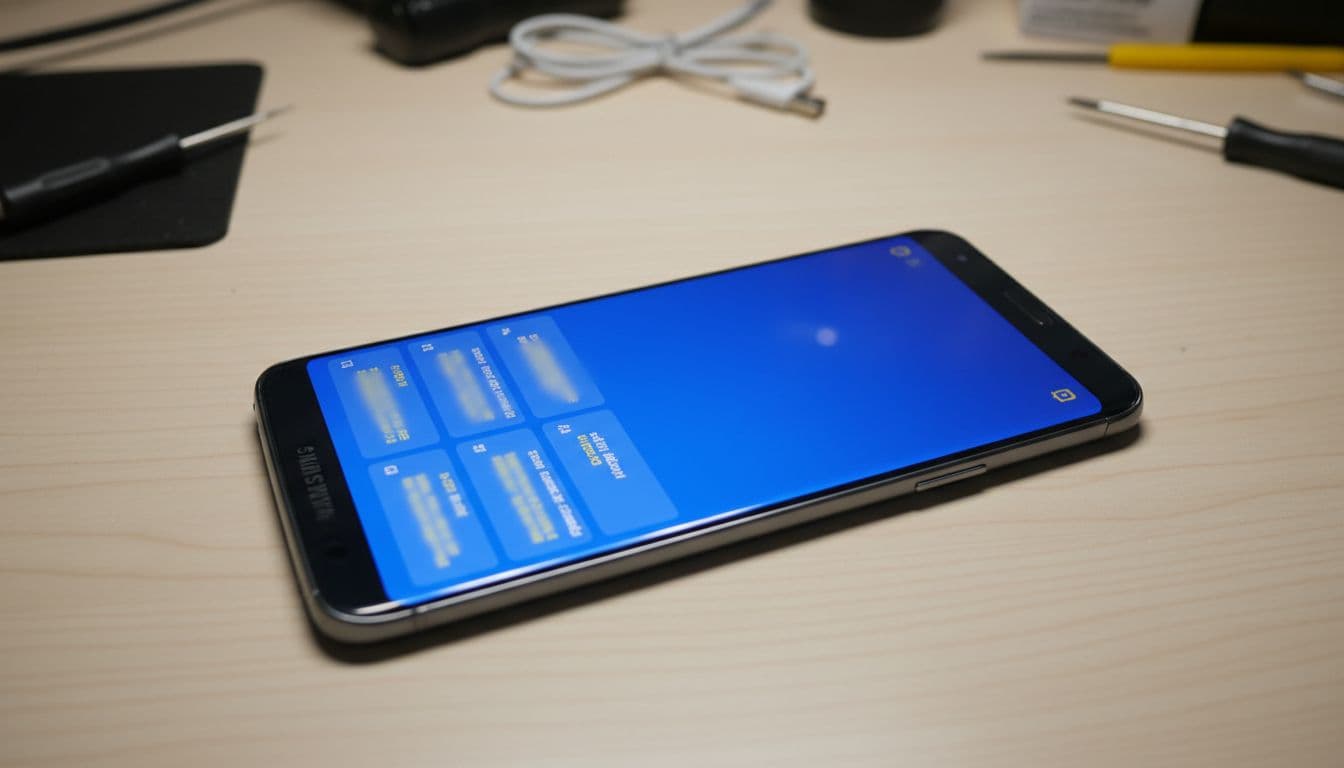
We had a Galaxy S23 in from Essex recently that froze mid-update overnight. The customer left it on charge and woke up to the “Downloading” screen. In that case, the phone itself was fine. The update had failed, and we reloaded the software properly.
Most of the time, this is a software problem first, not a smashed hardware fault. Still, if the battery is weak, the charging port is unstable, or the board has taken a knock, that can make recovery harder.
The safe fixes to try at home first
Before reaching for a laptop and cables, we’d always try the low-risk options first.
- Force restart the phone
On most newer Galaxy phones, hold Volume Down and Power together for around 8 to 10 seconds. If it vibrates and reboots, brilliant. Let it start fully, then back everything up straight away. - Check for stuck buttons or a tight case
Remove the case and press each side button a few times. A jammed volume key can keep pushing the handset back into Download mode. - Let the battery drain, if needed
On older models with removable batteries, take the battery out for 30 seconds. On newer sealed phones, sometimes the only option is letting the battery run flat, then charging and restarting. - Stop if the phone shows firmware error messages
If it says a firmware upgrade failed, don’t keep retrying random button combos. That usually means the software needs proper attention.
If you’re guessing with firmware files, stop there. One wrong file can turn a simple recovery into a bigger repair.
If you want extra background first, this written Odin mode recovery guide is a decent overview, and this short video walkthrough shows the reboot process clearly.
When using Odin on a PC makes sense
Using Odin on a Windows PC can work, but only if we have the exact firmware for the exact model. That matters more than most people realise. A Galaxy S23 from one region is not always the same as another, and using the wrong build can leave the phone worse off.
If the device got stuck after a failed flash, or it shows “firmware upgrade encountered an issue”, re-installing the correct stock firmware is often the right fix. We use a proper USB connection, stable power, and we double-check model codes before doing anything.
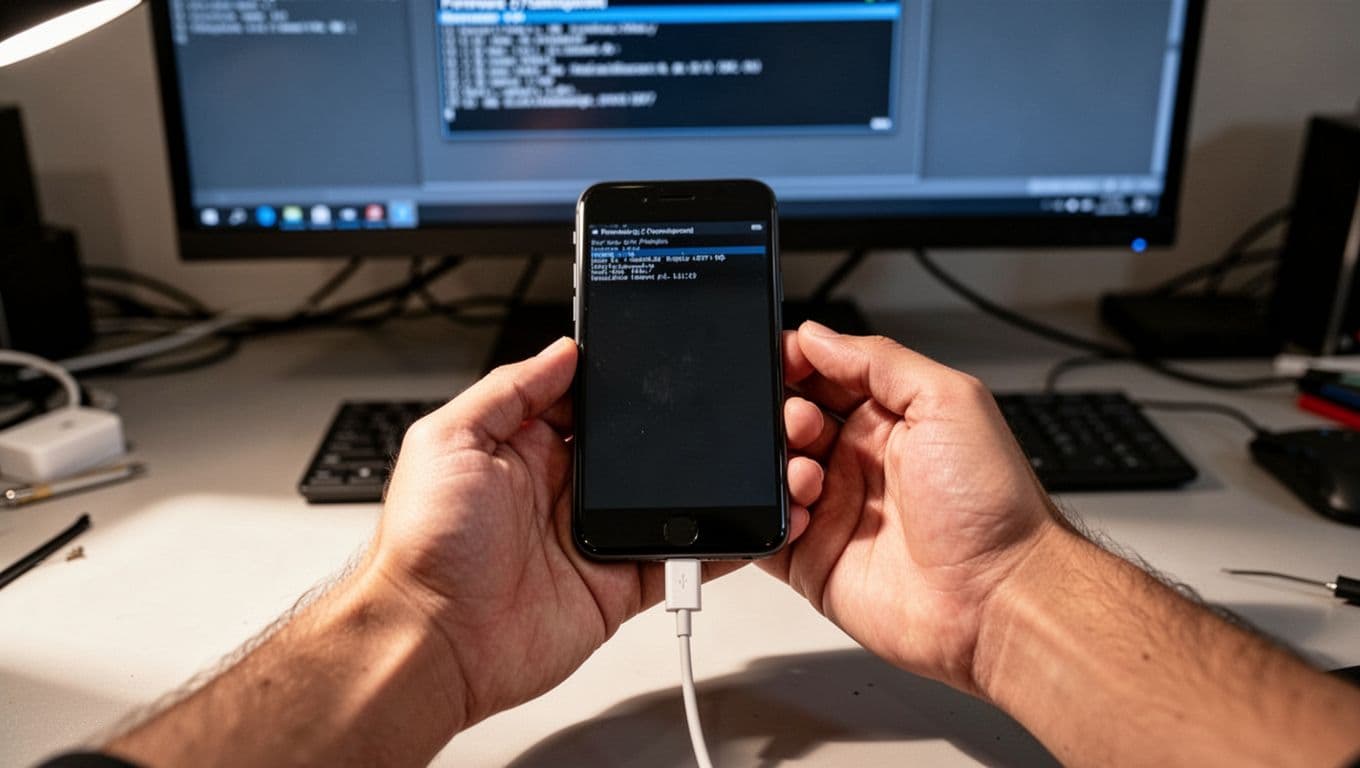
This is where DIY gets a bit risky. Odin itself isn’t magic. It’s a tool, and tools only help when the setup is right. If the cable is flaky, the battery is too low, or the firmware package is wrong, the repair can go sideways fast.
When to stop DIY and book a repair
If the force restart fails, or the phone keeps returning to samsung odin mode, that’s our cue to stop experimenting. A proper diagnosis saves time and often saves money too.
For local customers needing phone repair Essex support, we offer a drop-in option in Harlow and secure mail-in phone repairs across Essex. For national jobs, our postal phone repair UK service is often easier than driving around looking for help.
We handle samsung phone repair UK bookings every week, including boot loops, failed updates, charging faults and battery issues. You can also book a Samsung phone repair Essex service online if you already know the model.
Because we work across the bench every day, we also see iphone screen repair UK jobs, iphone battery replacement UK requests, and plenty of cracked iphone screen repair cases. That wider mobile phone repair UK experience helps, because a phone that looks software-dead sometimes has a battery, charging, or board fault hiding underneath.
We aim to start repairs quickly once devices arrive. If you’re posting your phone, pack it well, include the order number, remove the SIM where possible, and send any passcode we need for testing. Our price promise, express turnaround, and repair cover give people a bit more peace of mind. If you want the small print, our guide to phone repair warranty UK cover explains what’s normally included.
Quick questions we hear a lot
Will Odin mode wipe my data?
Not by itself, no. The risk comes when firmware needs to be reinstalled. That’s why we always treat data carefully and avoid unnecessary flashing.
Can a bad cable or charger cause this?
Indirectly, yes. If a phone loses stable power during an update or flash, it can get stuck halfway through.
Is it worth fixing an older Samsung?
Usually, yes, if the rest of the phone is sound. Software recovery is often much cheaper than replacing the handset outright.
That blue screen looks dramatic, but it often points to a fixable problem. The main thing is not to panic, and not to keep poking at it until a small software fault becomes a bigger one.
If your Samsung is stuck in samsung odin mode right now, book the repair online and send it in securely, or contact us if you want a quote first. We’ll check the fault properly and get it sorted as quickly as we can.
James Waterston, Device Repair Specialist at Repair My Crack