
You drop your Pixel, pick it up, and the screen still lights up. Then the fingerprint unlock stops playing ball. It’s a bit of a nightmare, especially when the rest of the phone looks mostly fine.
The good news is this: a Google Pixel fingerprint sensor that stops working after a drop isn’t always dead. In plenty of cases, we can sort it with cleaning, a software check, fresh fingerprint enrolment, or calibration. When the impact has shifted the screen or damaged a flex cable, that’s when a repair comes in.
Why a drop can stop the fingerprint reader
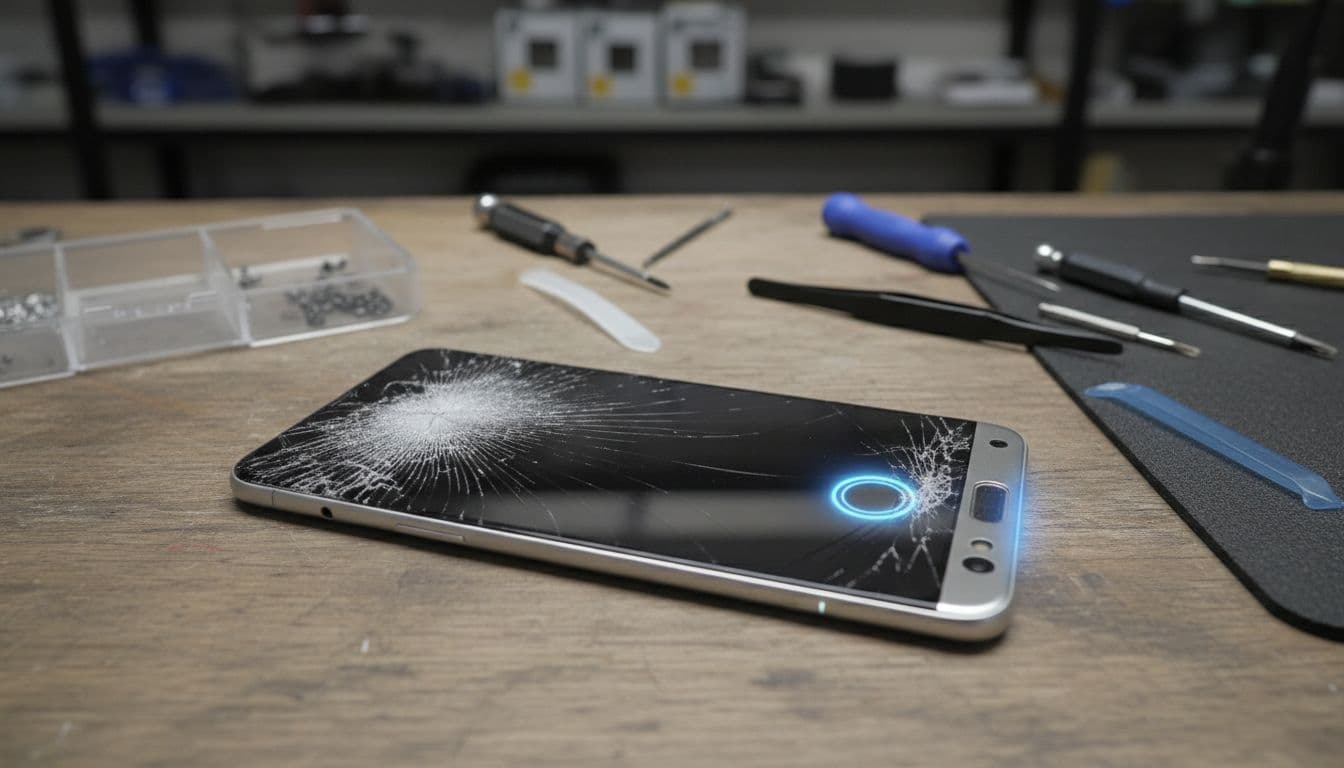
A fall doesn’t need to smash the whole phone to cause trouble. We’ve seen Pixels come in with only a small corner chip, yet the fingerprint reader has stopped responding.
On newer models, the sensor often sits under the display, so even a slight screen lift can upset it. On other Pixel models, the reader may be part of the power button or another separate part. Either way, a knock can change alignment, loosen a connector, or put pressure on the frame.
We also see simpler cases. Dust, skin oil, a new screen protector, or a buggy update can all make the scanner feel broken when the hardware is still fine. Google’s own Pixel fingerprint troubleshooting guide backs that up, and it matches what we see on the bench.
A recent impact can create a chain reaction. The phone lands, the display shifts by a fraction, then the fingerprint reader starts missing scans. If the option to add a new fingerprint has vanished from settings, that’s a bigger clue that the phone isn’t seeing the sensor properly.
We’d also rule out software early. As of April 2026, the latest Pixel updates include stability fixes across recent models, so it’s worth getting Android fully up to date before assuming the worst.
The fixes worth trying before booking a repair
Before we open anything, we’d try the safe basics in order. Keep it simple and test after each step.
- Restart the phone, then install the latest Android update.
- Clean the screen or power button area with a soft cloth and a little isopropyl alcohol.
- Remove the old saved fingerprints and add them again, scanning the centre, edges and tip of your thumb.
- If you’ve fitted a protector after the drop, check the screen protector setting and try without the protector if needed.
- If the issue started after impact or screen work, run Google’s calibration process through its repair tool, then enrol your prints again.
A lot of readers stop at step one. That’s a mistake. We regularly see phones recover after re-enrolling fingerprints, because the original scan no longer matches the way the damaged display is reading pressure.
If the reader still reacts but won’t unlock, calibration or screen alignment is often the culprit.
Where things get murkier is when the phone recognises touches but the fingerprint hardware behaves inconsistently. This iFixit discussion on Pixel fingerprint faults after display work shows the same pattern. The sensor may pass some tests but still fail in daily use because the fit, pressure, or part quality isn’t quite right.
If your Pixel has a visible crack, a bent frame, or a lifting screen, we’d stop the DIY there. Pushing on the display, charging it as normal, or trying to prise it open at home can turn a small repair into a much bigger one.
What we check on the bench at Repair My Crack
When a dropped Pixel lands with us, we start with the easy wins. We check software, biometric settings, screen fit, frame shape and internal connections. If the screen has shifted, we look for pressure changes around the sensor area. If the display or sensor is damaged, we quote once we’ve confirmed the fault.
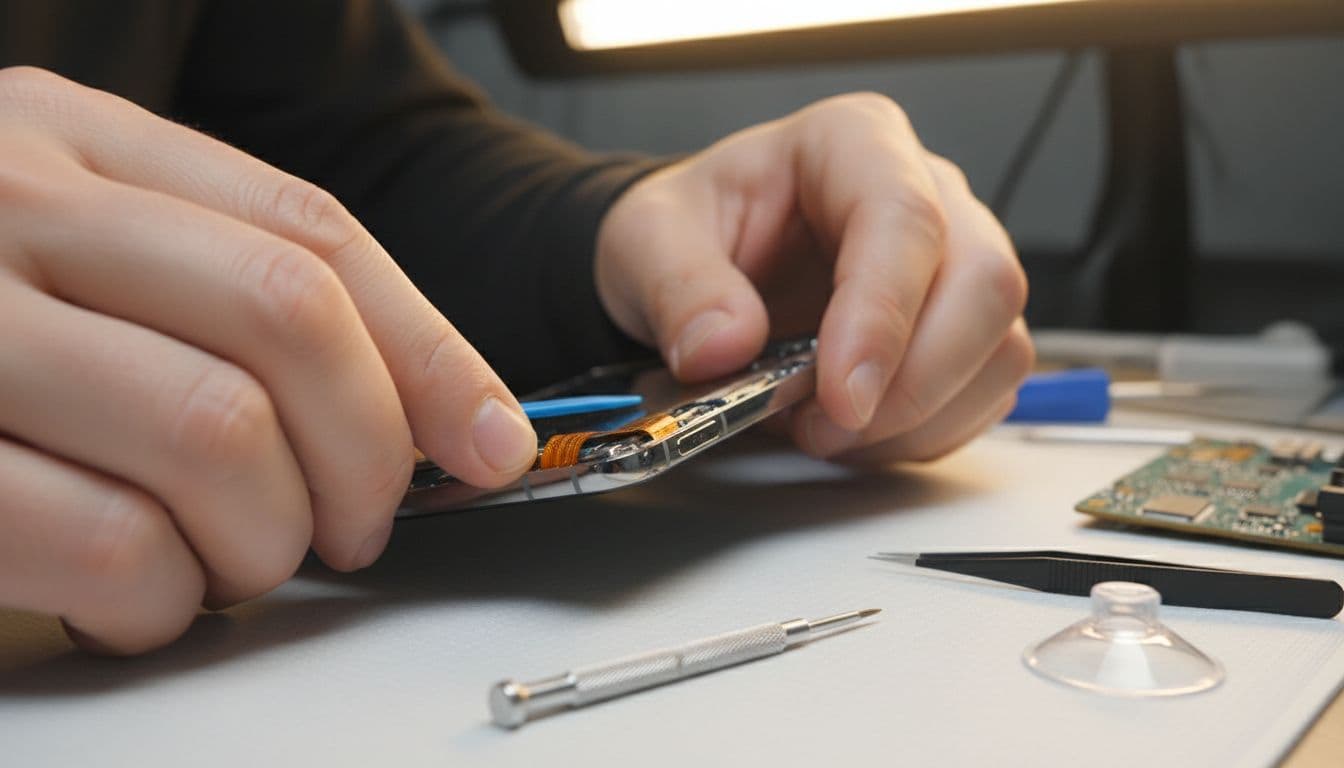
Last week we had a Pixel 7a in from Essex after a pavement drop. The glass had a tiny chip, but fingerprint unlock had stopped completely. In that case, the display had lifted enough to upset the sensor. After refitting the screen properly and redoing the fingerprint setup, the phone unlocked normally again. That’s why we never judge the repair by the crack alone.
If the impact has damaged the display assembly, it can make sense to look at current Pixel screen repair UK pricing first. Exact cost depends on model and whether the OLED panel is affected, so we’d always confirm before going ahead.
We handle plenty of these jobs alongside iphone screen repair UK bookings, cracked iphone screen repair work, iphone battery replacement UK jobs and samsung phone repair UK faults. In a busy mobile phone repair UK workshop, impact damage has familiar patterns across brands, even when the parts differ.
If you’re local, our phone repairs Essex service in Harlow is the straightforward option. If you’re farther away, we also offer postal phone repair UK wide with tracked postage. Pack the phone well, include the order number, and send any passcode only if testing needs it. We aim for express repairs where possible, use quality parts, and our repair warranty details give added peace of mind.
Conclusion
A dropped Pixel doesn’t always need a full rebuild. Most of the time, the best route is to rule out dirt, software, fingerprint enrolment and calibration before assuming the Google Pixel fingerprint sensor has failed.
When the fall has shifted the screen or damaged the hardware, a proper repair is the safer call. If you’re stuck with it now, book online and send it in or visit us in Essex, and we’ll get it checked and sorted as quickly as we can.
James Waterston, Device Repair Specialist at Repair My Crack